 EN
 IT Italiano
 ES Español
 FR Français
 DE Deutsch
Description
What it is
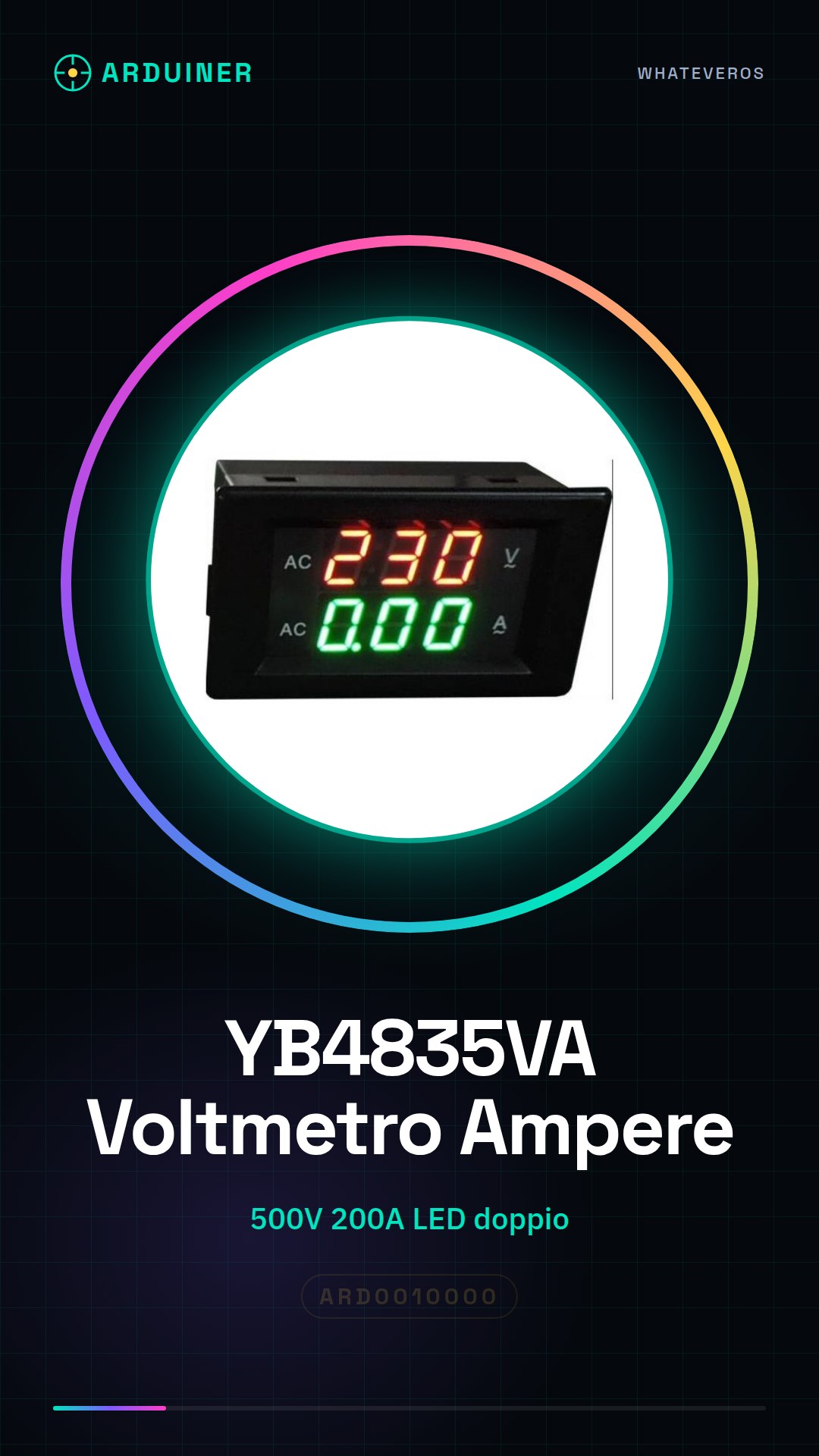
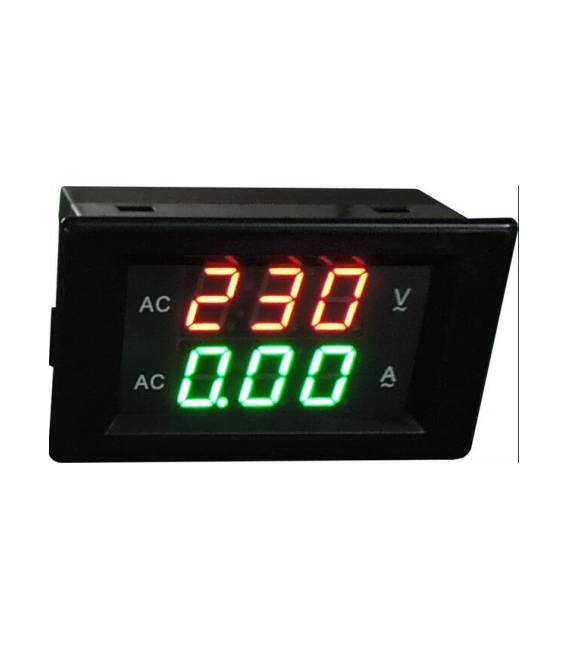
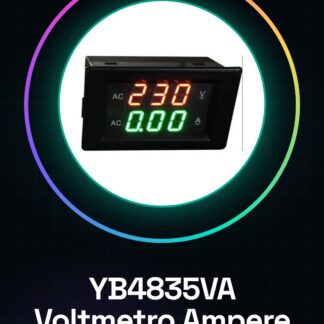
The YB4835VA is a digital voltmeter and ammeter that allows for precise monitoring of both electrical voltage and current. This device is ideal for DIY projects, electronic testing, and network safety.
Features
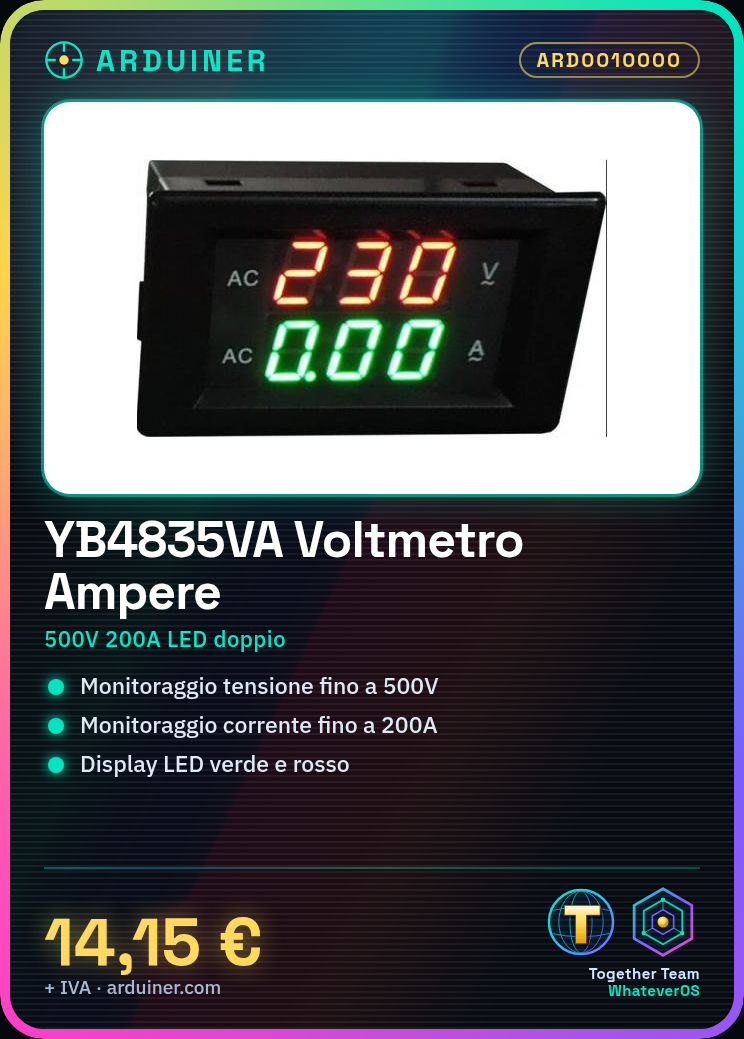
- Digital voltmeter and ammeter with dual LED display (green and red)
- Monitoring up to 500V of voltage
- Monitoring up to 200A of current
What it is for
YB4835VA devices can be used to create alarm systems that warn when voltage or current exceed critical values. Additionally, values can be monitored and notifications sent via email or SMS.
Tutorial: How to use YB4835VA Voltmeter and Ammeter
The YB4835VA is a digital voltmeter and ammeter that allows for precise monitoring of both electrical voltage and current. Ideal for DIY projects, electronic testing, and network safety.
What you need
- YB4835VA
- Arduino Uno or compatible
- USB cable
- external power supply (check the datasheet)
- button connectors
Steps
- Connect the voltmeter ammeter to the power pins of the Arduino and to GND.
- Connect the external power supply to the power socket of the device, verifying voltage compatibility.
- Download and install the necessary library to manage the YB4835VA module on Arduino IDE.
- Write a sketch that reads voltage and current values from the voltmeter ammeter.
- Send the sketch to the Arduino via USB.
- Open the serial monitor of the IDE to view the device readings.
- Check the stability of the data displayed on the green and red LED display during voltage and current variations.
- Installation complete, ready to use the voltmeter ammeter in more complex projects.
Example code
// Includere la libreria YB4835VA.h
#include <YB4835VA.h>
// Creare un oggetto per gestire le comunicazioni con il modulo
YB4835VA voltmetroAmperometro;
void setup() {
  Serial.begin(9600);
}
void loop() {
  float tensione = voltmetroAmperometro.leggiTensione();
  float corrente = voltmetroAmperometro.leggiCorrente();
  Serial.print("Tensione: ");
  Serial.println(tensione);
  Serial.print("Corrente: ");
  Serial.println(corrente);
}
Mini project
Create an alarm system that warns when voltage or current exceed a critical value. Use the voltmeter ammeter to monitor values and send email or SMS notifications.
Common mistakes
- Incorrect connection between Arduino and voltmeter ammeter.
- Insufficient or incompatible power supply for the device.
- Error in the YB4835VA library configuration.
- Inaccurate readings due to electronic interference.
Recommended accessories
- Arduino Uno R3
- USB A-Micro B cable
- 9V DC power supply
- Snap connectors
Frequently asked questions
How do you install the YB4835VA library?
Download the .zip library file, open Arduino IDE and go to ‘Tools > Manage Libraries…’, search for ‘YB4835VA’, add from the downloaded folder.
What is the minimum power supply voltage?
Check the product datasheet to obtain this precise information.
Reviews
There are no reviews yet.