 EN
 IT Italiano
 ES Español
 FR Français
 DE Deutsch
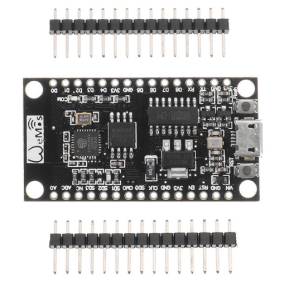
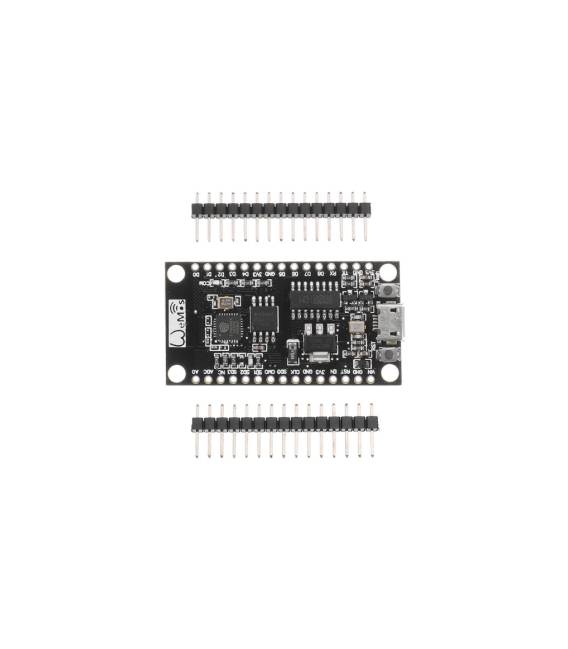
Description
What it is
The Wemos NodeMCU V3 340G Lua is an integrated Wi-Fi module with additional 32M Flash memory, based on the ESP8266 processor. It is designed for use in IoT (Internet of Things) and automation projects.
Features
- Chipset: ESP8266
- Flash Memory: 32M
- Connection: Wi-Fi
- Programming Language: Lua
- SKU: ARD0011515
- Price: 5.29 €
What it is for
The Wemos NodeMCU V3 is ideal for creating connected devices, such as alarm systems with buttons and LEDs, temperature and humidity sensors that send data remotely, or small robots controlled via Wi-Fi. Its compatibility with Arduino makes it easy to use for beginners and intermediates.
Tutorial: How to use Wemos NodeMCU V3
The Wemos NodeMCU V3 is a Wi-Fi module for Arduino ideal for IoT (Internet of Things) and automation projects. Useful for beginners and intermediates.
What you need
- Arduino IDE
- USB Cable
- 10kΩ Resistor
- Example sensors (such as a button or humidity sensor)
Steps
- 1. Download and install Arduino IDE.
- 2. Connect the Wemos NodeMCU V3 to your PC via USB.
- 3. Load the ‘Blink’ example code in Arduino IDE.
- 4. Connect a button to pin D2 and a 10kΩ resistor between pin D2 and GND.
- 5. Load the ‘Button’ code in Arduino IDE.
- 6. Connect a humidity sensor (such as DHT11) to pin D3.
- 7. Load the ‘DHT11’ code in Arduino IDE.
- 8. Check the data on the serial monitor.
Example code
void loop() { digitalWrite(LED_BUILTIN, HIGH); delay(1000); digitalWrite(LED_BUILTIN, LOW); delay(1000); }Mini project
Create a simple alarm system with a button and LED.
Common mistakes
- Do not connect the pins correctly.
- Forget to load the code.
- Use of unsupported pins.
- USB connection error.
Recommended accessories
- Humidity sensors (DHT11)
- Buttons
- LEDs
- Resistors
Frequently asked questions
How can I control the DHT11 sensor data?
Load the ‘DHT11’ code and check the data on the serial monitor.
Does the Wemos NodeMCU V3 support other protocols?
Check the datasheet.
Can it work with a battery?
Check the datasheet.



Reviews
There are no reviews yet.