 EN
EN IT Italiano
 ES Español
 FR Français
 DE Deutsch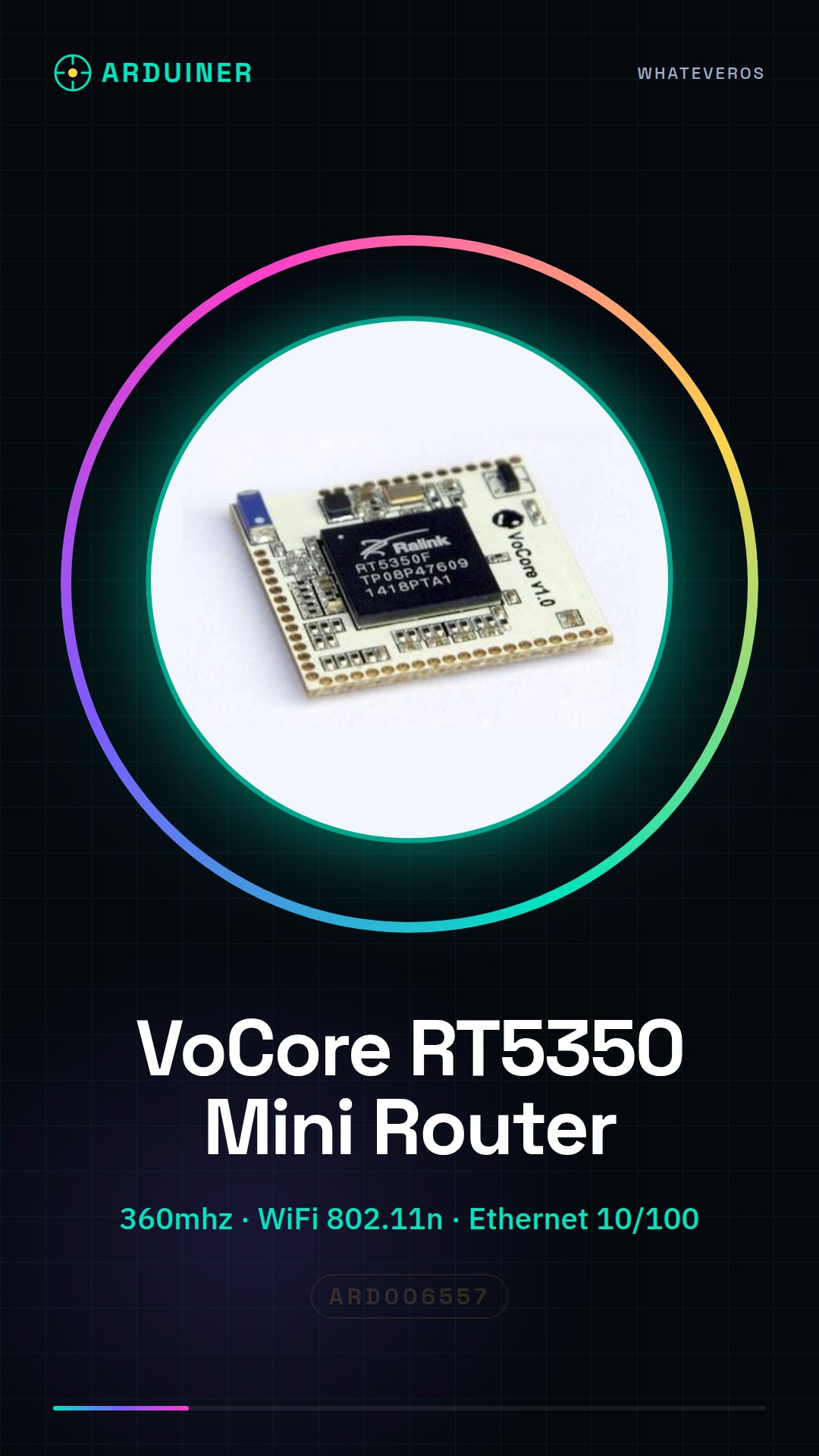
Description
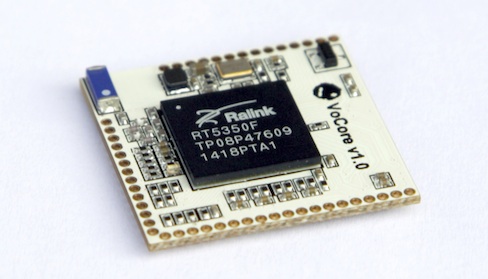
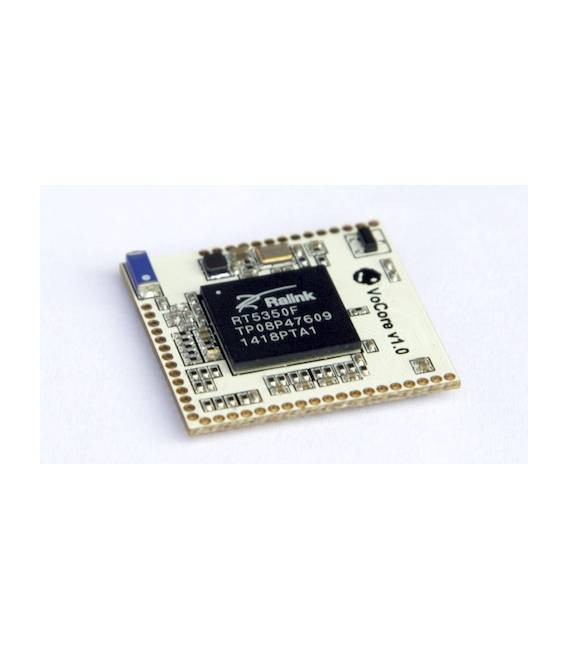
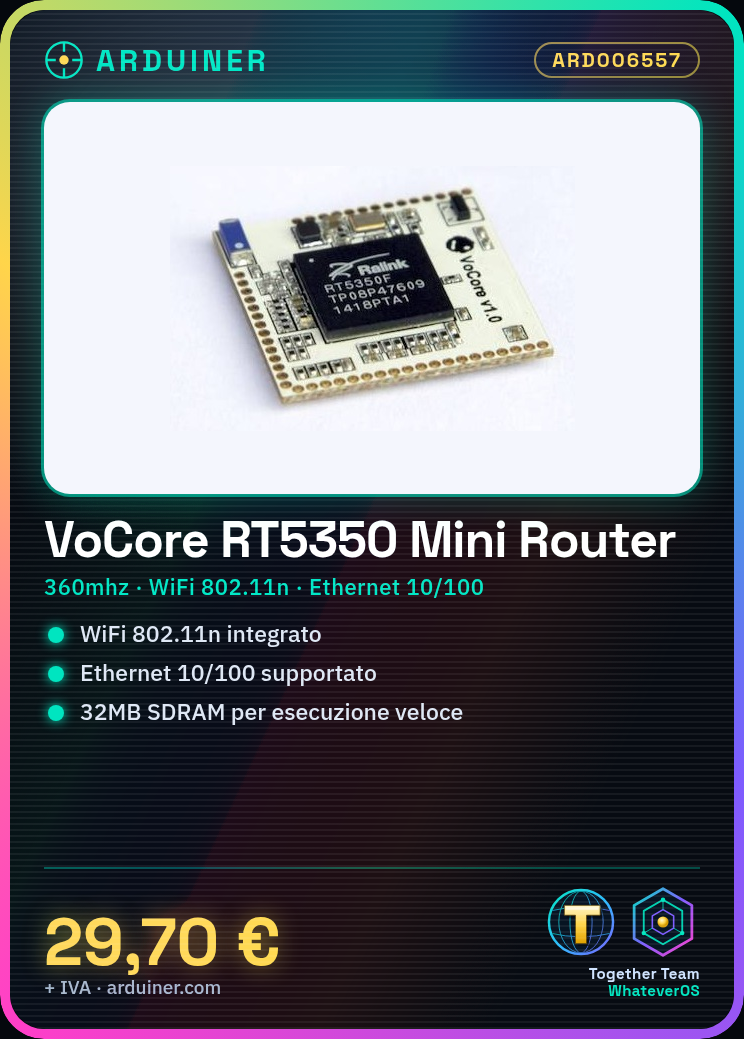
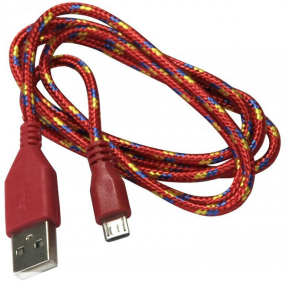
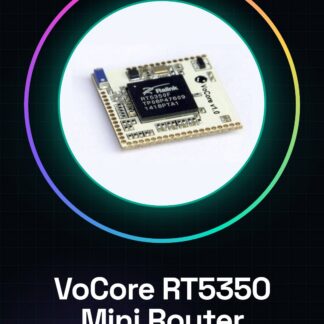
VoCore Ralink RT5350 Development Board 32MB SDRAM 360MHz WiFi 802.11n Ethernet 10/100 GPIO UART Mini Router OpenWRT Tutorial: How to Use VoCore Ralink RT5350 The VoCore is a small development board with integrated WiFi, ideal for lightweight projects like mini-routers or home servers. It’s perfect for makers who want to explore OpenWRT and wireless applications without investing in expensive hardware. What you need VoCore Ralink RT5350 USB micro-USB cable computer with Linux or Windows operating system internet connection Steps Connect VoCore to the computer via micro-USB cable. Install the necessary serial connection driver (check the datasheet). Download and install OpenWRT from the official website. Follow the OpenWRT configuration instructions for VoCore. Configure Wi-Fi access via web interface or SSH command. Install additional useful packages (check the datasheet). Test the board’s connectivity and functionality. Customize OpenWRT according to your needs. Mini-project [Configure VoCore as a mini-router with a custom firewall in less than an hour, using only Bash and OpenWRT Web GUI.] Common errors Fail to install the serial connection driver correctly. Forget to configure Wi-Fi access before the first connection. Install incompatible packages for VoCore. Incorrectly configure firewall options. Recommended accessories Ethernet cable External WiFi antenna USB power supply SD card expansion case Frequently asked questions How can I access OpenWRT on VoCore? Use SSH or the OpenWRT web GUI after configuring Wi-Fi access. Which additional packages are recommended for VoCore? LuCI, uhttpd and luci-app-firewall (check the datasheet).
Reviews
There are no reviews yet.