 EN
EN IT Italiano
 ES Español
 FR Français
 DE Deutsch
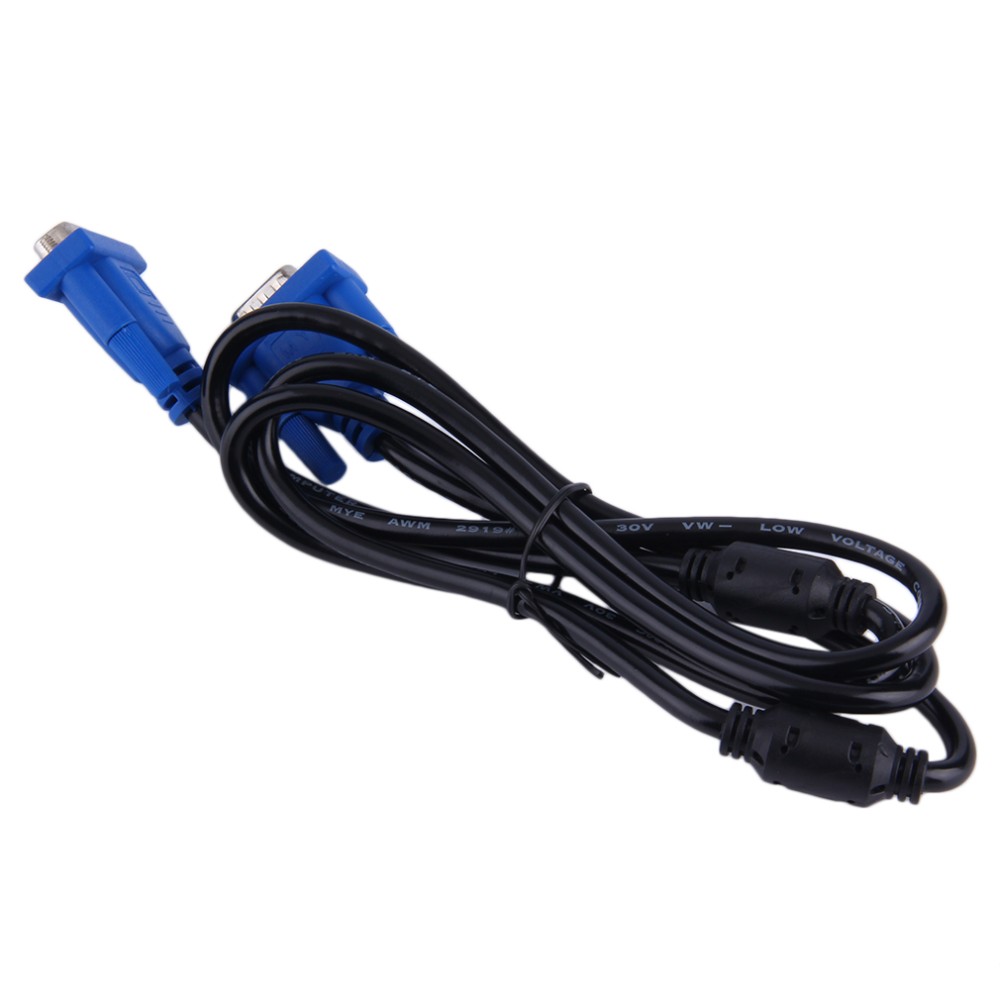
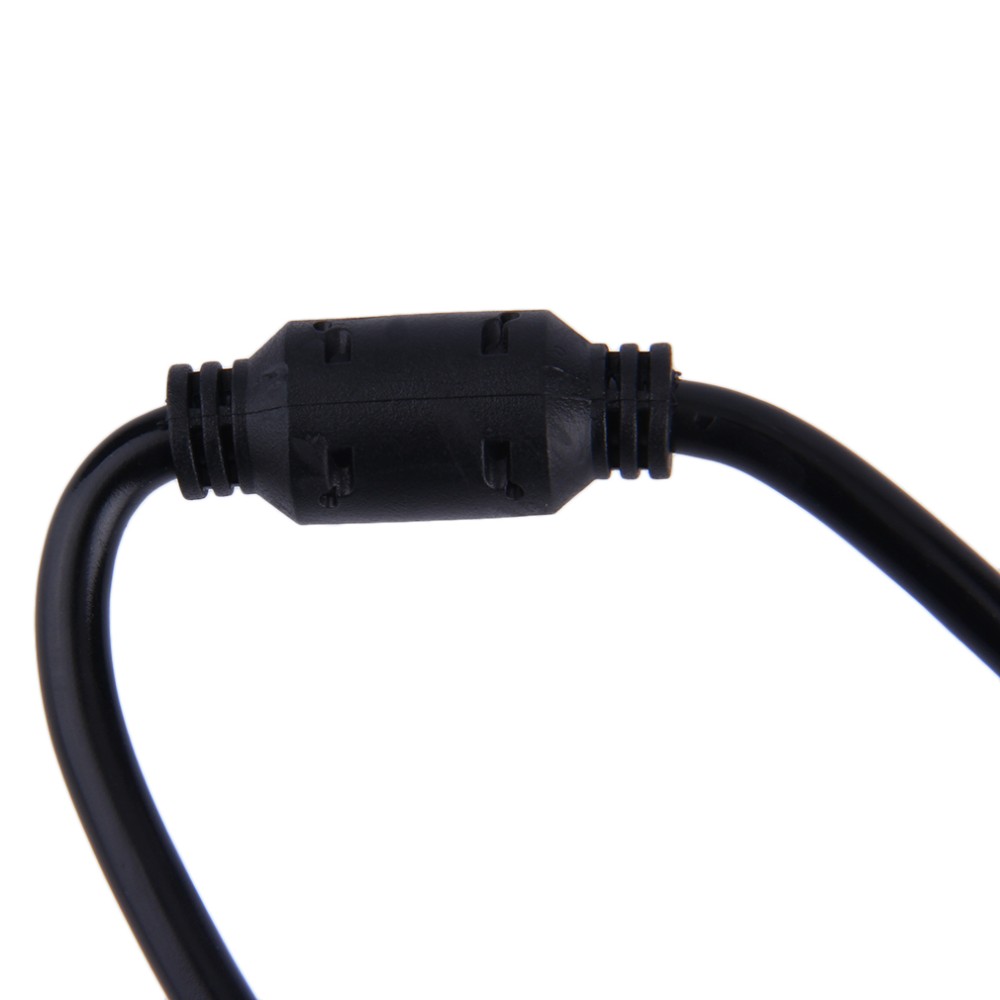
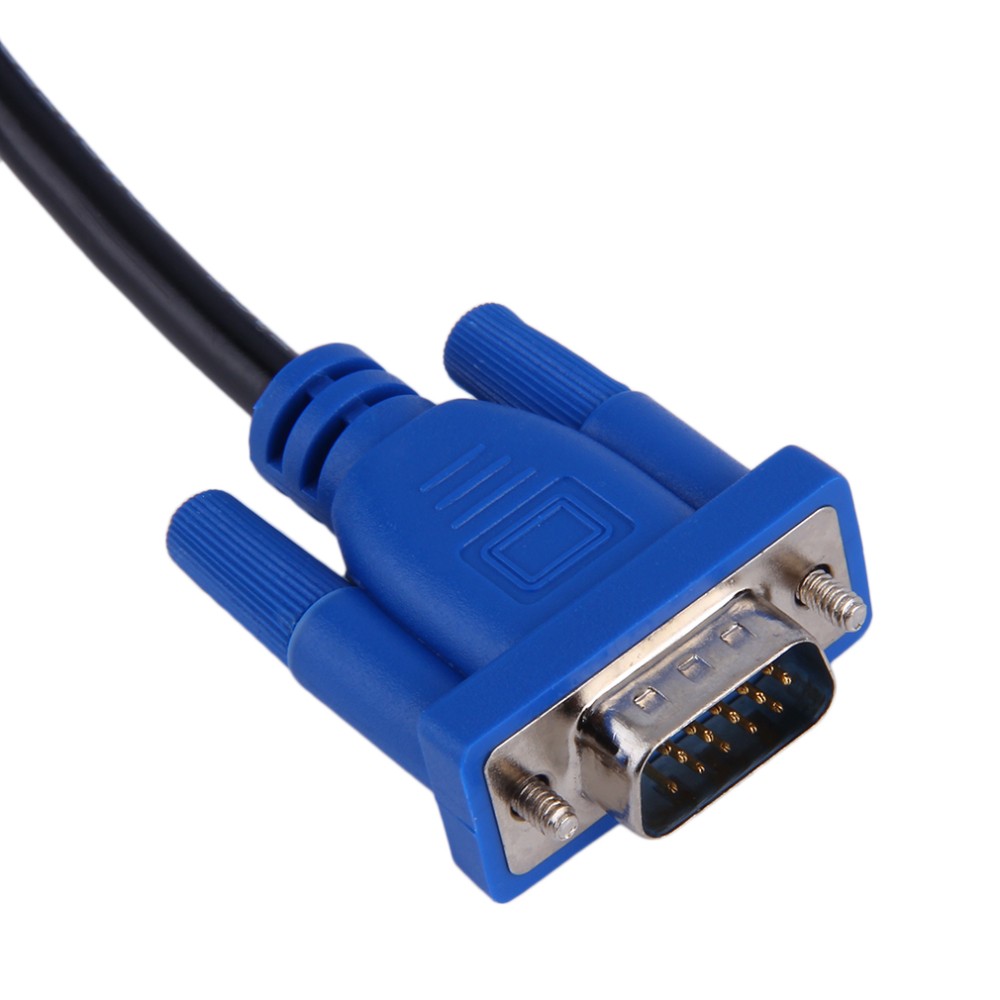
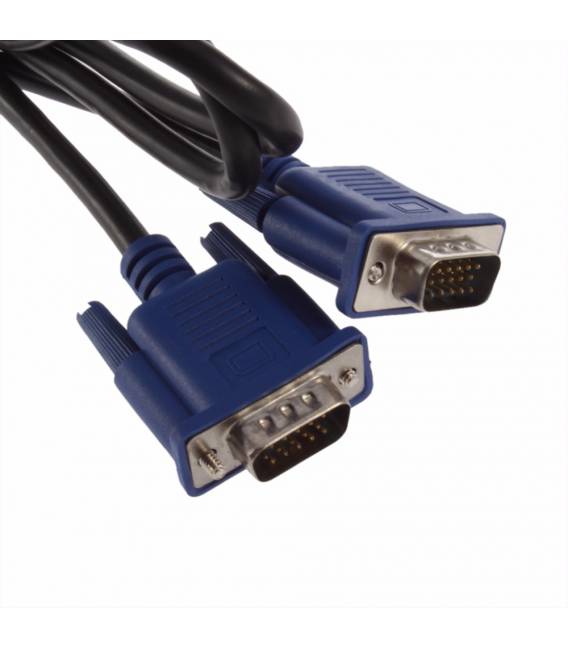
Description
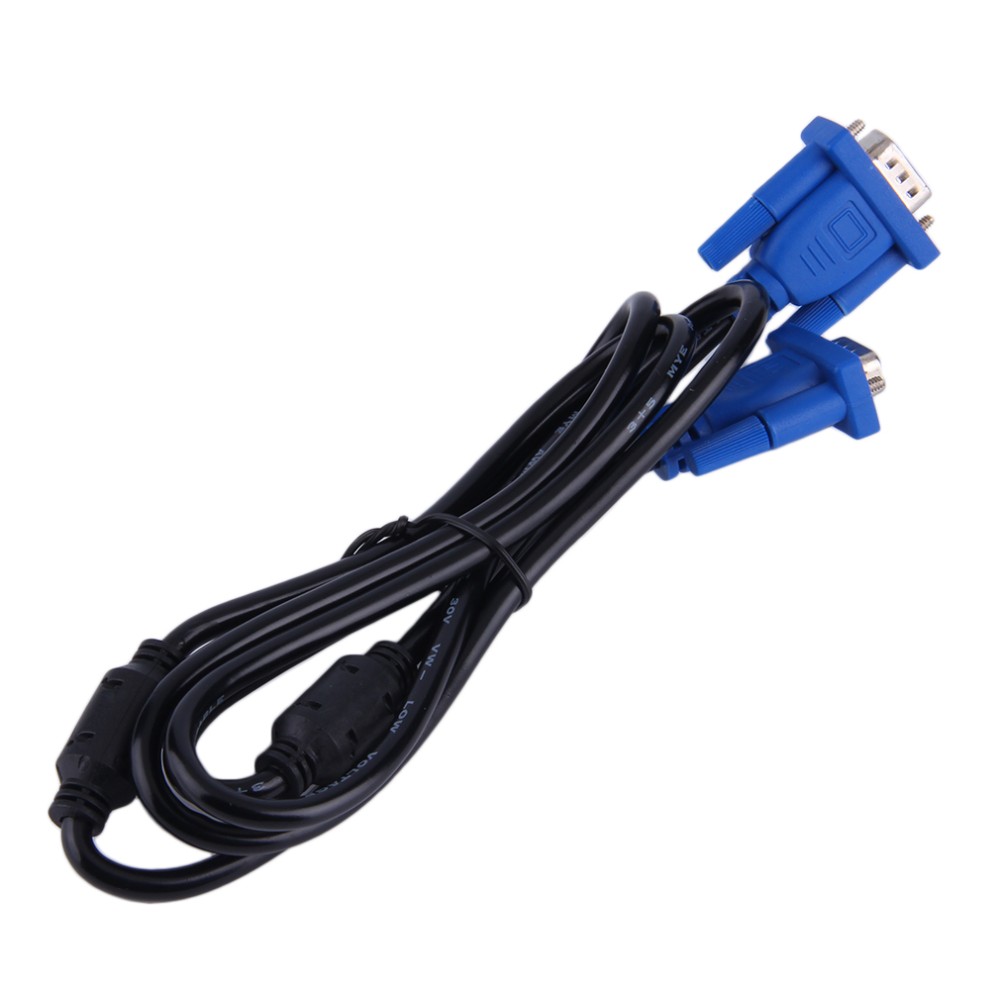
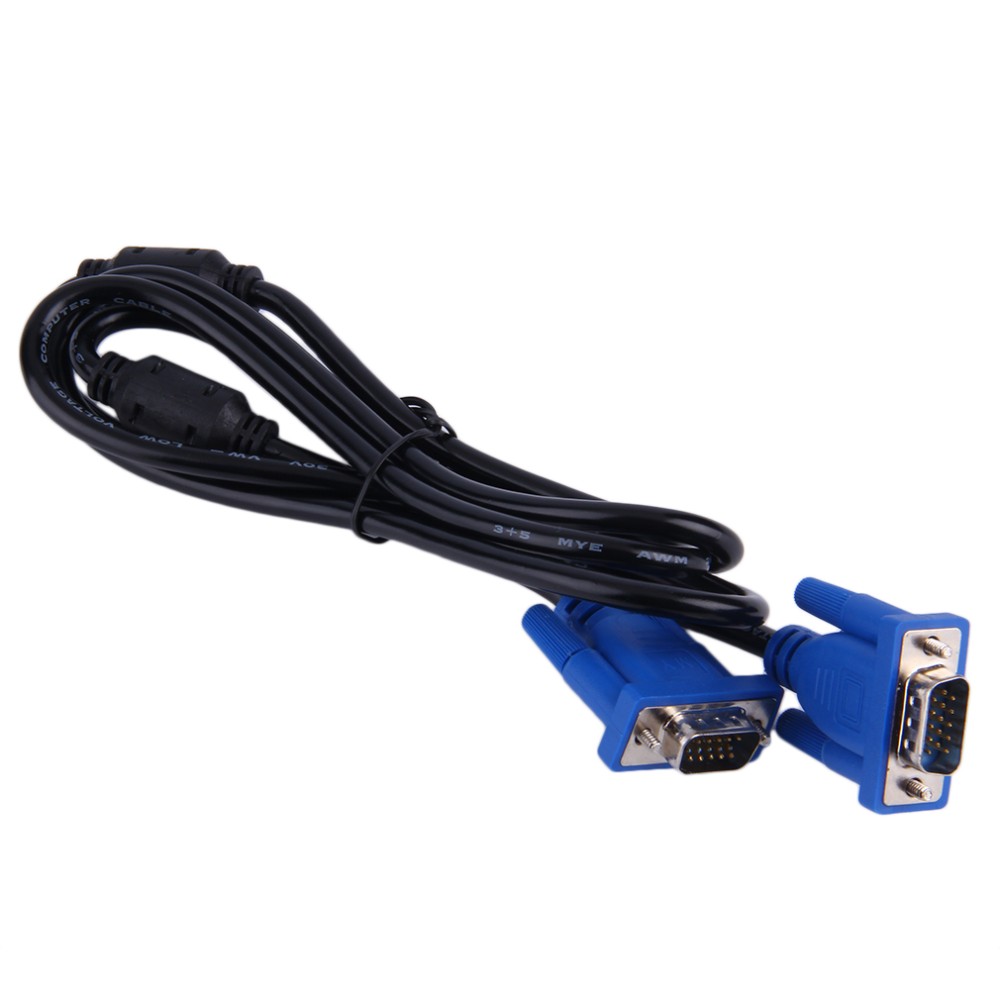
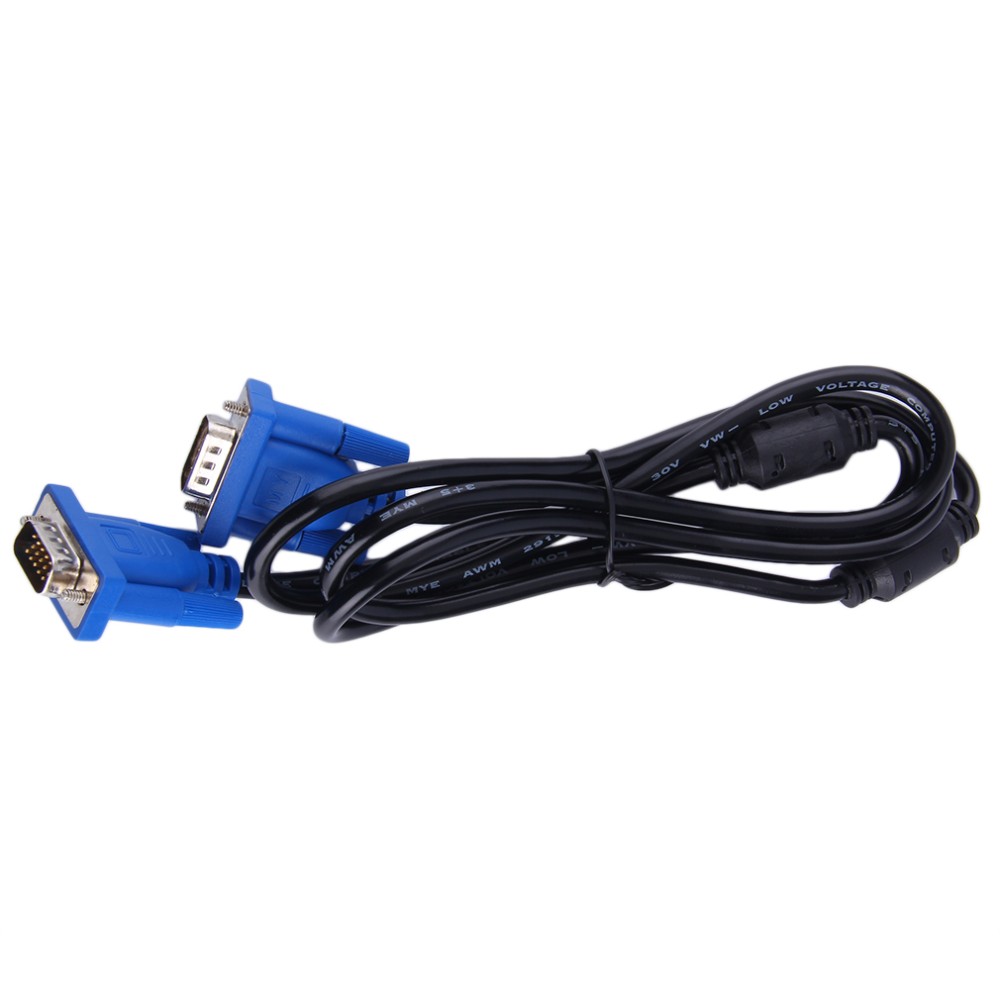
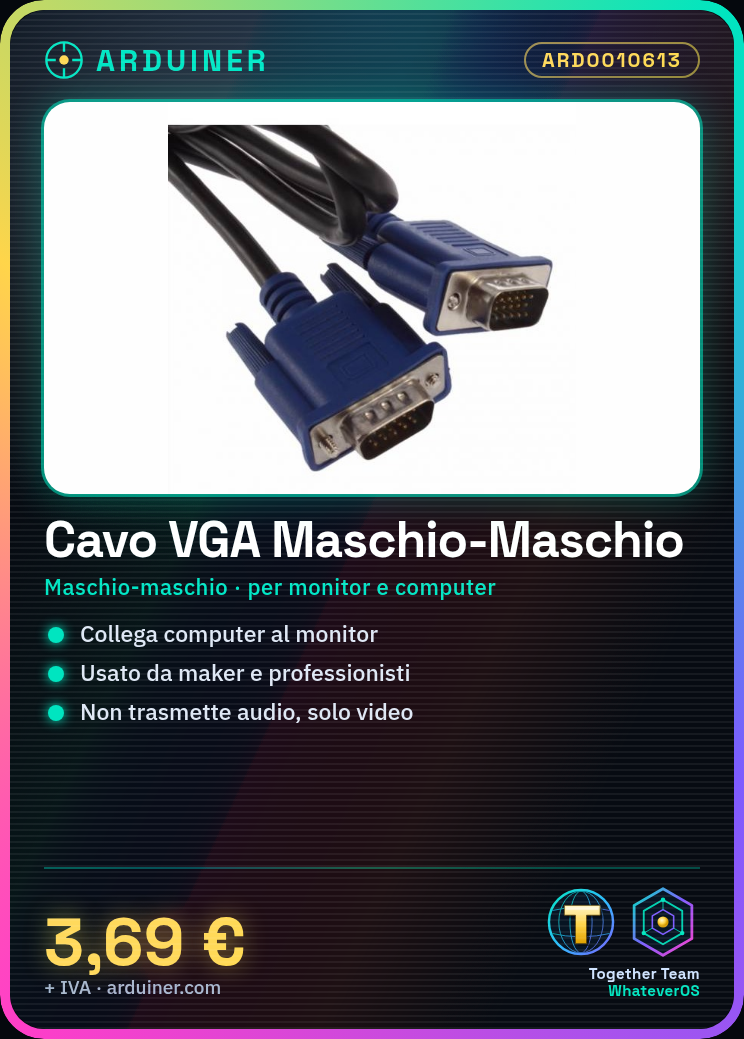
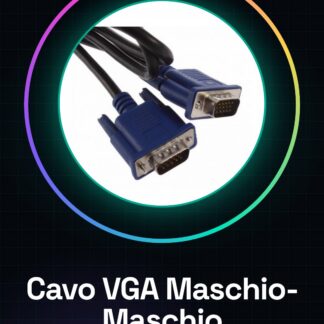
VGA Male-Male Cable Tutorial: How to Use VGA Male-Male Cable The male-male VGA cable is a useful connector for connecting monitors and computers without interruptions. Ideal for makers and professionals working with display systems. What you need Computer, monitor, VGA male-male cable workspace Steps Check that your devices have a VGA port. Connect one end of the cable to the computer. Connect the other end of the cable to the monitor. Check that the monitor turns on and displays an image from the computer. If necessary, adjust the resolution settings on the computer or monitor. Check that the cable is securely connected without any kinks. Mini-project Connect a computer to an old VGA monitor to display historical documents or to use legacy software that requires this interface. Common errors The monitor does not turn on, check that the cable is correctly connected. The image on the monitor is distorted or colorless, check the resolution settings. The cable is damaged, replace it immediately. The computer does not detect the monitor, check compatibility of the ports. Recommended accessories VGA to HDMI Adapter VGA Extension Cable Male-Female VGA Cable VGA Signal Test Text VGA Common questions Can the VGA cable be used to connect a projector? Yes, but check that the projector has a VGA port. How long is the cable? Check on the datasheet. Can the VGA cable transmit audio? No, the VGA cable transmits only video signals.
Reviews
There are no reviews yet.