 EN
 IT Italiano
 ES Español
 FR Français
 DE Deutsch
Description
What it is
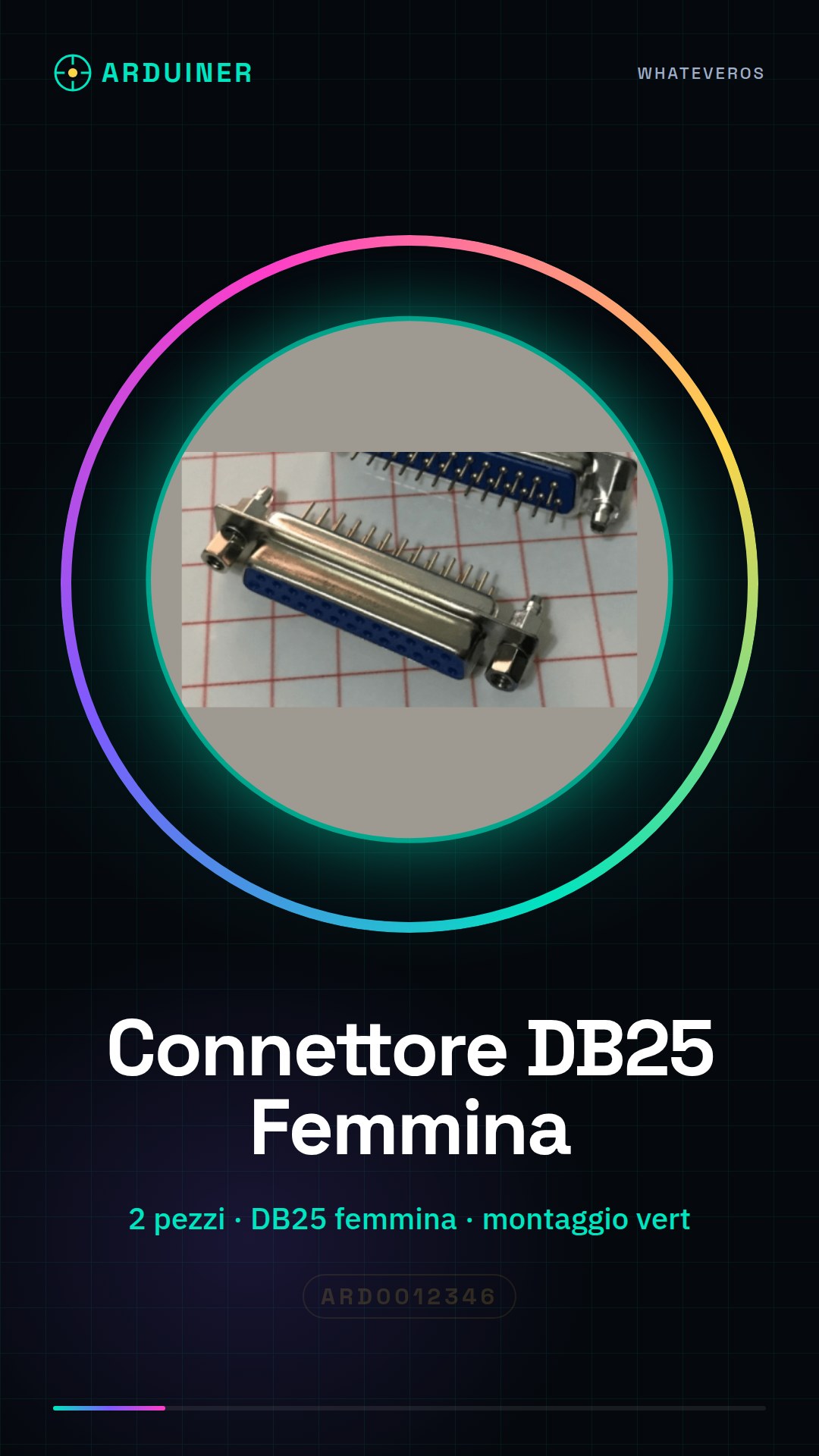
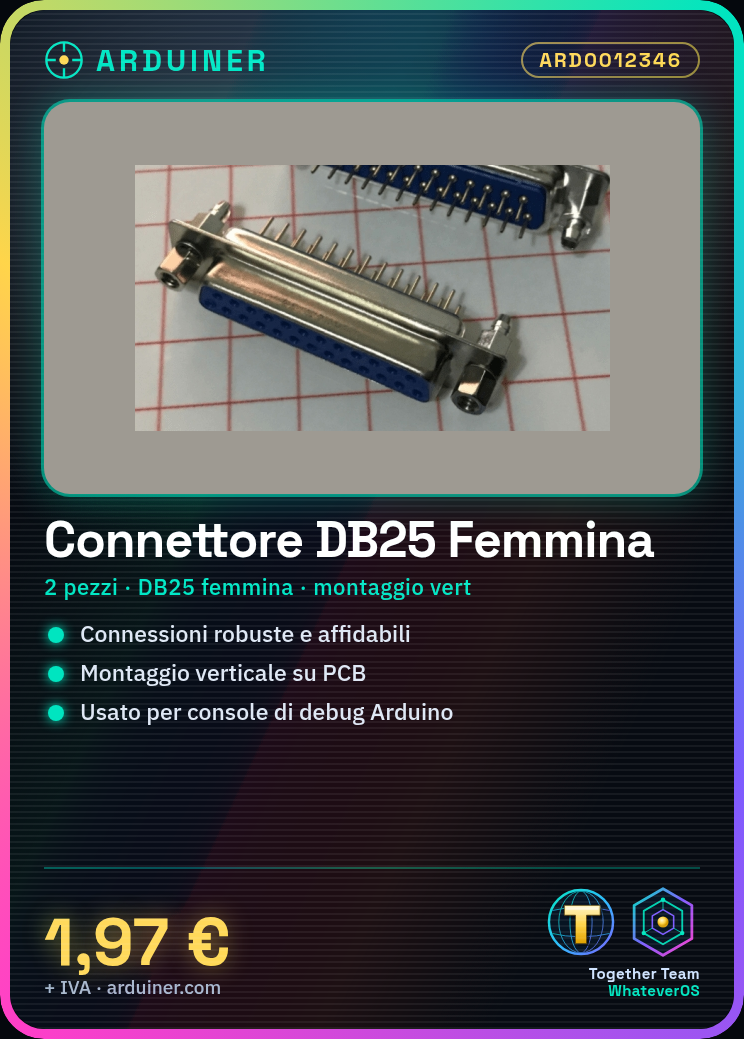
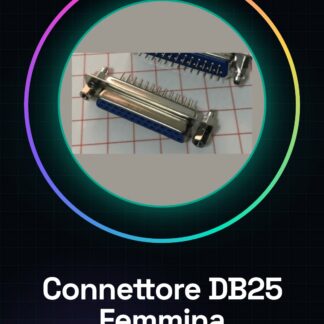
The DB25 Female Vertical Connector – 2 Pieces is an electronic component used to establish robust and reliable connections between electronic devices. This connector is designed to be mounted vertically on a printed circuit board or support.
Features
- Type: DB25 Female Vertical
- Quantity: 2 pieces
- SKU: ARD0012346
- Price: 1,97 €
What it is for
This connector is ideal for Arduino and maker projects that require serial, data, or potentiometer connections. It can be used to create a debug console for Arduino, allowing data to be sent from a computer to an Arduino device.
Tutorial: How to use DB25 Female Vertical Connector
The DB25 female vertical connector is a fundamental component for electronic projects that require robust and reliable connections. It is ideal for connecting serial lines, data, potentiometers, or any other type of electronic connection.
What you need
- Electronic projects
- Robust connections
- 3D printing projects
- Drone projects
- Arduino projects
Steps
- Check the datasheet to understand the pinout of the connector.
- Prepare the cables you want to connect to the DB25 connector.
- Connect the cables to the corresponding pins of the DB25 connector based on the pinout learned from the datasheet.
- Use the mounting bracket provided to secure the connector to the support.
- Verify the electrical connection with a multimeter.
- If necessary, apply a protective coating such as a plastic bracket or electrical tape.
- Check that the connector is securely attached and that there are no bare connections or short circuits.
- Test the connection with your electronic project to ensure everything works correctly.
Mini project
Create a debug console for Arduino with a DB25 connector to send data from a computer to an Arduino device.
Common mistakes
- Do not check the pin configuration before installation.
- Do not use the mounting saddle to secure the connector.
- Do not test the connection before using it in a project.
- Do not use a multimeter to check the electrical connection.
Recommended accessories
- Cables for connection
- Mounting saddle
- Insulating tape
- Multimeter
Frequently asked questions
How can I connect the DB25 connector to a circuit?
Connect the wires to the corresponding pins of the DB25 connector based on the configuration learned from the datasheet.
What tools do I need to install the DB25 connector?
You need a multimeter, electrical tape, and a mounting saddle.
Reviews
There are no reviews yet.