 EN
EN IT Italiano
 ES Español
 FR Français
 DE Deutsch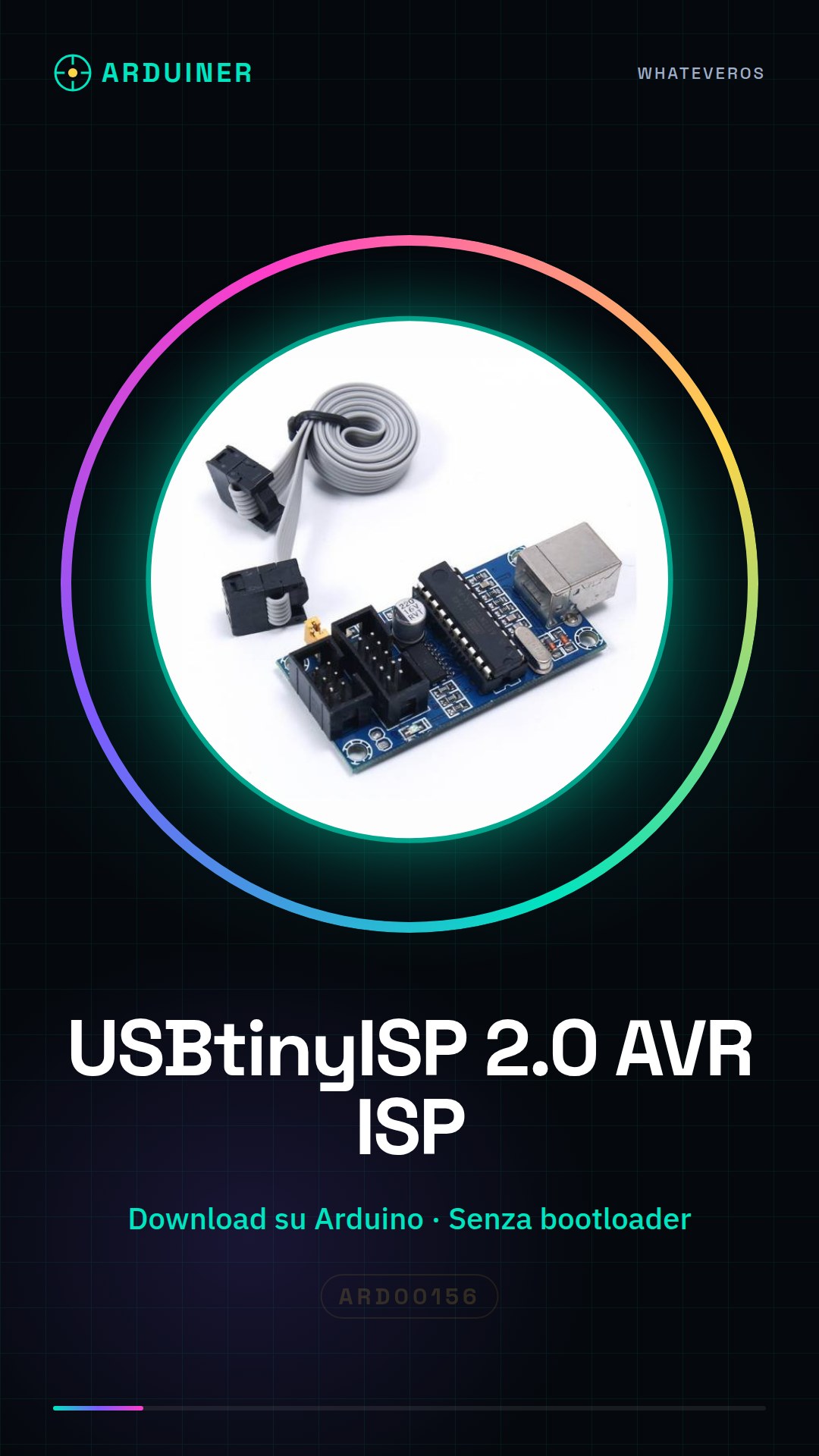
Description
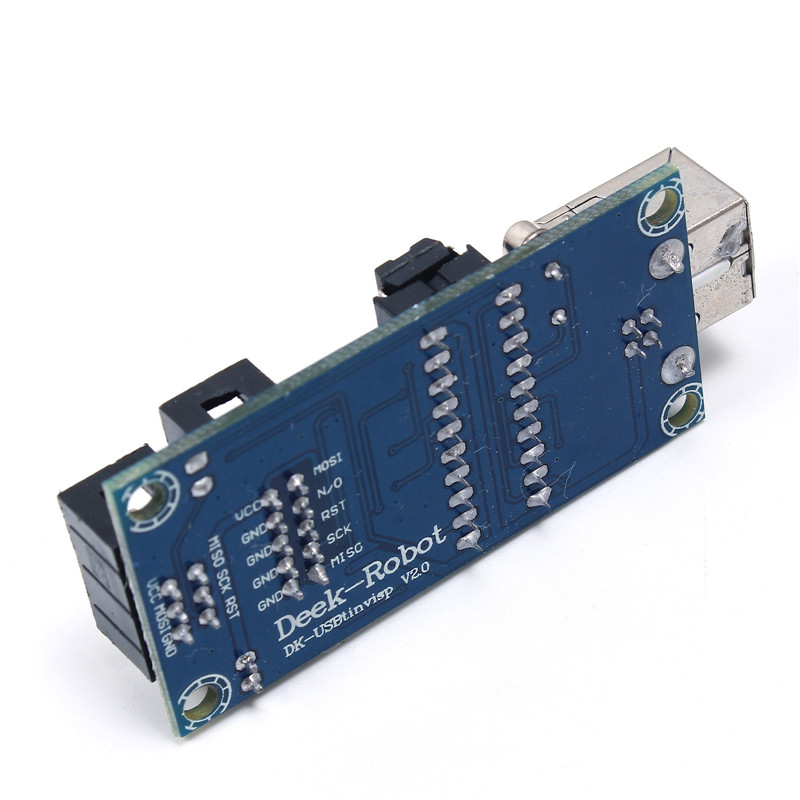
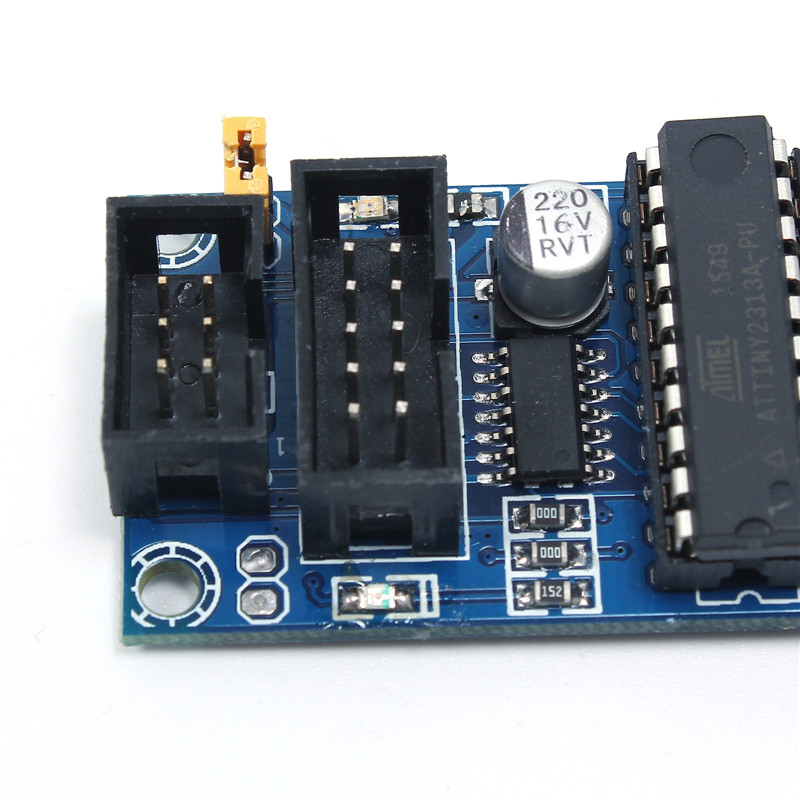
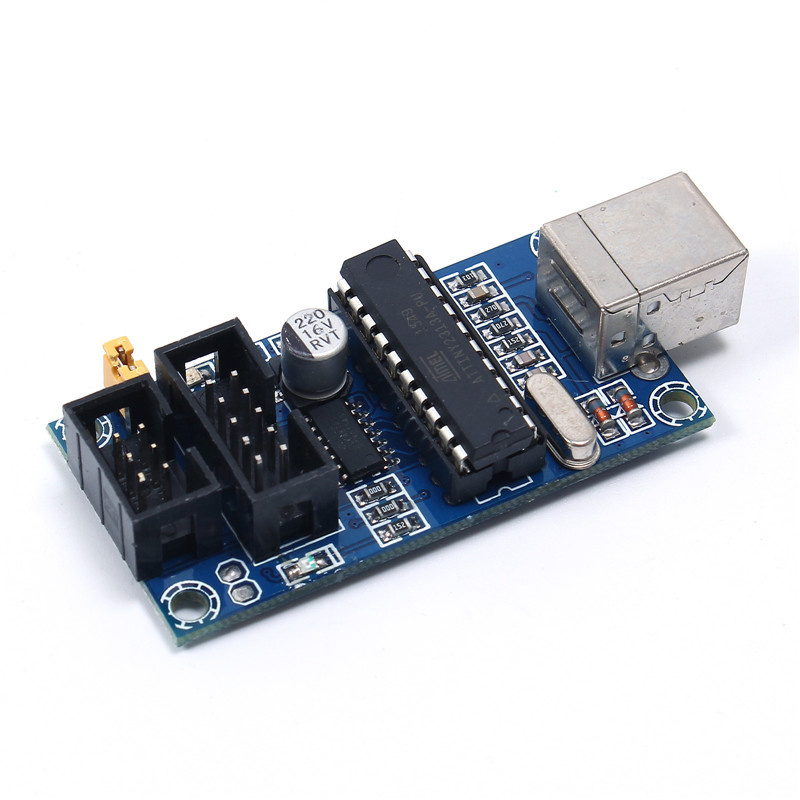
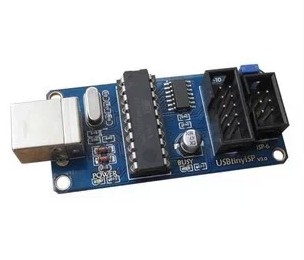
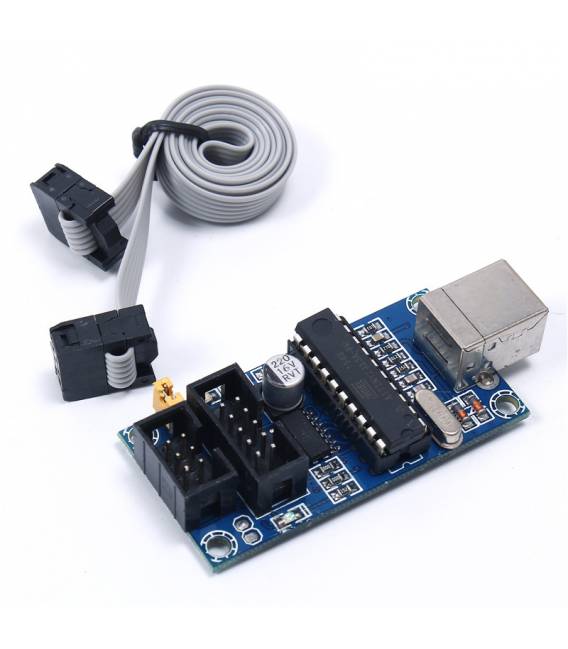
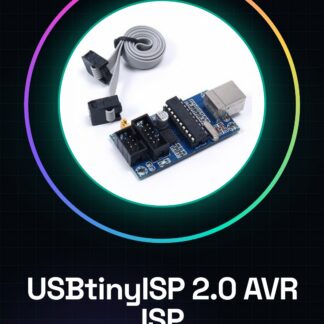
What is the USBtinyISP 2.0? The USBtinyISP 2.0 is an AVR microcontroller programmer that allows you to download sketches onto Arduino and other compatible devices without the need for a pre-installed bootloader. Features Dedicated to downloading sketches onto Arduino and other AVR microcontrollers. What does it do? Ideal for developers and makers, the USBtinyISP 2.0 enables you to create simple circuits, such as one with an LED and resistor, by programming the ATMega328P via USB connection. Tutorial: How to use USBtinyISP 2.0 The USBtinyISP 2.0 is a small AVR microcontroller programmer that allows you to upload Arduino sketches directly to your compatible boards without needing a pre-installed bootloader. What do you need? USBtinyISP 2.0 Computer with USB micro connector AVR microcontroller ATMega328P or similar USB type B cable Arduino IDE installed Steps Connect the USBtinyISP to the computer via USB cable. Open the Arduino IDE and select the correct board from the ‘Tools > Arduino Boards’ menu. Select ‘Tools > Programmer > USBtinyISP’. Ensure the serial port is correctly set in ‘Tools > Serial Port’. Copy and paste the desired sketch into the compiler. Compile the code with ‘Sketch > Compile’ to check for errors. Save the project file with ‘File > Save as…’. Upload the sketch to the microcontroller using ‘Sketch > Upload to Device’. Verify that the code functions as expected. Mini-project Create a simple circuit with an LED and resistor. Program the ATMega328P via USBtinyISP to make the LED blink. Common errors Ensure the serial port is correctly set. Verify that the microcontroller is correctly connected to the programmer. Check that the Arduino IDE has recent updates to support USBtinyISP. Respect the microcontroller’s power pins during programming. Recommended accessories Variable resistors Multicolour LEDs Ethernet type A/B cable Frequently Asked Questions How can I tell if my microcontroller has been correctly programmed? Check for no error messages during programming and verify the output of the LED or connected device. Can I use USBtinyISP with microcontrollers other than ATMega328P? Yes, but ensure the microcontroller is compatible with AVR and configure it correctly in the Arduino IDE.
Reviews
There are no reviews yet.