 EN
EN IT Italiano
 ES Español
 FR Français
 DE Deutsch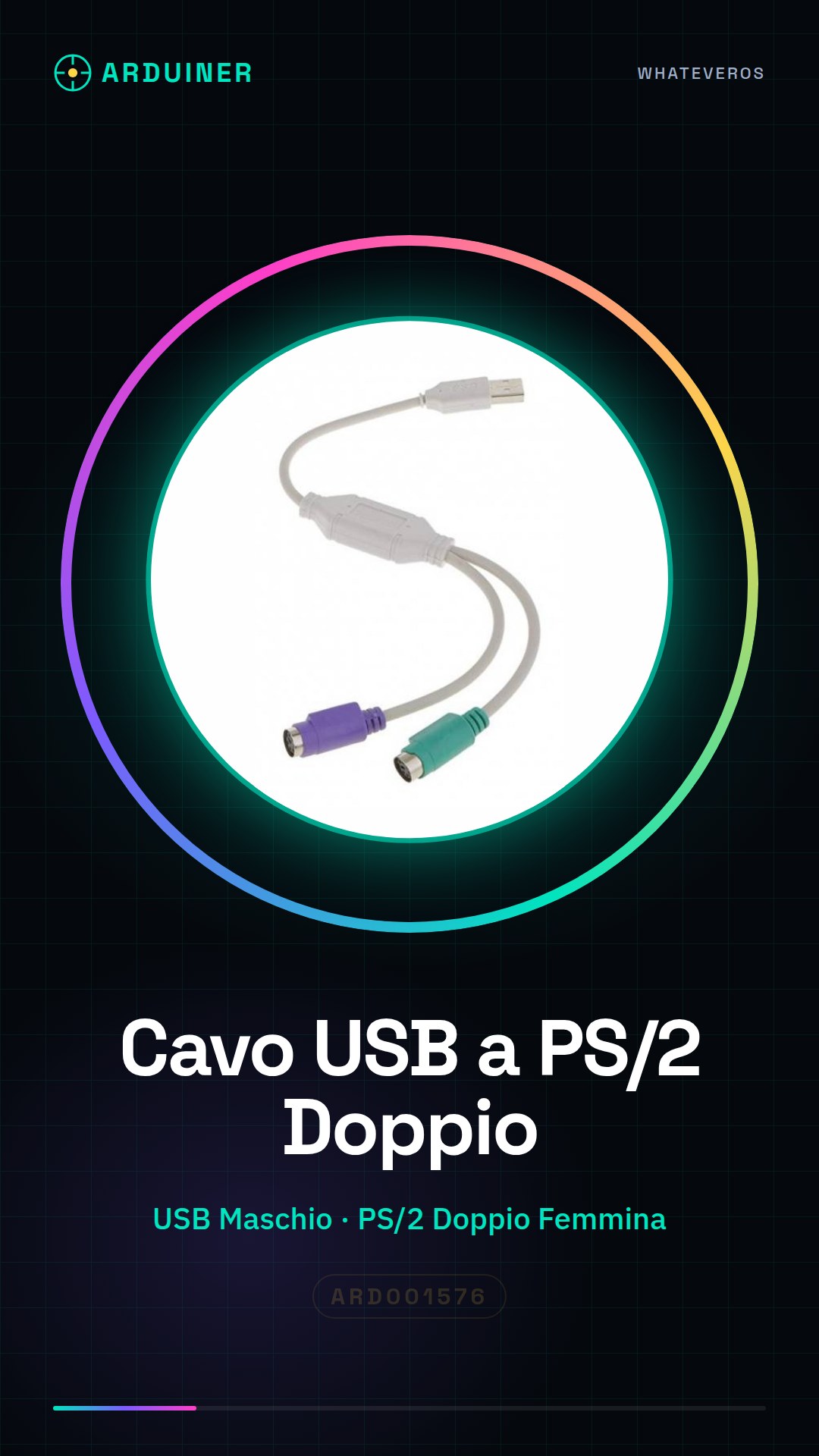
Description
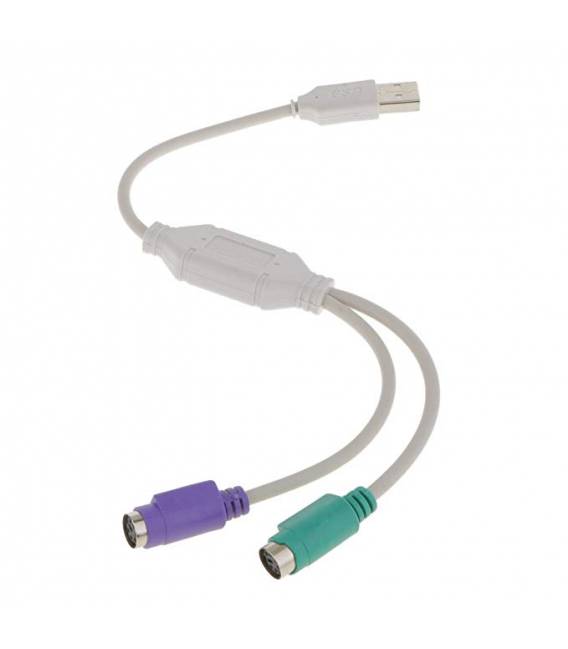
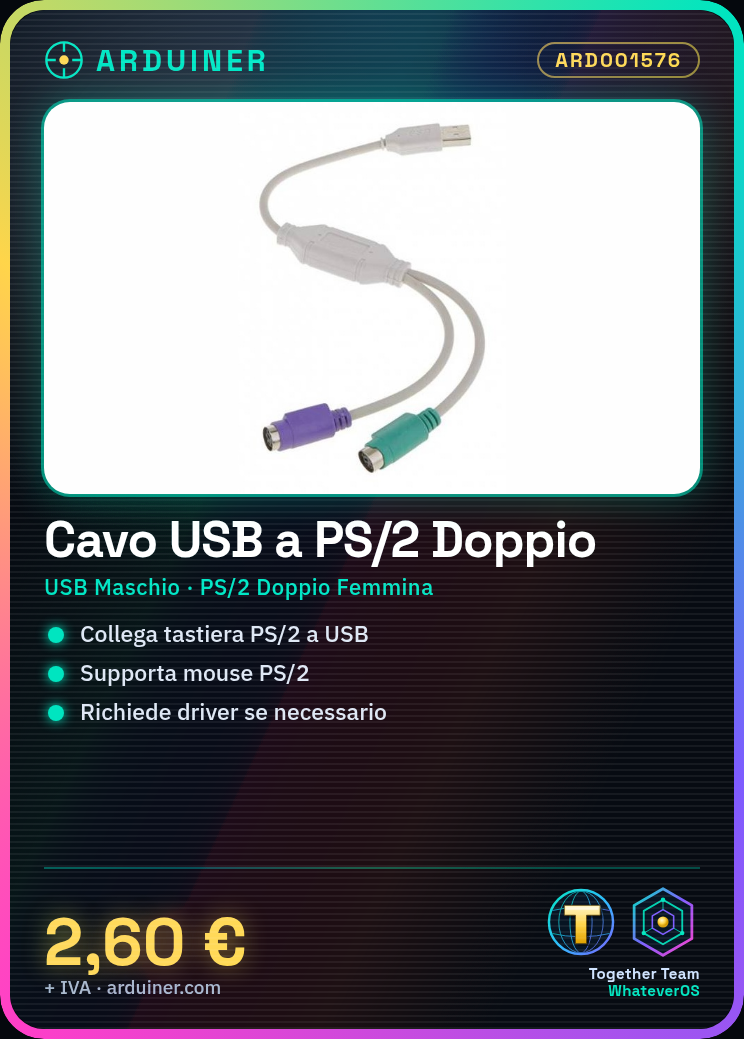
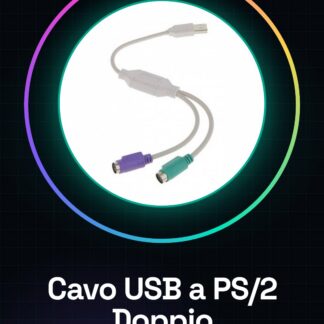
USB to Dual PS/2 Female Adapter Cable for PS/2 Keyboard and Mouse Tutorial: How to Use USB to PS/2 Adapter Cable This cable is ideal for connecting PS/2 keyboards and mice to computers or devices that only support the USB interface. Perfect for those with legacy hardware who prefer the convenience of USB connections. What You Need USB to PS/2 Adapter Cable Computer with a USB port PS/2 Keyboard or Mouse Follow these steps: Check that your computer has a USB port available and that the PS/2 keyboard/mouse is ready. Connect the USB end of the cable to your laptop or computer with a USB port. Connect the other end, the dual PS/2 female connector, to the PS/2 keyboard or mouse. Verify that the device is recognized by the operating system (check if it appears in the ‘Settings’ > ‘Devices’ menu). If necessary, install any specific drivers for the hardware combination used. Mini-project Connect an old PS/2 keyboard to a Raspberry Pi using the USB-PS/2 cable and configure the operating system to correctly recognize the input. Common Errors The device is not recognized by the computer: Check the cable connection or install any missing drivers. Interference with other USB devices: Ensure the cable does not tangle with other electronic cables. The computer does not support the PS/2 interface: Check if software emulation or operating system updates are required. Recommended Accessories Laptop USB Hub USB A to Micro B Cable Logitech PS/2 Keyboard Microsoft PS/2 Mouse
Reviews
There are no reviews yet.