 EN
 IT Italiano
 ES Español
 FR Français
 DE Deutsch
Description
What it is
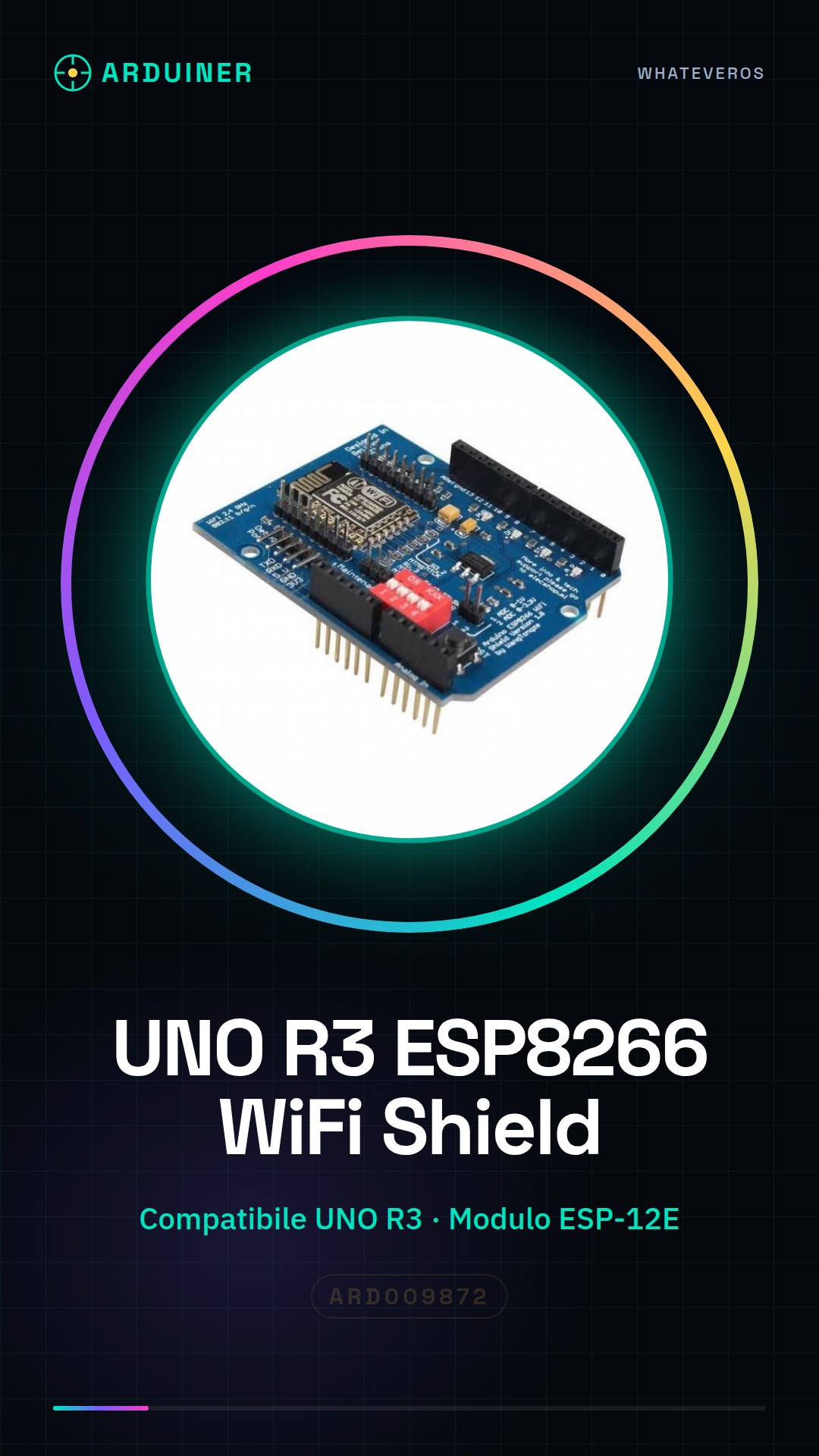
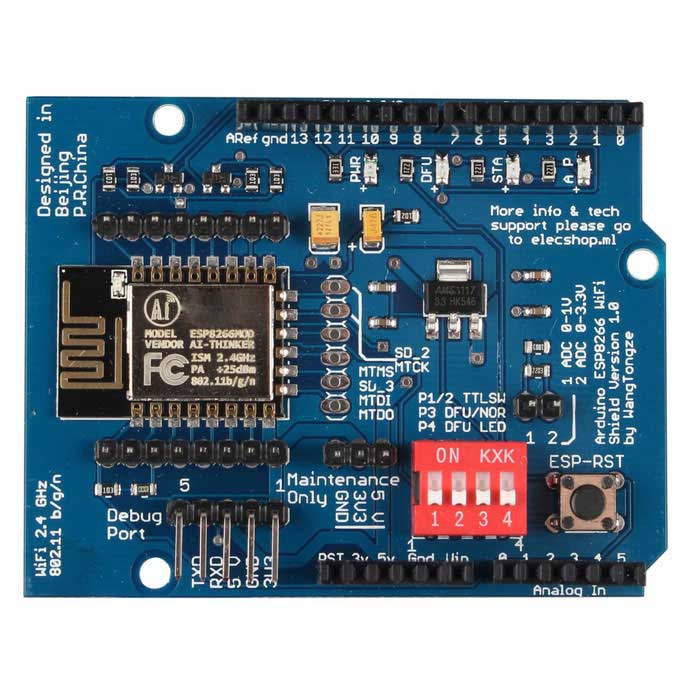
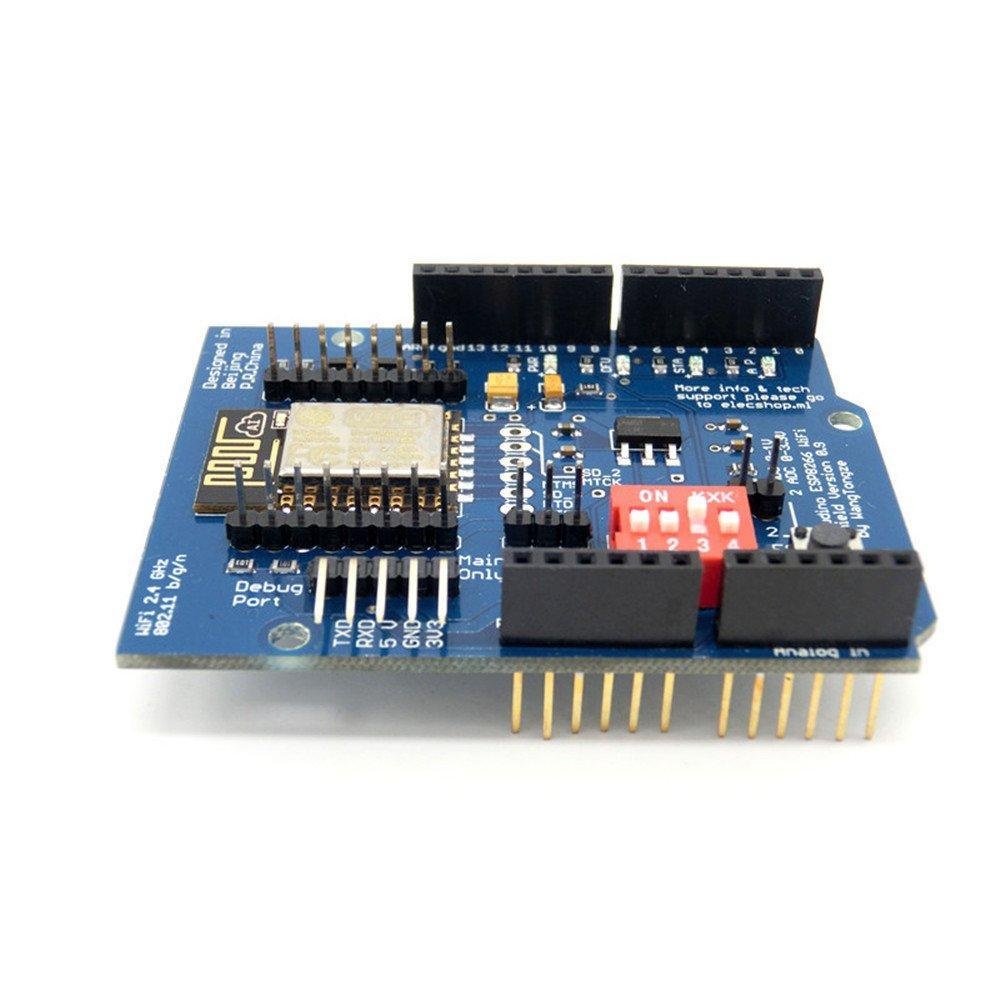
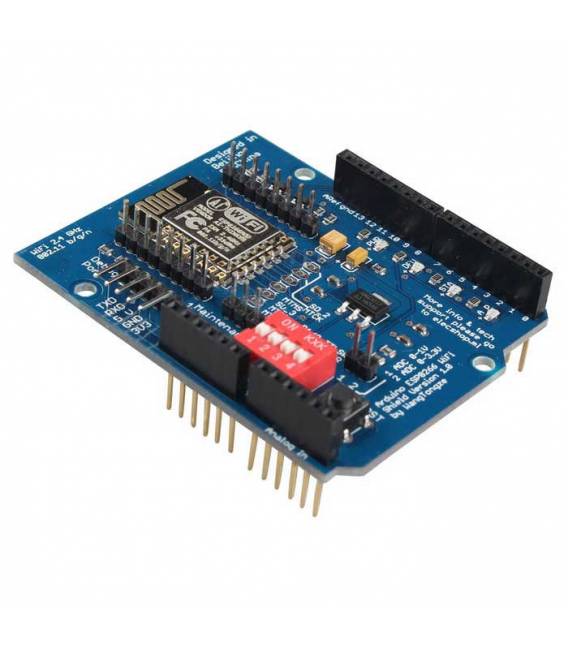
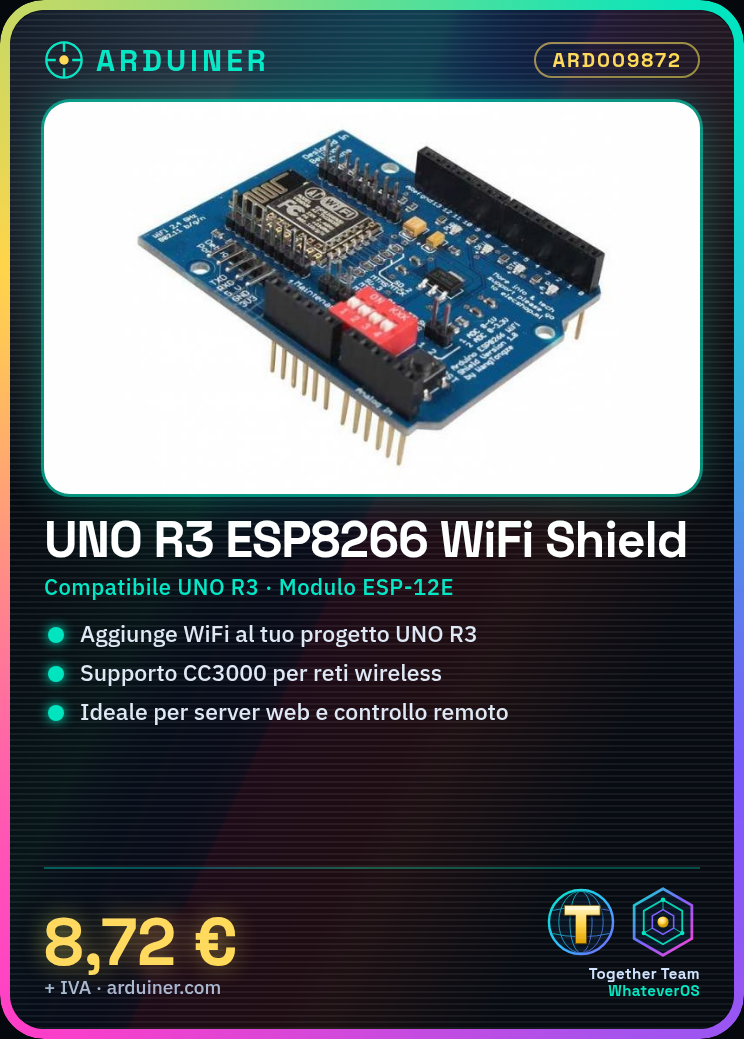
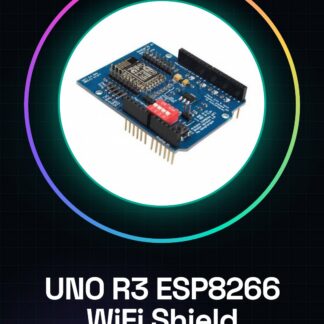
The UNO R3 ESP8266 Serial WiFi Expansion Board is an Arduino component that allows adding WiFi functionality to Arduino UNO R3-based projects. This shield uses the ESP-12E module and includes support for CC3000, offering a simple and cost-effective solution for wireless connectivity.
Features
- Expansion board compatible with Arduino UNO R3
- Includes ESP-12E module
- CC3000 support
- Adds WiFi functionality to Arduino projects
What it is for
Used to add WiFi connectivity to projects based on Arduino UNO R3. Ideal for creating simple web servers, remotely controlling devices via web browsers, and integrating network features into various types of applications.
Tutorial: How to use UNO R3 ESP8266 Serial WiFi Shield
This ESP-12E CC3000 shield allows you to add WiFi functionality to your Arduino UNO R3. Ideal for projects that require internet connectivity.
What you need
- Arduino UNO R3
- Computer with Arduino IDE
- USB cable
- ESP-12E CC3000 Shield
Steps
- Check the datasheet for ESP8266 specifications.
- Mount the ESP-12E CC3000 Shield on top of the Arduino UNO R3.
- Connect the shield to the Arduino via the serial interface pins.
- Install the ESP8266WiFi library in your Arduino IDE.
- Write the following code to connect your device to WiFi: `WiFi.begin(“SSID”, “password”);`
- Verify the connection with `Serial.println(WiFi.localIP());`.
- Add WiFi functionality to your project.
- Test your project.
Example code
```
#include <ESP8266WiFi.h>

void setup() {
  Serial.begin(9600);
  WiFi.begin("SSID", "password");
}

void loop() {
  if (WiFi.status() == WL_CONNECTED) {
    Serial.println("Connected to WiFi");
    Serial.println(WiFi.localIP());
  }
}
```
Mini project
Create a simple web server with Arduino UNO R3 and ESP8266 to control a remote LED via web browser.
Common mistakes
- Forget to install the ESP8266WiFi library.
- Write the SSID and password correctly.
- Fail to configure the serial connection properly.
- Omit the WiFi connection check.
Recommended accessories
- LED
- 330 Ohm resistor
- 5V power cable
- 16×2 LCD display
Frequently asked questions
How can I control my device remotely via web browser?
Set up a simple web server with `ESP8266WebServer` and create an endpoint to control the LED.
Why can’t my device connect to WiFi?
Check your ESP8266 WiFi specification, make sure you have the correct password and try resetting the device.
Can I use this shield with other microcontrollers?
The shield is designed for Arduino UNO R3, check compatibility with other microcontrollers.
Reviews
There are no reviews yet.