 EN
 IT Italiano
 ES Español
 FR Français
 DE Deutsch
Description
What it is
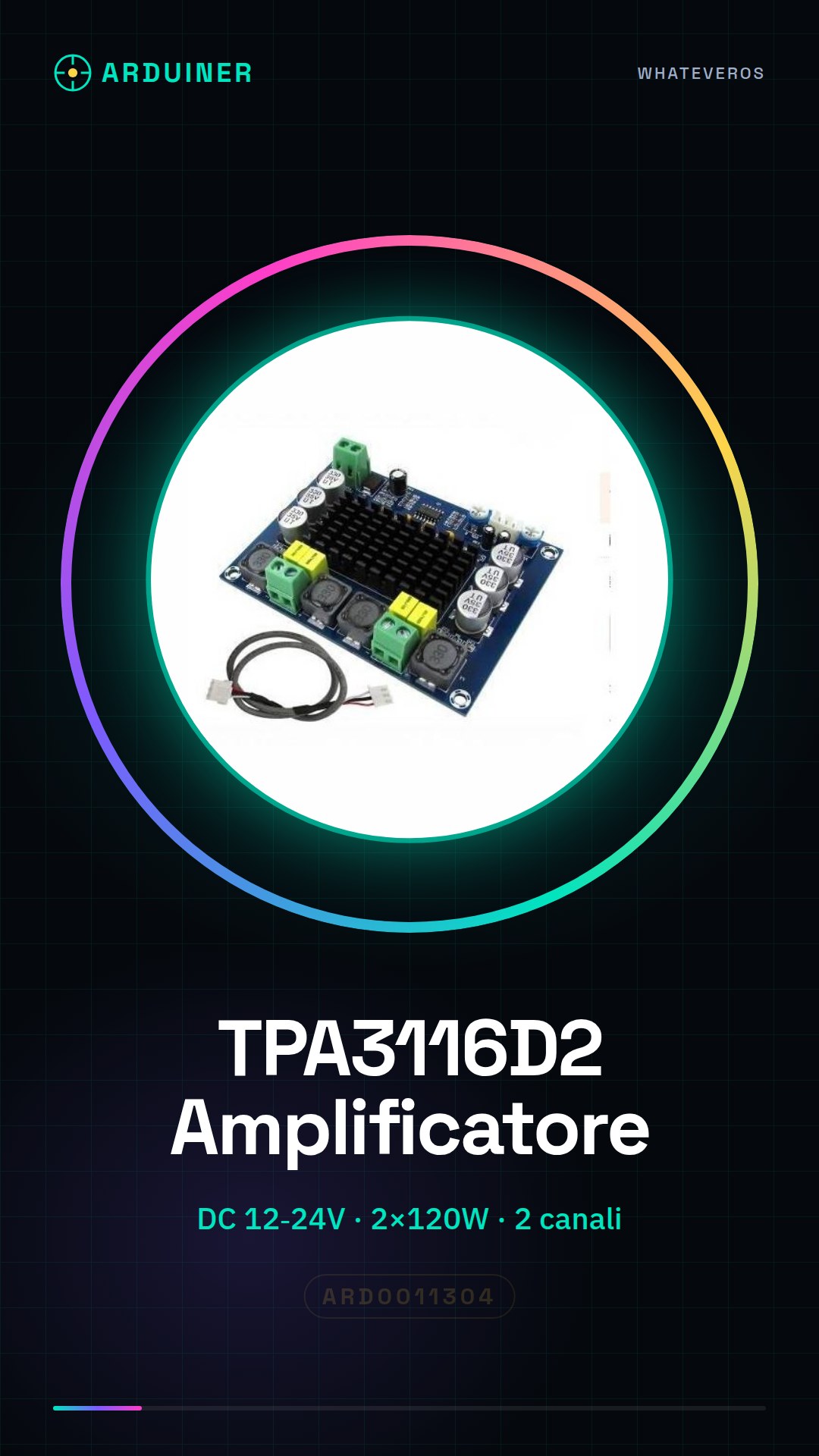
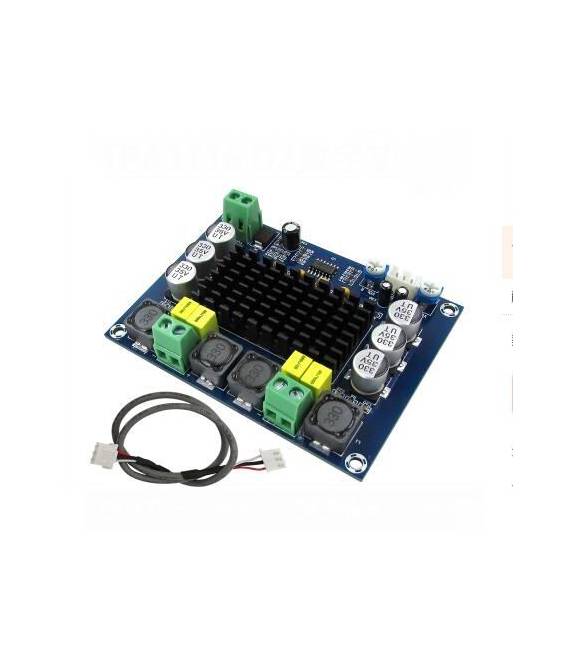
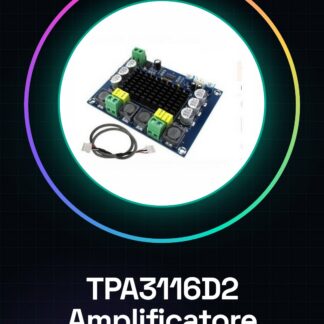
The TPA3116D2 is a digital power audio amplifier module, designed to power audio systems with high power and clarity. It is ideal for professional and industrial applications that require a powerful and reliable audio output.
Features
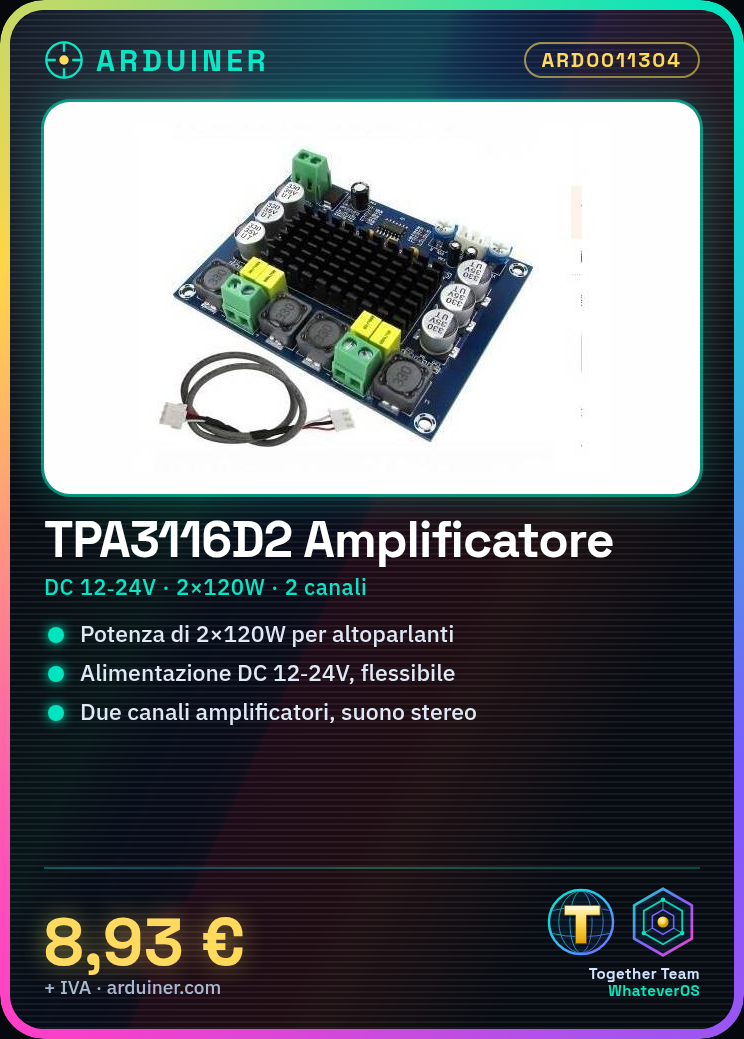
- TPA3116D2 audio chip
- DC Power Supply 12V – 24V
- 2 channels of amplification
- Output Power: 2 x 120W
- SKU: ARD0011304
What it is for
The module is suitable for audio projects that require high output power, such as audio systems for events, professional audio installations, or live music. It can also be used by intermediate makers to create complex audio projects. Compatibility with Arduino or ESP32 should be verified in the datasheet.
Tutorial: How to use TPA3116D2
The TPA3116D2 audio amplifier is ideal for projects requiring significant output power, such as audio systems or live music. Useful for intermediate makers who need a digital power amplifier.
What you need
- TPA3116D2 module
- Arduino or microcontroller
- Speakers or loudspeakers
- Connection cables
- Power supply 12V or 24V
Steps
- 1. Check that the power supply is compatible (12V or 24V). Check the datasheet.
- 2. Connect the power supply to the TPA3116D2 module.
- 3. Connect the speaker terminals to the module.
- 4. Connect the microcontroller (Arduino) to the module via the control pins.
- 5. Load the provided Arduino code.
- 6. Check that everything is properly connected and functioning.
- 7. Try playing an audio file on Arduino.
- 8. Adjust the volume with the potentiometer if present.
Example code
void setup() {
  pinMode(9, OUTPUT); // Pin di controllo
}

void loop() {
  digitalWrite(9, HIGH); // Attiva l'amplificatore
  delay(1000);
  digitalWrite(9, LOW); // Disattiva l'amplificatore
  delay(1000);
}
Mini project
Create a simple audio system with a 30-second audio file and a microcontroller.
Common mistakes
- Connect the power supply correctly.
- Ensure that the control pins are properly connected.
- Check that the cables are not damaged.
- Make sure the volume is not too high.
Recommended accessories
- Speakers
- Potentiometer
- Speakers
- Arduino microcontroller
Frequently asked questions
How to set the volume?
Check the datasheet for the control pins of the volume.
Can I use a different power supply?
Check the datasheet for power supply compatibility.
Which pins to use to control the amplifier?
Check the datasheet for specific control pins.



Reviews
There are no reviews yet.