 EN
 IT Italiano
 ES Español
 FR Français
 DE Deutsch
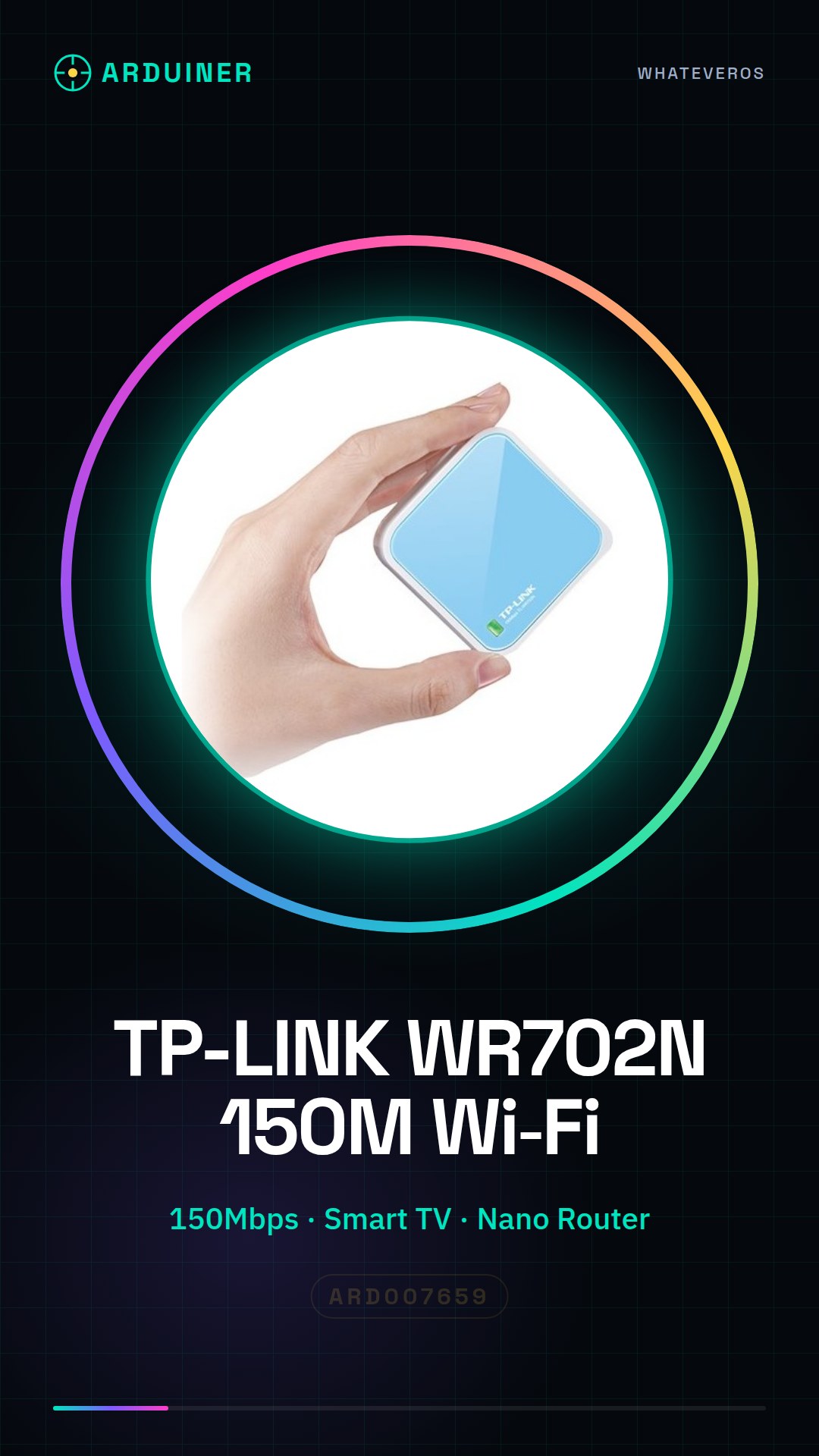
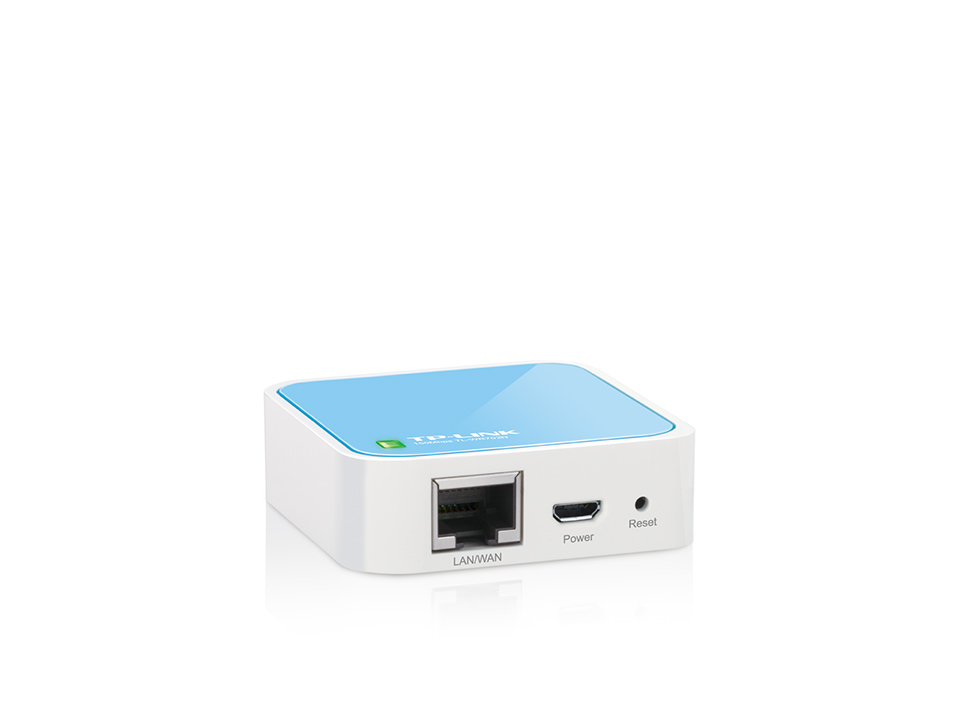
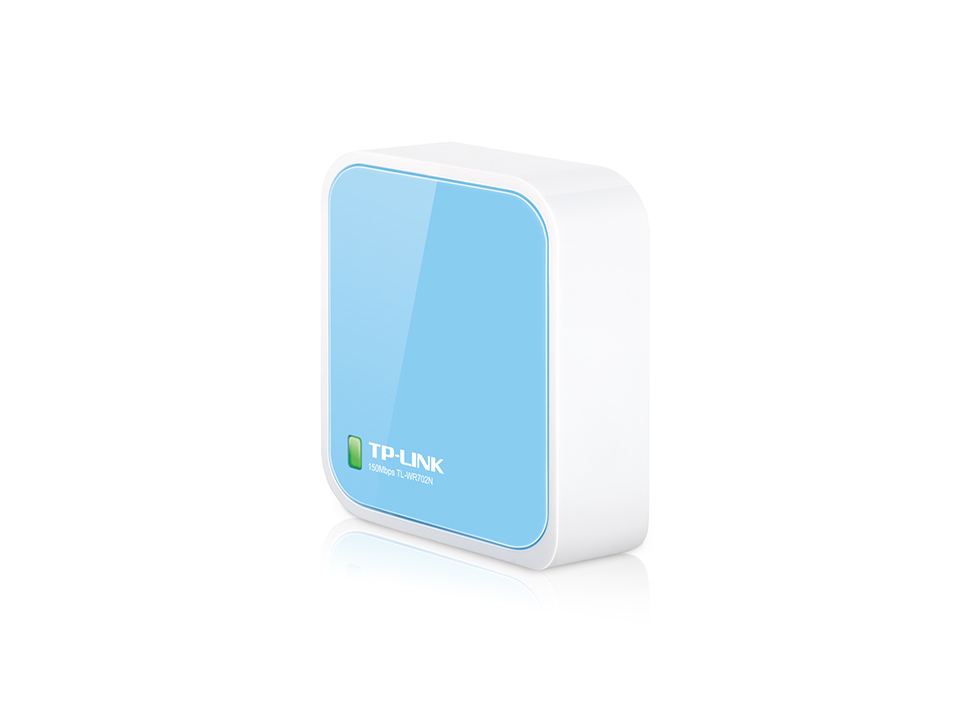
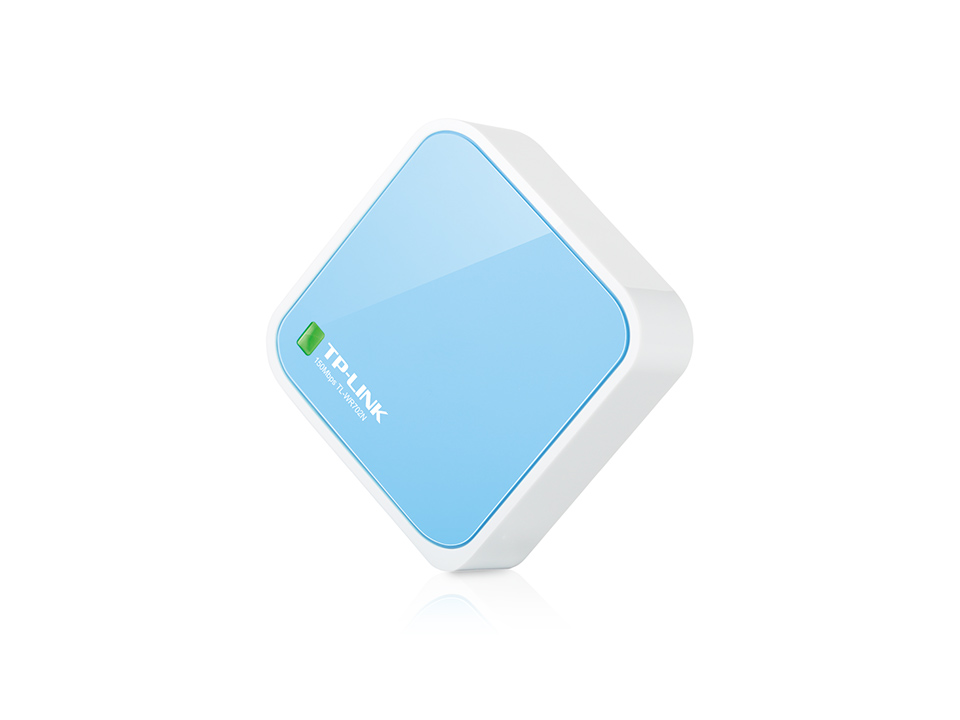
Description
What it is
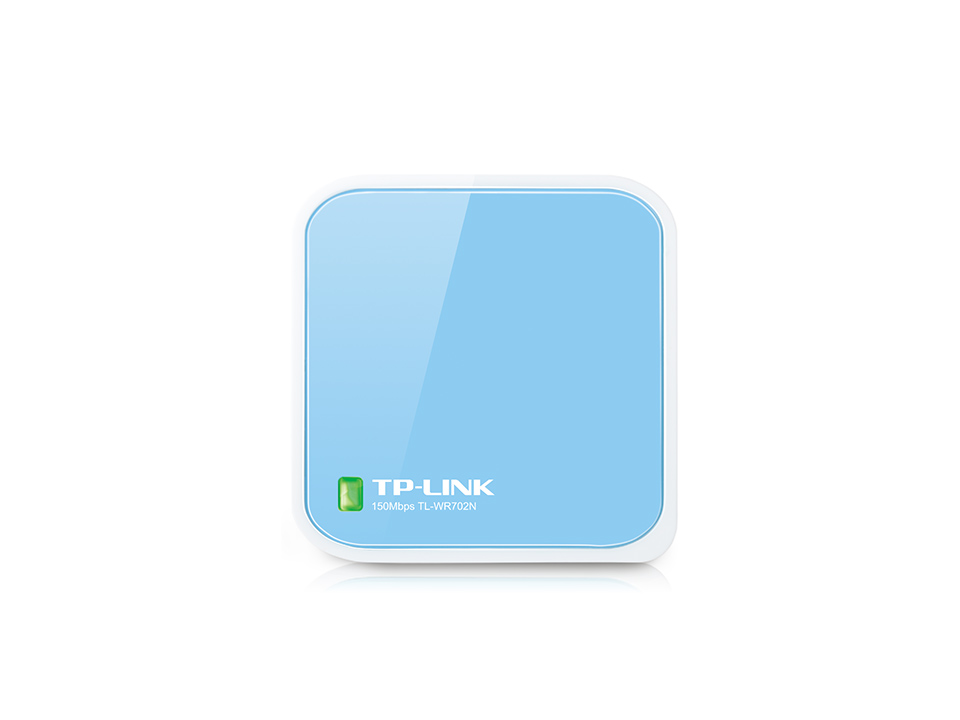
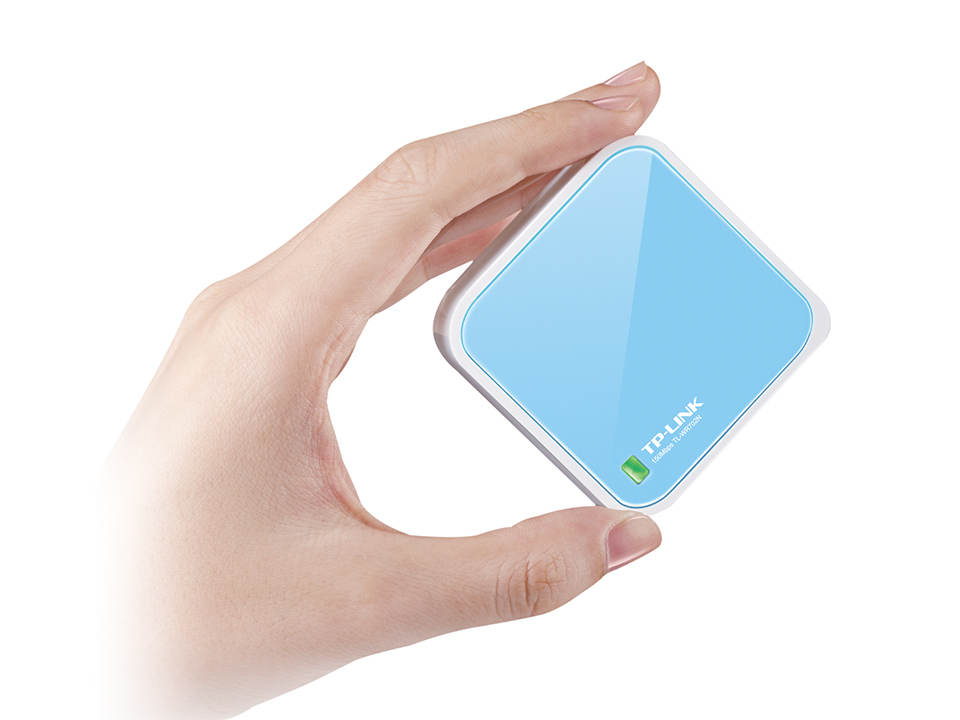
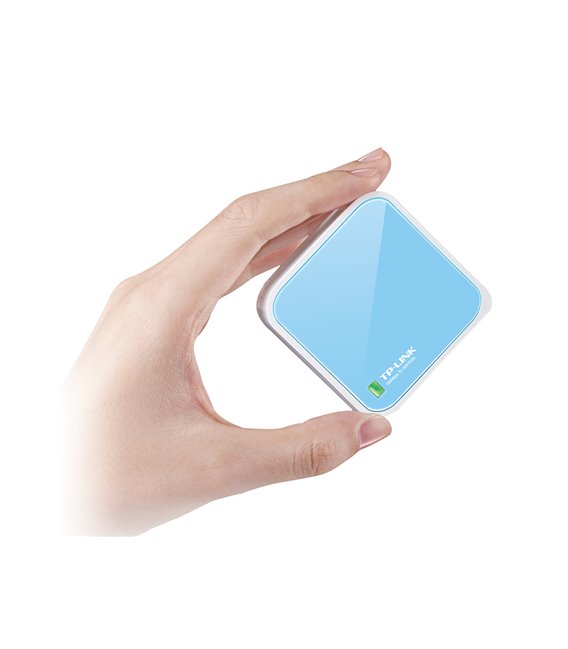
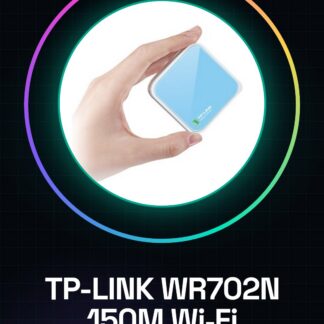
The TP-LINK WR702N is a Wi-Fi adapter that allows connecting devices without the need for cables. This device offers a portable and ready-to-use solution for accessing wireless networks.
Features
- 150Mbps Wi-Fi Adapter
- Compatible with Smart TVs and decoders
- Optimized for connecting wireless devices to the Internet
What it is for
Ideal for anyone who wants to quickly and easily access wireless networks, whether for smart TVs or decoders, or for computers. It can be configured as a Wi-Fi access point.
Tutorial: How to use TP-LINK WR702N 150M Wi-Fi Adapter
The TP-LINK WR702N is a portable Wi-Fi adapter that allows connecting to the Internet without the need for cables. Ideal for anyone who wants to quickly and easily access wireless networks, whether for devices such as smart TVs or decoders, or for computers.
What you need
- TP-LINK WR702N
- computers with USB port
- Wi-Fi connectivity
Steps
- Connect the TP-LINK WR702N to the USB port of the computer.
- Access the configuration panel via a web browser by entering the IP address provided in the documentation.
- Configure Wi-Fi settings, such as SSID and password, in the administration panel.
- Verify Wi-Fi connectivity from the computer by connecting to the configured network.
- If necessary, install the TP-Link Tether software for more detailed control of the device.
Mini project
Configure the TP-LINK WR702N as a Wi-Fi access point and connect it to a smart TV or decoder.
Common mistakes
- I am unable to access the configuration panel.
- The device does not connect to the Wi-Fi network.
- Issues with the installation of the TP-Link Tether software.
Recommended accessories
- TP-LINK TL-WR702N External Antenna
- TP-Link Tether Software
Frequently asked questions
How can I increase the Wi-Fi signal?
Consider adding an external antenna extension to improve coverage.
Is the TP-LINK WR702N compatible with Arduino?
Yes, it can be used as a Wi-Fi module for Arduino projects, but check the specifications on the datasheet.
Reviews
There are no reviews yet.