 EN
 IT Italiano
 ES Español
 FR Français
 DE Deutsch
Description
What it is
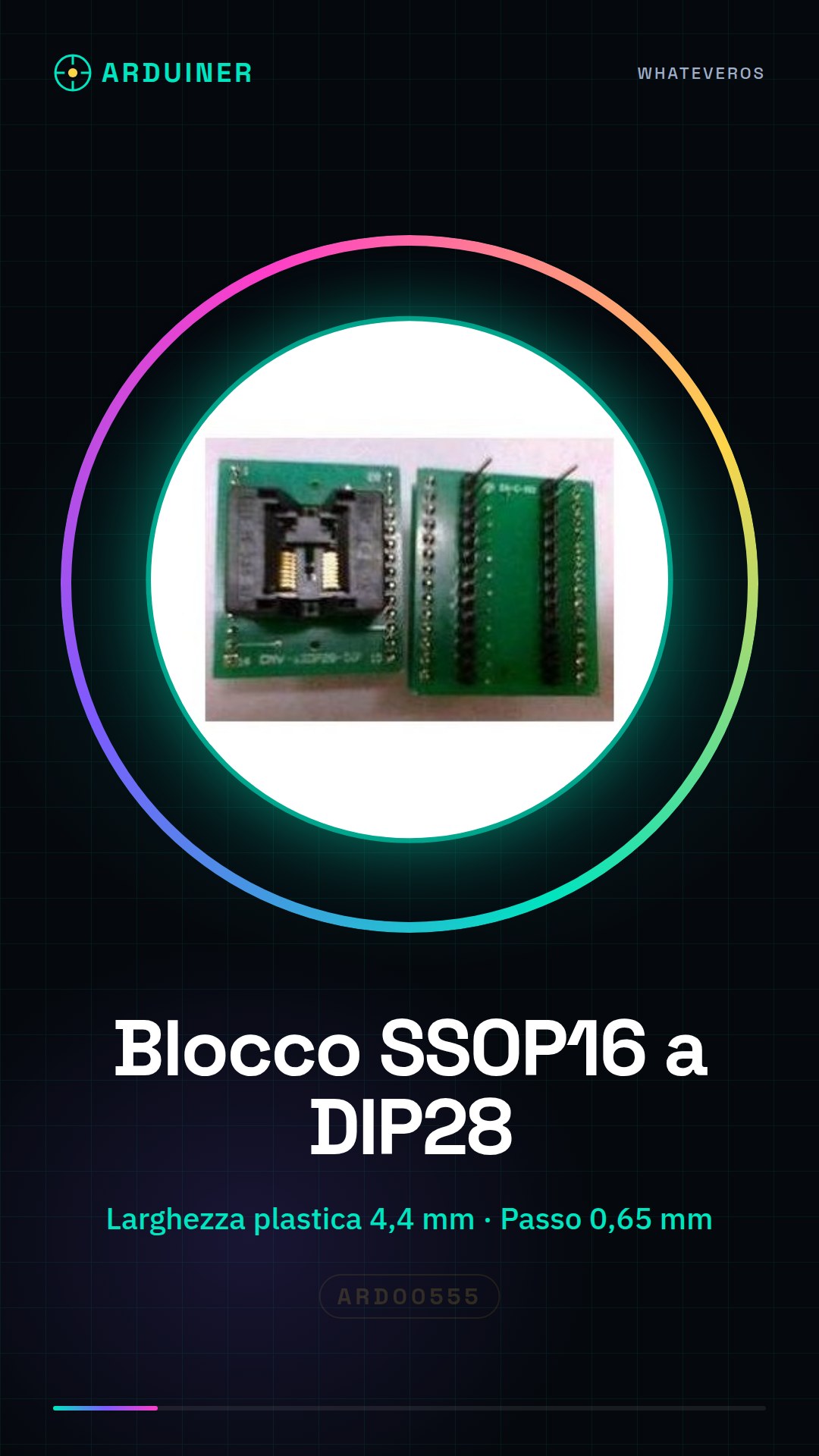
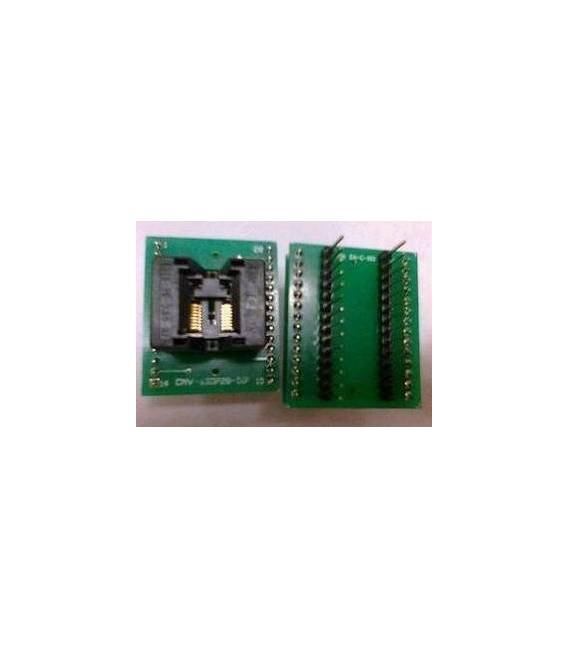
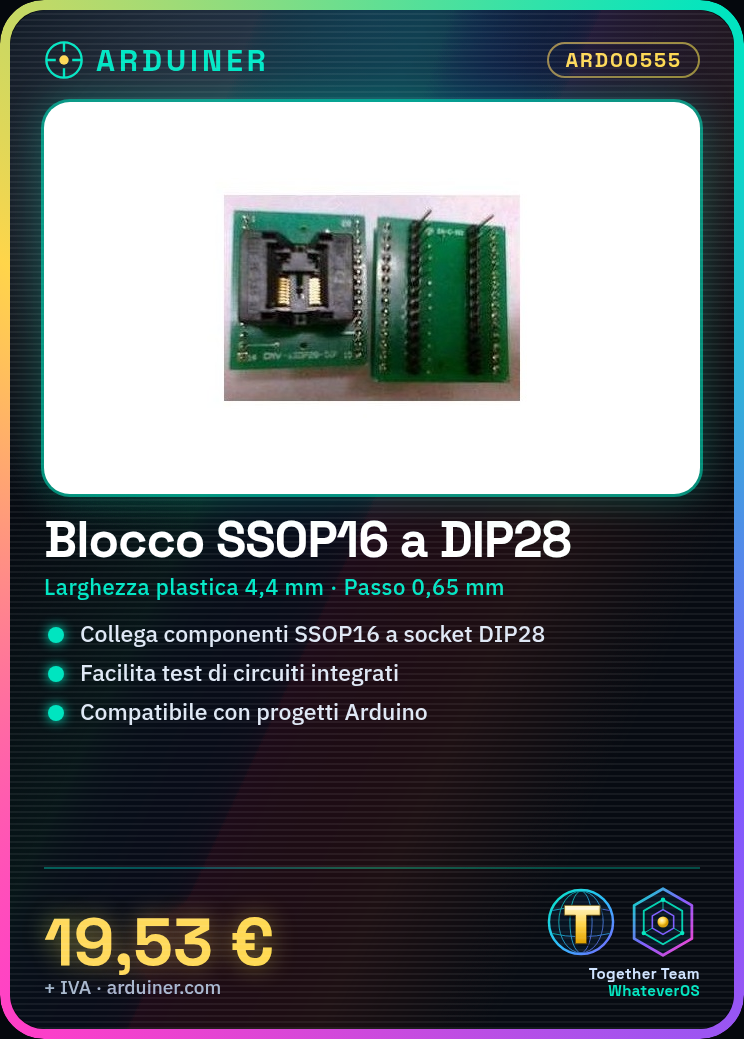
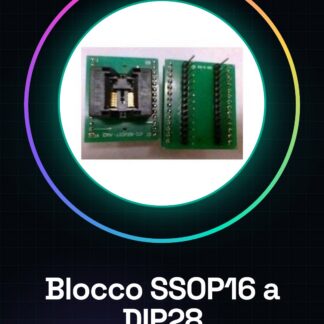
The SSOP16 to DIP28 adapter is a device used to facilitate the testing and development of integrated circuits. This tool allows SSOP16 components to be connected to boards that support DIP28 connectors, making these components more flexible for use in Arduino projects or other circuits.
Features
- Plastic width: 4,4 mm
- Pitch between contacts: 0,65 mm (IC)
What it is for
They are used to mount SSOP16 components on an adapter and then connect them to DIP28 boards. This facilitates the testing of integrated circuits without the need for modifications to existing PCBs or hardware. It is useful for projects that require the use of SSOP16 components with DIP28 connectors.
Tutorial: How to use the SSOP16 to DIP28 adapter
This adapter allows you to use SSOP16 components on DIP28 boards, ideal for Arduino projects and larger integrated circuits.
What you need
- SSOP16 to DIP28 Conversion Adapter
- SSOP16 Component
- Board with DIP28 Socket
- SSOP16 Component Data
Steps
- 1. Ensure your SSOP16 component has 16 pins.
- 2. Check the pin layout on the datasheet.
- 3. Connect the SSOP16 component to the conversion adapter.
- 4. Connect the conversion adapter to the DIP28 socket.
- 5. Make sure the pins are correctly converted.
- 6. Test the connector with a multimeter to verify proper connection.
- 7. Mount everything on a board.
- 8. Verify the stability and functionality of the circuit.
Mini project
Mount an LED on an SSOP16 component and connect it to the conversion adapter, then connect the DIP28 to an Arduino to control it via code.
Common mistakes
- Connect the wrong pins.
- Omit checking the pin layout.
- Do not test the connection before mounting.
- Ignore the stability of the connector during testing.
Recommended accessories
- DIP28 Socket
- Multimeter
- SSOP16 Components
- Test Board
Frequently asked questions
Can I use this block with DIP28 components?
No, this block is designed to convert SSOP16 to DIP28.
How long does it take to assemble?
approximately 15-20 minutes.
Do I need a datasheet for my component?
Yes, always check your component’s pins.
Reviews
There are no reviews yet.