 EN
EN IT Italiano
 ES Español
 FR Français
 DE Deutsch
Description
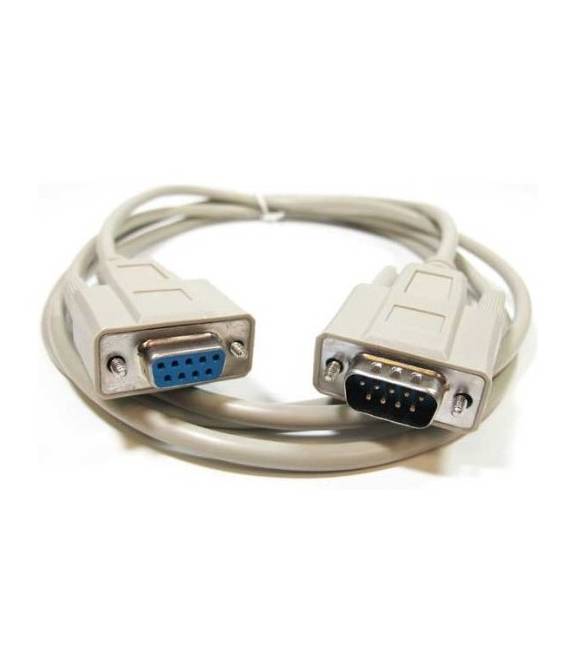
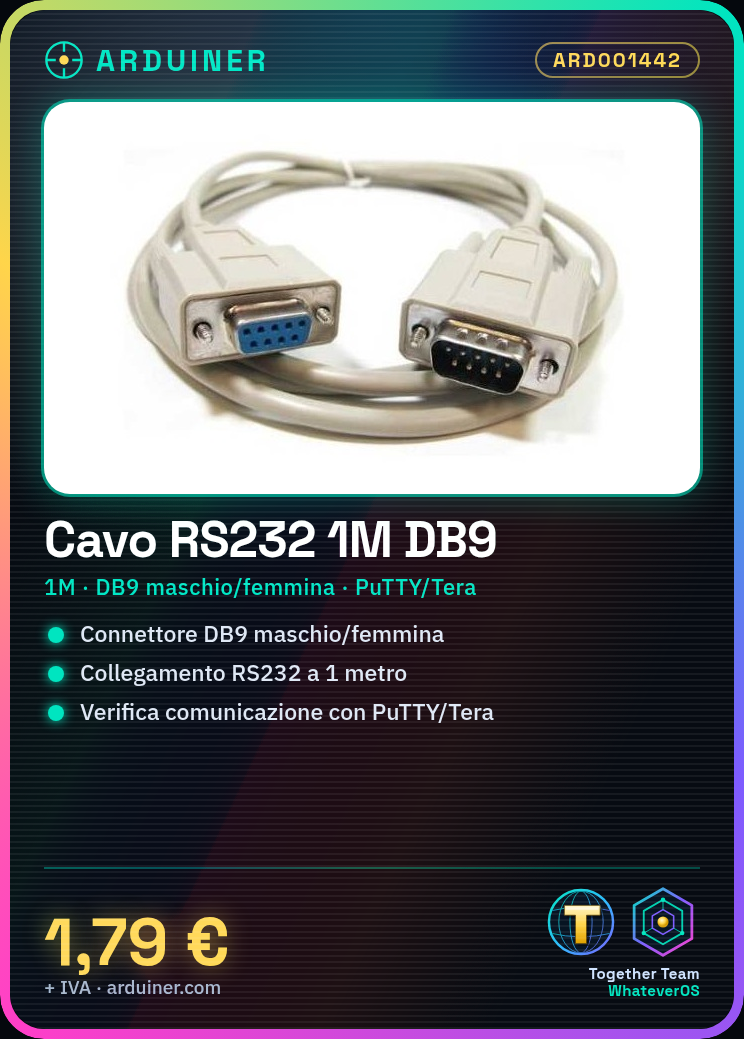
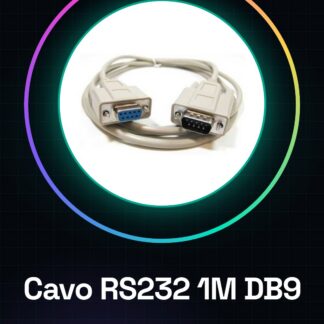
RS232 serial extension cable 1M DB9 male to female. Ideal for connecting devices using the RS232 interface, such as computers and modems, over longer distances. Useful for both software developers and makers working on serial communication projects. This cable is particularly suitable for beginners exploring RS232 communication between different devices. What you need: RS232 serial extension cable DB9 male connector RS232 serial extension cable DB9 female connector Steps: Verify that your devices have matching DB9 male and female connectors. Connect one end of the cable to the DB9 male connector of one device. Connect the other end of the cable to the second device via the DB9 female connector. Test communication between devices using software like PuTTY or Tera Term. Mini-project: [‘Connect an old printer to a computer via RS232 to send data and commands.’, ‘Remember to check the cable specifications in the datasheet to ensure compatibility with your devices.’] Common errors: Incorrect insertion of the connector Opposite pin compatibility issues between connected devices. Use of a cable too long, which may cause electromagnetic interference. Failure to check power supply to devices during connection. Recommended accessories: RS232 serial adapter DB9 Arduino serial interface module Communication serial software like PuTTY or Tera Term Multimeter to test cable functionality Frequently asked questions: If my device does not connect, what should I do? Check connector compatibility and ensure that RS232 pins are correctly configured on both devices. Can I use this cable for long-distance data transfer? The cable is designed for connections up to 15 meters; beyond this distance, communication issues may occur.

Reviews
There are no reviews yet.