 EN
EN IT Italiano
 ES Español
 FR Français
 DE Deutsch
Description
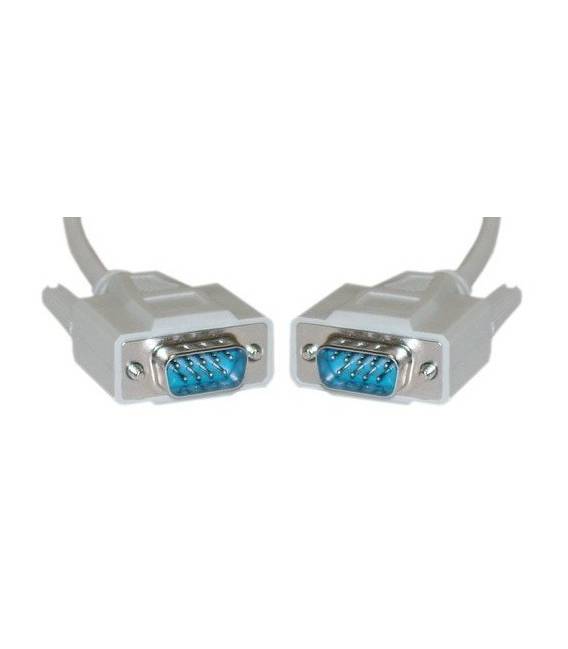
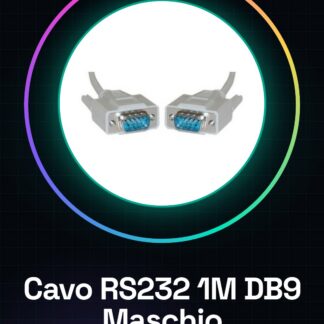
This 1M RS232 serial cable is ideal for connecting electronic devices that use the RS232 interface, such as computers or communication systems. Suitable for both beginners and intermediate users.
What you need:
– Computer with a serial port
– Device with a male DB9 connector
Steps:
1. Check the presence of the serial port on the target computer or device.
2. Connect one end of the cable to one of the RS232 ports on one of the devices.
3. Connect the other end of the cable to the other RS232 port on another device.
4. Test the connection using a serial communication software like PuTTY or Tera Term.
5. Configure the transmission parameters (speed, control bits) in the software according to the device datasheet.
Mini-project:
Create a simple data connection between a computer and an Arduino device using the RS232 cable to send serial commands.
Common errors:
Ensure both ports are compatible with the RS232 interface.
Check the serial communication software settings for transmission parameters.
Inspect physical connections to avoid short circuits or incorrect connections.
Recommended accessories:
– PuTTY Software
– Tera Term Software
– RS232 to USB Adapter
– Arduino Device
Reviews
There are no reviews yet.