 EN
EN IT Italiano
 ES Español
 FR Français
 DE Deutsch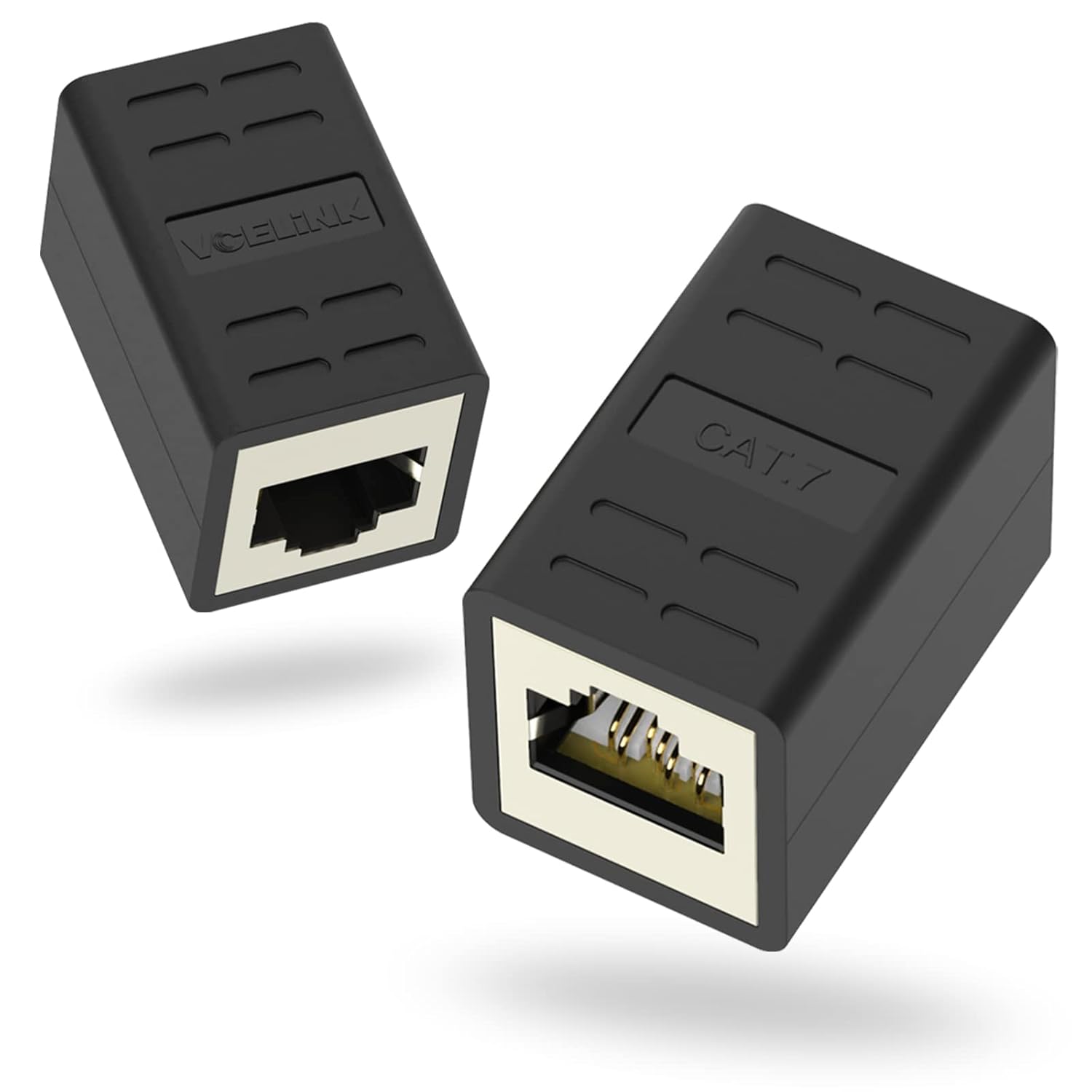
Description
What it is
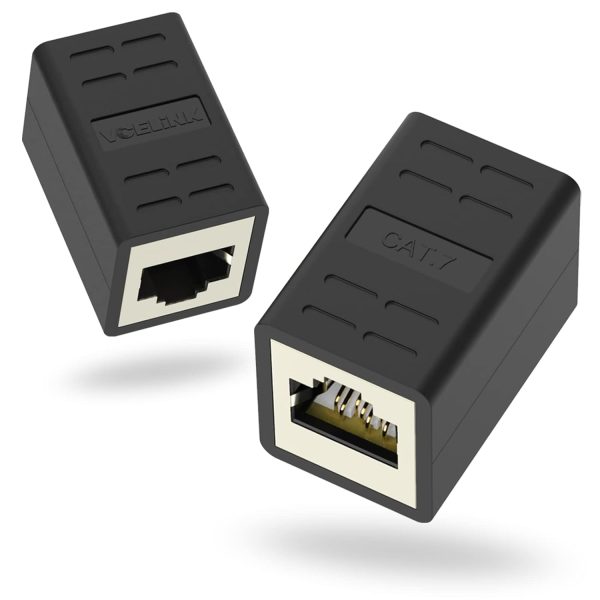
The RJ45 female-female coupler is a device used to extend an existing Ethernet connection without interrupting it. This coupler is ideal for network projects and applications such as 3D printing, where it may be necessary to increase the distance between devices connected to a local network.
Features
- RJ45 Female-Female Coupler
- Extend Ethernet Connections
- Ideally suited for network projects and 3D printing
What it is for
The RJ45 female-female coupler is used to create an Ethernet extension between a router and a computer or between two devices in a home or office environment. It is useful for makers and professionals working with local networks who need to extend existing connections without interrupting them.
Tutorial: How to Use RJ45 Female-Female Coupler
The RJ45 female-female coupler allows you to extend an existing Ethernet connection without interrupting it. Ideal for makers and professionals working with local networks.
What you need
- RJ45 Female-Female Coupler
- Ethernet Cable
- Computer or device with an RJ45 connector
Steps
- Check that your Ethernet cable is long enough to reach the target device.
- Insert one end of the Ethernet cable into the RJ45 connector of the computer or device.
- Insert the other end of the Ethernet cable into the RJ45 female-female coupler.
- Insert the other end of the Ethernet cable into the RJ45 female-female coupler.
- Insert the other end of the Ethernet cable into the RJ45 connector of the target device.
- Verify that the connection is stable and that the network is reachable.
- If necessary, repeat steps 3-5 until you reach the desired length.
- Check Ethernet connectivity through the operating system or a network application.
Mini project
Create an Ethernet extension between a router and a computer in a home or office environment.
Common mistakes
- Do not check the stability of the RJ45 connectors.
- Do not check the total length of the Ethernet cable.
- Do not check Ethernet connectivity after installation.
- Do not check the compatibility of the Ethernet cable with the RJ45 female-female adapter.
Recommended accessories
- Variable length Ethernet cable
- Network text
- Ethernet router or switch
- Computer or device with RJ45 connector
Frequently asked questions
Can the RJ45 female-female adapter be used with any type of Ethernet cable?
Yes, it can be used with any type of Ethernet cable, but check the length and compatibility.
How can I verify that the connection is stable?
Check Ethernet connectivity through the operating system or a network application.
Reviews
There are no reviews yet.