 EN
 IT Italiano
 ES Español
 FR Français
 DE Deutsch
Description
What it is
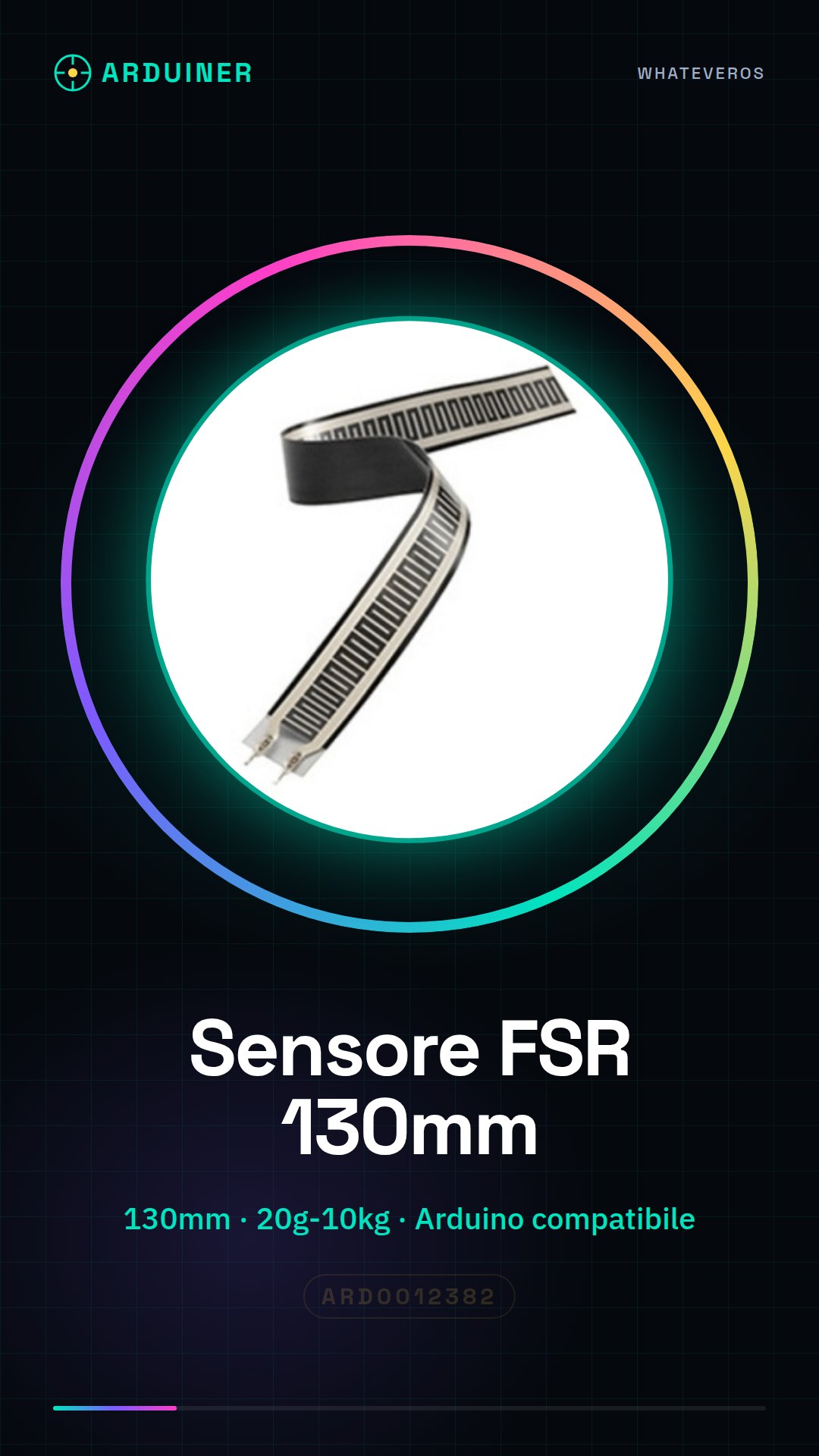
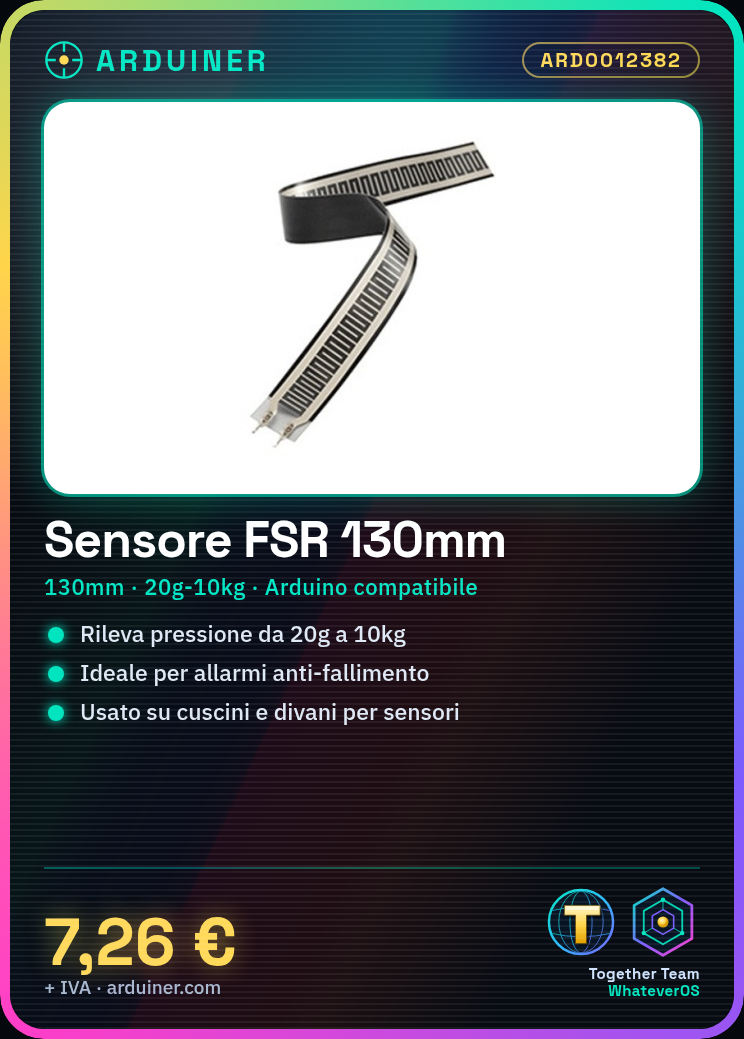
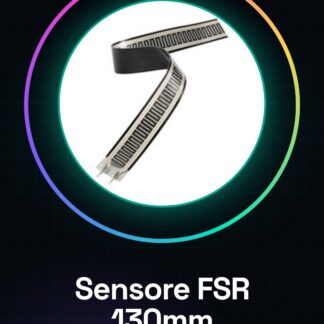
The 130mm pressure sensor FSR is a resistive device that detects applied pressure on a surface. It is used for alarm and pressure sensor projects on Arduino, suitable for beginner and intermediate makers.
Features
- Dimensions: 130mm
- Pressure detection from 20g to 10kg
- Compatible with Arduino and ESP
What it is for
This sensor is ideal for creating failure prevention alarms that send a notification when pressure loss on a cushion is detected. It can also be used to monitor presence on sofas or cushions, making them pressure-sensitive.
Tutorial: How to use 130mm Pressure Sensor FSR
The 130mm pressure sensor FSR is ideal for pressure monitoring projects, such as failure prevention alarms or presence sensors on sofas or cushions. It is perfect for beginner and intermediate makers who want to create pressure-sensitive interfaces.
What you need
- Arduino Uno
- USB cable
- Breadboard
- Jumper wires
- Arduino IDE software
- FSR pressure sensors 130mm
Steps
- Connect the FSR sensor to the breadboard.
- Connect the Arduino Uno to the computer via USB.
- Download and install the Arduino IDE software.
- Open an existing sketch or create a new one.
- Modify the code to read the sensor values.
- Upload the code to the Arduino.
- View the sensor data on the serial monitor.
- Adapt the code to interact with other devices or online services.
Example code
void setup() {
  Serial.begin(9600);
}

void loop() {
  int sensorValue = analogRead(A0);
  Serial.println(sensorValue);
}
Mini project
Create a fall detection alarm that sends a notification when pressure loss is detected on the cushion.
Common mistakes
- Do not correctly connect the sensor to the breadboard.
- Do not correctly upload the code to the Arduino.
- Do not correctly read the sensor values.
- Do not adapt the code to interact with other devices or online services.
Recommended accessories
- Arduino Uno
- Breadboard
- Jumper wires
- SMS or Email notification via Internet
Frequently asked questions
How can I connect the FSR sensor?
Connect the FSR sensor to the breadboard and from the breadboard to the Arduino Uno.
What pressure values can the FSR sensor detect?
Check the datasheet.
How can I send a notification when pressure loss is detected?
Use an online service like IFTTT or Blynk to send notifications.
Reviews
There are no reviews yet.