 EN
 IT Italiano
 ES Español
 FR Français
 DE Deutsch
Description
What it is
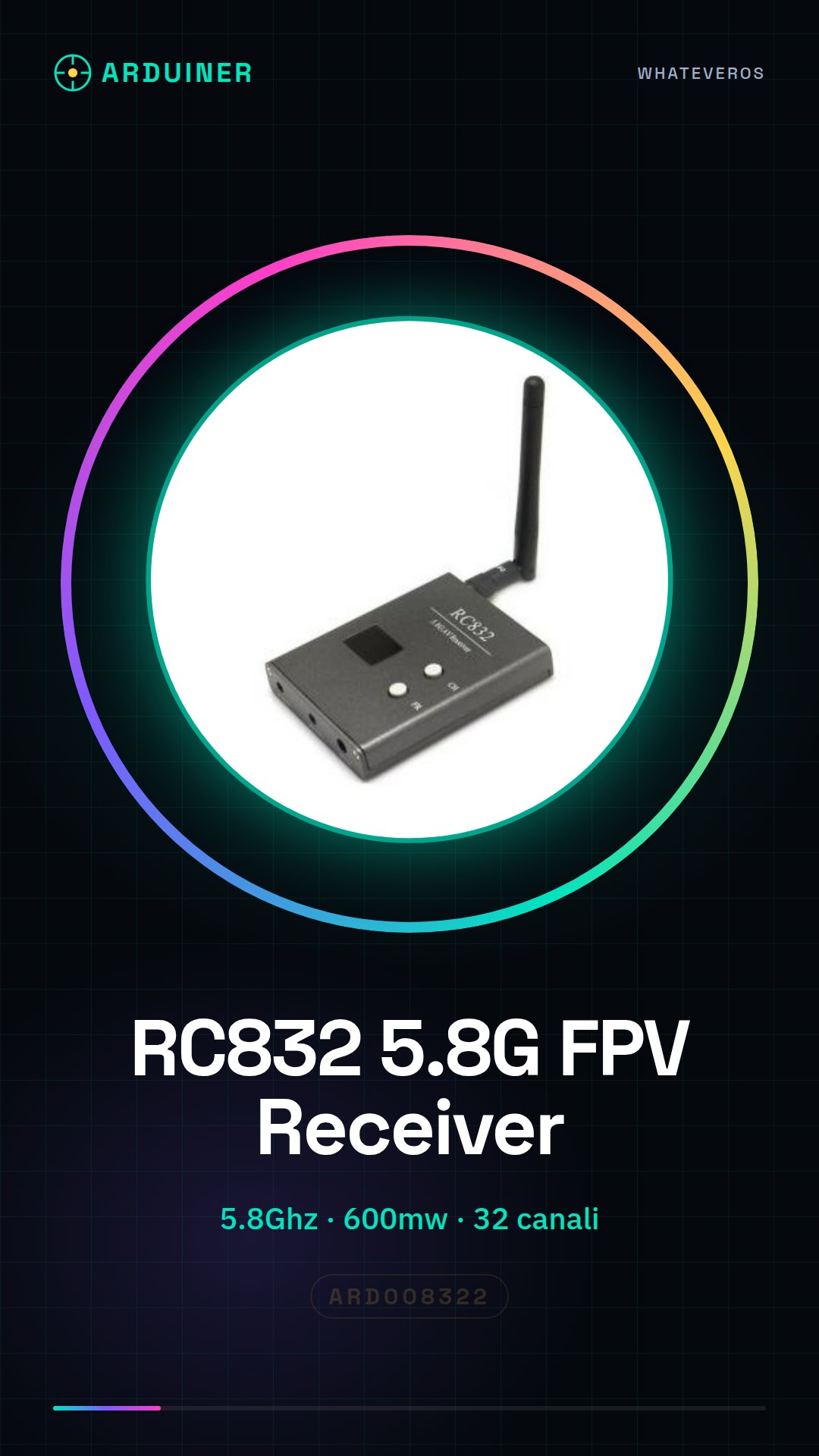
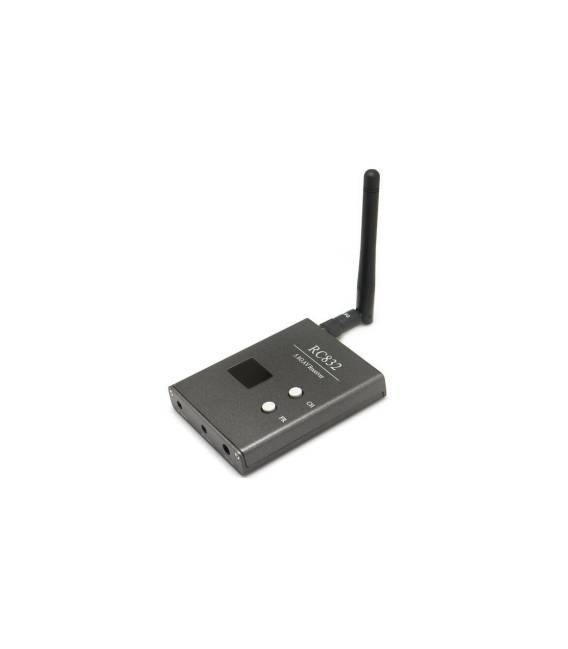
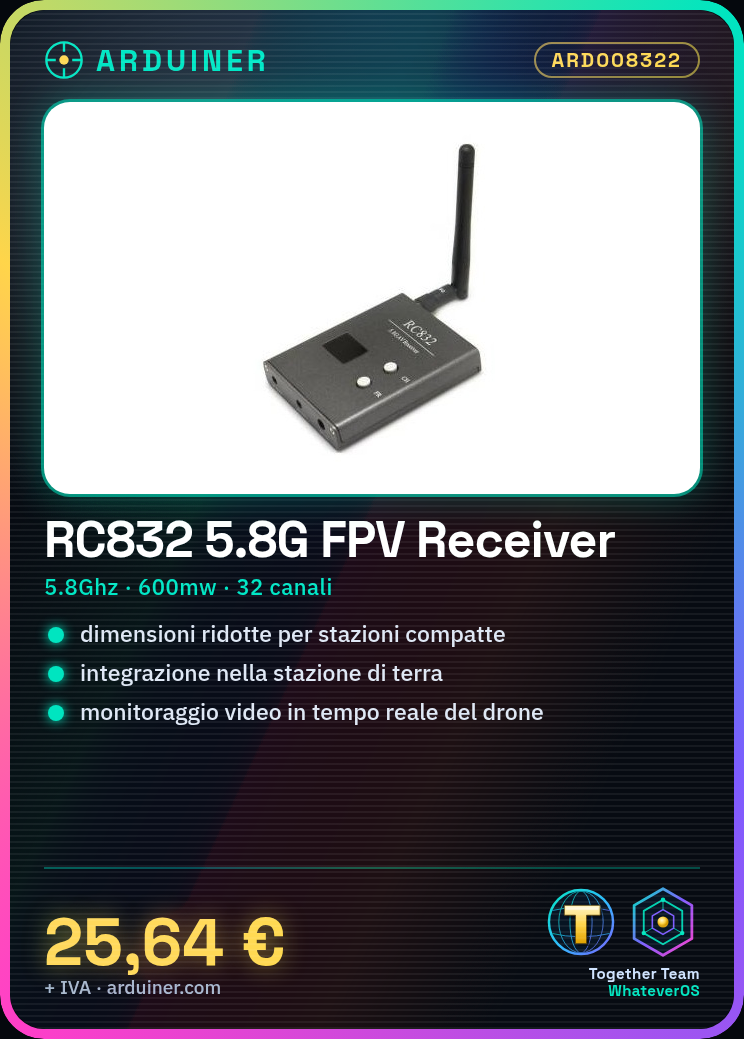
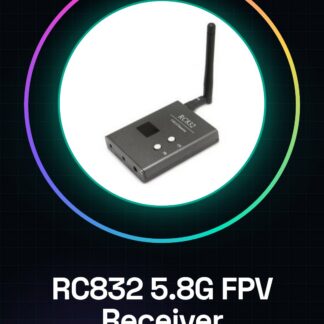
The RC832 receiver is a compact device designed for easy integration into the ground station, offering high quality and functionality.
Features
- Frequency: 5.8Ghz
- Maximum Power: 600mw
- Available Channels: 32
What it is for
The RC832 receiver is ideal for drone pilots who want to monitor the drone’s camera in real-time during flight, ensuring greater safety and precision. It can be used with various model aircraft.
Tutorial: How to Use RC832 5.8G FPV Receiver
The RC832 FPV receiver is ideal for drone pilots who want to monitor the drone’s camera in real-time during flight, ensuring greater safety and precision.
What you need
- RC832 Receiver
- 5.8GHz Antenna
- RCA Cable
- Drone with FPV Transmitter
Steps
- Connect the antenna to the RC832 receiver.
- Connect the RCA cable from the receiver to the video system of the monitor.
- Check that the receiver frequency matches the transmitter frequency on the drone.
- Turn on the FPV receiver and the drone with the active transmitter.
- Adjust the antenna to achieve a stable connection.
- Check that the image quality is adequate (no interference).
- If necessary, tune to the appropriate frequency using the frequency selection command on the receiver.
- Test fly for a short period to ensure everything is working correctly.
Mini project
Install and configure the RC832 receiver to monitor a drone camera in real-time.
Common mistakes
- Do not check the frequency compatibility between transmitter and receiver.
- Use a lower quality RCA cable that can cause interference.
- Incorrectly connect the antenna to the receiver, compromising performance.
- Do not properly adjust the antenna to maximize reception.
Recommended accessories
- 5.8GHz Antenna
- High-quality RCA cable
- Drone video monitor with RCA input
- FPV compatible transmitter
Frequently asked questions
What is the maximum transmission distance?
Check the receiver datasheet.
How can I improve the FPV receiver performance?
Use a more powerful antenna and adjust the orientation to reduce interference.
Reviews
There are no reviews yet.