 EN
EN IT Italiano
 ES Español
 FR Français
 DE Deutsch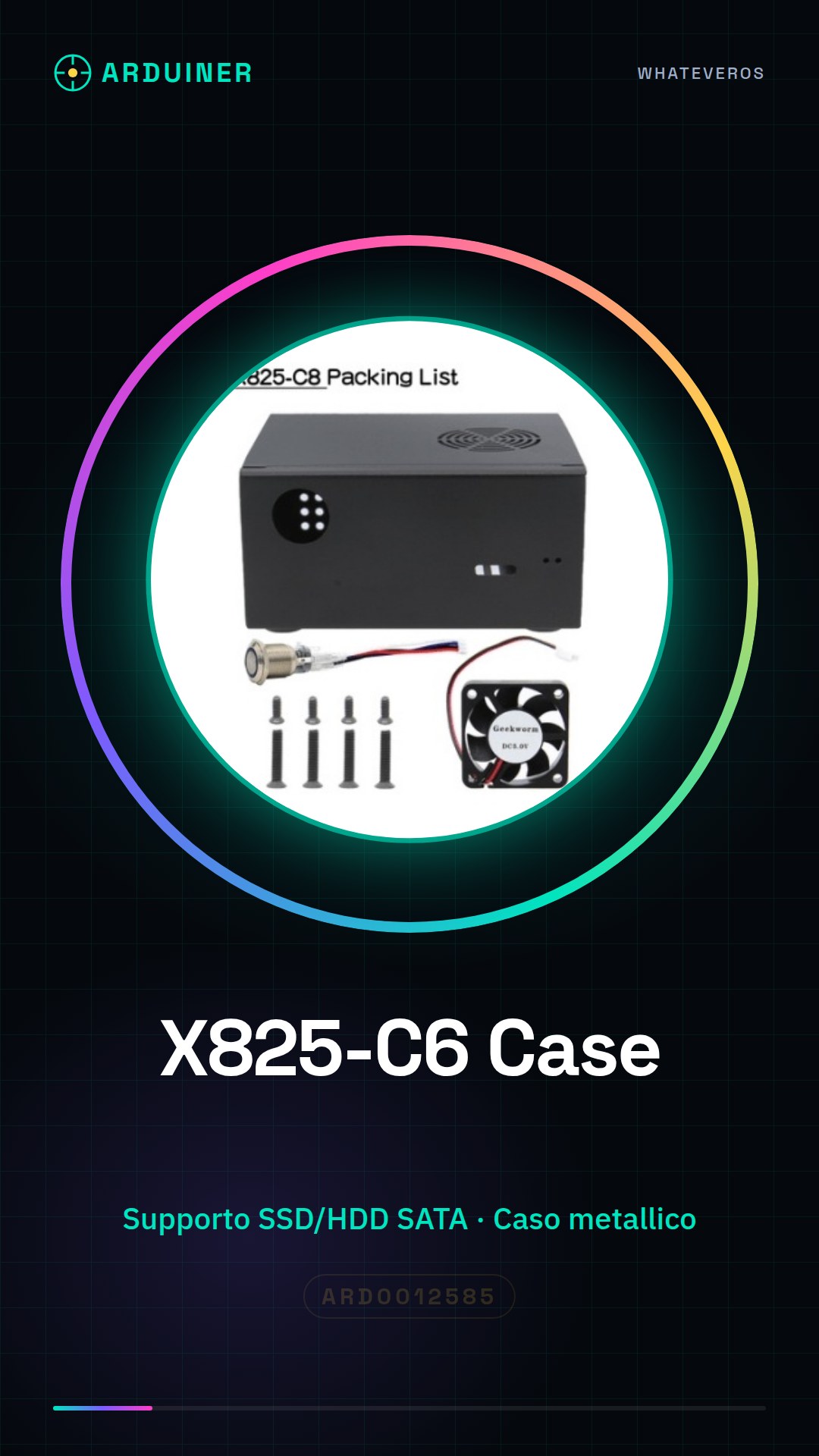
Description
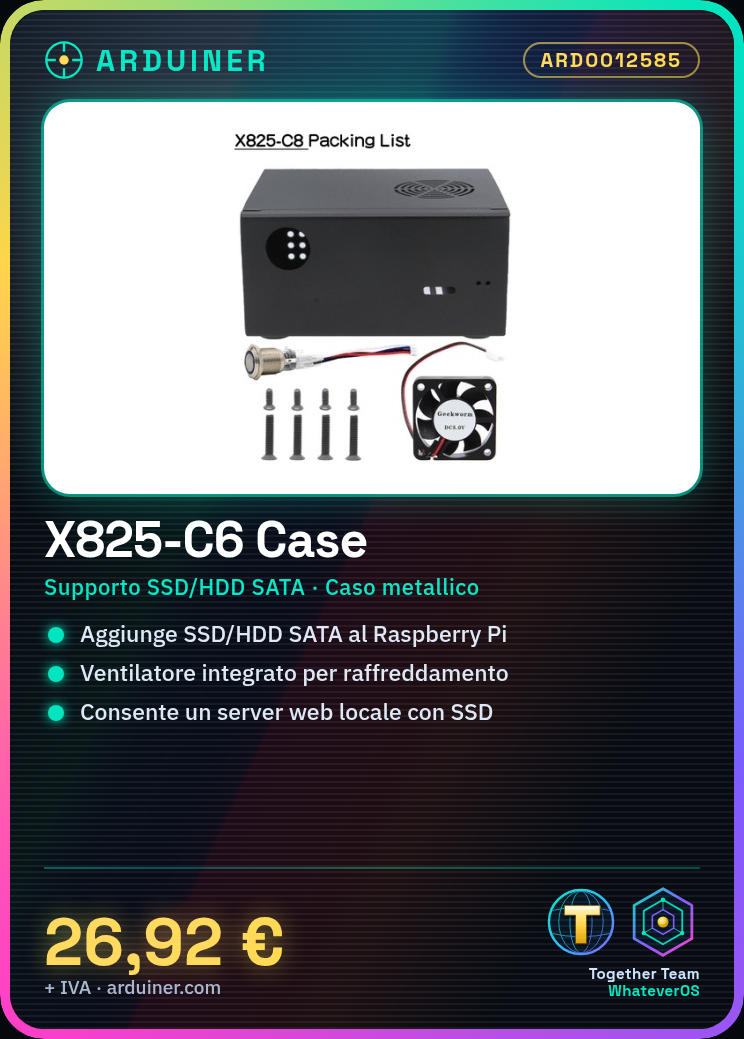
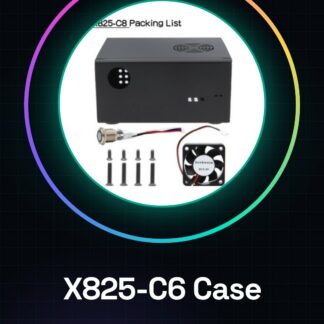
What is the Raspberry Pi X825 SSD&HDD SATA Board Matching Metal Case+Switch+Cool Fan, known as X825-C6 Case? It’s a device for Raspberry Pi that allows adding external memory through SSD and HDD SATA supports. This complete kit includes the X825-C6 board and a metal case with an integrated switch and cooling fan.
Features:
– Complete X825-C6 Kit for Raspberry Pi
– Support for SSD and HDD SATA
– Included metal case
– Integrated switch
– Cooling fan
What is it used for?
This kit is ideal for advanced electronics and 3D printing projects that require increased storage capacity and performance. You can use it to create a local web server with the Raspberry Pi, hosting website files on an SSD.
Tutorial: How to Use X825-C6 Board for HDD/SSD with Raspberry Pi
The X825-C6 board allows adding external HDD or SSD memory to your Raspberry Pi, significantly improving performance and storage capacity. This tutorial will guide you step by step through the installation and use of the board.
What do you need?
– Raspberry Pi
– X825-C6 Board
– HDD or SSD
– SATA cable
– microSD adapter
– Power supply
– Computer with USB connectivity
– Formatting software
Steps:
1. Connect the HDD or SSD to the X825-C6 board using the SATA cable.
2. Insert the X825-C6 board into the Raspberry Pi, ensuring it is securely fastened.
3. Power up the Raspberry Pi.
4. Format the HDD or SSD so that it’s recognised by the operating system.
5. Configure the Raspberry Pi to use the external disk as a storage system.
6. Verify that the disk is recognised and functioning correctly.
7. If necessary, install an additional fan for heat dissipation.
8. Enable the switch to manually control the disk power supply.
Mini-project:
Create a local web server with Raspberry Pi and X825-C6 board using SSD to host website files.
Common errors:
– Disk not recognised by the operating system.
– Insufficient power issues.
– Excessive heat due to inadequate optimisation.
– Data connectivity problems between Raspberry Pi and the board.
Recommended accessories:
– USB OTG cable for Raspberry Pi configuration
– Heat dissipation kit for Raspberry Pi
– microSD adapter with SD card reader
– Electronic protection kit for Raspberry Pi

Reviews
There are no reviews yet.