 EN
EN IT Italiano
 ES Español
 FR Français
 DE Deutsch
Description
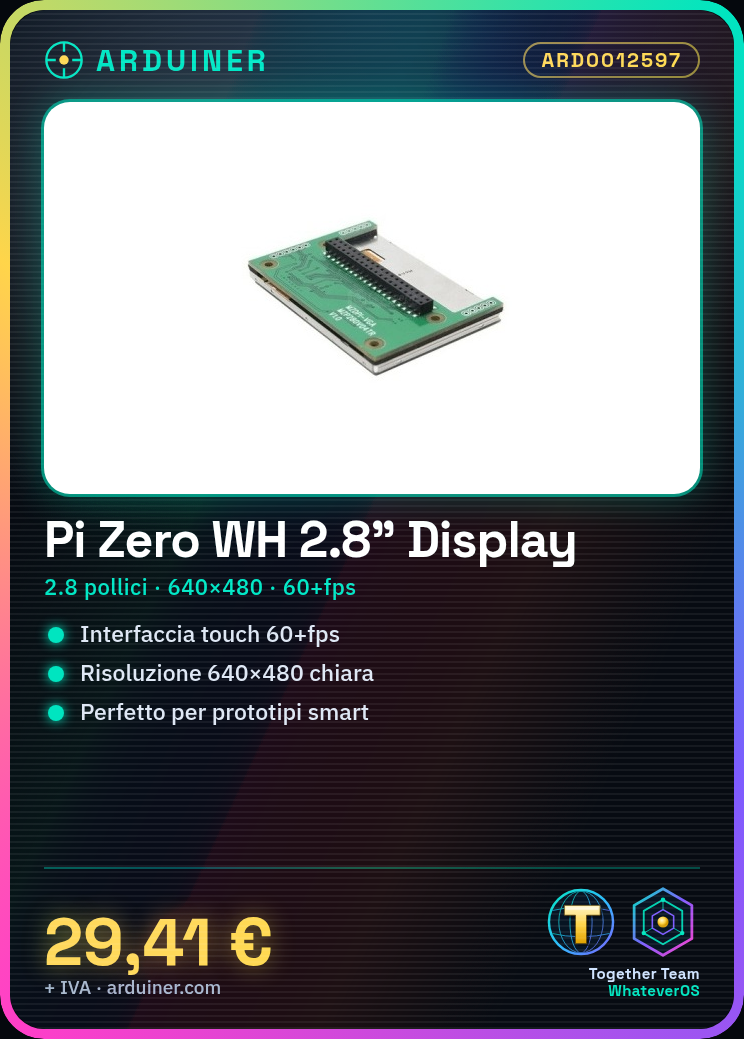
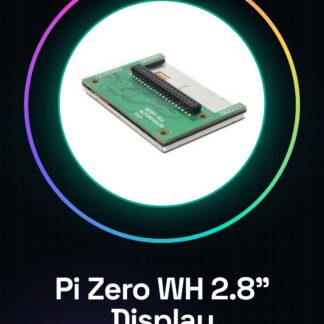
What is it The Raspberry Pi Pi Zero WH 2.8 inch 60+fps HD touch screen is an electronic component that allows you to add an interactive display to small projects based on the Raspberry Pi Pi Zero WH. With a resolution of 640×480, this touchscreen display offers clear and precise data visualization. Features Screen size: 2.8 inches Resolution: 640×480 Touch technology: 60+fps Compatible with Raspberry Pi Pi Zero WH What is it used for This touchscreen display is ideal for environmental monitoring projects, interactive graphical interfaces, small smart device prototypes, and programming applications. It can be used to display real-time data such as weather conditions, sensor monitoring, and more. How to use the 2.8 inch HD touchscreen display for Raspberry Pi Zero WH The 2.8 inch HD touchscreen display with a resolution of 640×480 is ideal for interactive projects that require a graphical interface. This component is perfect for beginners and intermediates who want to create small smart devices or prototypes. What you need Raspberry Pi Zero WH Micro SD card Power supply USB cable (optional for configuration) Micro USB cable Computer with a Linux or Windows operating system Steps Install Raspbian or another Linux distribution on a micro SD card using software like Etcher. Connect the touchscreen display to the Raspberry Pi Zero WH following the datasheet instructions. Connect the Raspberry Pi Zero WH to the USB power supply. Connect a microUSB cable to the Raspberry Pi Zero WH for power. Connect an HDMI cable to the Raspberry Pi Zero WH (optional for initial configuration). Access the Raspberry Pi Zero WH via terminal or SSH. Install the display drivers following the datasheet instructions. Verify the proper function of the display and touchscreen. Mini-project Create a small environmental monitoring system prototype that displays real-time weather conditions on the touchscreen display. Common errors Not verifying the compatibility of the display with the Raspberry Pi Zero WH. Not installing the display drivers correctly. Not correctly connecting the display pins. Not correctly configuring the Raspberry Pi Zero WH operating system. Recommended accessories Raspberry Pi Zero WH prototyping kit DHT11 temperature and humidity sensor USB power supply for Raspberry Pi Frequently asked questions What is the resolution of the
Reviews
There are no reviews yet.