 EN
 IT Italiano
 ES Español
 FR Français
 DE Deutsch
Description
What it is
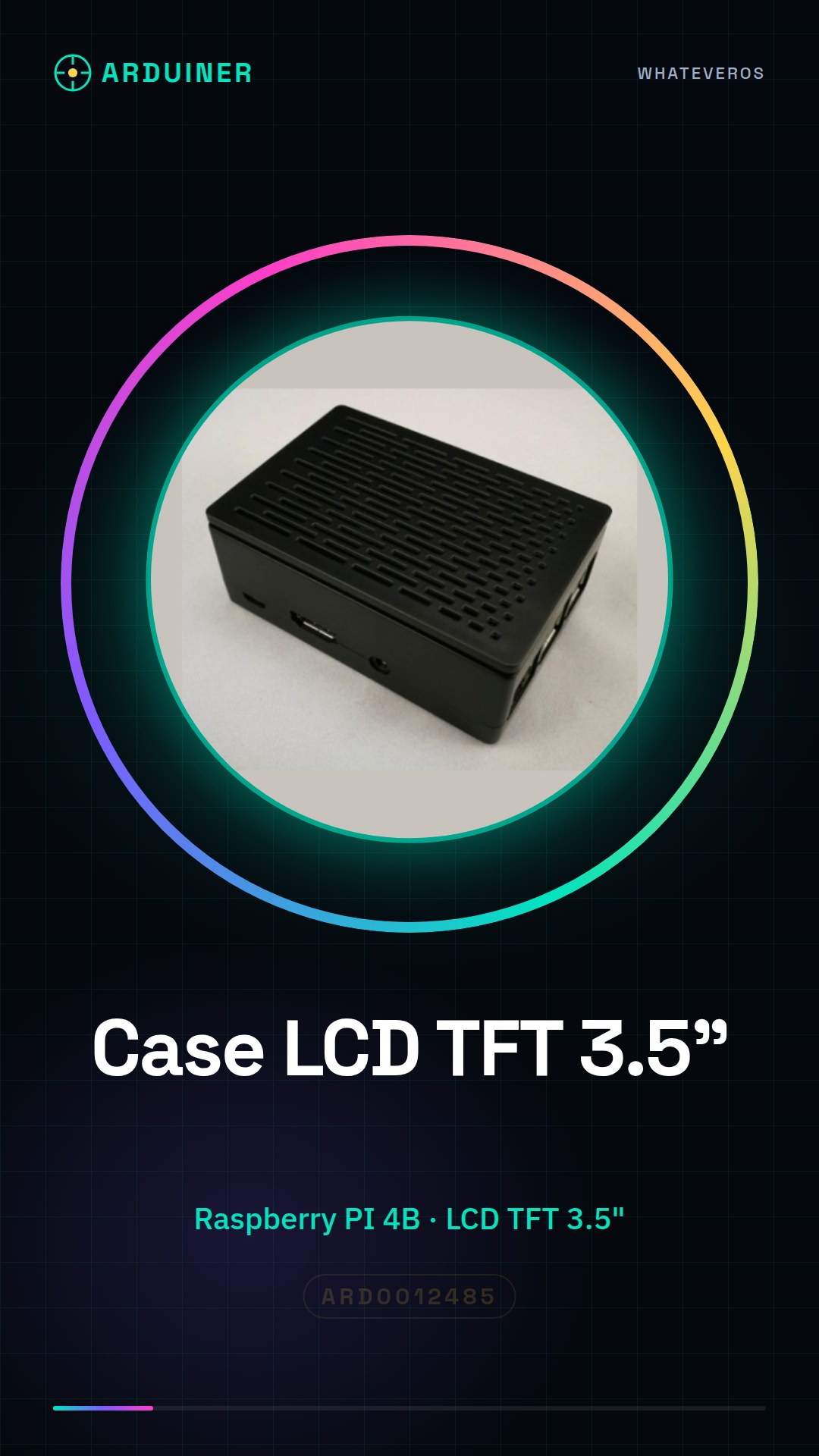
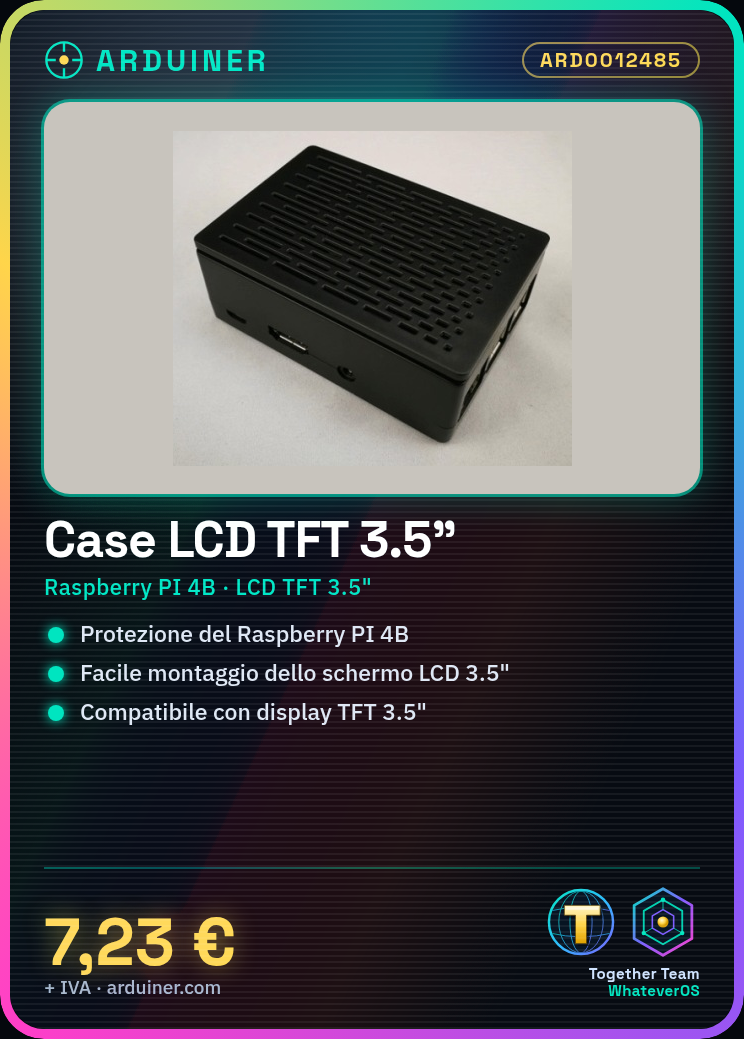
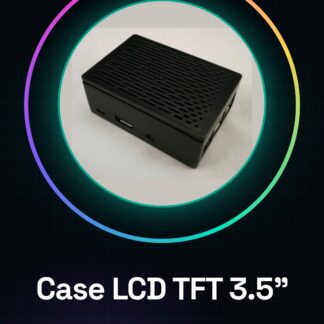
The Raspberry PI 4B LCD TFT 3.5 inch Case is a protective housing specifically designed for the Raspberry PI 4B and the 3.5 inch LCD TFT screen. This case offers protection and ease of mounting for your project while maintaining a compact size.
Features
- Compatible with Raspberry PI 4B
- Screen size: 3.5 inch
- Protection and ease of mounting
What it is for
This case is ideal for small projects such as small computers, portable monitors, and control displays. You can use it to create a small control monitor for an irrigation system or a home security system.
Tutorial: How to use the 3.5 inch LCD TFT Case for Raspberry PI 4B
This practical and protective case for your Raspberry PI 4B allows mounting and protecting a 3.5 inch LCD TFT screen. It is ideal for small projects such as small computers, portable monitors, and control displays.
What you need
- Raspberry PI 4B
- LCD TFT 3.5 inch
- screwdriver bits
- string or adhesive tape
Steps
- Completely disconnect the Raspberry PI 4B from the power source.
- Insert the Raspberry PI 4B into the case, ensuring that all connectors are properly aligned.
- Insert the 3.5 inch LCD TFT screen into the case, making sure it is securely fastened.
- Use the screwdriver bits and adhesive tape to secure the display to the case, ensuring it does not move.
- Check that all connectors are properly soldered and that there are no exposed parts.
- Reconnect the Raspberry PI 4B to the power source and ensure that the display turns on correctly.
- Configure the Raspberry PI software to manage the 3.5 inch LCD TFT display (refer to the datasheet for detailed instructions).
- Test the display with a simple Python script to ensure everything works correctly.
Example code
import pygame
pygame.init()
screen = pygame.display.set_mode((320, 480))
screen.fill((255, 0, 0))
pygame.display.flip()
pygame.time.wait(3000)
Mini project
Create a small control monitor for an irrigation system or a home security system using the Raspberry PI 4B and the 3.5 inch LCD TFT display.
Common mistakes
- Do not check that all connectors are soldered before connecting the Raspberry PI.
- Do not configure the Raspberry PI software to manage the display correctly.
- Use too large header keys that damage the case.
- Do not secure the display properly, causing stability issues.
Recommended accessories
- LCD connector kit for Raspberry PI
- Protection kit for Raspberry PI
- Power supply kit for Raspberry PI
- Connector kit for Raspberry PI
Frequently asked questions
The display does not turn on.
Check all connectors and software configuration. Remember to refer to the datasheet for detailed instructions.
The case seems too small for my Raspberry PI.
Make sure you have the correct model of Raspberry PI (in this case, the 4B).
How can I configure the display?
Consult the datasheet of the display and the board for detailed instructions on configuration.
Reviews
There are no reviews yet.