 EN
 IT Italiano
 ES Español
 FR Français
 DE Deutsch

Description
What it is
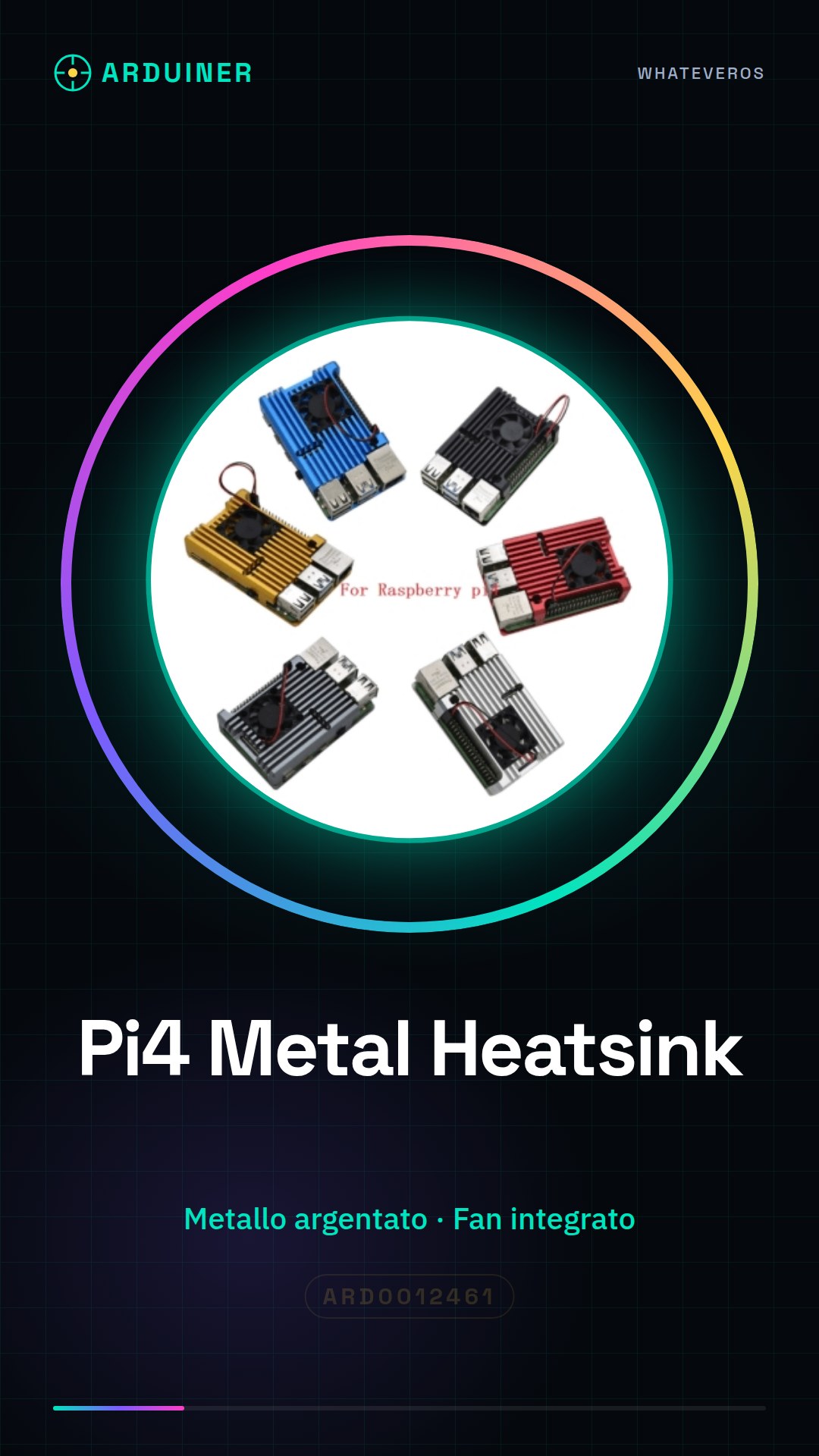
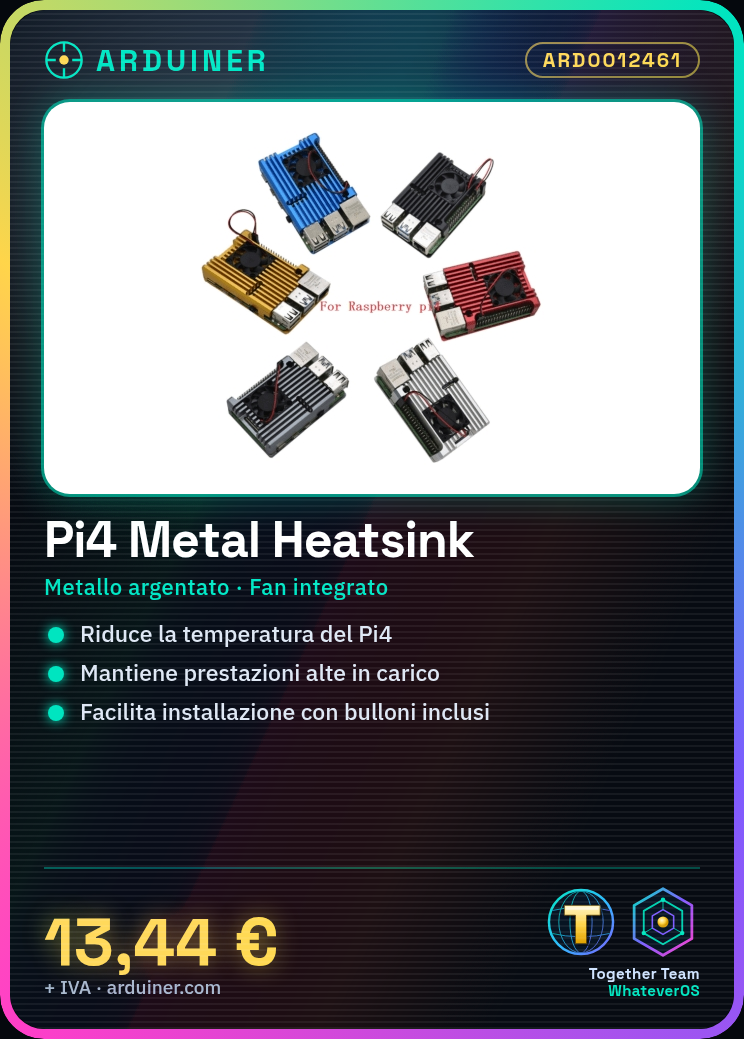
The Raspberry Pi 4 Metal Heatsink with Fan is a cooling device designed to improve heat dissipation from the Raspberry Pi 4, ensuring optimal performance even during the execution of intensive applications.
Features
- Metallic silver cooling box
- Integrated fan included
- Compatible with Raspberry Pi 4
What it is for
This device is designed to keep the temperature of the Raspberry Pi 4 under control, improving the performance and stability of the device. It is ideal for projects that require high computational load, such as home servers, real-time monitoring systems, and intensive applications.
Tutorial: How to use the heatsink with fan for Raspberry Pi 4
The Raspberry Pi 4 heatsink with fan is ideal for keeping your device’s temperature under control, especially during the execution of intensive applications. This component is perfect for tech enthusiasts who want to extend the lifespan of their Raspberry Pi.
What you need
- Raspberry Pi 4
- 3mm Key
- Power Connection
Steps
- Completely disconnect the Raspberry Pi 4 from the power source.
- Use the 3mm key to remove any existing mounting parts.
- Position the heatsink on the Raspberry Pi 4, ensuring uniform contact.
- Secure the heatsink to the Raspberry Pi 4 using the provided screws.
- Connect the fan to the Raspberry Pi 4 power bus, verifying correct polarity.
- Check that the fan turns on and functions correctly.
- Reconnect the Raspberry Pi 4 to the power source and monitor the device’s temperature.
- Configure the Raspberry Pi 4 to automatically manage the fan by checking the fan’s specifications on the datasheet to set appropriate temperature limits.
Mini project
Create a real-time temperature monitoring system for your Raspberry Pi 4 using the fan-cooled heat sink. This project will allow you to see how the device’s temperature varies during the execution of intensive applications and how the fan responds to temperature changes.
Common mistakes
- Do not check the polarity of the fan before connecting it.
- Do not properly secure the heat sink.
- Do not monitor the Raspberry Pi 4’s temperature after installing the heat sink.
- Do not configure the Raspberry Pi to automatically manage the fan.
Recommended accessories
- Raspberry Pi 4
- USB-C power cable
- Raspberry Pi mounting kit
- Temperature sensors
Frequently asked questions
The fan is too noisy.
Check that the fan is properly mounted and that there are no air obstructions around the heat sink.
How can I monitor the temperature of the Raspberry Pi?
Use tools like ‘vcgencmd measure_temp’ from the command line to monitor the temperature.
Can I use this heat sink with other models of Raspberry Pi?
Check the product datasheet to see if the heat sink is compatible with other models of Raspberry Pi.


Reviews
There are no reviews yet.