 EN
 IT Italiano
 ES Español
 FR Français
 DE Deutsch
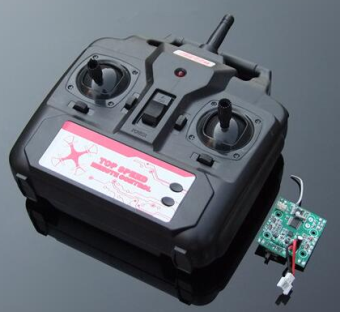
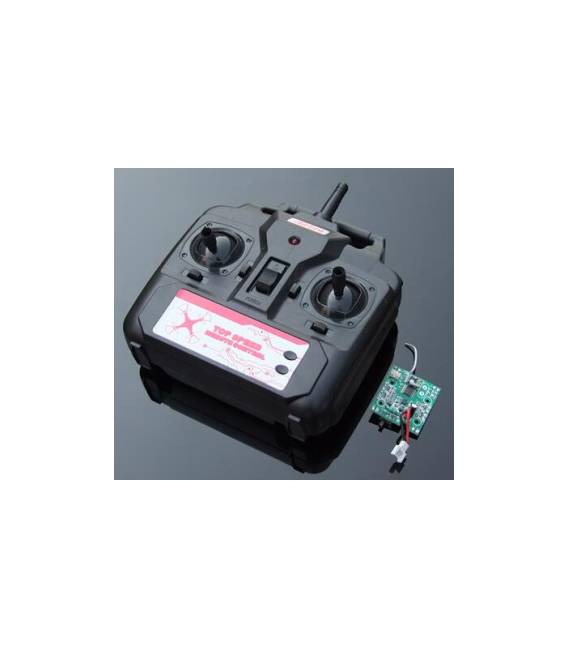
Description
What it is
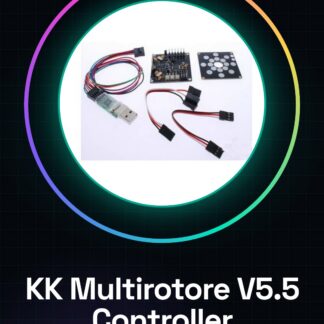
The Quadcopter 2.4G Remote Control + Receiver Chip DIY is a complete kit for building a model aircraft drone. This product includes the 2.4GHz radio frequency remote control and the necessary receiver to pilot your DIY quadcopters with precision.
Features
- 2.4G Radio Frequency Remote Control
- DIY Quadcopter Compatible Receiver Chip
What it is for
Ideally suited for beginners and aeromodeling enthusiasts, this kit allows you to build a basic quadcopter and control it via the 2.4G remote control.
Tutorial: How to Use Quadcopter 2.4G Remote Control + Receiver Chip DIY
This 2.4G remote control allows you to pilot your DIY quadcopters with precision. Ideal for beginners and model enthusiasts.
What you need
- Quadcopter 2.4G Remote Control + Receiver Chip DIY
- DIY Quadcopter
- Battery with adapter
- Charge 2.4G
Steps
- Check that the receiver chip is correctly connected to the quadcopter.
- Verify the supported frequencies in the datasheet.
- Charge the battery with an adapter.
- Connect the battery to the remote control.
- Verify the battery voltage in the datasheet.
- Set the frequencies of the remote control via the software interface.
- Check that the receiver correctly receives the frequencies.
- Test the remote control with the quadcopter.
Mini project
Build a base quadcopter and connect the 2.4G remote control. Check the quadcopter’s movement with the remote.
Common mistakes
- Forget to set the correct frequencies on the remote control.
- Connect the receiver chip to the quadcopter with incorrect connectors.
- Use a battery with incorrect voltage.
- Do not test the remote control before flying.
Recommended accessories
- DIY Quadcopter
- Adapter battery
- 2.4G Charge
- Electronic tools
Frequently asked questions
Does the receiver chip connect directly to the quadcopter?
Yes, follow the instructions in the datasheet for proper connection.
What frequencies does the remote control support?
Check the datasheet for supported frequencies.
Can I use a different battery than the recommended one?
Check the datasheet for the appropriate battery voltage.
Reviews
There are no reviews yet.