 EN
 IT Italiano
 ES Español
 FR Français
 DE Deutsch
Description
What it is
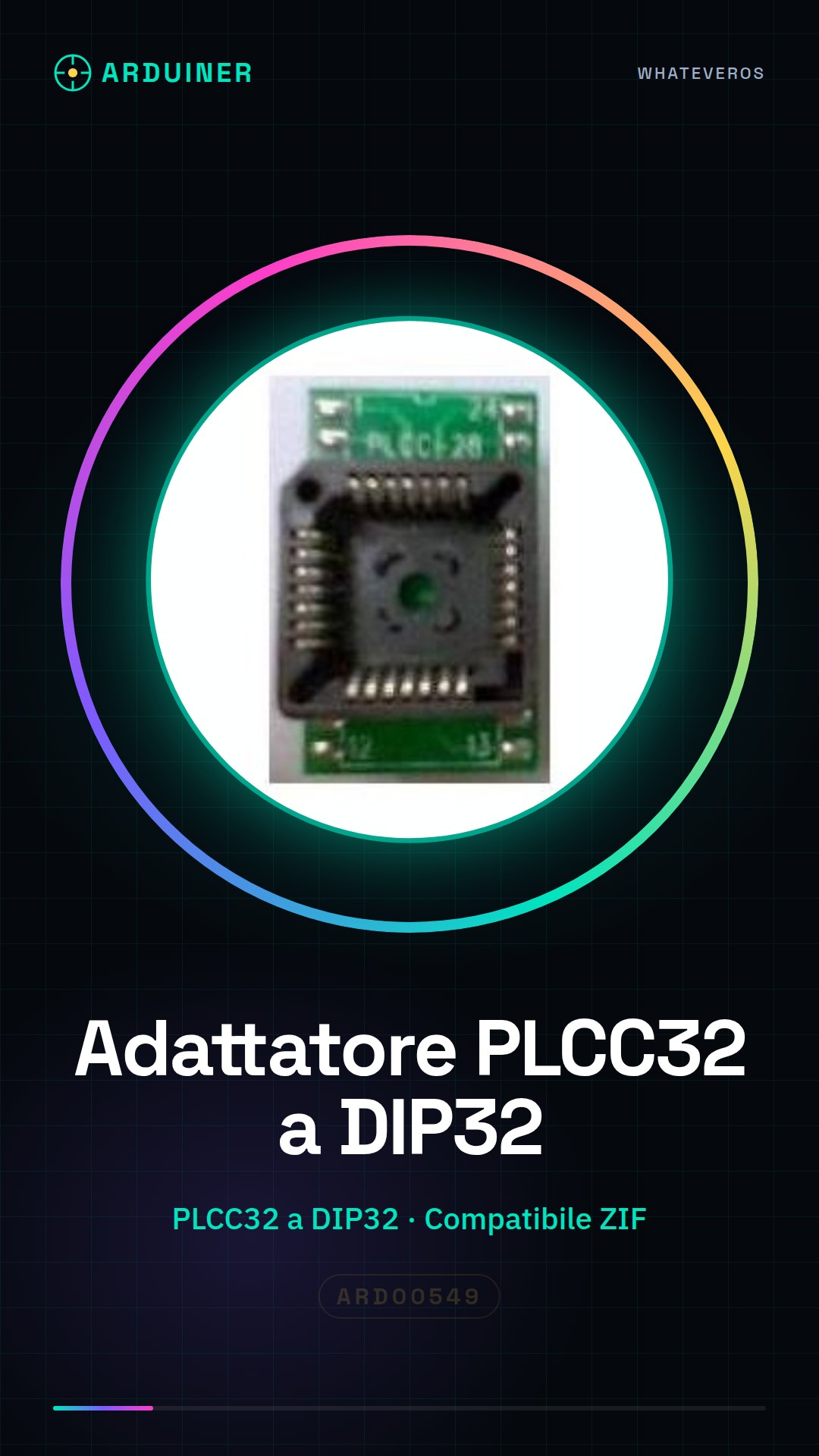
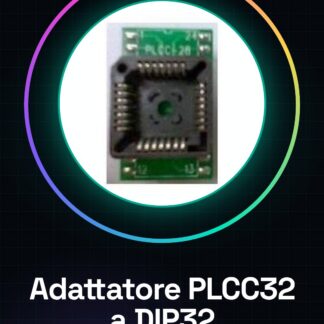
The PLCC32 to DIP32 ZIF adapter is a component that allows the use of a PLCC32 chip in a ZIF (Zero Insertion Force) socket. This facilitates the insertion and removal of the chip without damaging it.
Features
- PLCC32 to DIP32 Conversion
- Compatible with ZIF socket
- SKU: ARD00549
- Price: 28.38 €
What it is for
The adapter is useful for the maintenance and testing of PLCC32 ICs. It can be used to convert a PLCC circuit to DIP by inserting the PLCC32 chip into the ZIF socket of the adapter and connecting it to a protoboard to test its functionality.
Tutorial: How to Use PLCC32 to DIP32 Adapter for ZIF
The PLCC32 to DIP32 adapter is a fundamental component for makers working with PLCC chips and wanting to use them in DIP circuits. This adapter allows for easy insertion of the PLCC chip into a ZIF (Zero Insertion Force) socket to facilitate removal and installation of the component without damaging it.
What you need
- ZIF Socket
- PLCC32 Chip
- Head Pin
Steps
- Place the PLCC32 chip onto the ZIF socket of the adapter, ensuring that the markings are correct.
- Gently close the ZIF socket lever to lock the chip in place.
- Verify with a multimeter the connectivity between the PLCC pins and the DIP pins.
- If necessary, use head pins to adjust any imperfect contacts.
Mini project
Project: Conversion of a PLCC circuit to DIP. Insert the PLCC32 chip into the ZIF socket of the adapter and connect it to a protoboard to test its functionality.
Common mistakes
- Incorrect chip PLCC marking insertion
- Excessive force when inserting or removing the chip from the ZIF socket
- Not verifying connectivity between the pins
Recommended accessories
- 32-position ZIF socket
- Test leads
- Digital multimeter
- PLCC32 chip for testing
Frequently asked questions
How do you verify that the chip is correctly inserted?
Check the chip marking and ensure it is aligned with the adapter’s marking. Gently close the ZIF socket lever.
What tools are necessary to verify connectivity?
A digital multimeter is sufficient to test each pin.
Reviews
There are no reviews yet.