 EN
 IT Italiano
 ES Español
 FR Français
 DE Deutsch
Description
What it is
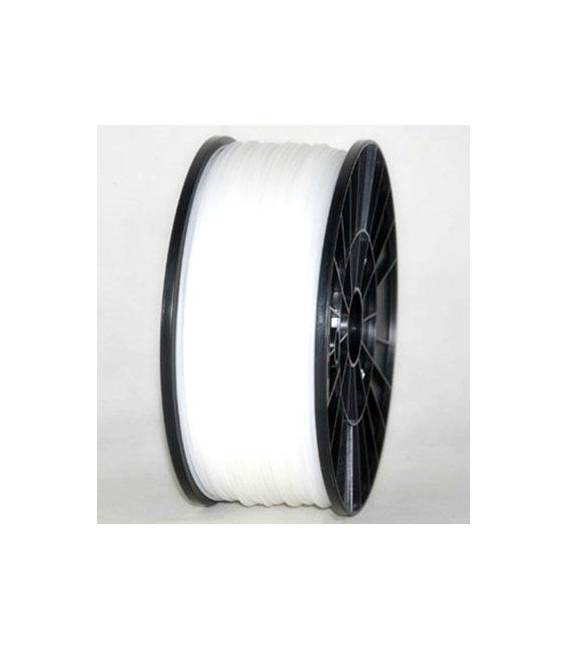
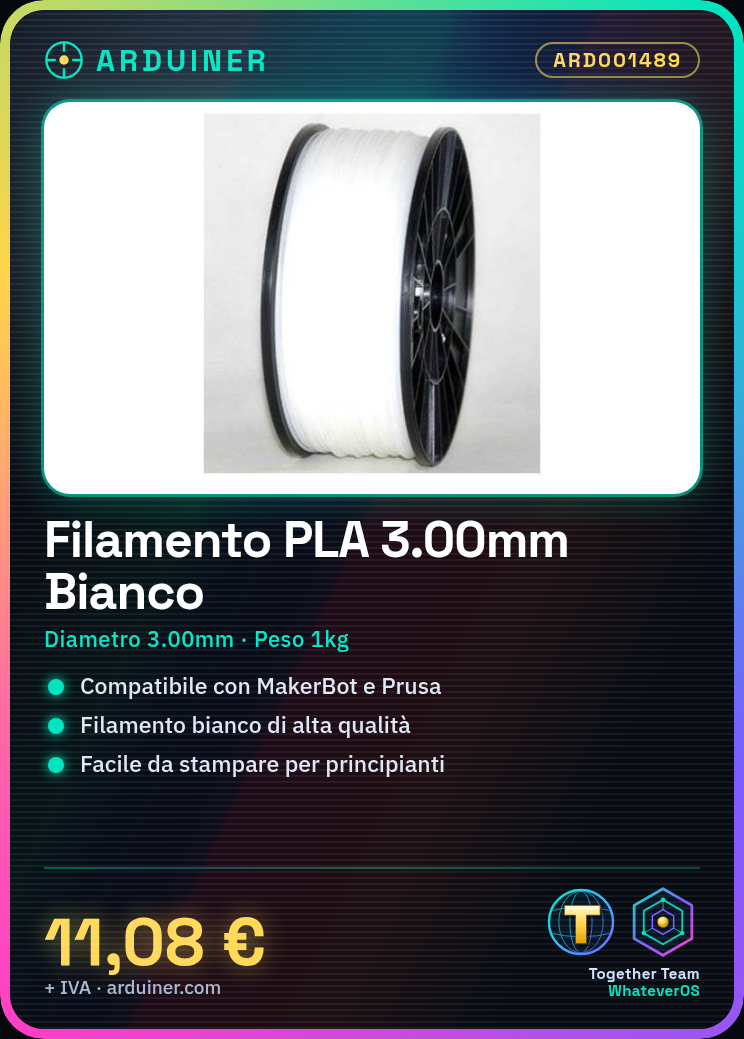
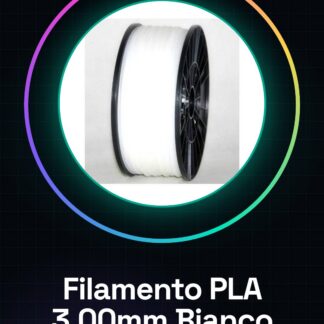
The 3.00mm 1kg PLA filament from Arduiner is a consumable for 3D printers suitable for beginners and experienced makers. This high-quality white filament fits perfectly with various brands of 3D printers such as MakerBot, MultiMaker, Ultimaker, Reprap, and Prusa.
Features
- Diameter: 3.00mm
- Weight: 1kg
- Filament Type: PLA
- Compatible Production Lines: MakerBot, MultiMaker, Ultimaker, Reprap and Prusa
What it is for
This PLA filament is ideal for 3D printing objects with precise details. It is particularly useful for beginners who are learning to use a 3D printer, as PLA is an easy-to-work material that does not require high temperatures.
Tutorial: How to Use 1kg White PLA Filament
PLA filament is ideal for beginners and makers looking for an easy-to-use printing material. This high-quality white filament fits perfectly with various brands of 3D printers such as MakerBot, MultiMaker, Ultimaker, Reprap, and Prusa.
What you need
- 3D Printer
- Filament loader or spool holder
- Scissors
Steps
- Ensure that your printer is turned off and cool.
- Install the filament in the spool holder of the printer following the instructions in the user manual.
- Start the printer and select the file to print.
- Follow the software interface to load the filament correctly.
- Set the appropriate melting temperature (check the datasheet).
- Start the print, periodically checking that everything is proceeding as expected.
- Once completed, turn off the printer and carefully remove the printed piece.
Mini project
Print a simple test cube to check the printer settings and get familiar with PLA filament.
Common mistakes
- Temperature setting too low or high (check the datasheet).
- Filament jamming during print.
- Printed part quality does not meet expectations.
Recommended accessories
- MakerBot 3D Printer
- Reprap compatible filament holder
- Office scissors
Frequently asked questions
How can I clean the filament before using it?
Use a damp cloth to remove any impurities.
What is the ideal temperature for printing PLA?
Typically between 190°C and 230°C (check the datasheet).
Reviews
There are no reviews yet.