 EN
 IT Italiano
 ES Español
 FR Français
 DE Deutsch
Description
What it is
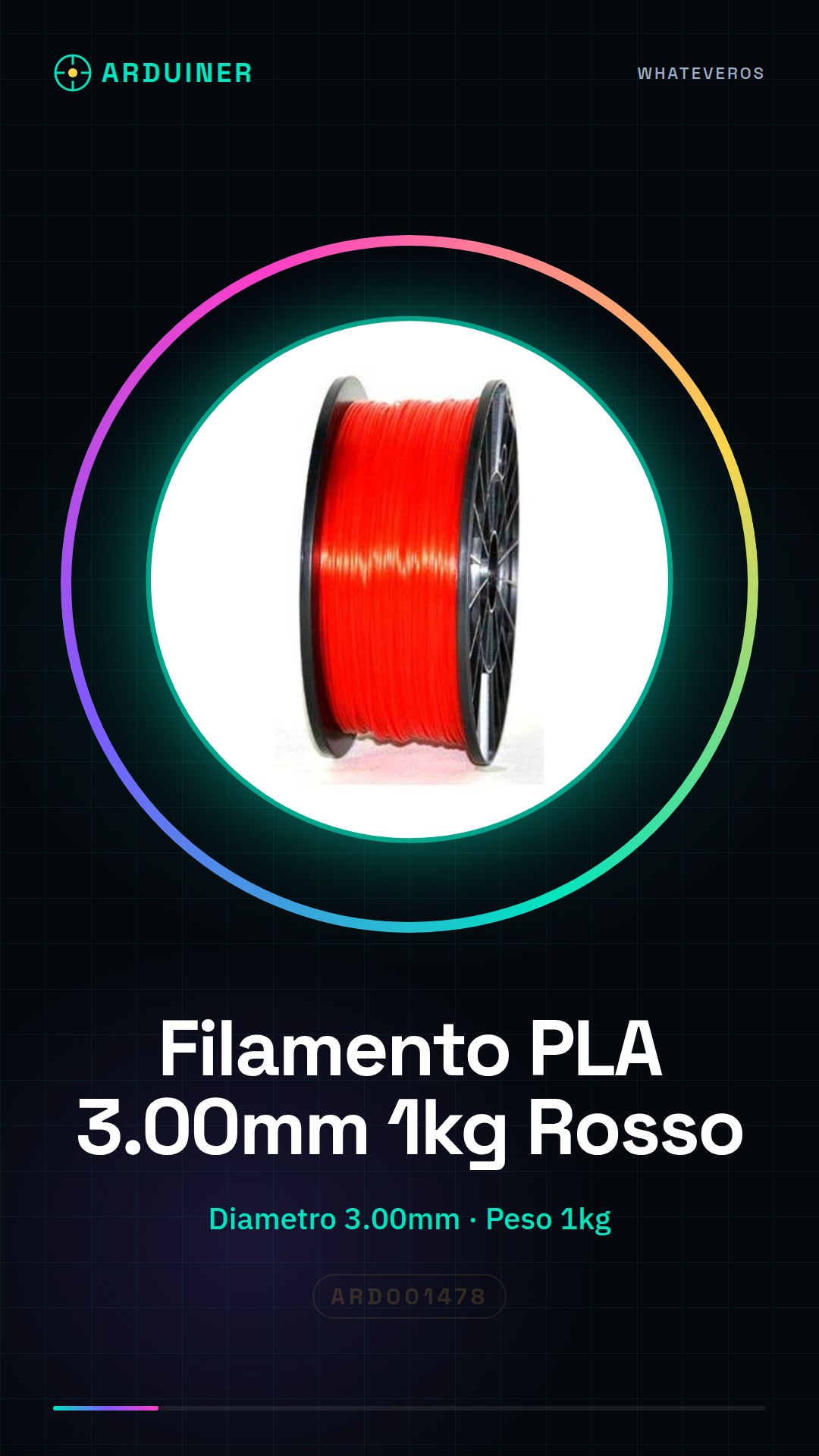
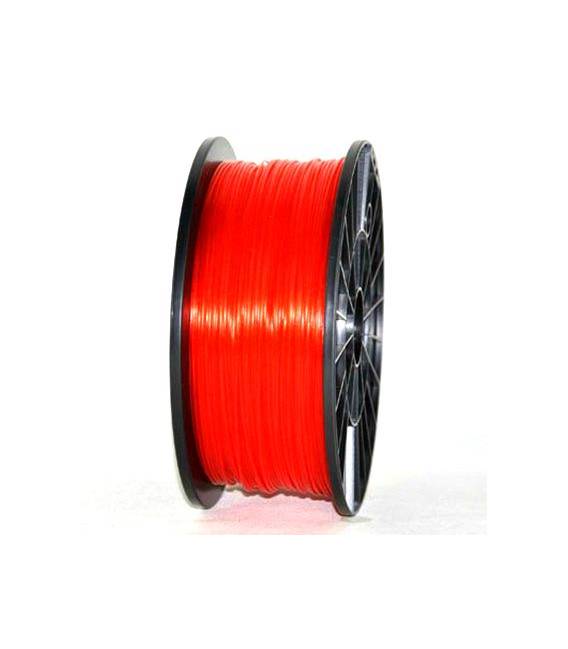
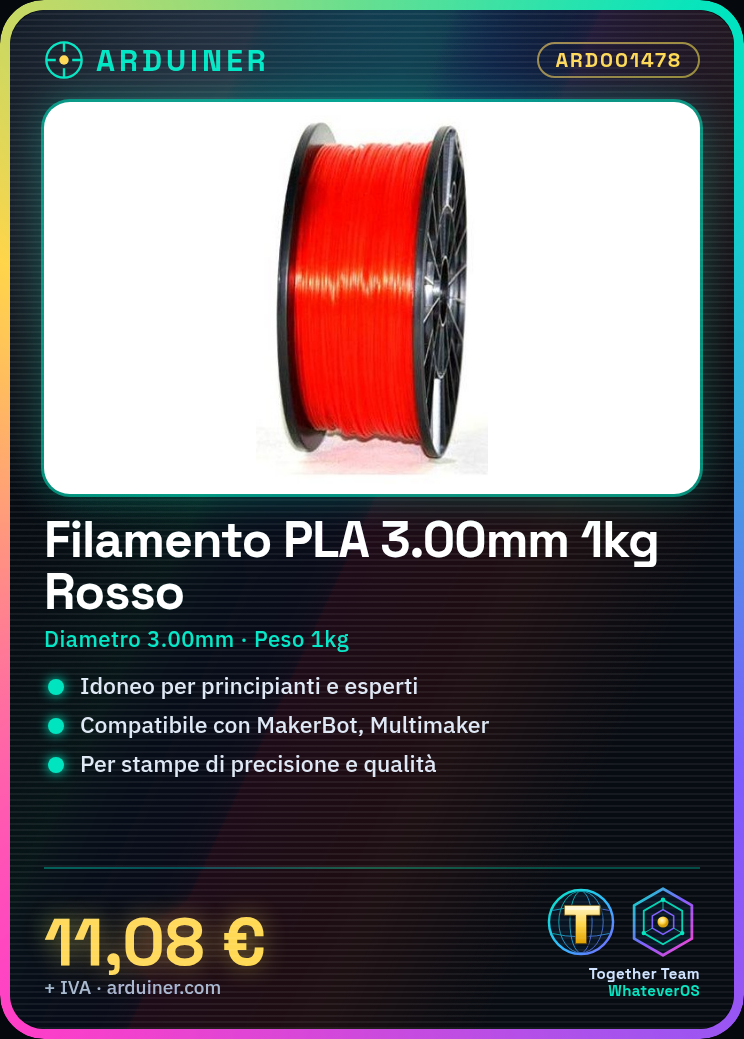
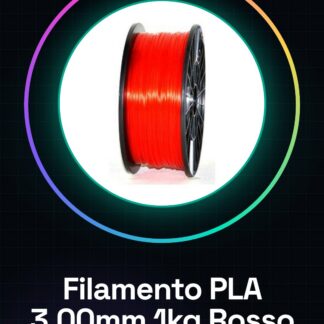
The PLA filament 3.00mm 1kg red is a high-quality consumable for 3d printers, ideal for both beginners and experts in additive technology.
Features
- PLA filament compatible with various brands of 3d printers (MakerBot, Multimaker, Ultimaker, Reprap and Prusa).
- Diameter: 3.00mm.
- Weight: 1kg.
What it is for
This red PLA filament is used for 3D printing objects such as test boxes and other projects that require precision and quality. It is suitable for all major 3d printers.
Tutorial: How to use PLA Filament 3.00mm 1kg Red
The PLA filament is ideal for beginners and 3D printing enthusiasts who are looking for an easy-to-use, eco-friendly and economical material. This high-quality red filament is suitable for all major 3d printers such as MakerBot, Multimaker, Ultimaker, Reprap and Prusa.
What you need
- 3D Printer Compatible
- Filament Roller
- High quality red PLA filament spool
- Paper cutter or scissors
- Printer data reader (if necessary)
Steps
- Check your 3d printer specifications for the melting temperature and filament diameter.
- Prepare the printer by opening access to the filament rollers.
- Cut a piece of PLA filament about 20-30 cm with a paper cutter or scissors.
- Gently insert the filament into the printer roller and feed it until it reaches the nozzle outlet.
- Start the printer and select the setting to load a new filament.
- Follow the instructions on the printer display to complete the filament loading process.
- Check that the filament is flowing correctly without jams or interruptions.
- Start your first print with a simple model and check the output.
Mini project
Print a test box to test the properties of the red PLA filament. The project takes about 30 minutes.
Common mistakes
- The filament jams in the drive or guide.
- The temperature is not set correctly, causing filament fusion issues.
- The filament is inserted backwards, getting stuck inside the printer.
- There is no cleaning of the drive before inserting the new filament.
Recommended accessories
- Black PLA filament for visual contrast
- Spare rolls of filament
- Maintenance tool set for 3D printer
- Cleaning kit for the inside of the printer
Frequently asked questions
What is the ideal temperature for PLA?
Check the datasheet of your printer model.
Can I mix filaments of different colors?
Yes, but make sure to clean the guide completely before changing colors.
Reviews
There are no reviews yet.