 EN
 IT Italiano
 ES Español
 FR Français
 DE Deutsch
Description
What it is
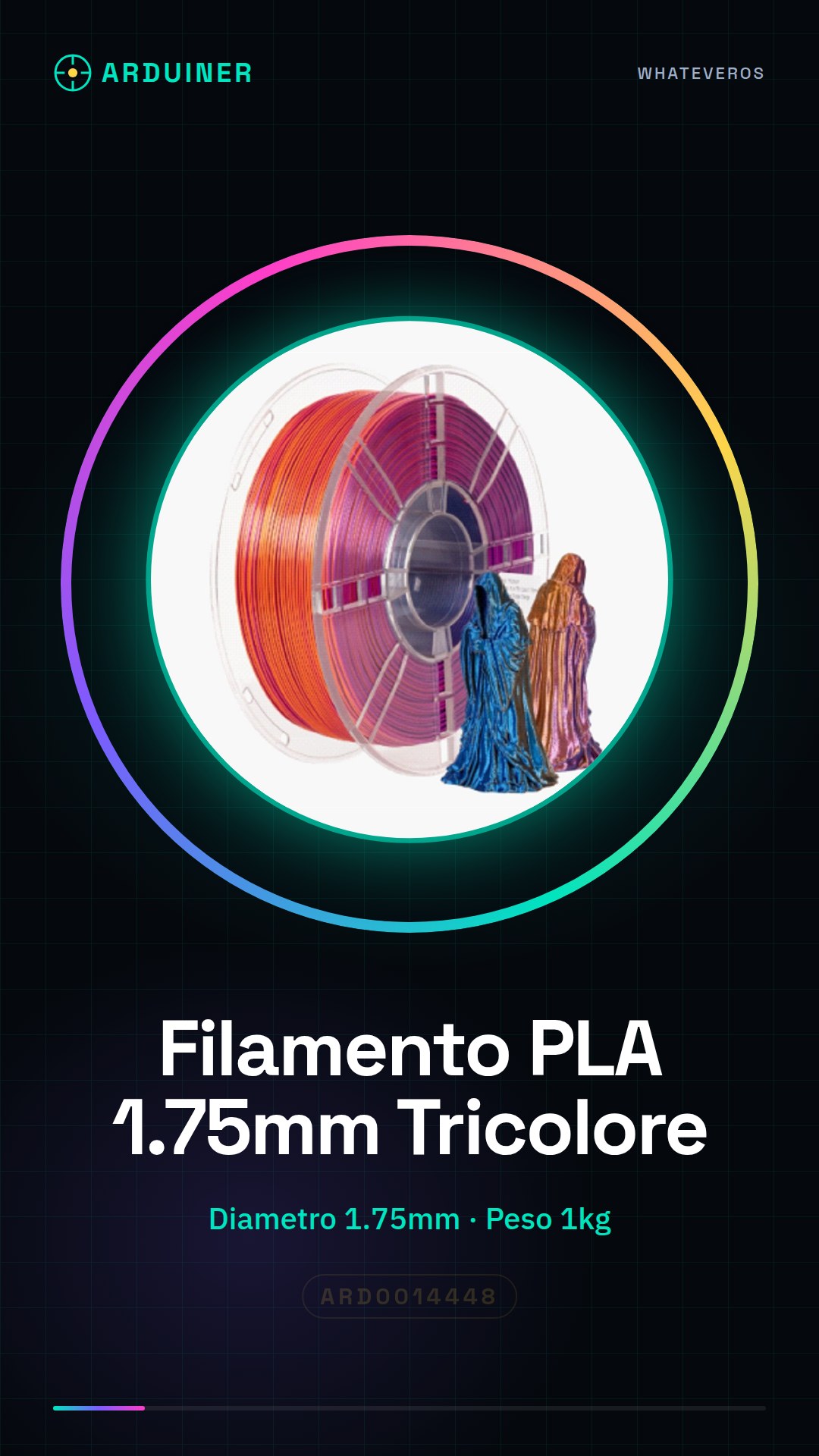
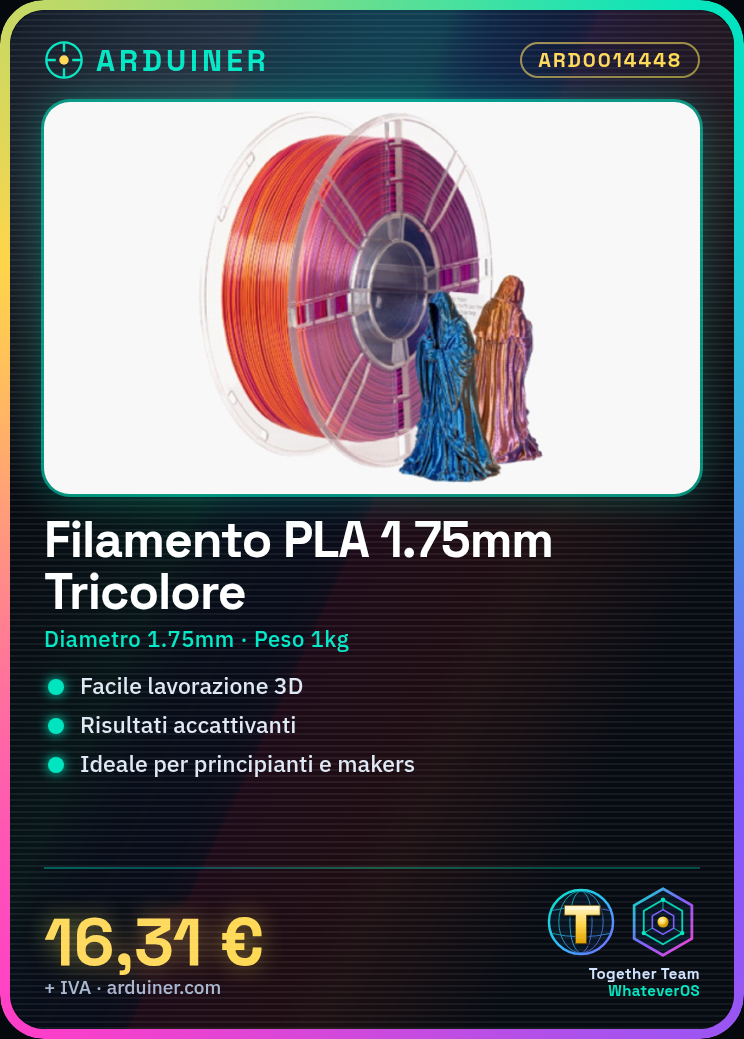
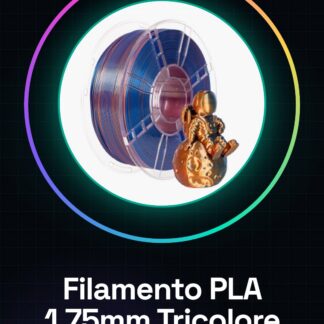
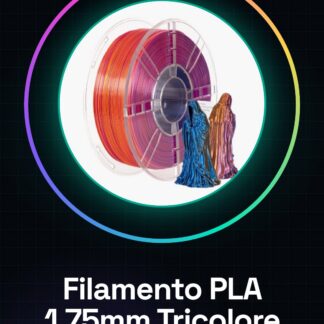
The 1kg tricolor Blue/Purple/Orange PLA filament is an ideal consumable for 3d printers. This filament offers easy processing and visually appealing results, suitable for both beginners and more experienced creators.
Features
- High-quality PLA filament
- Diameter: 1.75mm
- Weight: 1kg
- Tricolor Blue/Purple/Orange
What it is for
Intuitively suitable for creating 3D models with a personal touch, the PLA filament can be used to produce small geometric sculptures in three different colors. This project is easy to complete within the first 30 minutes of printing.
Tutorial: How to Use Blue/Purple/Orange Tricolor PLA Filament
The tricolor PLA filament is ideal for makers who want to create 3D models with a touch of personality. This high-quality filament offers easy processing and visually appealing results, suitable for both beginners and more experienced creators.
What you need
- 3D Printer
- Bag to protect the filament from moisture
- Temperature reader
Steps
- Check the compatibility of your 3D printer model with this type of filament.
- Install the filament in the printer following the instructions provided by the printer manufacturer.
- Configure the melting temperature on the temperature reader or in slicing software. Check the filament datasheet for the correct temperature.
- Load a 3D model on a platform like Tinkercad or Fusion 360 and convert it into G-code files using slicers like Cura or PrusaSlicer.
- Insert the G-code file into the 3D printer to start the print.
- Monitor the print throughout the entire process, ensuring there are no interruptions.
- Once completed, carefully remove the model from the print bed and allow it to cool completely.
- Explore new geometries or colors to create unique projects.
Mini project
Create a small geometric sculpture in three different colors using the tri-color filament. This project can be completed within the first 30 minutes of printing.
Common mistakes
- Setting the temperature too high or too low, thus damaging the quality of the final model.
- Failing to protect the filament from excessive humidity before use.
- Lack of adequate support for delicate parts during printing, causing the print to detach.
- Using an unoptimized G-code file that can slow down or interrupt the print.
Recommended accessories
- Humidity safety bag
- Temperature reader
- Adhesive support for print beds
- Cleaning and Maintenance Kit for 3d printer
Frequently asked questions
What is the difference between PLA and ABS?
PLA is easier to work with, does not emit harmful chemicals during use, and has fewer warping issues. ABS requires a 3d printer with a heated bed but offers greater mechanical strength.
How can I protect filament from humidity?
Put the filament in an airtight bag along with desiccants like silica gel packets.
Reviews
There are no reviews yet.