 EN
 IT Italiano
 ES Español
 FR Français
 DE Deutsch
Description
Technical Specifications
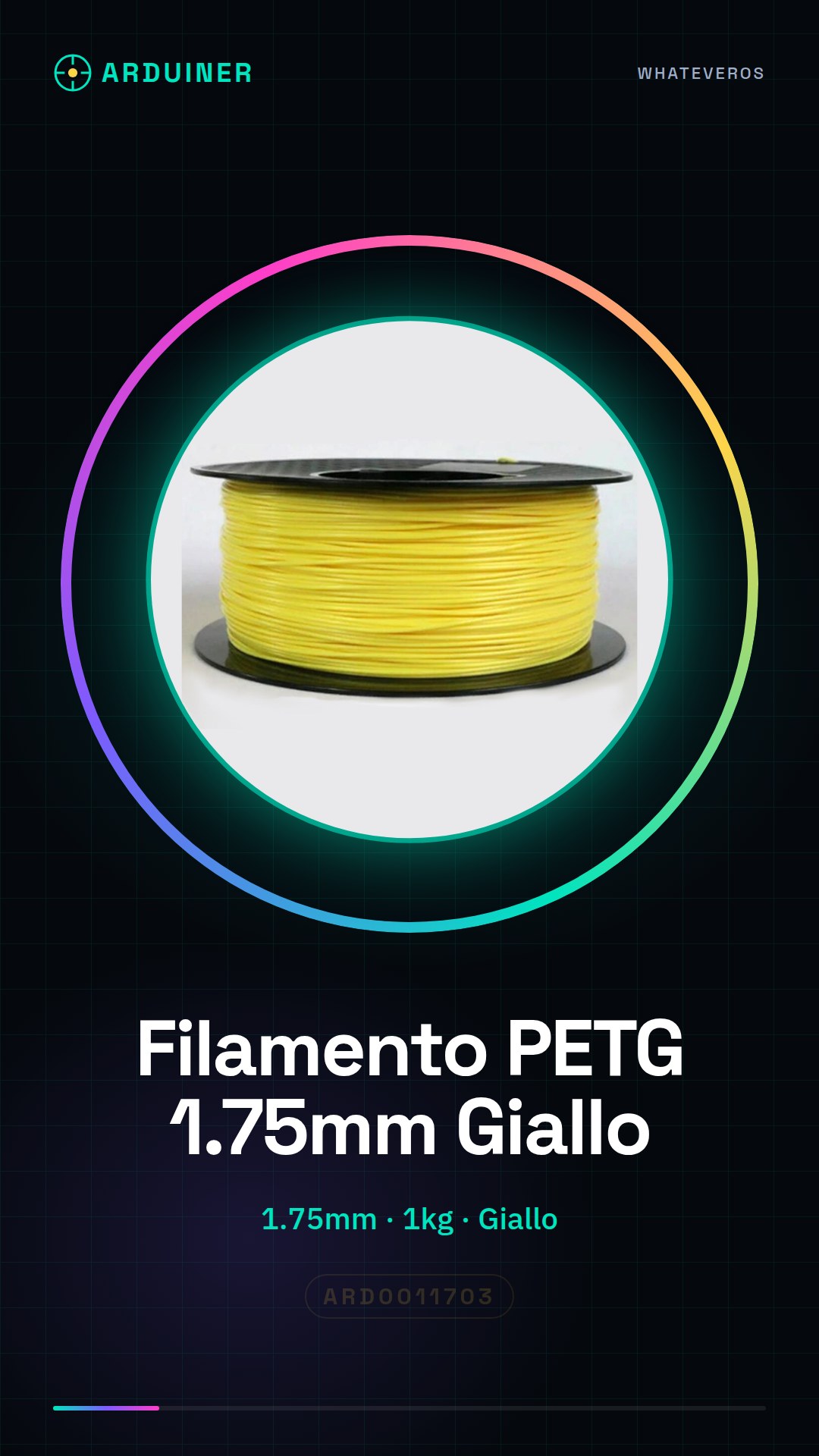
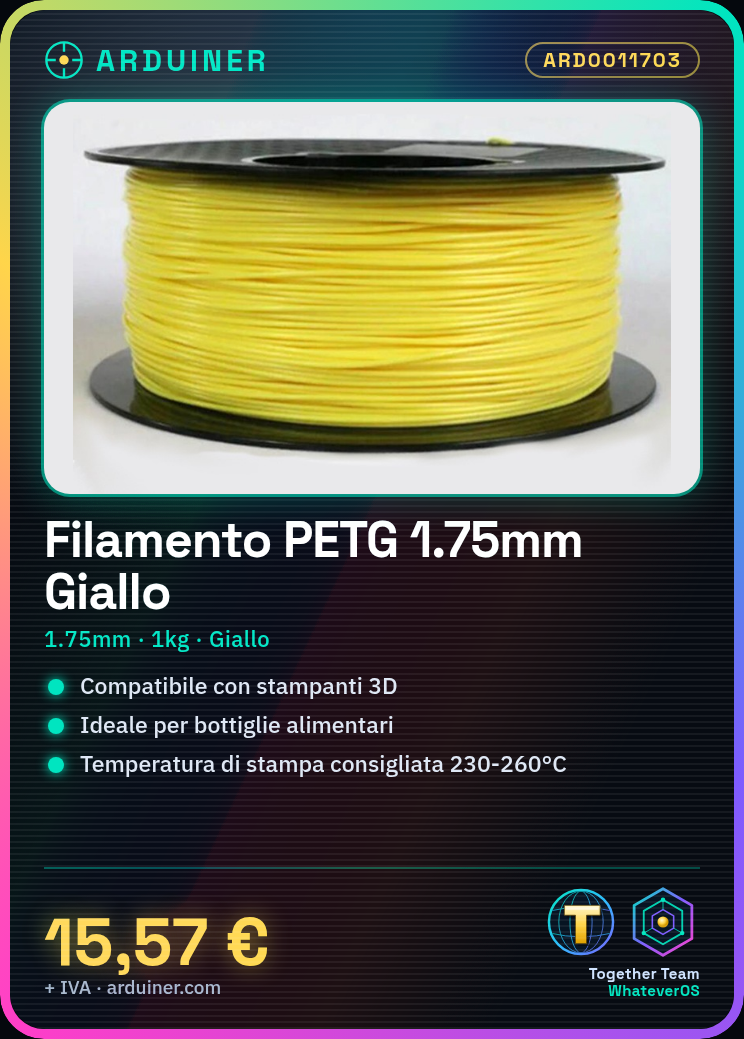
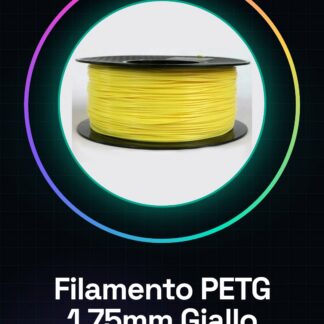
The PETG 1.75mm 1KG Yellow filament is a consumable for 3D printers and CNC systems, suitable for the production of objects with chemical and mechanical properties similar to those of polyethylene terephthalate (PET). This filament is commonly used for the production of food containers and beverages.
PETG offers good adhesion to the print surface and good mechanical strength, making it an excellent choice for prototypes and final parts. It is suitable for both beginners and professionals due to its ease of use and versatility.
To use this filament, it is necessary to correctly configure the printer in terms of temperature and filament feed speed, ensuring uniform and problem-free printing.
Key Specifications
| Parameter | Value |
| Model | PETG 1.75mm 1KG Yellow Filament |
| Quantity | 1KG |
| Diameter | 1.75mm |
| Color | Yellow |
| Container | 1KG Package |
| Applications | 3D Printers and CNC |
Installation and Usage
- Check the temperature and speed specifications on the filament datasheet.
- Mount the filament spool on the printer’s filament feeder.
- Configure the print settings in the printer’s software: temperature, speed, and density.
- Start the print and periodically check the output.
- Adjust the filament feed speed if necessary.
Compatibility and Requirements
- The PETG 1.75mm 1KG Yellow filament is compatible with most 3D printers and CNC systems.
- To use it, a filament feeder and power supply are required.
- It is recommended to use a thermometer for temperature control and protective tubing for the filament.
Limits and Important Notes
- The PETG filament is not suitable for use in extremely hot or cold environments.
- Low printing temperature can cause insufficient filament adhesion.
- Feeding the filament too quickly can lead to irregular lines in the print.
- Not regulating the filament feeding speed can cause tensions and damage.
Troubleshooting
Irregular lines in the print
Probable cause: Filament feeding too fast
Solution: Reduce the filament feeding speed
Insufficient filament adhesion
Probable cause: Printing temperature too low
Solution: Increase the printing temperature
Filament tensions
Probable cause: Feeding speed not regulated
Solution: Regulate the filament feeding speed
Non-uniform print
Probable cause: Printing speed too high
Solution: Increase print density or reduce printing speed
Use cases
Phone holder
Objective: Create a custom phone holder
What is needed: PETG Filament 1.75mm 1KG Yellow
Steps: 1) Configure the printer with temperature and speed specifications 2) Mount the filament on the feeder 3) Select the file to print 4) Start the print and monitor the output 5) Adjust the feed speed if necessary
Expected result: A custom and durable phone holder
Model airplane
Objective: Create a model airplane
What is needed: PETG Filament 1.75mm 1KG Yellow
Steps: 1) Configure the printer with temperature and speed specifications 2) Mount the filament on the feeder 3) Select the file to print 4) Start the print and monitor the output 5) Adjust the feed speed if necessary
Expected result: A detailed and durable model airplane
Bicycle holder
Objective: Create a bike mount
What you need: PETG filament 1.75mm 1KG Yellow
Steps: 1) Configure the printer with temperature and speed specifications 2) Mount the filament on the feeder 3) Select the file to print 4) Start the print and monitor the output 5) Adjust the feed speed if necessary
Expected result: A custom and durable bike mount
Vase holder
Objective: Create a vase holder
What you need: PETG filament 1.75mm 1KG Yellow
Steps: 1) Configure the printer with temperature and speed specifications 2) Mount the filament on the feeder 3) Select the file to print 4) Start the print and monitor the output 5) Adjust the feed speed if necessary
Expected result: A custom and durable vase holder
Workbench holder
Objective: Create a workbench support
What you need: PETG filament 1.75mm 1KG Yellow
Steps: 1) Configure the printer with temperature and speed specifications 2) Mount the filament on the feeder 3) Select the file to print 4) Start the print and monitor the output 5) Adjust the feed speed if necessary
Expected result: A custom and durable workbench support
Computer stand
Objective: Create a computer stand
What you need: PETG filament 1.75mm 1KG Yellow
Steps: 1) Configure the printer with temperature and speed specifications 2) Mount the filament on the feeder 3) Select the file to print 4) Start the print and monitor the output 5) Adjust the feed speed if necessary
Expected result: A custom and durable computer stand
Cup holder
Objective: Create a cup holder
What you need: PETG filament 1.75mm 1KG Yellow
Steps: 1) Configure the printer with temperature and speed specifications 2) Mount the filament on the feeder 3) Select the file to print 4) Start the print and monitor the output 5) Adjust the feed speed if necessary
Expected result: A customized and durable cup holder
Plate holder
Objective: Create a plate holder
What you need: PETG filament 1.75mm 1KG Yellow
Steps: 1) Configure the printer with temperature and speed specifications 2) Mount the filament on the feeder 3) Select the file to print 4) Start the print and monitor the output 5) Adjust the feed speed if necessary
Expected result: A customized and durable plate holder
In the package
- PETG filament 1.75mm 1KG Yellow
Complete the project
- PETG Filament 1.75mm 1KG Transparent Green High Quality Consumables for 3d Printer: To use the PETG Filament 1.75mm 1KG Yellow, a filament loader is required to mount the filament on the printer.
- PETG Filament 1.75mm 1KG Transparent Blue High Quality Consumables for 3d Printer: A thermometer for temperature control is recommended to ensure the printing temperature is correct.
- Polycarbonate PC Filament 1.75mm 1KG Yellow High Quality Consumables for 3d Printer: Filament protection tubes are useful for protecting the filament during printing.
- Polycarbonate PC Filament 1.75mm 1KG White High Quality Consumables for 3d Printer: Support filament is useful for creating supports during the printing of complex objects.
- PLA Filament 1.75mm 1kg – Yellow/Green Bicolor – High Quality for 3d Printer: PETG Filament 1.75mm 1KG Transparent Green is an alternative for different colors and specific applications.
Technical FAQs
Does the PETG filament heat well?
Yes, PETG heats well and adapts well to a wide range of printing temperatures.
What is the recommended printing temperature for PETG filament?
The recommended printing temperature varies depending on the 3d printer model and filament specifications. Check the filament datasheet for specifications.
What accessories would you recommend for using PETG filament?
It is recommended to use a filament loader, a thermometer for temperature control, and filament protection tubes.
What common issues can be encountered during PETG filament printing?
Common issues include irregular lines in the print, insufficient filament adhesion, filament tension, and non-uniform print. Check the causes and solutions in the troubleshooting section.
Tutorial: How to Use 1.75mm 1KG Yellow PETG Filament
The 1KG Yellow PETG Filament is ideal for 3D printers and CNC machines. Perfect for beginners and professionals.
What you need
- 1KG Yellow PETG Filament
- 3D Printer
- Filament Spool
- Power Supply Unit
Steps
- Check the datasheet for temperature and print speed specifications.
- Mount the filament spool on the feeder.
- Open the printer software and select the file to print.
- Configure print settings: temperature, speed, and density.
- Start the print and periodically check the output.
- If necessary, adjust the filament feed speed.
- At the end of the print, turn off the printer and collect your prototype.
- Check the print quality and repeat the steps if necessary.
Mini project
Print a phone holder using an online available design.
Common mistakes
- Setting the temperature too low can cause insufficient adhesion.
- Feeding the filament too quickly can lead to irregular lines.
- Not adjusting the feed rate can cause filament tension issues.
- Setting the print speed too high can result in an uneven print.
Recommended accessories
- Filament feeder
- Thermometer for temperature control
- Filament protection tubing
- Support filament for printing
Frequently asked questions
Does PETG filament heat well?
Yes, PETG heats well and adapts well to a wide range of print temperatures.
What is the recommended print temperature?
The recommended temperature is between 230°C and 260°C, check the datasheet for precise specifications.
Can PETG filament be used with laser 3D printers?
PETG is designed for filament 3D printers and is not compatible with laser printers.
Is PETG filament resistant to high temperatures?
Yes, PETG is resistant to high temperatures and can be used in environments with high temperatures.
Reviews
There are no reviews yet.