 EN
 IT Italiano
 ES Español
 FR Français
 DE Deutsch
Description
Technical Description
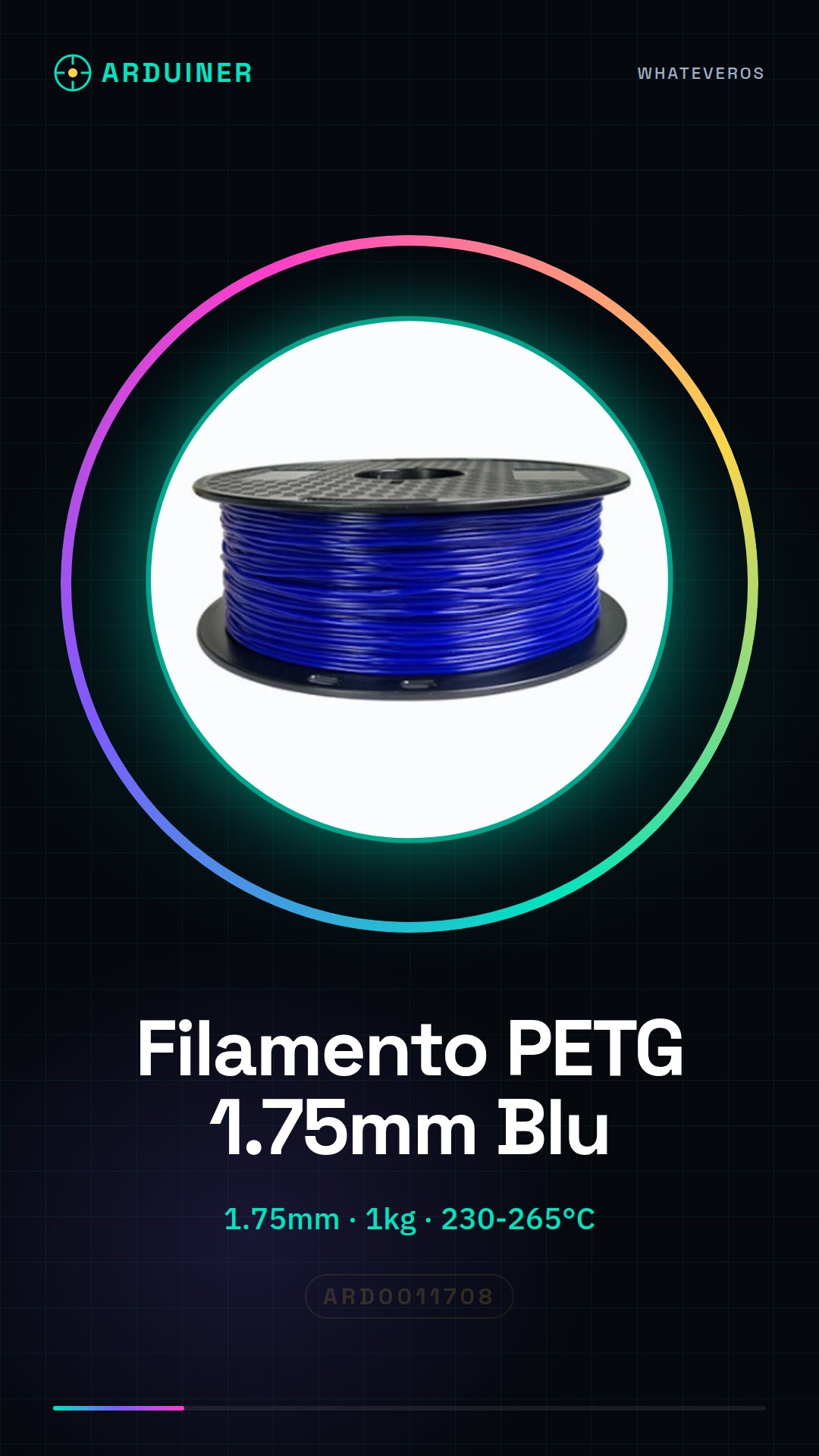
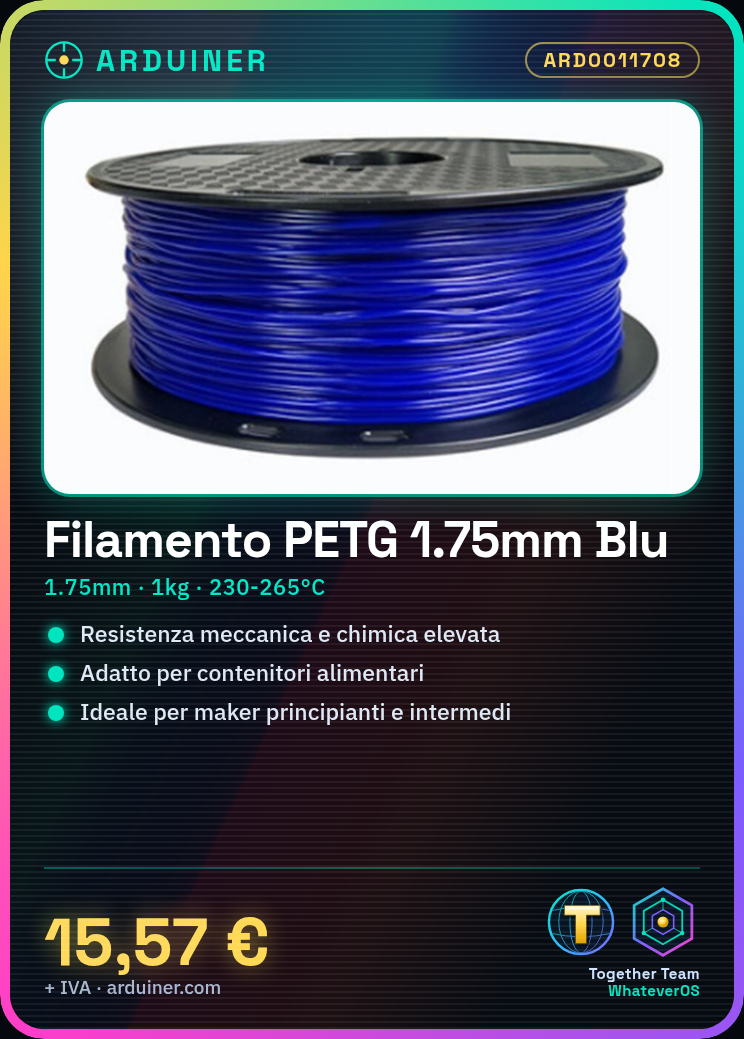
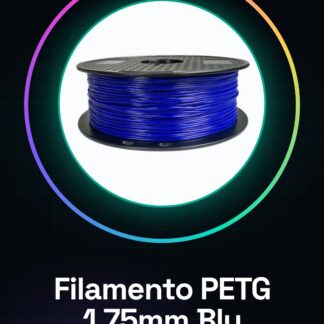
The PETG 1.75mm 1KG Transparent Blue filament is a thermoplastic material suitable for 3D printing. With chemical and mechanical properties similar to those of PET, PETG offers good mechanical and chemical resistance, making it suitable for creating durable objects.
This filament is suitable for projects that require an elegant and functional appearance, being particularly suitable for beginners and intermediate users who want to avoid common issues such as adhesion or contraction.
The PETG filament can be used in various fields, such as the creation of containers, prototypes, mechanical parts, and other objects that require good durability and strength.
Key Specifications
| Parameter | Value |
| Model | PETG 1.75mm 1KG Transparent Blue Filament |
| Quantity | 1KG |
| Diameter | 1.75mm |
| Color | Transparent Blue |
| Type | PETG |
| Container | 1KG Package |
| Usage | 3D Printers, CNC, Laser |
Installation and Usage
- Insert the PETG filament into the printer 3D container.
- Insert the filament into the filament guide and ensure it is properly aligned with the print head.
- Configure the temperature and speed parameters on the 3D printer based on the manufacturer’s datasheet.
- Load a model to print on a platform like Cura or PrusaSlicer.
- Start the printing process and monitor its progress to ensure everything is proceeding correctly.
Compatibility and Requirements
- The 1.75mm 1KG Transparent Blue PETG filament is compatible with most 3D printers on the market.
- It is suitable for 3D printing systems that use 1.75mm diameter filaments.
- For proper use, it is necessary to have a 3d printer with the ability to feed filament and configure printing parameters.
Limitations and Important Notes
- The PETG filament is not suitable for use in extreme environments or at high temperatures.
- It is important to closely monitor the temperature during printing to avoid adhesion or contraction issues.
- Incorrect configuration of printing parameters can cause problems with the quality of the final product.
Troubleshooting
The filament does not enter the guide.
Probable cause: The filament guide may be obstructed or the filament may be too rigid.
Solution: Check the filament guide for any obstructions and ensure that the filament is properly aligned.
The print has adhesion issues.
Probable cause: The print temperature may be too low or too high.
Solution: Check and adjust the print temperature based on the filament datasheet.
The print shows contraction issues.
Probable cause: The print temperature may be too low or too high.
Solution: Adjust the print temperature and print speed based on the filament datasheet.
The print shows quality issues.
Probable cause: The print parameter configuration may not be optimal.
Solution: Check and adjust the print parameters based on the filament datasheet.
Use cases
Printing a transparent case for smartphone
Objective: Create a custom transparent case for your smartphone.
What is needed: PETG filament 1.75mm 1KG Transparent Blue, 3d printer, 3D printing software.
Steps: 1) Load the container model into the 3D printing software. 2) Configure the printing parameters based on the filament datasheet. 3) Start the printing process and monitor its progress. 4) Once the print is complete, carefully remove the object from the printer.
Expected result: A custom transparent container for your smartphone.
Printing a mechanical prototype
Objective: To create a mechanical prototype to test the functionality of a mechanism.
What’s needed: PETG filament 1.75mm 1KG Transparent Blue, 3D printer, 3D printing software.
Steps: 1) Load the prototype model into the 3D printing software. 2) Configure the printing parameters based on the filament datasheet. 3) Start the printing process and monitor its progress. 4) Once the print is complete, test the prototype to verify its functionality.
Expected outcome: A mechanical prototype to test the functionality of a mechanism.
Printing a replacement part for a broken object
Objective: To create a replacement part for a broken object.
What’s needed: 1.75mm 1KG Transparent Blue PETG filament, 3d printer, 3d printing software.
Steps: 1) Load the replacement part model into the 3d printing software. 2) Configure the print parameters based on the filament datasheet. 3) Start the printing process and monitor its progress. 4) Once the print is complete, replace the broken part with the printed part.
Expected outcome: A replacement part for a broken object.
Printing a support for a design object
Objective: To create a support for a design object.
What’s needed: 1.75mm 1KG Transparent Blue PETG filament, 1.75mm 1KG Transparent Blue PETG filament, 3d printer, 3d printing software.
Steps: 1) Load the support model into the 3D printing software. 2) Configure the print parameters based on the filament datasheet. 3) Start the printing process and monitor its progress. 4) Once the print is complete, mount the support on the design object.
Expected result: A support for a design object.
Printing a prototype piece to test the resistance
Objective: Create a prototype piece to test the resistance.
What’s needed: PETG filament 1.75mm 1KG Transparent Blue, 3D printer, 3D printing software.
Steps: 1) Load the prototype piece model into the 3D printing software. 2) Configure the print parameters based on the filament datasheet. 3) Start the printing process and monitor its progress. 4) Once the print is complete, test the prototype piece to verify the resistance.
Expected result: A prototype piece to test the resistance.
Printing a prototype piece to test the accuracy
Objective: Create a prototype piece to test the accuracy.
What’s needed: PETG filament 1.75mm 1KG Transparent Blue, 3d printer, 3d printing software.
Steps: 1) Load the prototype piece model into the 3d printing software. 2) Configure the printing parameters based on the filament datasheet. 3) Start the printing process and monitor the progress. 4) Once the printing is complete, test the prototype piece to verify the accuracy.
Expected result: A prototype piece to test the accuracy.
Printing a prototype piece to test the compatibility
Objective: Create a prototype piece to test the compatibility.
What’s needed: PETG filament 1.75mm 1KG Transparent Blue, 3d printer, 3d printing software.
Steps: 1) Load the prototype piece model into the 3D printing software. 2) Configure the print parameters based on the filament datasheet. 3) Start the printing process and monitor its progress. 4) Once the print is complete, test the prototype piece to verify compatibility.
Expected result: A prototype piece to test compatibility.
Print a prototype piece to test durability
Objective: Create a prototype piece to test durability.
What’s needed: PETG filament 1.75mm 1KG Transparent Blue, 3D printer, 3D printing software.
Steps: 1) Load the prototype piece model into the 3D printing software. 2) Configure the print parameters based on the filament datasheet. 3) Start the printing process and monitor its progress. 4) Once the print is complete, test the prototype piece to verify durability.
Expected result: A piece of prototype to test durability.
In the package
- 1KG of PETG filament 1.75mm Transparent Blue
Complete the project
- PETG filament 1.75mm 1KG Transparent Green High Quality Consumables for 3D printers: The PETG filament 1.75mm 1KG Transparent Blue can be used with filaments of other colors to create multicolor projects.
- PETG filament 1.75mm 1KG Yellow High Quality Consumables for 3D printers: The PETG filament 1.75mm 1KG Transparent Blue can be used with filaments of other types to create projects that require different mechanical properties.
- PLA filament 1.75mm 1kg – Blue – High Quality for 3D printers: The PETG filament 1.75mm 1KG Transparent Blue can be used with filaments of other diameters to create projects that require different types of printing.
Technical FAQs
What printing temperatures are recommended for PETG filament?
The recommended printing temperatures are indicated in the filament’s datasheet.
What issues can occur during PETG filament printing?
The most common issues are adhesion, contraction, and the quality of the final product.
How can I solve adhesion issues during PETG filament printing?
Adjust the printing temperature based on the filament’s datasheet.
How can I solve contraction issues during PETG filament printing?
Adjust the printing temperature and printing speed based on the filament’s datasheet.
Tutorial: How to Use Transparent Blue PETG Filament
PETG filament is an ideal material for 3d printers, offering good mechanical and chemical resistance. This high-quality transparent blue article fits perfectly for projects that require an elegant look and durable functionality. This filament is particularly suitable for beginner and intermediate makers who want to create strong and high-quality objects without having to deal with common issues such as adhesion or contraction.
What you need
- 3D Printer
- Filament looper
- Scotch tape
- Pliers
- Screwdriver
Steps
- Install PETG filament in the printer 3D container.
- Insert the filament into the filament guide and make sure it is well aligned with the print head.
- Configure the temperature and speed parameters on the 3d printer (check the datasheet).
- Load a model to print on a platform like Cura or PrusaSlicer.
- Start the printing process and monitor its progress to ensure everything proceeds correctly.
- Once the print is complete, carefully remove the object from the 3d printer.
- Work on the object with tools such as scrapers or pliers to achieve the desired details.
Mini project
Create a custom transparent container for your smartphone using blue transparent PETG filament. The project takes about 30 minutes to print and can be completed in an evening session.
Common mistakes
- Use temperatures that are too low or too high during printing.
- Do not use support when necessary, causing adhesion issues.
- Insert the filament without ensuring it is properly aligned with the print head.
- Use an extrusion speed that is too high or too low.
Recommended accessories
- Filament looper ARD0012345
- Scotch tape ARD0012346
- Precision pliers ARD0012347
- Magnetic screwdriver ARD0012348
Frequently asked questions
What are the recommended printing temperatures for PETG filament?
Extrusion temperatures range from 230°C to 265°C, while the bed should be kept at around 70-80°C (check the datasheet).
How can I improve the adhesion of PETG filament to the 3d printer build plate?
Use a specific 3d printer adhesive, such as Hairspray or BuildTak.
The filament is jamming in the guide of the 3d printer. What should I do?
Check that the filament is well-aligned and not bent. If the problem persists, clean the guide with a damp cloth.
Reviews
There are no reviews yet.