 EN
EN IT Italiano
 ES Español
 FR Français
 DE Deutsch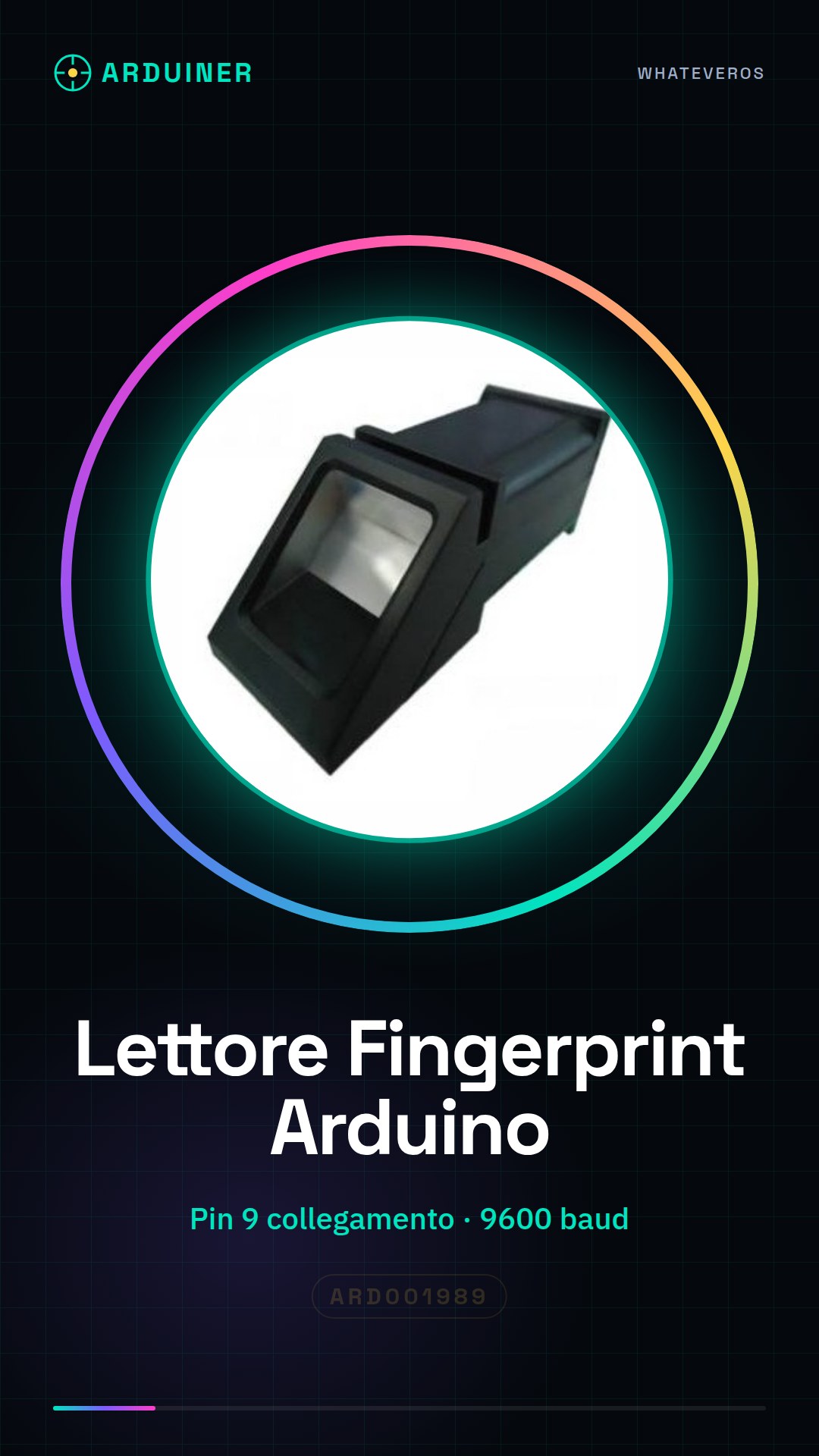

Description
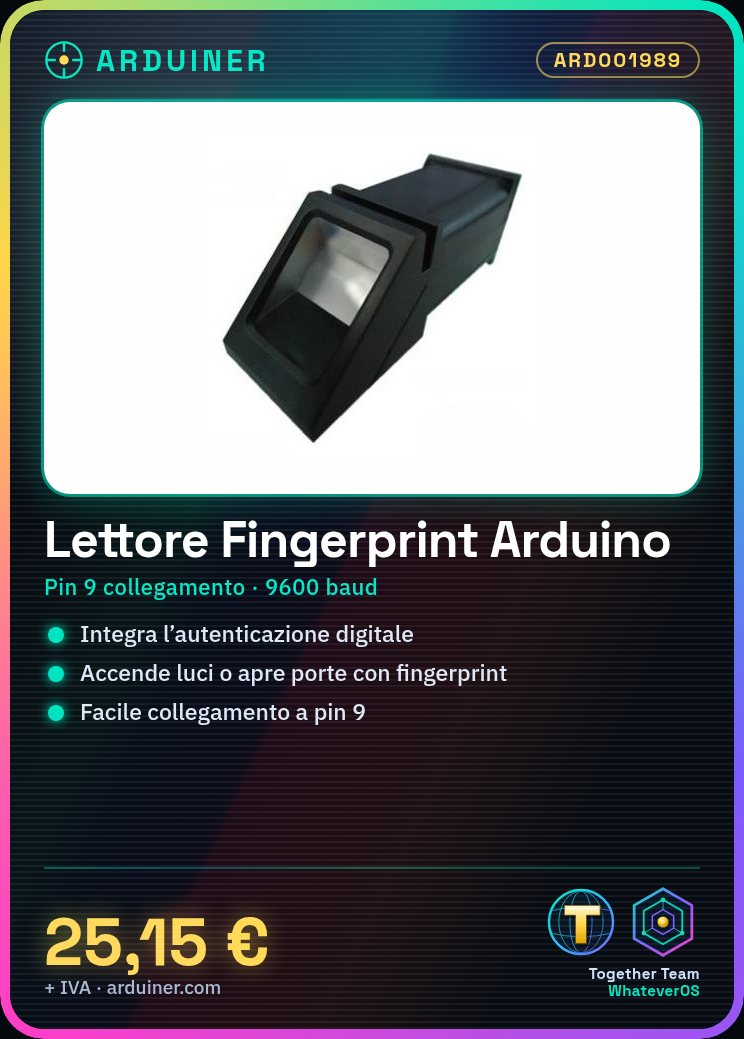
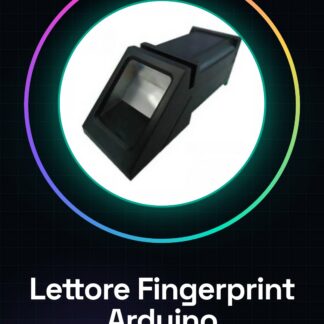
What is the Fingerprint Reader for Arduino? The Fingerprint Reader for Arduino is a module that allows you to integrate fingerprint recognition into your electronic projects. This modular sensor is ideal for applications requiring fingerprint-based authentication. Features Ideal for security and access control applications Perfectly suited for home projects, prototypes, and small security systems What does it do? This module can be used in various contexts, such as creating a home security system that turns on lights or opens doors when it recognizes a fingerprint. It is compatible with Arduino and similar microcontrollers. Tutorial: How to use the Fingerprint Reader Module for Arduino The fingerprint reader is a useful module for applications requiring fingerprint-based authentication. Ideal for home projects, prototypes, and small security systems. What you need Arduino Uno or compatible USB A-MicroB cable FingerPi library Steps Install the FingerPi library from the Arduino library manager. Connect the fingerprint module to pin 9 of the Arduino using a jumper cable. Insert the example code provided by the FingerPi library into your Arduino IDE. Compile and upload the sketch to your Arduino. Open the serial monitor to see the results. Example code include FingerPi fp; void setup() { Serial.begin(9600); } void loop() { fp.getEnrollCount(); } Mini-project Create a home security system that turns on lights or opens doors when it recognizes a fingerprint. Common errors Module does not respond to the computer: check connections and device driver. Error during library installation: download the library from GitHub and install it manually. Fingerprint not recognized: ensure fingerprints are correctly registered in the module. Synchronization issues between Arduino and the fingerprint module: verify serial communication parameters. Recommended accessories Arduino Uno R3 FingerPi library USB A-MicroB cable Security project kit Frequently Asked Questions How do I register a fingerprint? Use the ‘enroll()’ method of the FingerPi library. How many fingerprints can the module store? Check the product datasheet.

Reviews
There are no reviews yet.