 EN
EN IT Italiano
 ES Español
 FR Français
 DE Deutsch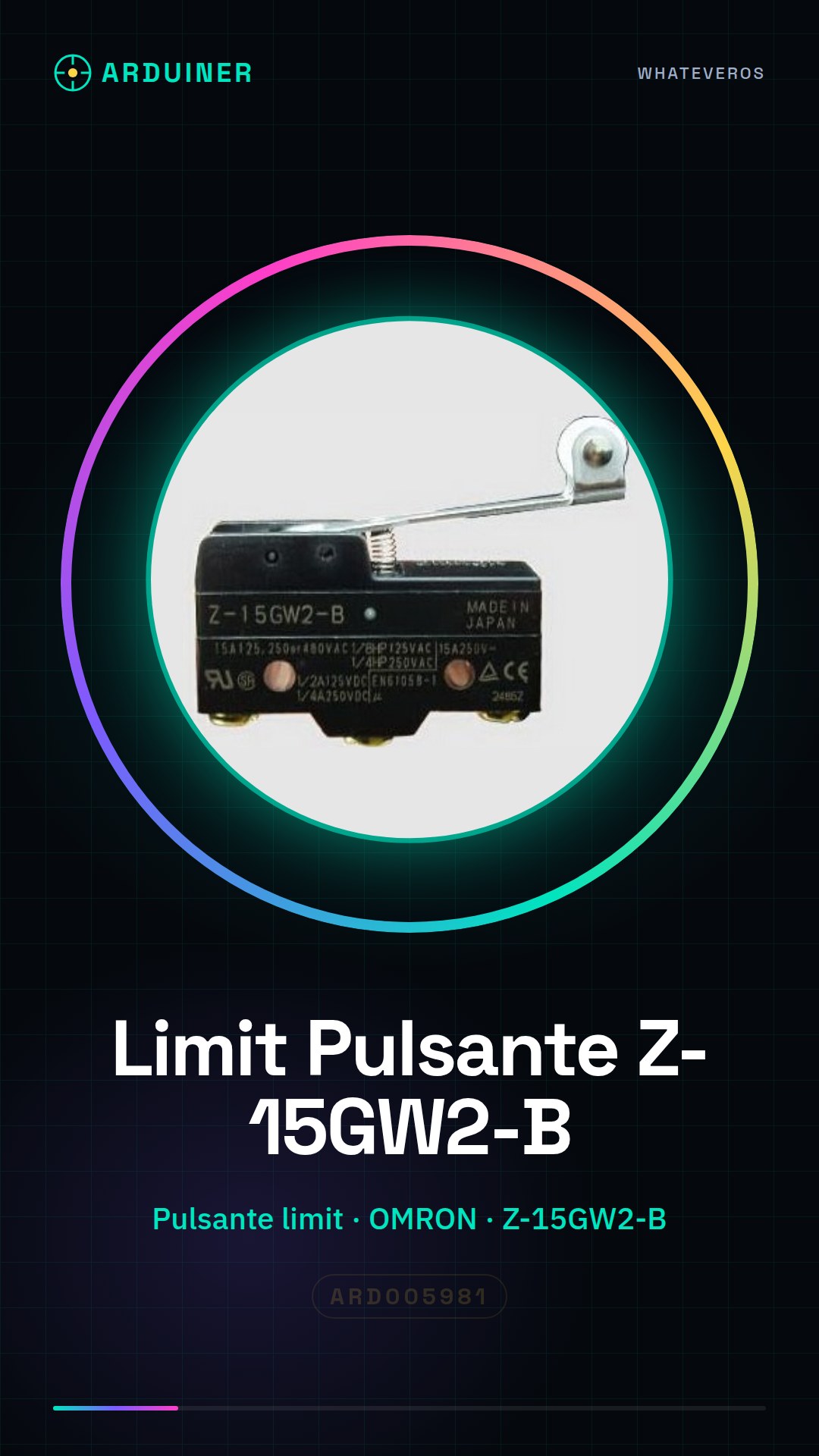
Description
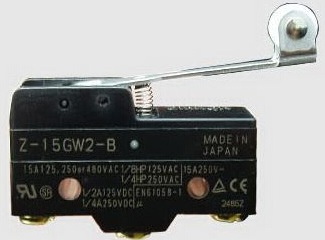
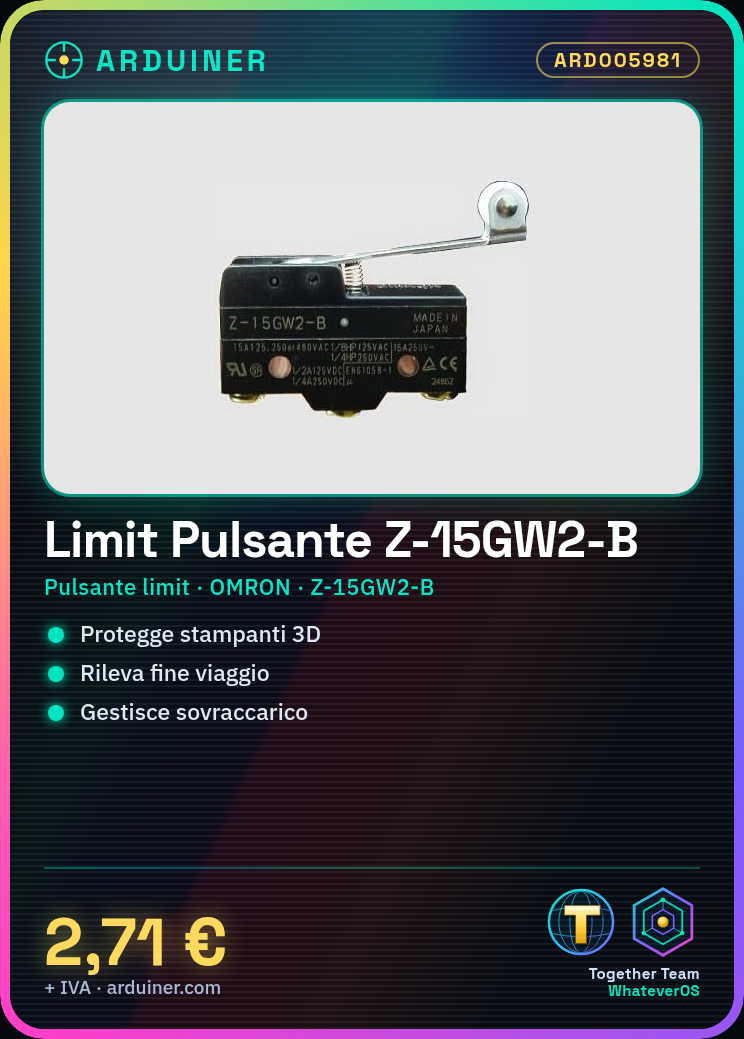
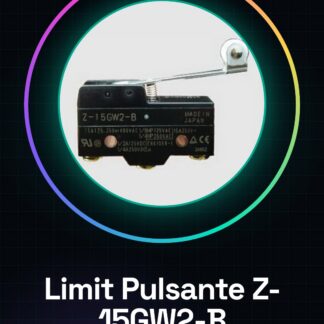
What is it? The OMRON Z-15GW2-B limit switch is a mechanical component designed to protect electronic systems such as 3D printers and CNC machines. This button switch is used to detect end-of-travel or overload conditions in mechanical applications. Features Type: Limit Button Brand: OMRON Product Code: Z-15GW2-B Usage: 3D printers, CNC systems, and laser systems What does it do? The OMRON Z-15GW2-B limit switch is ideal for protecting your electronic machinery. It can be used to build a safety system that stops the motor in case of button pressure, ensuring safe operation of your 3D printer or CNC system. Tutorial: How to use OMRON Limit Button Switch Z-15GW2-B This limit button is perfect for protecting your electronic and CNC machinery. Useful for beginners and intermediates. What do you need? Compatible Arduino or microcontroller Power supply Resistor (optional) Steps 1. Turn on the Arduino and verify correct power supply. 2. Connect to your Arduino IDE. 3. Connect the limit switch button to a digital pin of the microcontroller. 4. Connect the GND pin of the button to the GND of the microcontroller. 5. (Optional) Connect a resistor between the button’s power pin and the VCC of the microcontroller. 6. Write code to read the state of the button. 7. Upload the code to Arduino. 8. Test the button and verify it works correctly. Example Code “`int button = 2; void setup() { pinMode(button, INPUT); } void loop() { if (digitalRead(button) == HIGH) { Serial.println(“Button pressed”); } } “` Mini-project Build a simple protection system for a 3D printer. Connect the button to the emergency motor and program Arduino to stop the motor in case of button pressure. Common mistakes Not connecting the button correctly. Forgetting to upload code to Arduino. Failing to check the state of the button. Not using a resistor when needed. Recommended accessories Arduino UNO USB cable Serial monitor 3D printer Frequently Asked Questions How can I verify if the button works? Try pressing the button and see if the debug LED on Arduino lights up or if the serial monitor displays a message. Can I use this button with a different microcontroller? Yes, but ensure that the power pin and ground pins are
Reviews
There are no reviews yet.