 EN
 IT Italiano
 ES Español
 FR Français
 DE Deutsch
Description
What it is
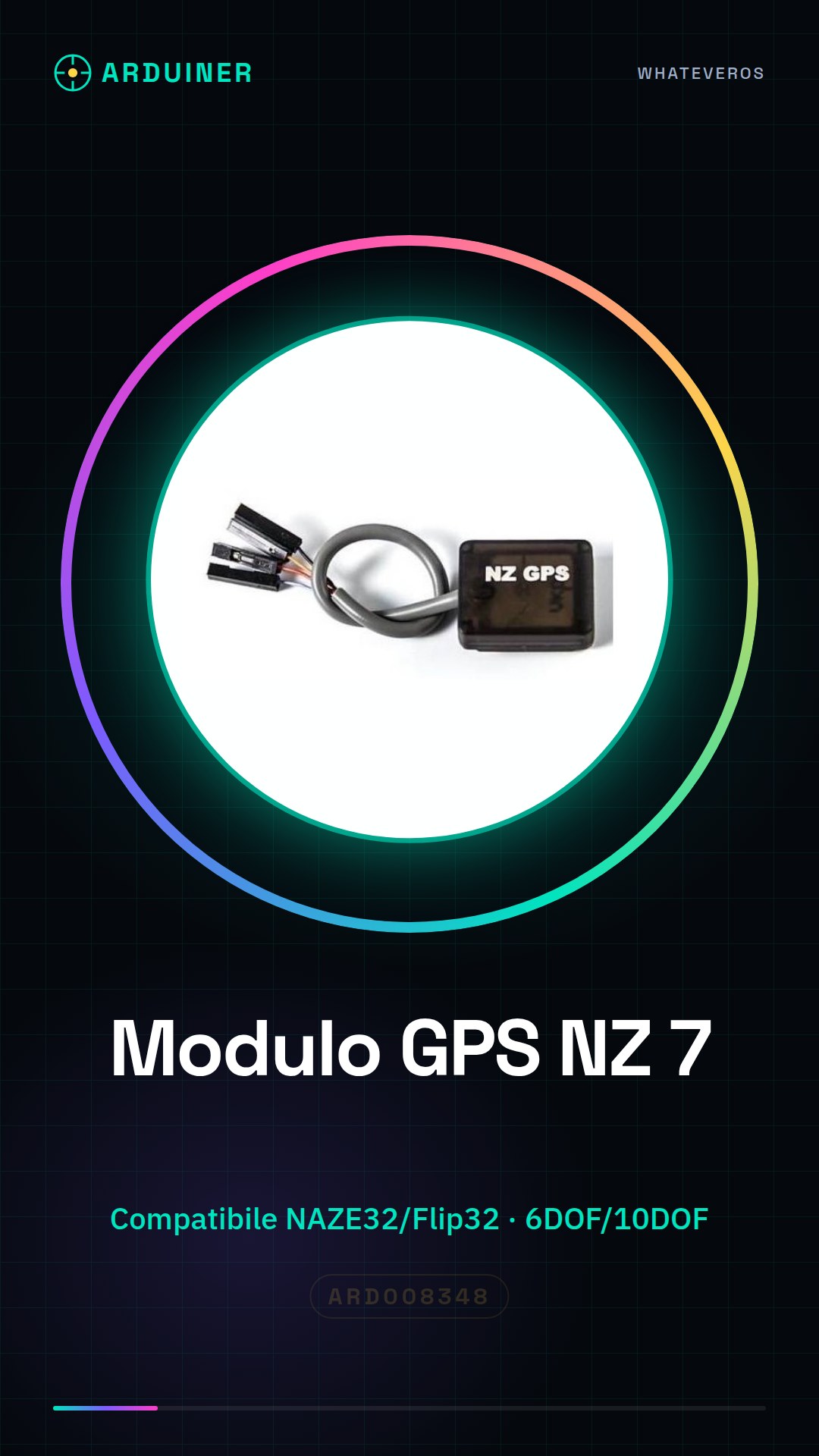
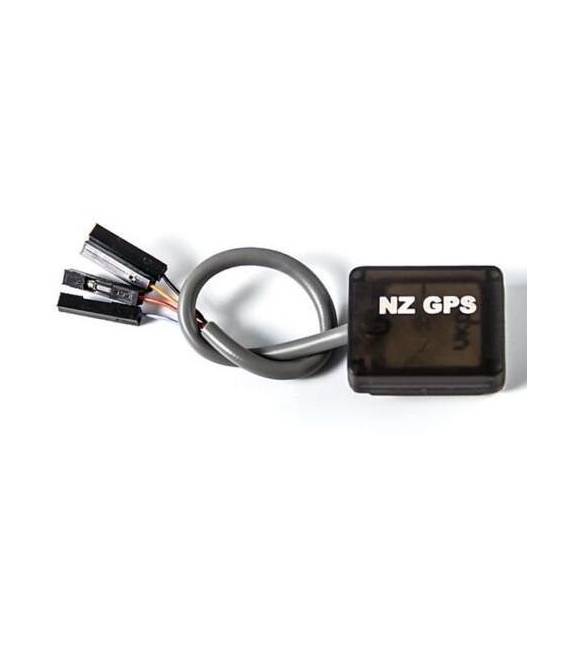
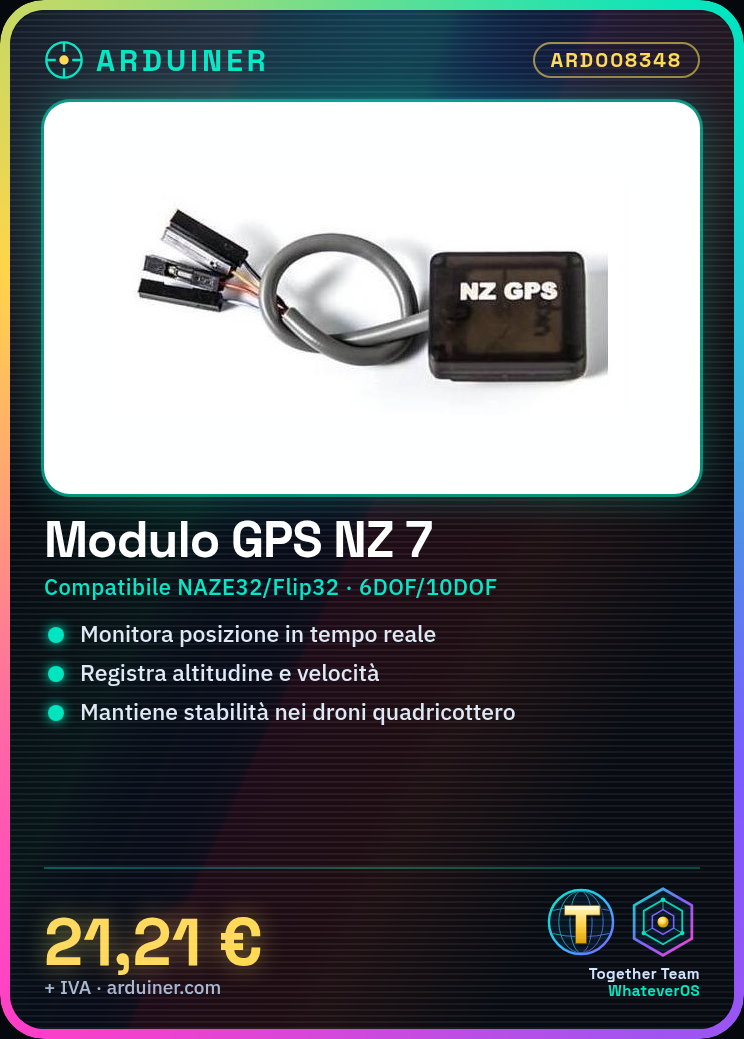
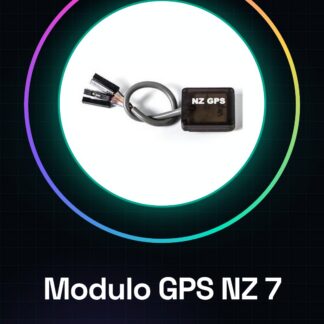
The NZ 7 GPS module is a component designed for use with the NAZE32 and Flip32 flight controllers, providing support for both 6DOF and 10DOF systems. This device is essential for improving navigation and stability of drones.
Features
- Compatible with NAZE32 and Flip32 flight controllers
- 6DOF and 10DOF systems supported
What it is for
GPS modules like the NZ 7 are fundamental for drone pilots who want to improve the precision of navigation, monitoring in real-time the position, altitude, and speed of the drone. This module is ideal for quadcopter drone projects that require accurate stability.
Tutorial: How to use NZ 7 GPS Module for NAZE32
The NZ 7 GPS module is essential for drone and model airplane pilots who use the NAZE32 Flip32 flight controller. This component allows you to monitor the position, altitude, and speed of your drone in real-time.
What you need
- NAZE32 or Flip32
- USB connection for configuration
- Configuration software
Steps
- Check that the NZ 7 GPS module is compatible with your NAZE32 or Flip32. Check the datasheet.
- Connect the GPS module to a computer via a serial port (USB).
- Install the GPS configuration software on a computer.
- Configure the GPS module settings through the software, such as preferred satellite channels and data update frequency.
- Verify that the GPS module connects properly to satellites. This should be evident from the number of visible satellites in the software.
- Connect the GPS module to your NAZE32 or Flip32 following the flight controller documentation.
- Configure the flight controller to use the received GPS data. Check the datasheet.
- Test the integration between the GPS module and the flight controller by performing a short flight session.
Mini project
Build a simple quadcopter drone that uses the GPS NZ 7 to maintain a stable position in the air. This project takes about 30 minutes.
Common mistakes
- The GPS module does not connect to satellites: make sure you are outdoors and away from structures that obstruct the view.
- The GPS data is incorrect or non-existent: check the GPS module settings and verify if the configuration software has been used correctly.
- The serial connection between the GPS module and the computer does not work: check the connectors and the serial port.
Recommended accessories
- External GPS antenna
- USB connection for computer
- GPS configuration software
- Complete quadcopter
Frequently asked questions
Is the NZ 7 GPS module compatible with other flight controllers?
Check your flight controller documentation or the GPS module datasheet.
How can I improve the accuracy of GPS coordinates?
Use an external GPS antenna and make sure there are no obstacles between the antenna and the satellites.
What data does the NZ 7 GPS module provide to the flight controller?
The module provides position, altitude, speed, and other useful navigation information. Check the datasheet.
Reviews
There are no reviews yet.