 EN
 IT Italiano
 ES Español
 FR Français
 DE Deutsch
Description
What it is
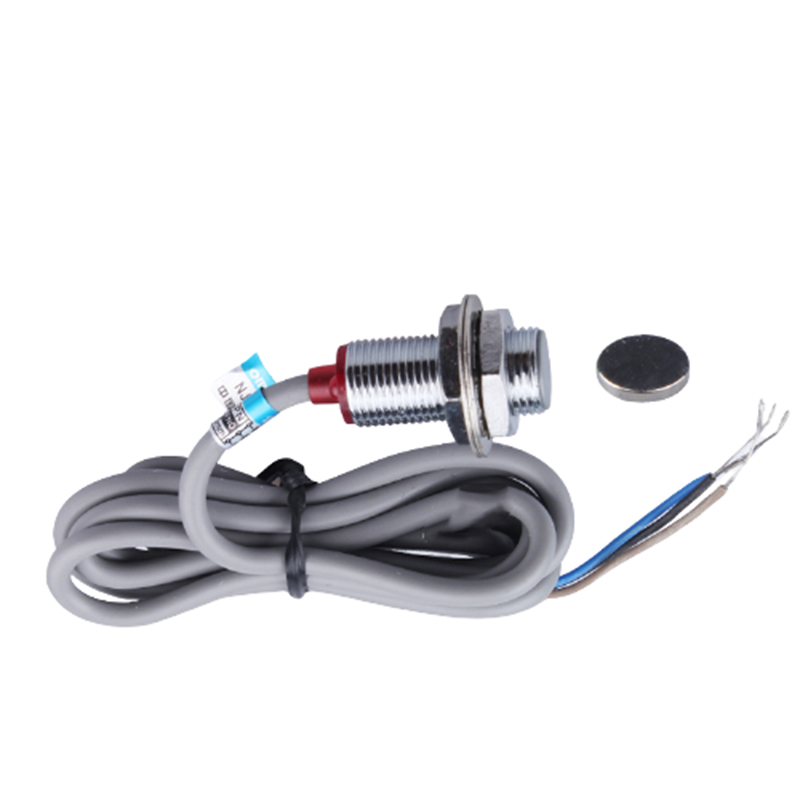
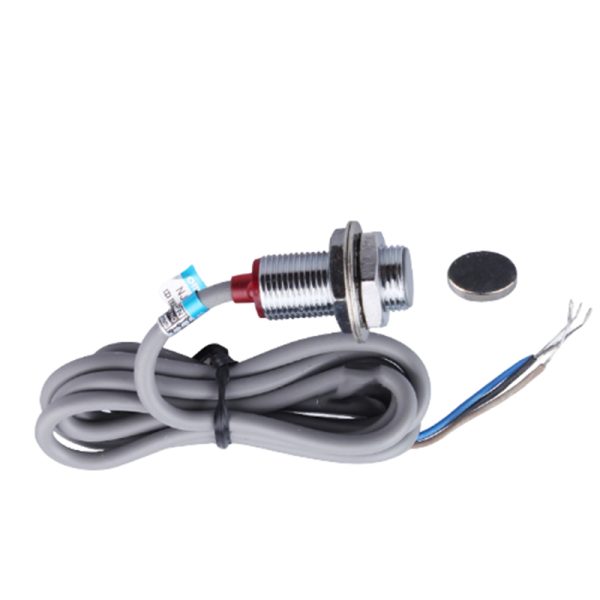
The NJK-5002B proximity switch is a three-wire PNP Hall sensor designed to detect the presence of an object through a magnetic field. This device is suitable for various electronic and automation projects, such as home or industrial alarm systems.
Features
- PNP Hall Sensor
- Suitable for Arduino and electronics projects
- Power Supply: 6-36V DC
- Three-wire connector
What it is for
The NJK-5002B proximity switch is ideal for applications requiring object detection through a magnetic field. It is suitable for home or industrial automation projects where the presence of an object or movement needs to be detected. It can be used with Arduino or ESP to create alarm or automatic control systems.
Tutorial: How to Use the NJK-5002B Proximity Switch
The NJK-5002B proximity switch is a Hall sensor suitable for detecting the presence of an object through a magnetic field. It is ideal for home or industrial automation projects where the presence of an object or movement needs to be signaled.
What you need
- Arduino Uno
- Magnetic field (magnet)
- Connection cable
Steps
- Connect the Hall sensor NJK-5002B to the Arduino Uno using a connection cable. Check the sensor specifications for the correct pins.
- Connect the sensor output pin to the Arduino digital input pin.
- Place the magnet near the sensor to test its function.
- Write and upload the Arduino sketch to read the sensor state.
- Check if the sensor changes state when the magnet approaches.
- If necessary, adjust the sensitivity of the sensor or the position of the magnet.
- Test the system with various metallic objects to see if the sensor is sensitive only to the magnet.
- Implement the system in an automation or monitoring project.
Example code
const int sensorPin = 2; // collega il sensore al pin 2
digitalWrite(sensorPin, HIGH); // verifica lo stato del sensore
Serial.println(digitalRead(sensorPin));
Mini project
Create a home alarm system that activates an audio signal when an object approaches a specific point.
Common mistakes
- Connect the sensor to the wrong pin on the Arduino.
- Do not verify the sensor’s sensitivity to the magnet.
- Do not test the system with various objects to check the sensor’s specificity.
- Do not implement the system in a real-world application context.
Recommended accessories
- Hall effect sensor magnet
- Arduino Uno
- Connection cable
- Speaker or buzzer
Frequently asked questions
How can I increase the sensor’s sensitivity?
Check the sensor’s datasheet for any sensitivity adjustment options.
Can the sensor detect non-metallic objects?
No, the Hall effect sensor detects only magnetic fields, so it is specific to magnetic objects or materials.
Which Arduino pins should I use?
Connect the sensor to the Arduino’s digital input pin, check the datasheet for additional specifications.

Reviews
There are no reviews yet.