 EN
EN IT Italiano
 ES Español
 FR Français
 DE Deutsch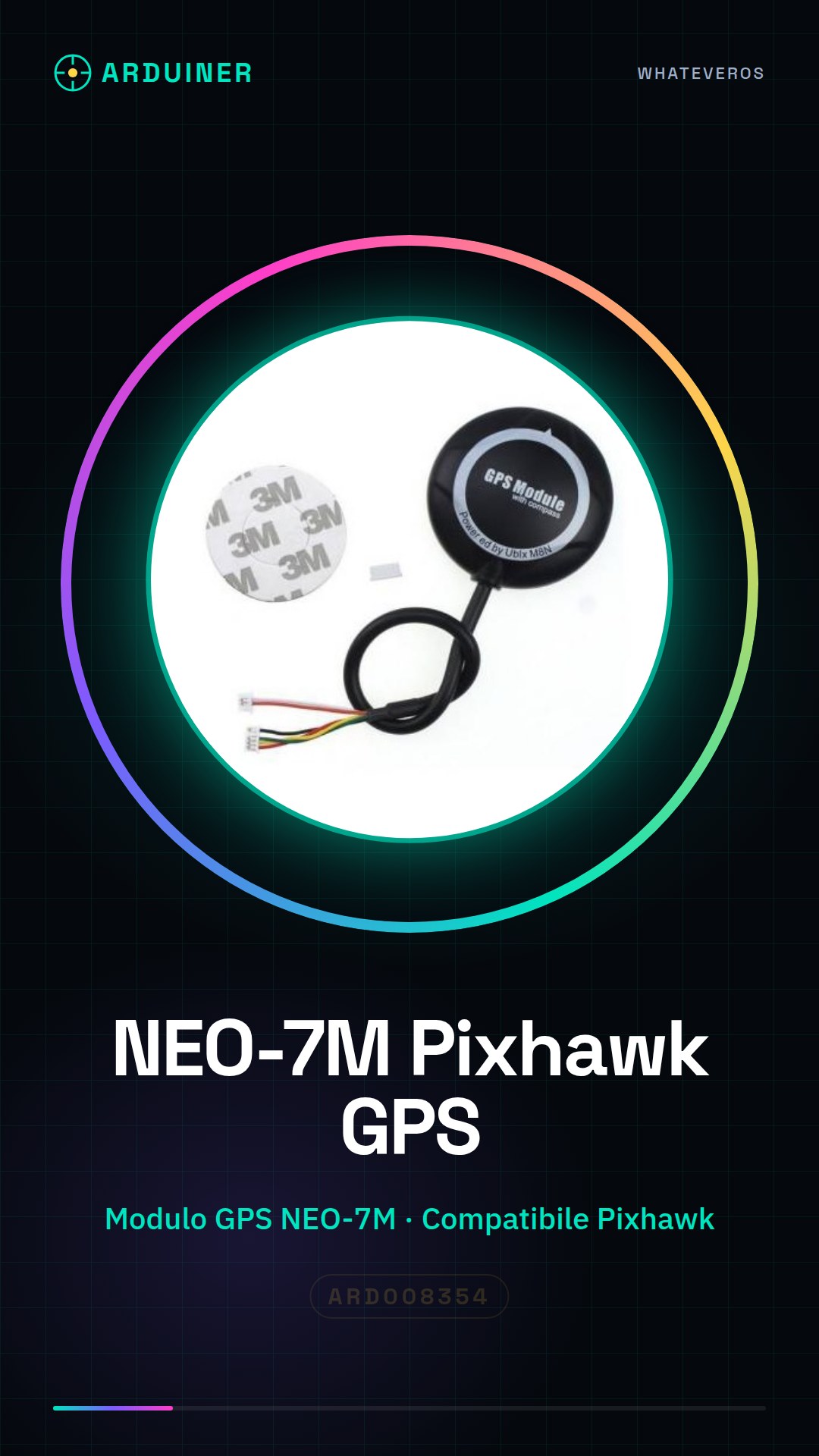
Description
What it is
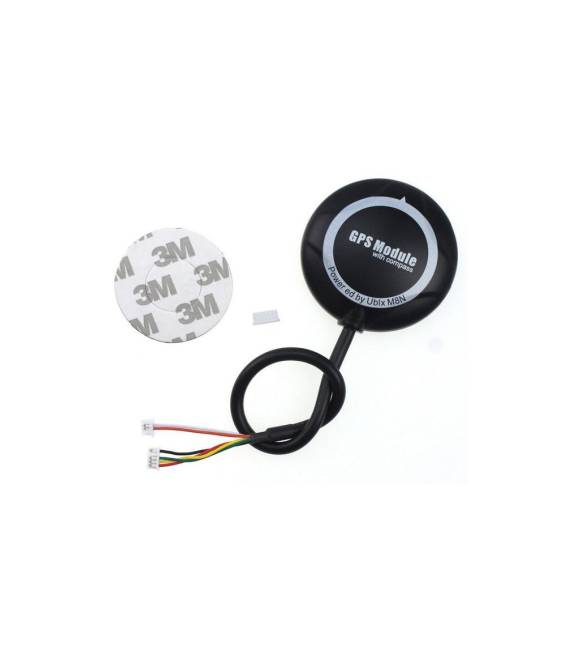
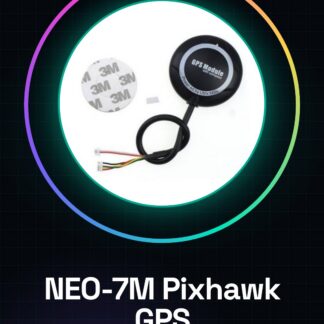
The NEO-7M Pixhawk GPS is a high-precision GPS module designed for use in drones and model aircraft. It allows for accurate determination of the device’s position and orientation, improving flight stability and precision.
Features
- NEO-7M GPS Module
- Pixhawk Compatible
- High Positioning Accuracy
What it is for
The NEO-7M Pixhawk GPS is ideal for those building or using drones and model aircraft. It can be used for:
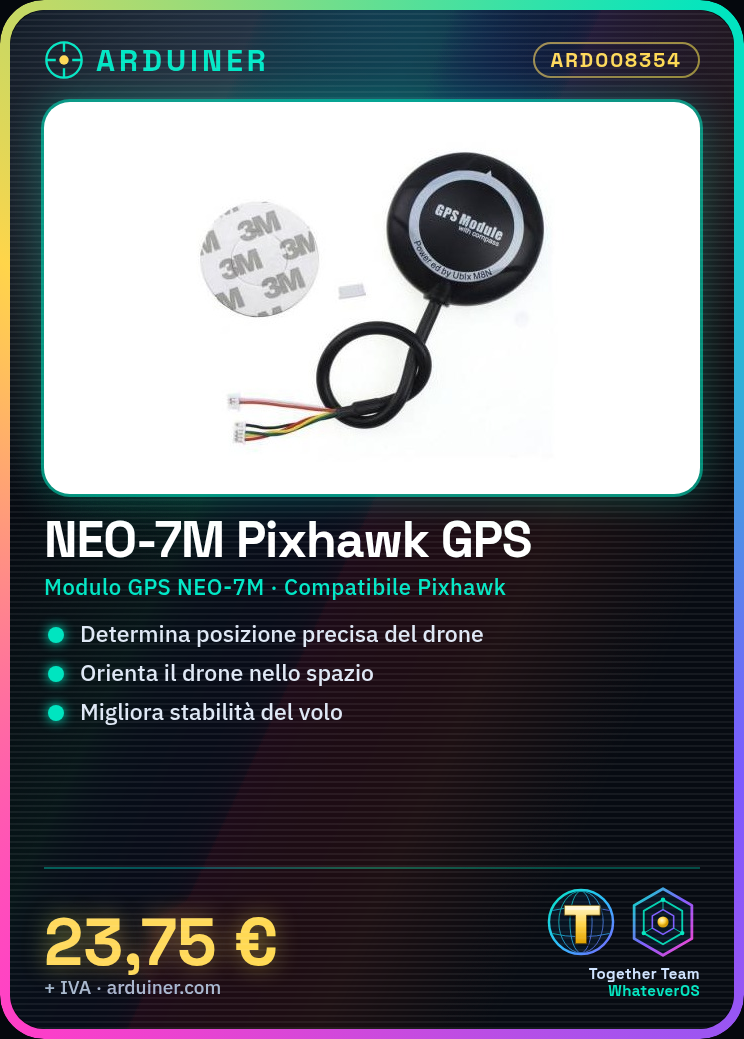
- Determining the precise position of the drone
- Orienting the drone in space
- Improving flight stability
- Enabling automatic return to base
Compatibility with Arduino and ESP needs to be verified in the datasheet.
Tutorial: How to use NEO-7M
The NEO-7M is a high-precision GPS ideal for aviation modelers and drone builders. It serves to locate and orient your project with precision.
What you need
- NEO-7M
- Arduino
- USB Cable
- Compatible Microcontroller (e.g., Arduino Nano)
Steps
- 1. Download and install the official NEO-7M libraries for Arduino IDE.
- 2. Connect the NEO-7M to the microcontroller using the following pins: VCC to 3.3V, GND to GND, TX to RX of the microcontroller.
- 3. Upload the provided example code to the microcontroller.
- 4. Run the code and verify the GPS position.
- 5. Configure the desired GPS coordinates.
- 6. Test the system in flight or during modeling.
- 7. Check the datasheet for further specifications.
- 8. Adjust the GPS signal sensitivity.
Example code
Serial.begin(9600);
#include <TinyGPS++.h>
TinyGPSPlus gps;
void setup() {
  Serial.begin(9600);
}
void loop() {
  while (gps.parse(NMEA_sentence)) {
    if (gps.location.isUpdated()) {
      Serial.print("Lat:");
      Serial.print(gps.location.lat(), 6);
      Serial.print(" Lon:");
      Serial.print(gps.location.lng(), 6);
    }
  }
}
Mini project
Build a simple drone with NEO-7M and Arduino, learning to control the GPS position.
Common mistakes
- Incorrect pin connection.
- Missing installation of necessary libraries.
- Incorrect coordinate configuration.
- Power supply instability issues.
Recommended accessories
- Arduino Nano
- Compatible microcontroller
- USB cable
- MicroSD for GPS logging (optional)
Frequently asked questions
How can I verify the GPS position?
Run the example code and check the serial console.
Does the NEO-7M work with Arduino Uno?
Yes, but make sure the power supply is 3.3V.
How many coordinates can I configure?
The number of coordinates depends on the microcontroller used.
Does the NEO-7M work well indoors?
The GPS receiver works best outdoors, but it can also work indoors with GPS signal.
Reviews
There are no reviews yet.