 EN
EN IT Italiano
 ES Español
 FR Français
 DE Deutsch
Description
What it is
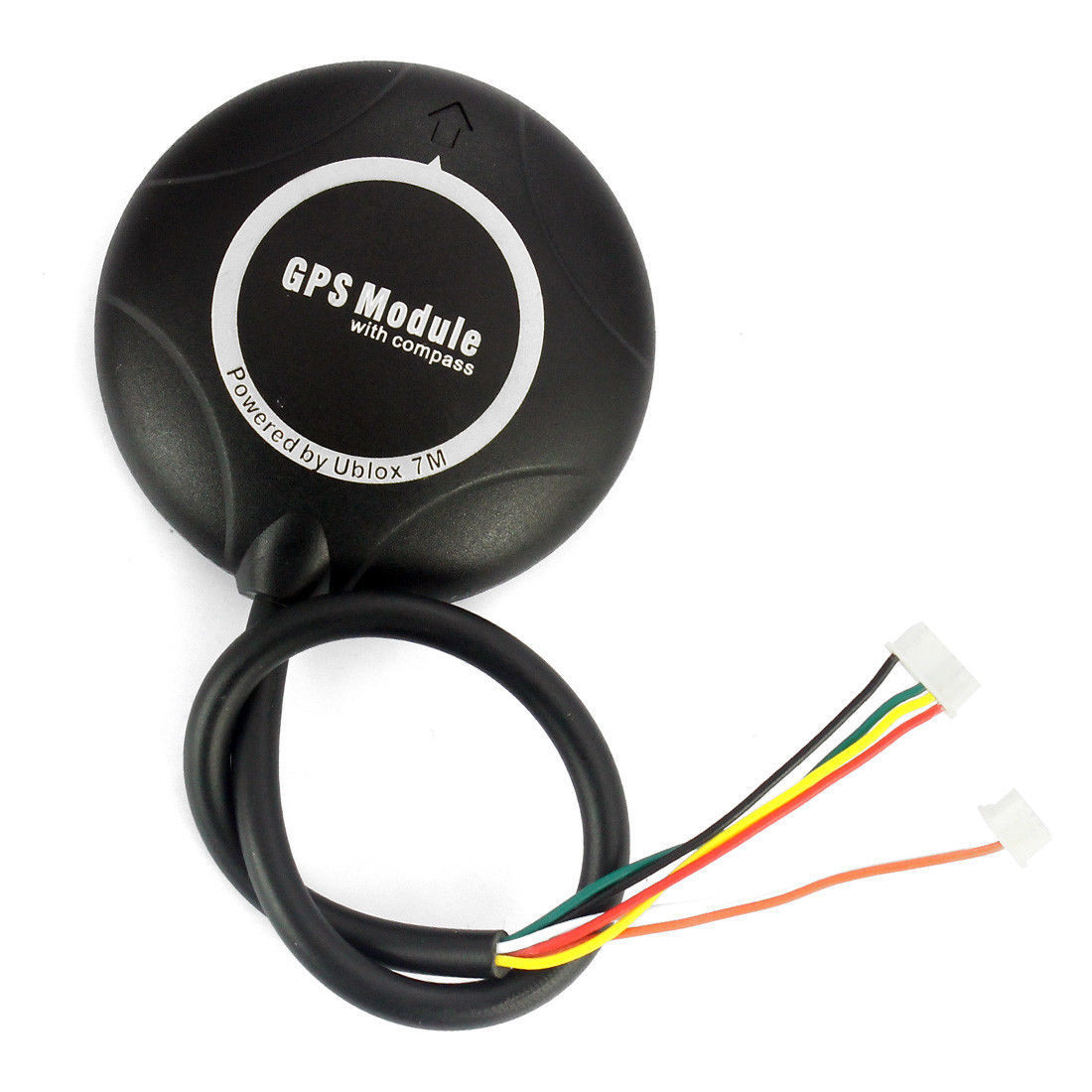
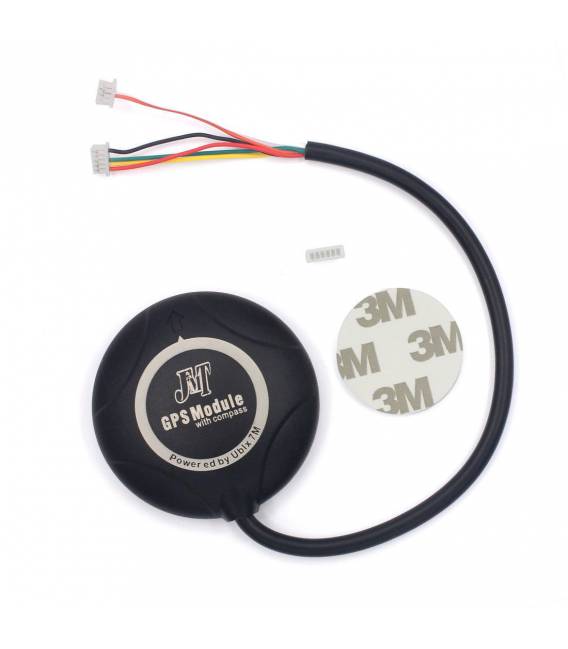
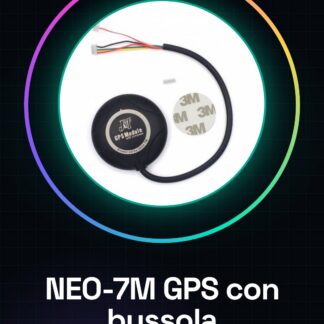
The NEO-7M APM GPS Module with compass is an electronic component designed to integrate localization and navigation features in drones and model aircraft.
Features
- GPS Module NEO-7M
- Compass integrated
- Compatible with Pixhawk
What it is for
The GPS module with compass is essential for the localization and navigation of drones. It can be used to create a GPS localization system for a drone by connecting it to the Pixhawk and uploading navigation code. It is useful for both beginners and those who want precise control over the drone.
Tutorial: How to use NEO-7M APM GPS Module with compass for Pixhawk
The NEO-7M APM GPS Module with compass is essential for the localization and navigation of your drones. Useful for both beginners and those who want precise control.
What you need
- NEO-7M APM GPS Module with compass
- Pixhawk
- Arduino IDE
- USB cable
Steps
- 1. Check the datasheet for the module specifications.
- 2. Connect the GPS module with compass to the Pixhawk’s I2C bus.
- 3. Connect the GPS module with compass to the Pixhawk’s UART bus.
- 4. Check the datasheet for the power supply voltage.
- 5. Power the GPS module with compass using the correct voltage.
- 6. Load the Arduino code onto the Pixhawk.
- 7. Start the Pixhawk and check the GPS connection.
- 8. Verify the compass for correct orientation.
Example code
```
#include <APMNavIO.h>

void setup() {
  Serial.begin(57600);
  APMNavIO.begin();
}

void loop() {
  Serial.print(APMNavIO.getGPSFix());
  delay(1000);
}
```
Mini project
Create a GPS localization system for a drone. Connect the GPS module with compass to the Pixhawk, load the code and check the position.
Common mistakes
- Incorrect power supply: always check the voltage.
- Incorrect connections: make sure the module is correctly connected to the I2C and UART buses.
- Incorrect Arduino code: make sure to use the correct code for your system.
- Non-functioning compass: check the connection and configuration of the compass.
Recommended accessories
- I2C cable
- UART cable
- 5V power supply
- Magnetic compass module
Frequently asked questions
How can I verify the correct GPS connection?
Run `Serial.print(APMNavIO.getGPSFix());` in the Arduino code and check for GPS signal presence.
Does the module require specific power supply?
Check the datasheet for the power supply voltage.
Can I use this module with other microcontrollers?
The module supports I2C and UART, but check compatibility on the datasheet.
Does the GPS module work indoors as well?
The GPS module works best in open environments. Check for GPS signal presence.

Reviews
There are no reviews yet.