 EN
 IT Italiano
 ES Español
 FR Français
 DE Deutsch
Description
What it is
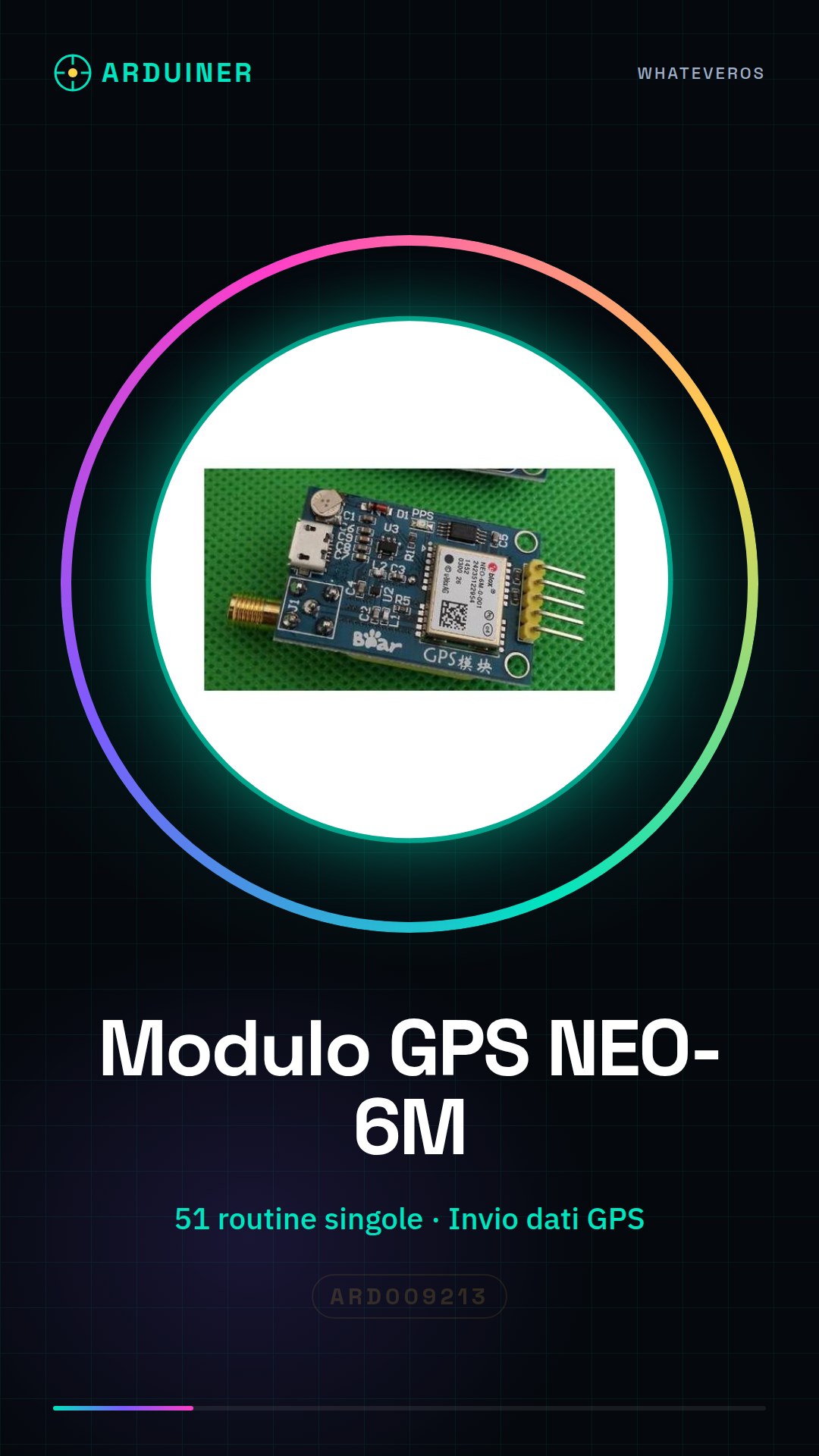
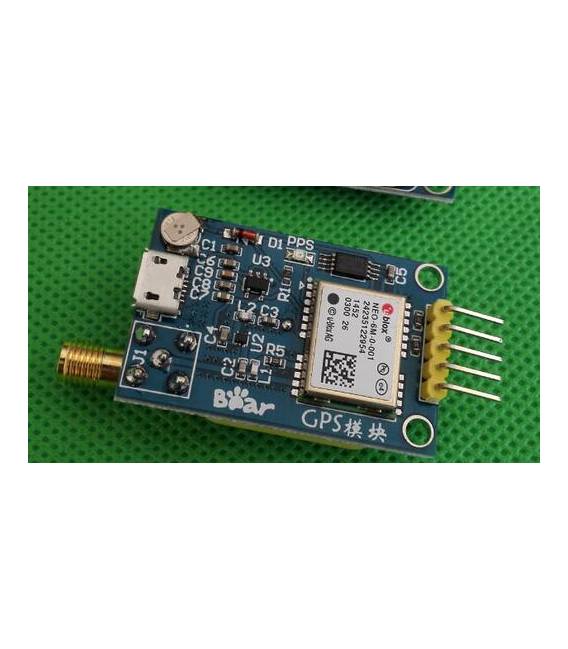
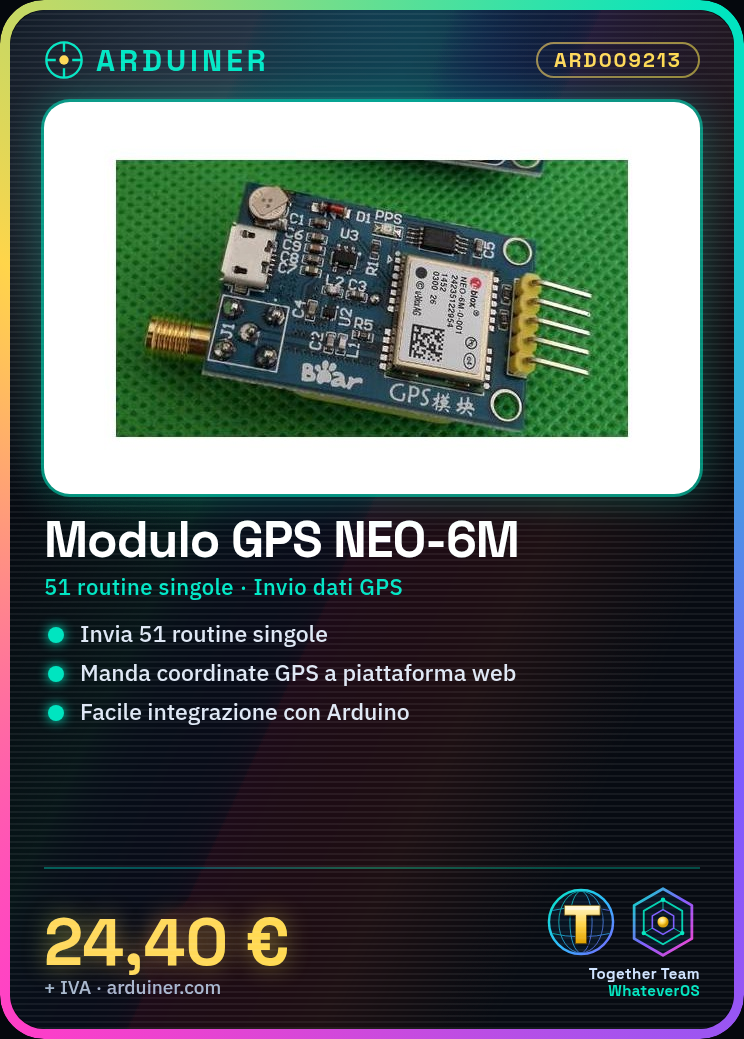
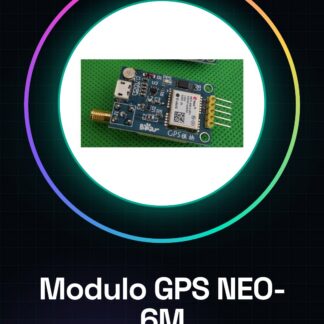
The NEO-6M GPS module is a localization device that provides precise GPS data. This module includes 51 predefined routines and can be used in projects with microcontrollers such as Arduino or STM32.
Features
- NEO-6M GPS Module
- Sends 51 individual routines
- Compatible with STM32 and Arduino
What it is for
Ideal for projects requiring precise localization, such as tracking devices or geographic monitoring systems. It can send GPS coordinates to a web platform.
Tutorial: How to use NEO-6M GPS Module
The NEO-6M GPS module is an essential device for projects requiring precise localization. Ideal for beginner and intermediate makers, this module allows you to integrate GPS functionality into your devices.
What you need
- Arduino Uno or compatible
- USB Type B cable
- Arduino IDE software
Steps
- Step 1: Connect the NEO-6M module to the Arduino using the TX and RX connectors of the module with the Arduino’s serial ports.
- Step 2: Open the Arduino IDE and install the Adafruit GPS library (check the datasheet for the correct version).
- Step 3: Load the example sketch of the ‘Adafruit_GPS’ library.
- Step 4: Insert the USB type B cable between the Arduino and the computer.
- Step 5: Open the Serial Monitor section of the Arduino IDE to view the GPS data received from the module.
- Step 6: Verify that the GPS coordinates are correctly printed in the serial monitor.
- Step 7: Modify the example sketch to adapt it to your specific project requirements.
Example code
// Includi la libreria Adafruit_GPS.h
#include <Adafruit_GPS.h>

// Definisci i pin TX e RX del modulo GPS
#define GPS_RX 2
#define GPS_TX 3

// Crea un oggetto per il modulo GPS
Adafruit_GPS GPS = Adafruit_GPS(GPS_TX, GPS_RX);

void setup() {
  // Inizializza la comunicazione seriale con il modulo GPS
  Serial.begin(9600);
  GPS.begin(9600);
}

void loop() {
  // Aggiorna lo stato del modulo GPS
  GPS.encode(Serial.read());
}
Mini project
Create a tracking device that sends GPS coordinates to a web platform every minute.
Common mistakes
- The serial monitor does not show GPS data
- The Adafruit GPS library is not found
- The GPS coordinates are incorrect or non-existent
Recommended accessories
- Arduino Uno R3
- USB Type B cable
- Adafruit GPS Library (to install)
Frequently asked questions
How can I get the most accurate coordinates?
Ensure the GPS module has a direct view of the sky and activate the A-GPS mode in the software.
What is the difference between this GPS module and other GPS modules?
The NEO-6M supports position acceleration technology (A-GPS) which can improve signal acquisition in difficult conditions.
Reviews
There are no reviews yet.