 EN
 IT Italiano
 ES Español
 FR Français
 DE Deutsch
Description
What it is
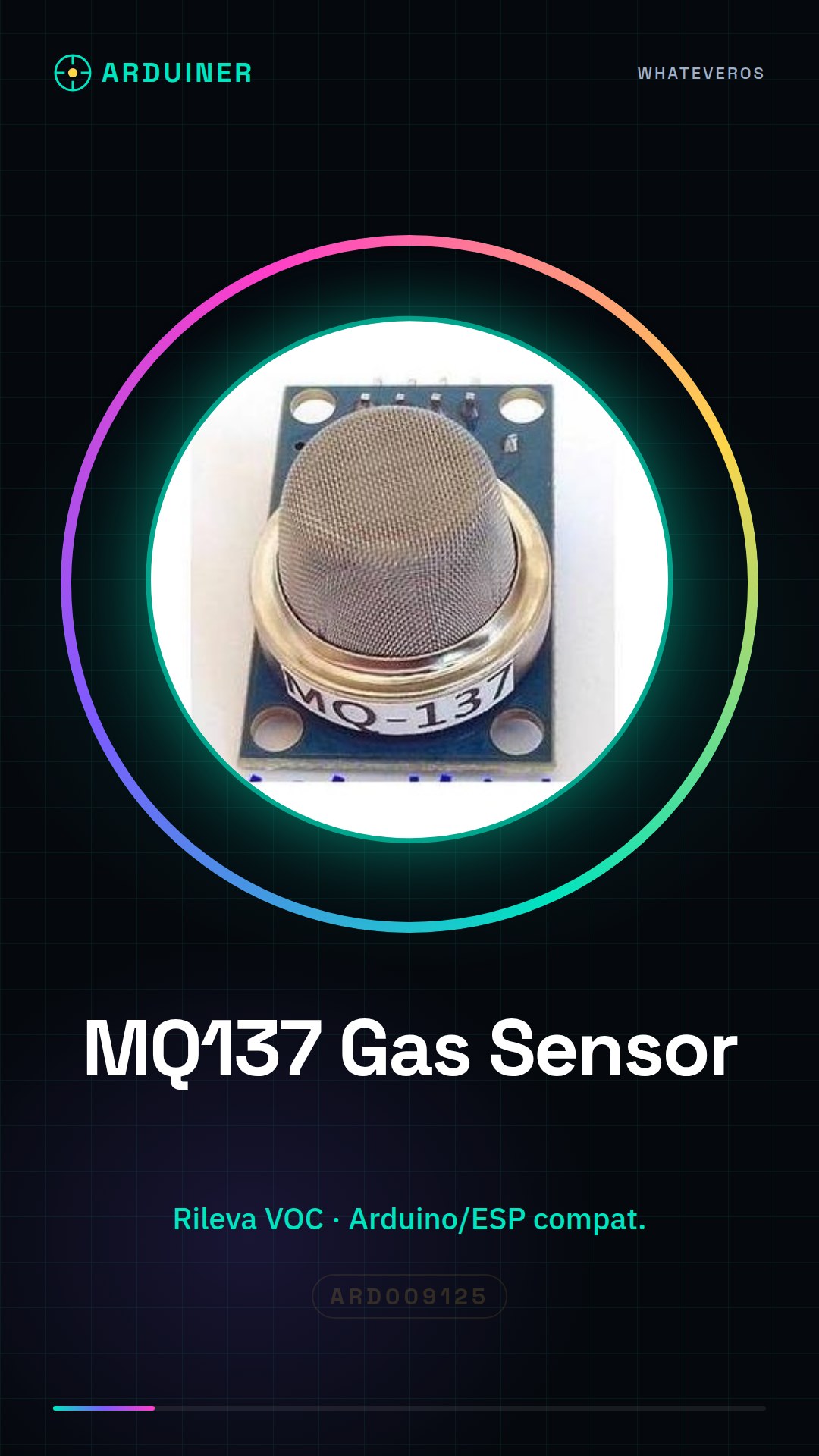
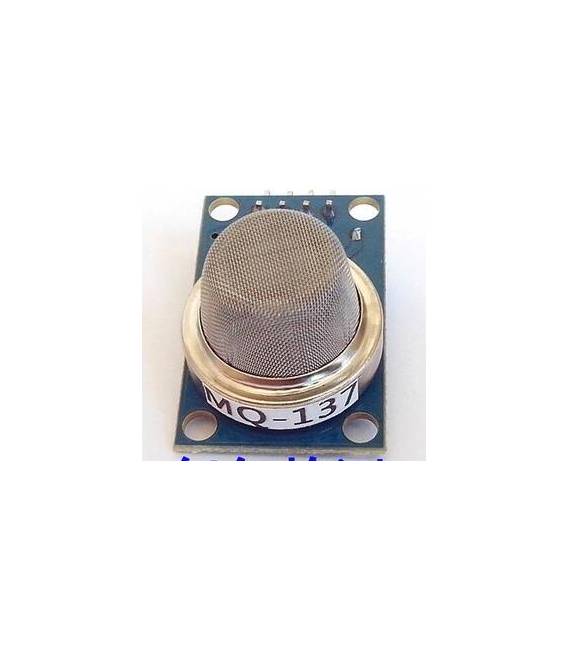
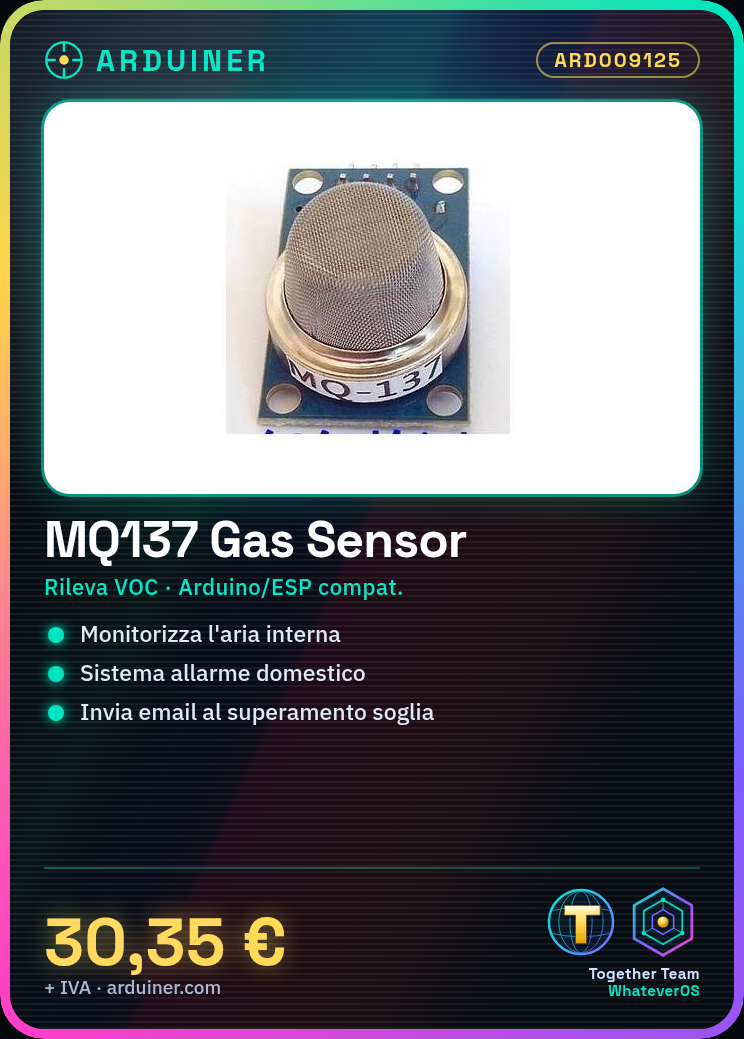
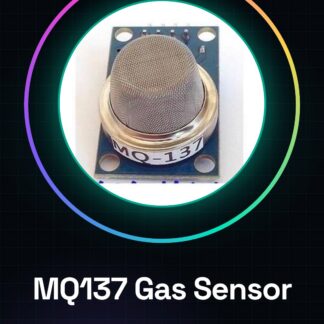
The MQ137 is a semiconductor gas sensor module specialized in detecting volatile organic compounds (VOC). Ideal for DIY projects such as indoor air monitoring or home alarm systems.
Features
- Semiconductor Gas Sensor MQ-137
- Ideally suited for detecting volatile organic compounds (VOC)
What it is for
The MQ-137 module can be used to create a home alarm system that sends email notifications when the gas level exceeds a predefined threshold. It is compatible with Arduino and ESP.
Tutorial: How to Use MQ137 Gas Sensor
The MQ-137 module is a semiconductor gas sensor specialized in detecting volatile organic compounds (VOC). It is ideal for DIY projects such as indoor air monitoring or home alarm systems.
What you need
- Arduino Uno
- USB Cable
- Breadboard
- Capacitors and Resistors
- 5V Power Supply
Steps
- Connect the MQ137 module to the breadboard: VCC to 5V, GND to ground.
- Connect the AOUT of the sensor to an analog pin on the Arduino (e.g., A0).
- Download and install the Adafruit_AirQualitySensor library.
- Insert the provided Arduino code in this tutorial.
- Upload the sketch to the Arduino via USB.
- Open Serial Monitor to view the reading data.
- Check that the readings are consistent with the presence or absence of gas.
- Modify your project based on the detected values.
Example code
//Includi la libreria
#include <Adafruit_AirQualitySensor.h>
//Definisci i pin
#define AOUT_PIN 0
//Crea un'istanza del sensore
Adafruit_AirQualitySensor air = Adafruit_AirQualitySensor(AOUT_PIN);
void setup() {
Serial.begin(9600);
air.begin();
}
void loop() {
float ppm = air.readPPM();
Serial.print("Gas (ppm): ");
Serial.println(ppm, 2);
delay(1000);}
Mini project
Create a home alarm system that sends email notifications when the gas level exceeds a predefined threshold.
Common mistakes
- Set the power below the required 5V.
- Fail to configure the Adafruit_AirQualitySensor library correctly.
- Ignore the initial readings which may be inaccurate.
- Use the sensor without a closed chamber to limit external air flows.
Recommended accessories
- Arduino Uno
- Breadboard
- USB A-Micro B cable
- Variable resistors
Frequently asked questions
The sensor only responds after several minutes.
Wait for the sensor to warm up completely. Check the documentation for calibration times.
The values are always high or low.
Verify the correct electrical power supply of the sensor, make sure there are no electronic interferences.
Reviews
There are no reviews yet.