 EN
EN IT Italiano
 ES Español
 FR Français
 DE Deutsch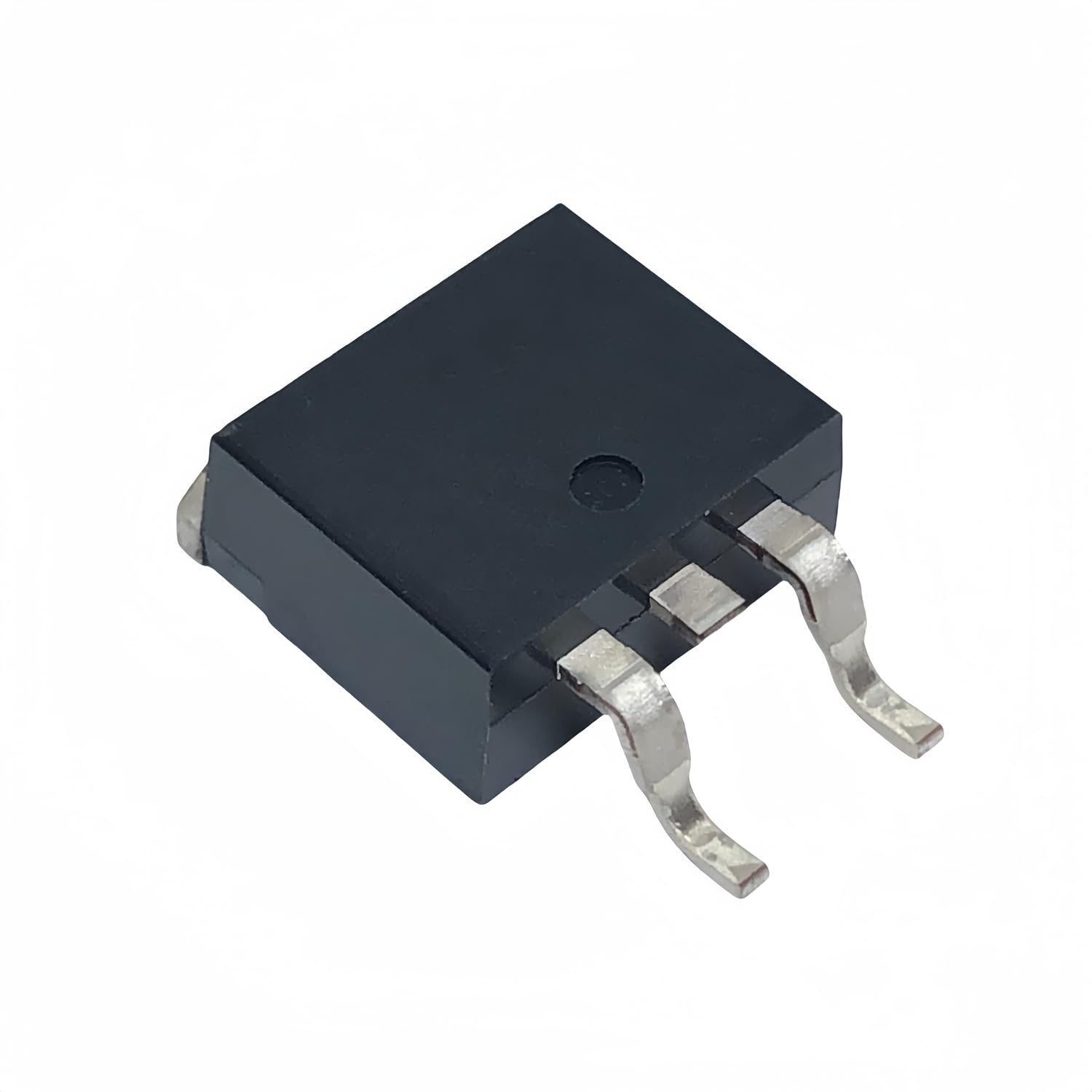
Description
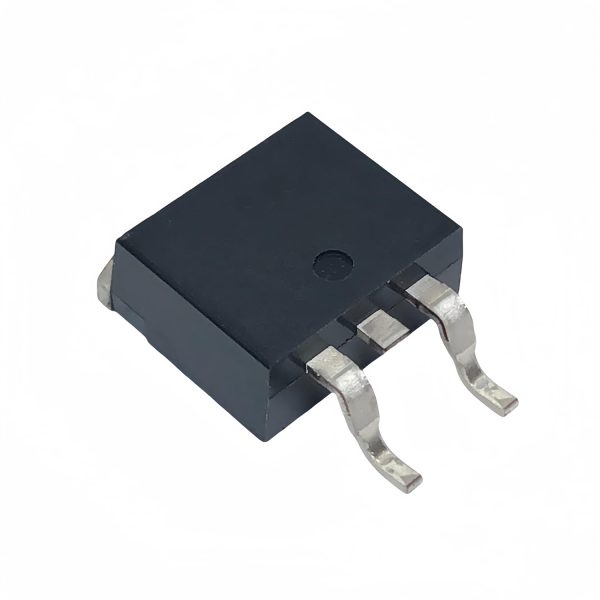
What is the MOSFET CRSS037N10N? The MOSFET CRSS037N10N is an N-Channel electronic component designed to handle high currents in electronic circuits. This MOSFET is ideal for projects requiring heavy loads such as motors or lamps. Features Type: N-Channel Maximum Voltage: 100V Maximum Current (Tc): 120A Vth @ 250uA: 4V Rds(on) @ 50A, 10V: 3.7mΩ Maximum Power (Tc): 227W Package: TO-263 What is it used for? The MOSFET CRSS037N10N is used to control high currents in electronic circuits. It is particularly suitable for advanced electronics and robotics projects where managing heavy loads is necessary. You can use it to create an Arduino-controlled lighting system or connect a lamp to a current-controlled socket via a MOSFET. Tutorial: How to Use the MOSFET CRSS037N10N The MOSFET CRSS037N10N is an electronic component suitable for anyone wanting to control high currents in electronic circuits. It is particularly useful for projects requiring heavy loads such as motors or lamps. What you need Arduino Uno Pull-up Resistor Decoupling Capacitor Test Connections Lamp or motor to be controlled Adequate power supply Steps Connect the gate (G) of the MOSFET to the Arduino’s control pin. Connect the source (S) of the MOSFET to ground. Connect the drain (D) of the MOSFET to the positive side of the load. Connect a pull-up resistor between the gate and the power supply voltage. Connect a decoupling capacitor between ground and the drain of the MOSFET. Write and upload an Arduino sketch to control the MOSFET. Test the circuit with a lamp or motor connected to the drain. Ensure that the MOSFET behaves as expected and adjust if necessary. Example Code void setup() { pinMode(9, OUTPUT); } void loop() { digitalWrite(9, HIGH); delay(1000); digitalWrite(9, LOW); delay(1000); } Mini-project Create an Arduino-controlled lighting system. Connect a lamp to a current-controlled socket via a MOSFET CRSS037N10N. Use a light sensor to regulate the brightness of the light. Common mistakes Omitting the pull-up resistor. Not using a decoupling capacitor. Incorrectly connecting the MOSFET. Failing to check for heat dissipation. Recommended accessories Arduino Uno Variable resistors Decoupling capacitors Lamps or motors for testing Frequently Asked Questions What is the control voltage of the MOSFET? Check the datasheet.
Reviews
There are no reviews yet.