 EN
EN IT Italiano
 ES Español
 FR Français
 DE Deutsch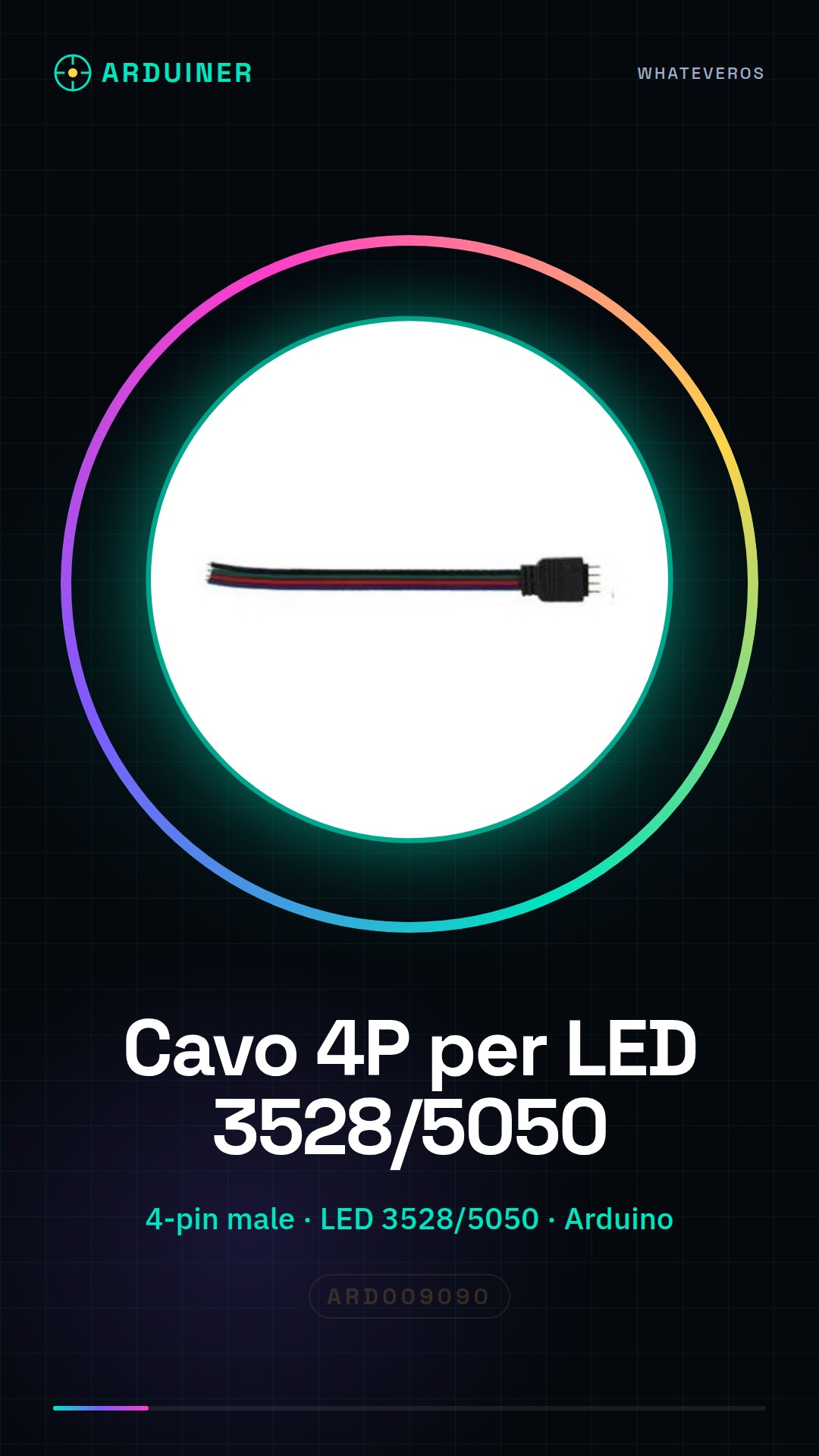
Description
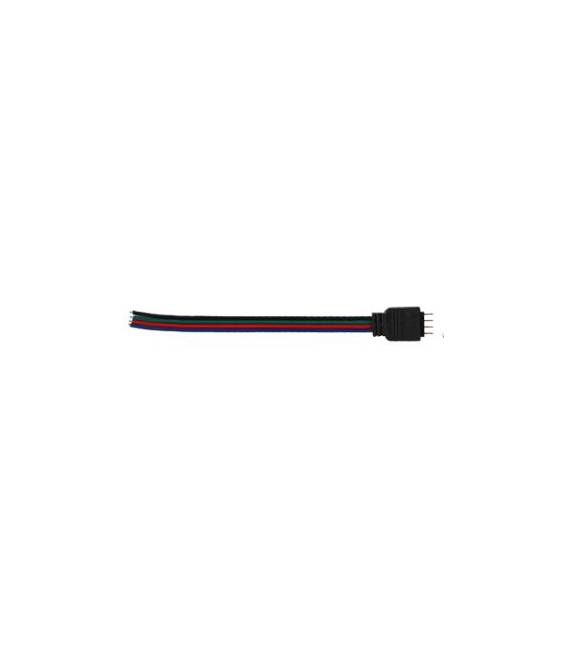
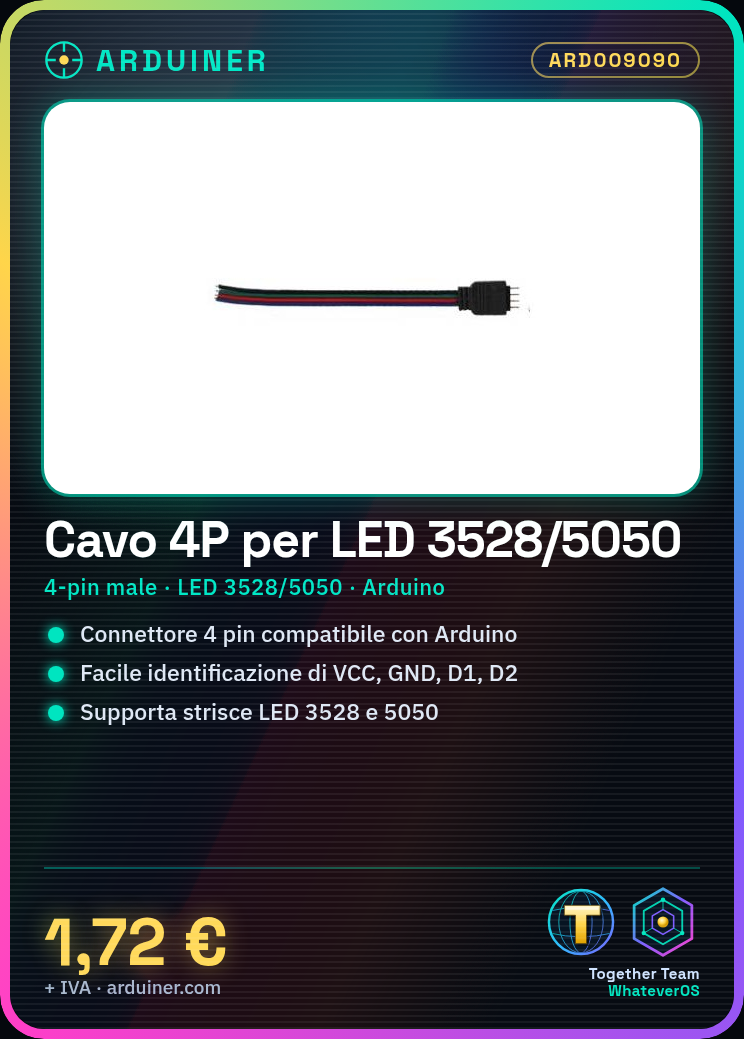
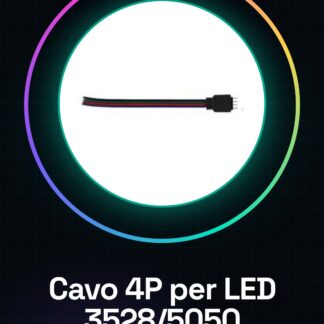
4P Male LED Strip Cable for 3528 5050 Ect with 4 Pin Connector Tutorial: How to Use 4P Male LED Strip Cable This cable is ideal for connecting LED strips to Arduino boards or any other device requiring a 4-pin connection. Suitable for beginners and intermediates. What You Need LED strips 3528 or 5050 Arduino board Multimeter (optional) Fuses (optional) Steps 1. Check the cable specifications on the datasheet. 2. Identify the 4 pins of the cable: VCC, GND, D1, D2. 3. Connect VCC to the +5V pin of the Arduino board. 4. Connect GND to the GND pin of the Arduino board. 5. Connect D1 and D2 to two digital pins of the Arduino board. 6. Check the correct polarity with a multimeter (optional). 7. Upload a basic example sketch. 8. Test the connection and functionality. Mini-Project Create a blinking LED signal with a basic Arduino sketch. Common Errors Incorrect connection between VCC and GND. Skipping the datasheet check. Not using fuses for protection. Not checking polarity before connecting. Recommended Accessories LED strips 3528 or 5050 Arduino board Multimeter (for verification) Fuses (for protection) Frequently Asked Questions Can I use this cable only with 5050 LED strips? No, it works with both 3528 and 5050. Which Arduino pins should I use? You can use any digital pins, but we recommend D1 and D2. Do I need a fuse? Not mandatory, but recommended for protection.
Reviews
There are no reviews yet.