 EN
EN IT Italiano
 ES Español
 FR Français
 DE Deutsch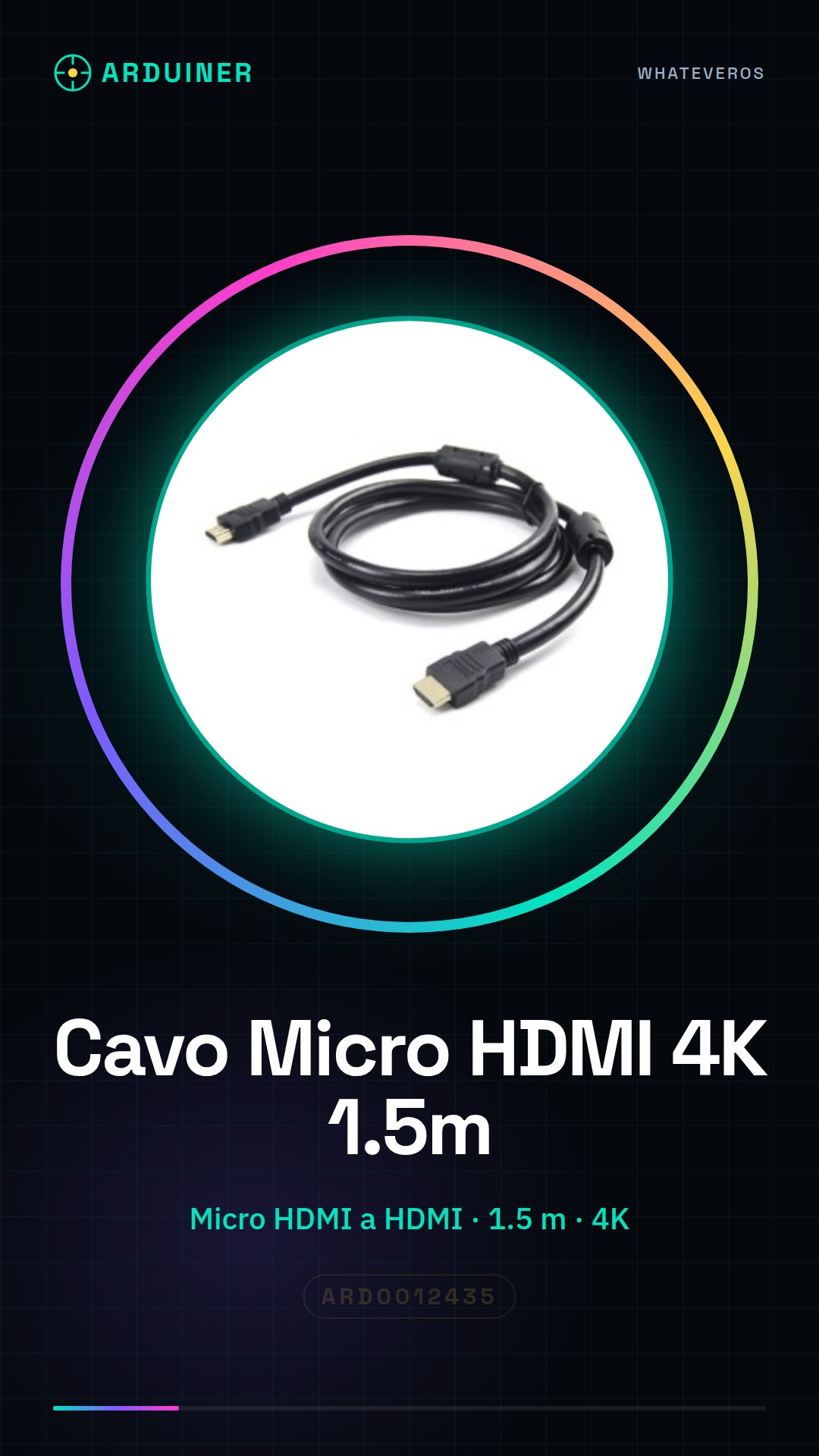
Description
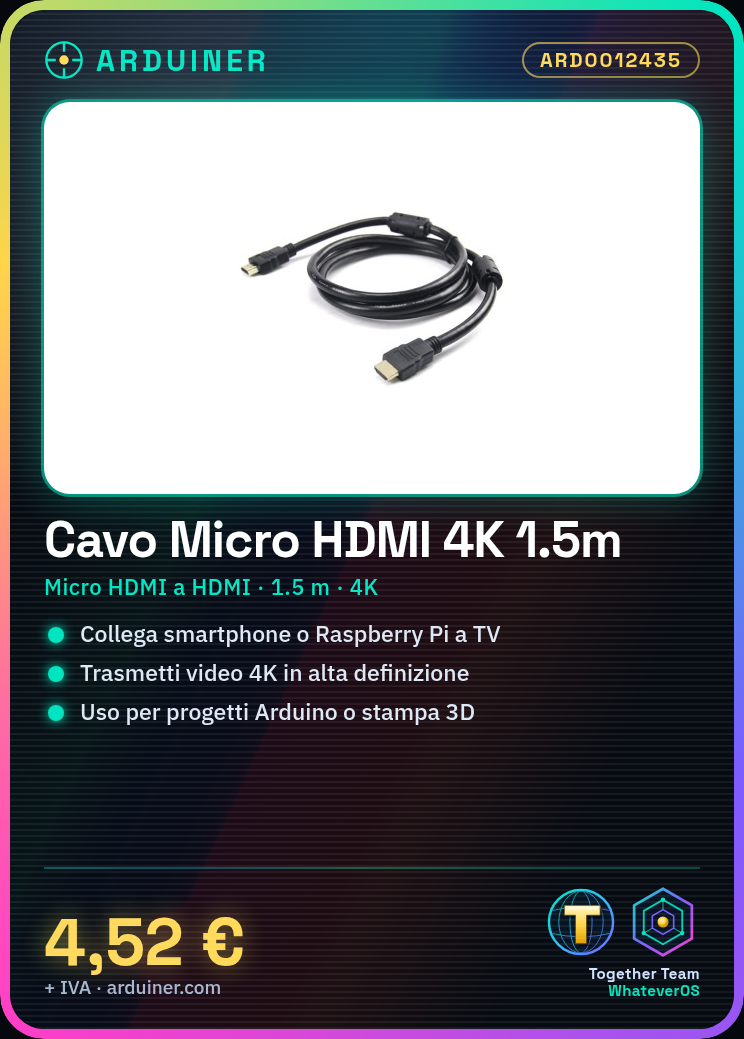
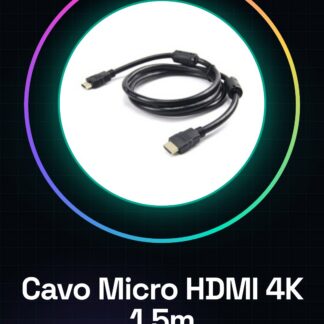
What is the Micro HDMI to HDMI Cable 4K 1.5m? This cable connects devices with digital video outputs, such as smartphones, tablets or Raspberry Pi, to monitors or TVs with an HDMI input. It transmits high-definition video while maintaining image quality.
Features:
– Connector type: Micro HDMI to HDMI
– Length of the cable: 1.5 meters
– Resolution support: 4K
What is it for? This cable is ideal for Arduino projects and 3D printing, allowing a Raspberry Pi to be connected to an HDMI TV to view the desktop and control files and applications in extended mode. It can also connect mobile devices with Micro HDMI output to monitors or TVs.
How to use: The Micro HDMI to HDMI Cable 4K 1.5m is perfect for connecting devices with digital video outputs like smartphones, tablets or Raspberry Pi to monitors or TVs. This cable is particularly useful for anyone who wants to transmit high-definition video without losing quality.
What you need:
– Computer or device with a Micro HDMI output
– Monitor or TV with an HDMI input
– Micro HDMI to HDMI Cable 4K 1.5m
Steps:
1. Check that both devices have the necessary ports for cable use.
2. Gently insert one end of the cable into the Micro HDMI port on the source device.
3. Insert the other end of the cable into the HDMI port on the monitor or TV.
4. Ensure both the source device and the monitor or TV are turned on.
5. Select the correct input on the monitor or TV to display the output from the source device.
6. Verify that the resolution is correct and there are no audio or video issues.
7. If necessary, adjust the resolution in the configuration menu of the source device or monitor.
8. If nothing displays, check all connections and repeat previous steps.
Mini-project: Connect a Raspberry Pi to an HDMI TV to view the desktop and control files and applications in extended mode.
Common errors:
– The cable is not properly inserted into one of the ports.
– The monitor or TV resolution is incompatible with that of the source device.
– The source device does not support 4K resolution.
– The monitor or TV is not correctly configured to receive HDMI input.
Reviews
There are no reviews yet.