 EN
EN IT Italiano
 ES Español
 FR Français
 DE Deutsch
Description
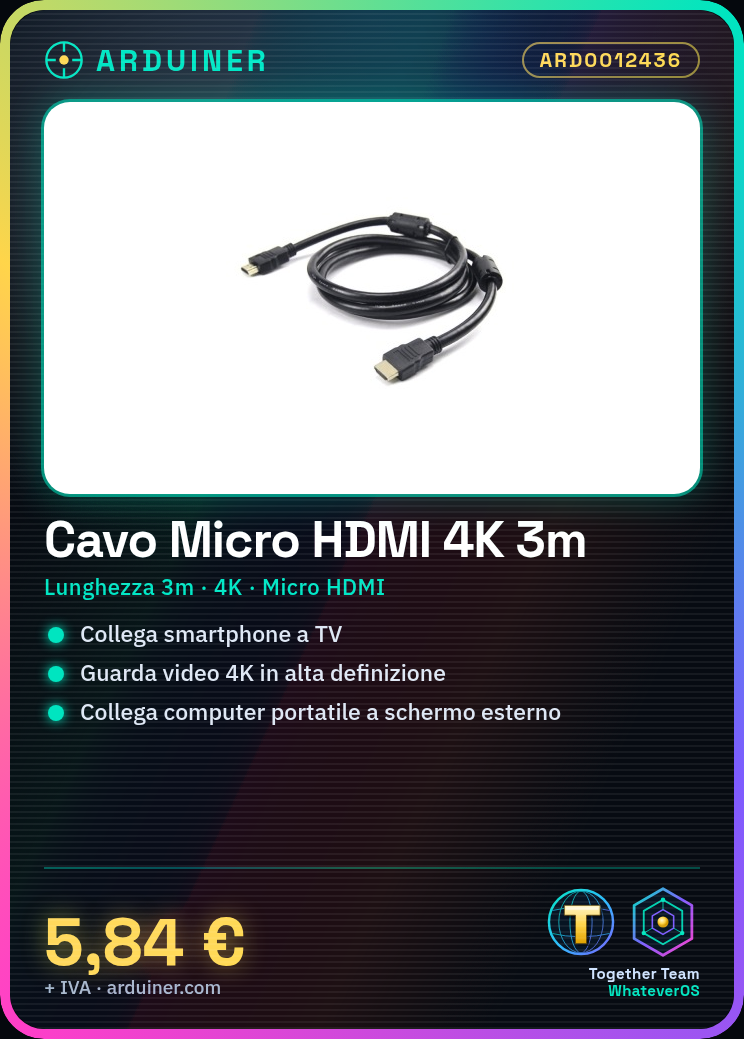
What is the Micro HDMI to HDMI 4K Cable 3m? This cable transfers video and audio from devices using a Micro HDMI interface to displays or projectors that use standard HDMI interfaces. It allows you to connect mobile devices such as smartphones, tablets, or laptops to external screens, TVs, or projectors while maintaining high transmission quality. Features Length: 3 meters Supports resolutions up to 4K Compatible with devices using Micro HDMI Compatible with HDMI screens and projectors What is it for This cable is ideal for connecting mobile devices or laptops to external screens, TVs, or projectors. It can be used for watching HD movies or videos, presenting slides, or performing any other activity that requires high-quality video connection. Check the datasheet for further technical details. Tutorial: How to use Micro HDMI to HDMI 4K Cable 3m The Micro HDMI to HDMI 4K Cable 3m is perfect for connecting devices such as smartphones, tablets, or laptops to external screens, TVs, or projectors. This tutorial will guide you through the steps to use it correctly. What do you need Device with a Micro HDMI connector Screen or TV with an HDMI connector Micro HDMI to HDMI 4K Cable 3m Steps Ensure your device has a Micro HDMI connector and your screen or TV has an HDMI connector. Position the Micro HDMI to HDMI 4K Cable 3m so that it is long enough to connect both devices. Gently insert one end of the cable into the Micro HDMI connector on the device. Insert the other end of the cable into the HDMI connector on the screen or TV. Check the connection and turn on your device and the screen or TV. Select the correct input source on the screen or TV to display the content from the device. Verify the image quality and audio playback. If necessary, adjust the output settings on both the device and the screen or TV to optimise image and audio quality. Mini-project Connect your smartphone to a TV for watching HD movies or videos. Ensure that your smartphone supports 4K resolution and that the TV can handle it. Common mistakes The cable does not connect properly due to incorrect insertion or damaged connectors. Image or audio quality is suboptimal due to incorrect settings on device or screen.
Reviews
There are no reviews yet.