 EN
EN IT Italiano
 ES Español
 FR Français
 DE Deutsch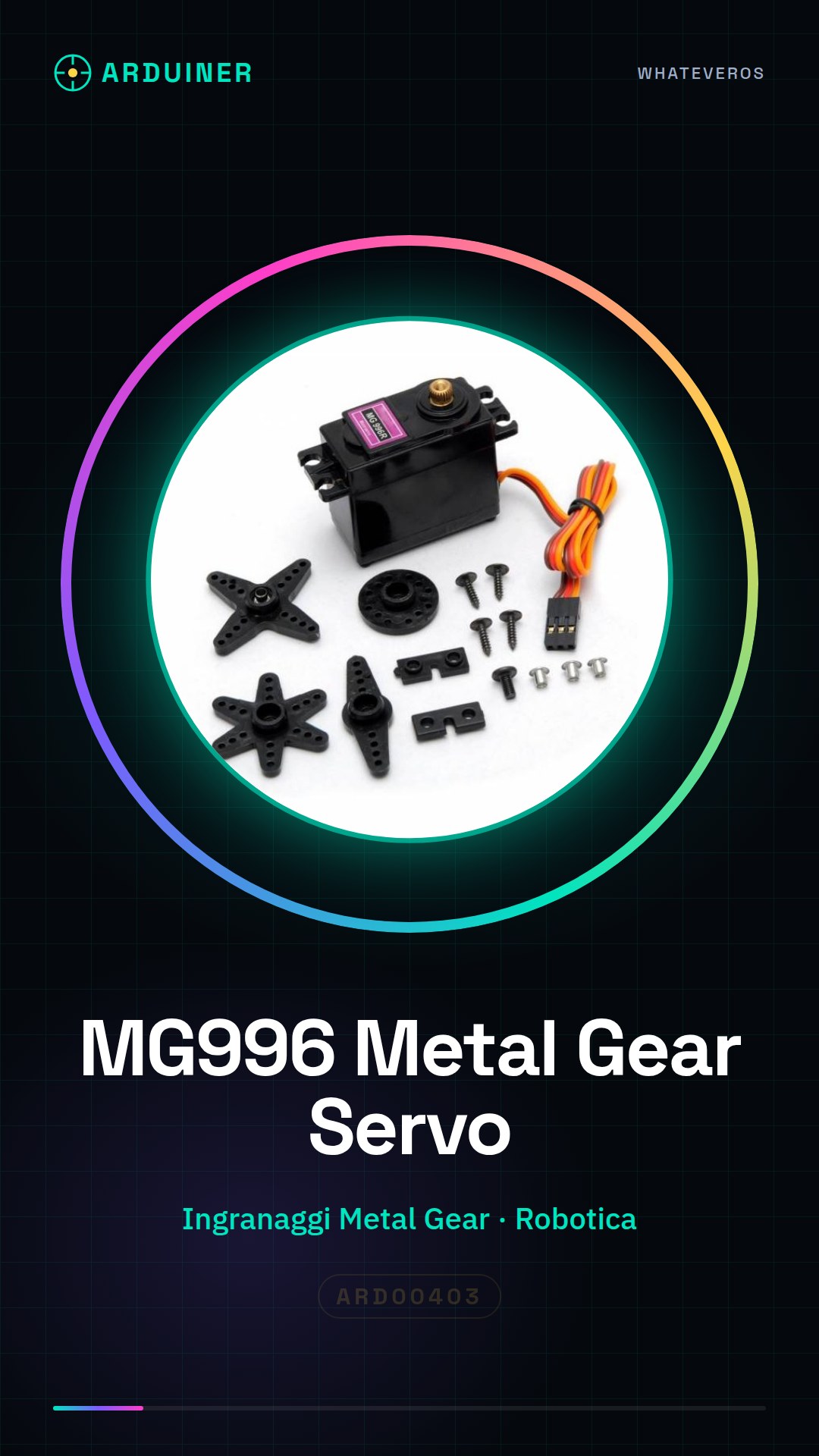


Description
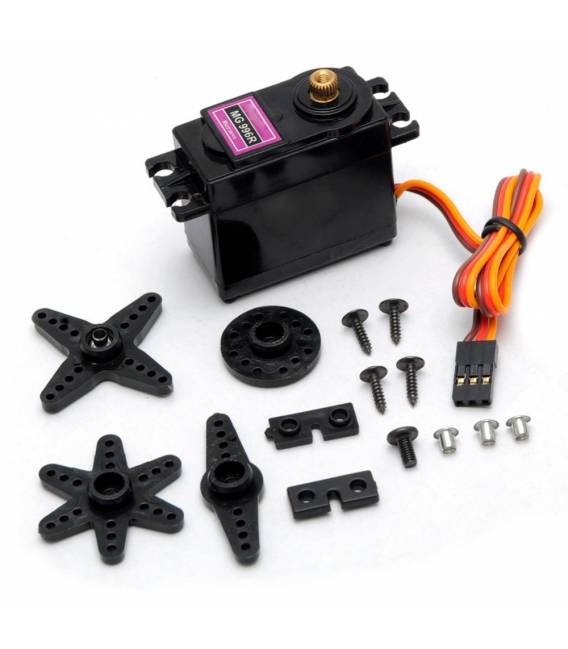
What is it The MG996 Metal Gear analog servo is a metal gear servo motor designed for applications requiring precise and powerful movement. It is perfect for robotics, modeling, and mechanical prototyping. Features Type: Analog Servo Brand: MG996 Gear: Metal Gear Price: €10.63 (SKU: ARD00403) Category: Motors, Servomotors Compatibility: Check datasheet Voltage: Check datasheet Current: Check datasheet Angle of rotation: Check datasheet What it’s used for The MG996 Metal Gear servo is ideal for projects requiring precise and powerful movement, such as: Building a robotic arm with two or more MG996 servos Controlling the movement and position of mechanical components Modeling and prototyping applications It is compatible with Arduino and other electronic control platforms. Tutorial: How to Use the Analog Dual MG996 Metal Gear Servo The analog dual MG996 Metal Gear servo is ideal for projects requiring precise and powerful movement, such as robotics, modeling, or mechanical prototyping. This tutorial will guide you through setting up and using the servo. What you need Arduino Uno USB cable Breadboard (optional) 10kΩ resistor (for connecting a potentiometer, optional) Steps Connect the MG996 servo to the breadboard or directly to Arduino. Check the correct polarity of the pins. Connect the servo power (VCC and GND pins) to 5V and GND of Arduino respectively. Connect the PWM pin of the servo (usually marked) to digital pin 9 of Arduino. Check the datasheet for exact configuration. Download or create a new sketch in Arduino IDE, include the Servo library with ‘include ‘. Instantiate the servo as a variable and assign the PWM pin number connected to the servo. In setup(), use ‘servo.attach(pin)’ to connect the servo to the specific Arduino pin. In loop(), use ‘servo.write(degree)’ where ‘degree’ is the desired angle between 0 and 180. Check the datasheet for the exact range. Test the servo by gradually varying the rotation angle. Example code // Include the Servo library #include // Instantiate the servo Servo myServo; void setup() { // Connect the servo to the PWM pin myServo.attach(9); } void loop() { for(int pos = 0; pos <= 180; pos += 1) { // Move the servo to 'pos' degrees and wait a fraction of a second for execution

Reviews
There are no reviews yet.