 EN
 IT Italiano
 ES Español
 FR Français
 DE Deutsch
Description
What it is
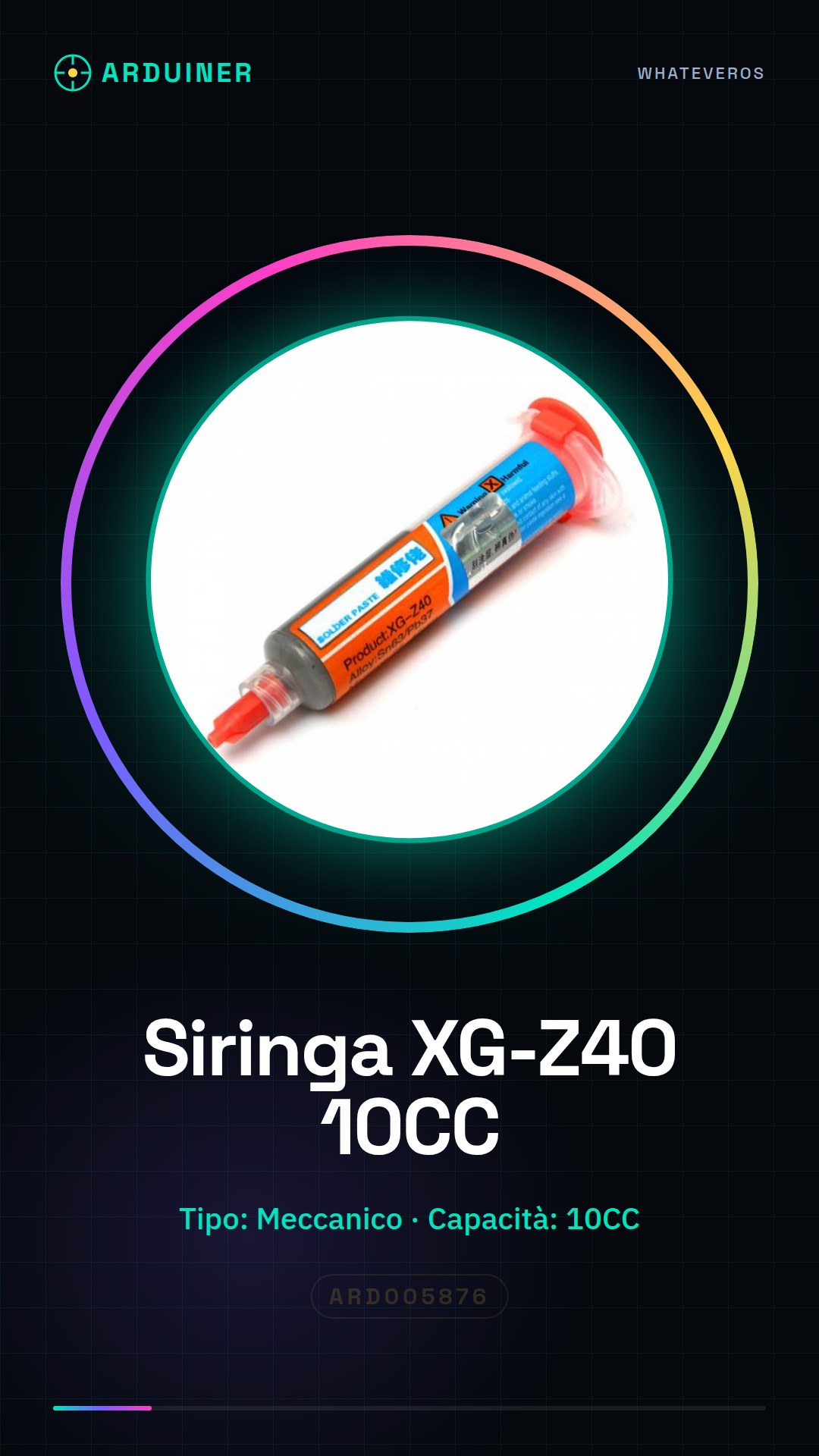
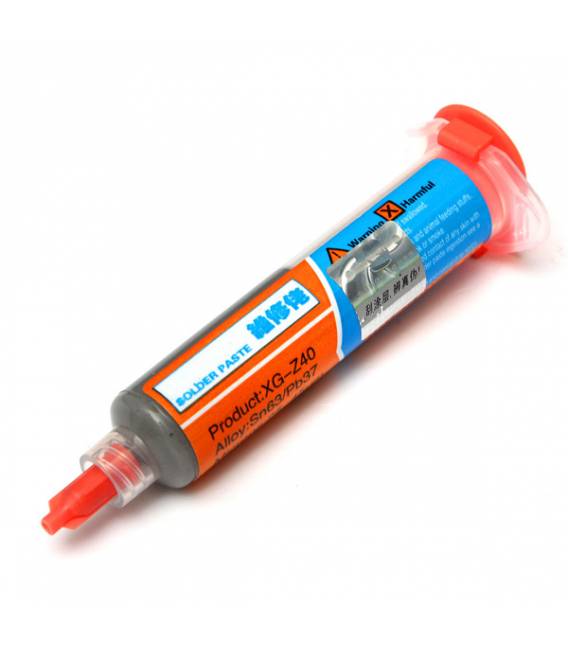
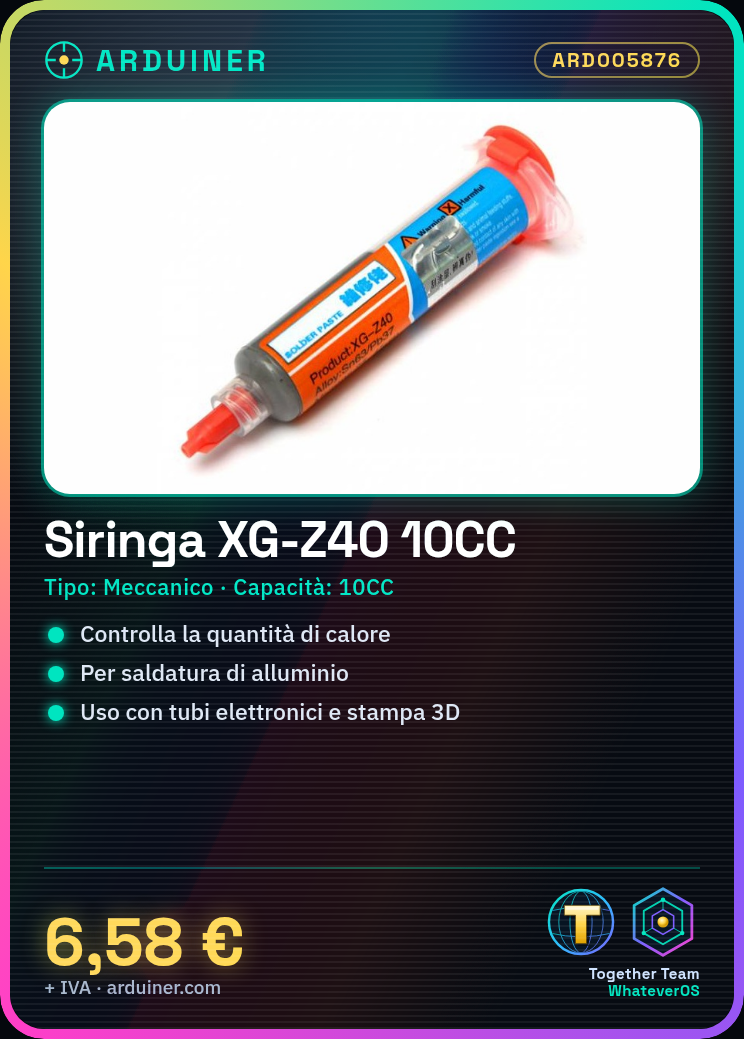
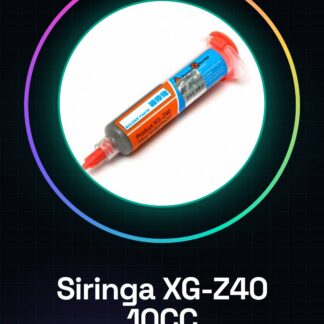
The XG-Z40 mechanical syringe is a crucial component for electronic soldering, specifically designed to be used with the XG-Z40 soldering station. This tool is ideal for precisely controlling the amount of heat during the soldering process.
Features
- Type: Mechanical
- Capacity: 10CC
What it is for
The XG-Z40 mechanical syringe is used for filling electronic tubes, 3D printing, and other processes that require precise control of heat flow. It is particularly useful when working with metallic materials such as aluminum.
Tutorial: How to use XG-Z40 Mechanical Syringe
The XG-Z40 mechanical syringe is a fundamental component for precisely controlling the amount of heat during soldering. It is useful for those working with metallic materials and wanting accurate control of heat flow.
What you need
- XG-Z40 Mechanical Syringe
- XG-Z40 Soldering Station
- Soldering Elbows
- Hand protection
Steps
- Check the datasheet: dimensions and maximum pressure.
- Connect the syringe to the soldering elbow.
- Insert the syringe into the XG-Z40 soldering iron.
- Open the syringe to initialize the system.
- Check the pressure: check the datasheet.
- Adjust the amount of heat with the syringe.
- Start soldering, monitoring the amount of heat.
- Turn off the soldering iron and clean the syringe.
Mini project
Solder a piece of aluminum with the syringe to check the amount of heat.
Common mistakes
- Do not check the maximum pressure on the datasheet.
- Do not open the syringe before connecting.
- Adjust the syringe without checking the pressure.
- Solder without protection.
Recommended accessories
- Soldering elbows
- Hand protection
- Piece of aluminum
- Protection tubes
Frequently asked questions
How to adjust the syringe?
Check the datasheet and adjust slowly.
Can I use the syringe with other soldering irons?
Check compatibility on the datasheet.
How long do I need to wait before cleaning the syringe?
Wait until it cools down completely.
Reviews
There are no reviews yet.