 EN
 IT Italiano
 ES Español
 FR Français
 DE Deutsch
Description
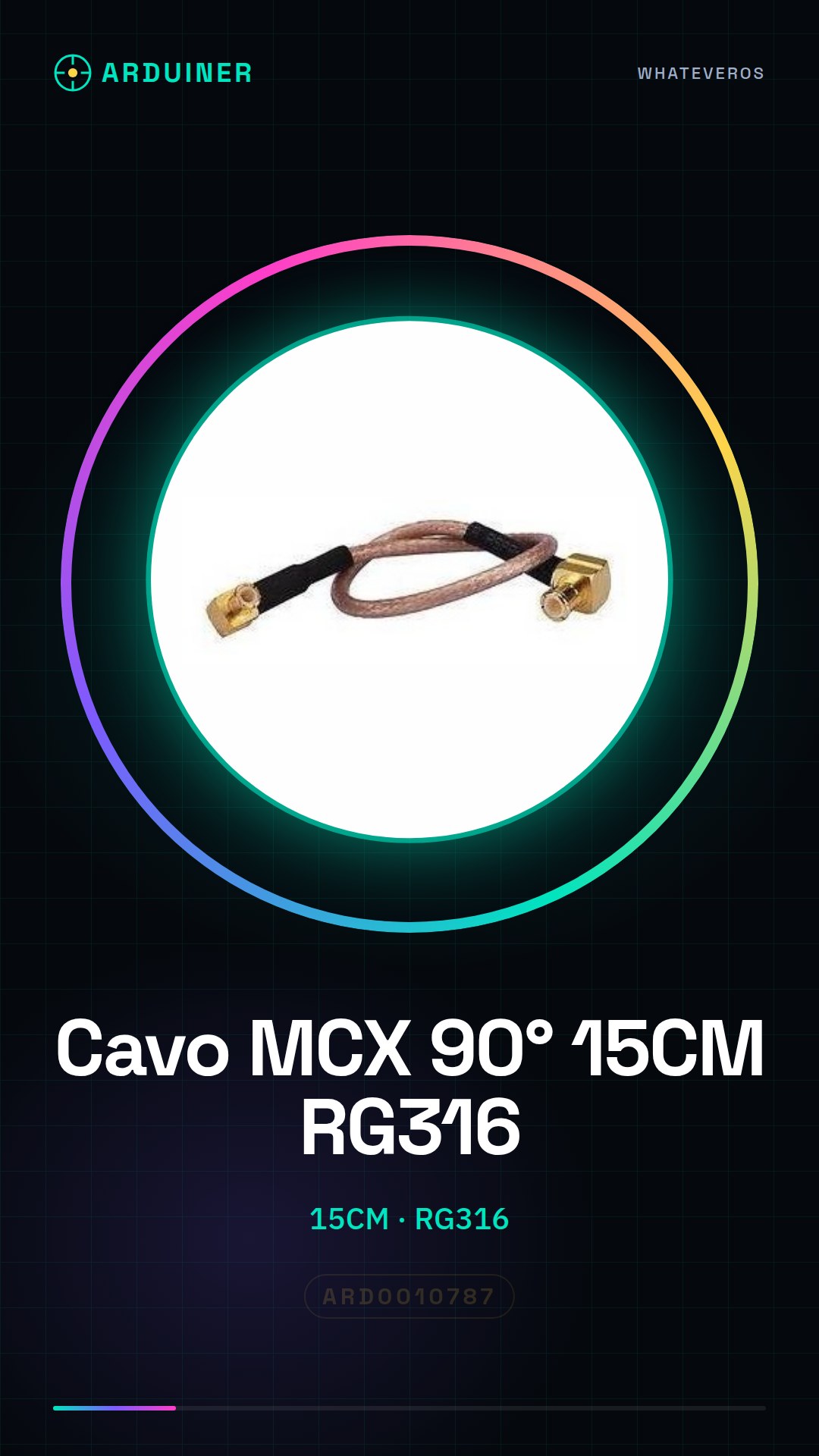
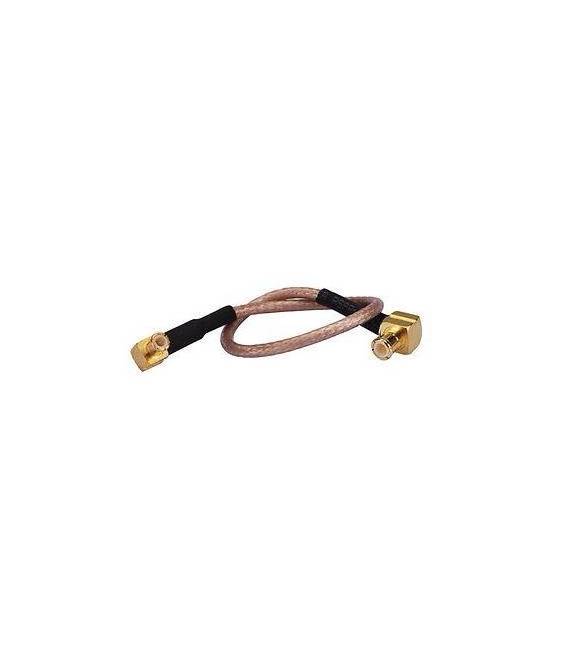
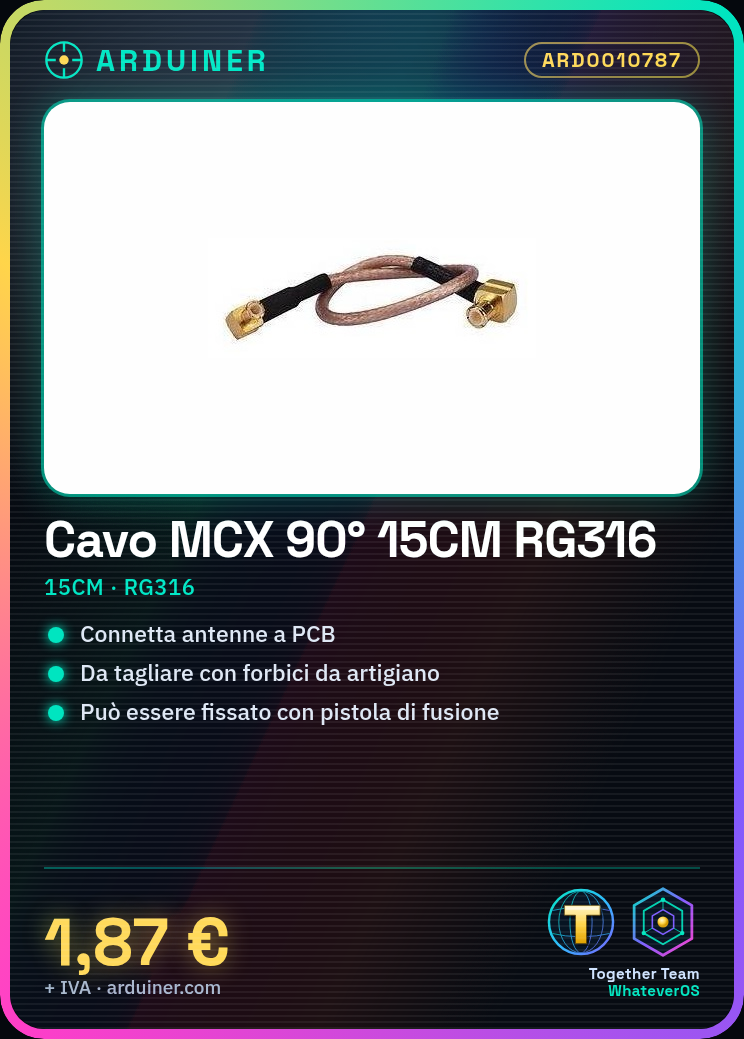
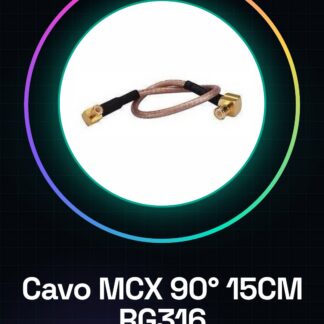
MCX Male Right Angle Connector Cable to MCX Male Right Angle Connector 15CM RG316
Tutorial: How to Use MCX Male Right Angle Connector Cable
This cable is ideal for connecting antennas to PCB circuits or other components, perfect for beginners and intermediates.
What you need
- MCX Male Right Angle Connector Cable 15CM RG316
- Tools for cutting and breaking wires
- MCX Connector Soldering Iron (optional)
Steps
- Check the cable specifications on the datasheet.
- Cut the cable with a pair of professional scissors.
- Break the cable at 90 degrees to form the connectors.
- Solder the connectors with the iron (if necessary).
- Connect the MCX male cable to another antenna or PCB.
- Check the connection and functionality.
- If necessary, apply a little lubricant to improve contact.
- Check the connection again.
Mini project
Build a small signal reception system with a GPS module and an LCD display.
Common mistakes
- Do not check specifications on the datasheet.
- Do not use lubricant.
- Do not check the connection after making the connection.
- Do not use the soldering gun if not necessary.
Recommended accessories
- GPS Module
- LCD Display
- MCX Connector Soldering Gun
- Connector Lubricant
Frequently asked questions
How can I cut the wire?
Use professional scissors to cut the wire precisely.
Is it necessary to use the soldering gun?
No, but it can improve the connection if necessary.
What specifications should I check?
Check the length and type of wire on the datasheet.
What are common mistakes?
Do not check specifications, do not use lubricant, do not check the connection after making the connection, and do not use the soldering gun if not necessary.
Reviews
There are no reviews yet.