 EN
 IT Italiano
 ES Español
 FR Français
 DE Deutsch
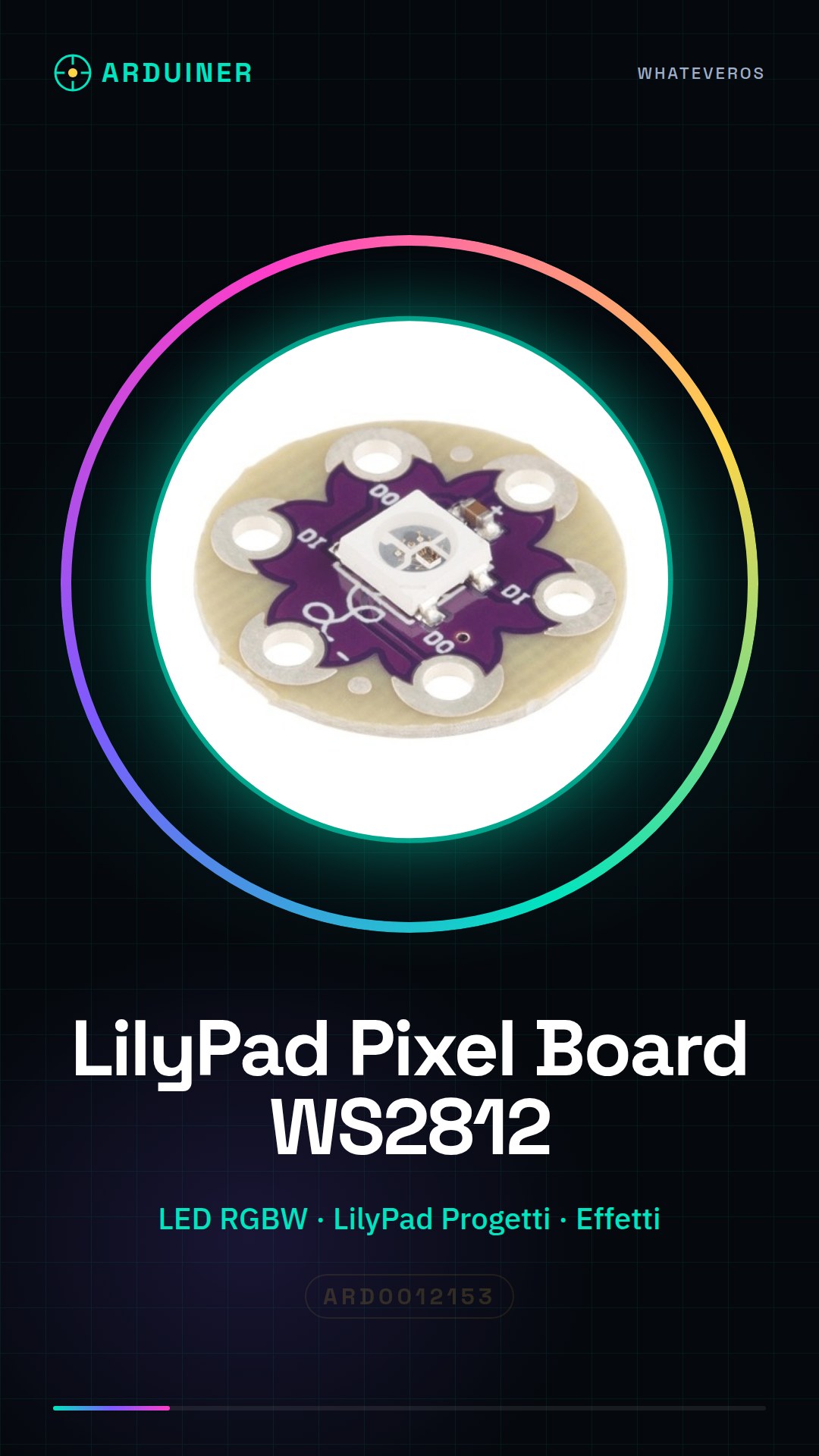
Description
What it is
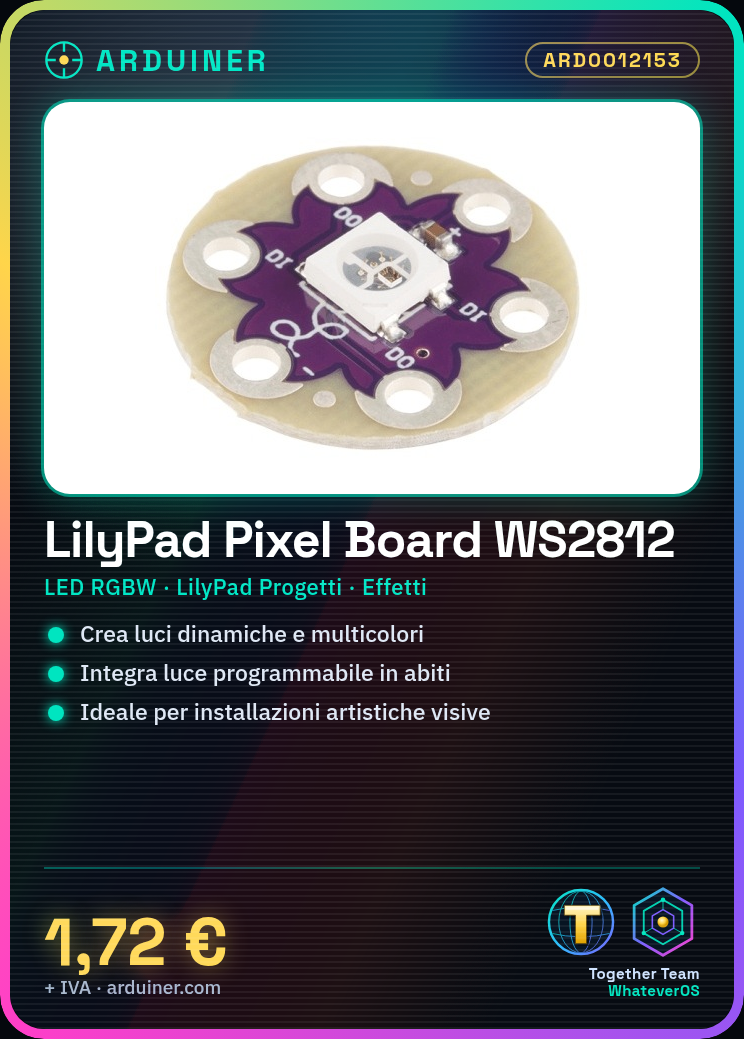
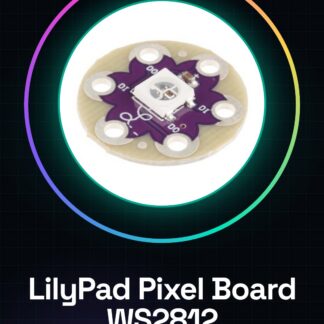
The LilyPad Pixel Board WS2812 is an LED RGBW lighting module designed to be integrated into interactive electronic projects, such as smart clothing or artistic installations.
Features
- WS2812 RGBW LED Module
- Ideally suited for LilyPad projects
What it is for
It is used to create multi-colored and dynamic lighting effects in Arduino, LilyPad, or ESP projects. It can be used in interactive clothing, visual art installations, and any other project that requires programmable light.
Tutorial: How to use LilyPad Pixel Board WS2812
The LilyPad Pixel Board WS2812 is a small RGB LED module that allows for the creation of dynamic and multi-colored lights. Perfect for interactive fashion projects, visual art, or any other project where programmable light integration is necessary.
What you need
- Arduino Uno
- USB A-MicroB cable
- 5V power supply
- Jumpers
Steps
- Connect the WS2812 module to pin 6 of the Arduino using a jumper.
- Download and install the Adafruit NeoPixel library for Arduino.
- Upload the example sketch provided by the library to Arduino.
- Modify the colors or brightness of the lights in the code based on your preferences.
- Check that the lights turn on correctly and change color according to your code.
Example code
Adafruit_NeoPixel strip = Adafruit_NeoPixel(1, 6, NEO_GRB + NEO_KHZ800);

void setup() {
strip.begin();
}

void loop() {
strip.setPixelColor(0, strip.Color(255, 0, 0));
strip.show();
}
Mini project
Create an interactive garment with the LilyPad Pixel Board WS2812. Connect the module to various points on the garment and program it to change color in response to movement.
Common mistakes
- Do not verify the correct installation of the Adafruit NeoPixel library.
- Use an insufficient power supply, causing issues with the WS2812 module.
- Connect the module to a pin not supported by NeoPixel.
- Ignore the voltage and current specifications of the WS2812 module.
Recommended accessories
- LilyPad Arduino USB
- Colored jumpers
- 5V power supply with current regulation
- MicroUSB cable
Frequently asked questions
How can I control multiple WS2812 modules?
Use the NeoPixel library and connect the modules in series.
Which colors can I use with this module?
You can use any combination of RGB (red, green, blue) to create different colors.
Reviews
There are no reviews yet.