 EN
 IT Italiano
 ES Español
 FR Français
 DE Deutsch
Description
What it is
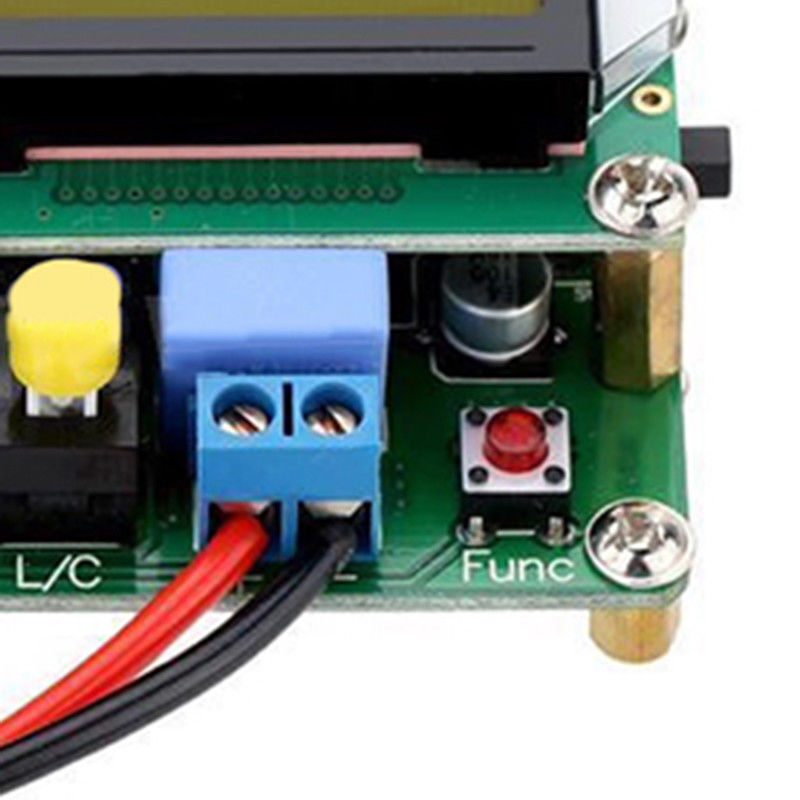
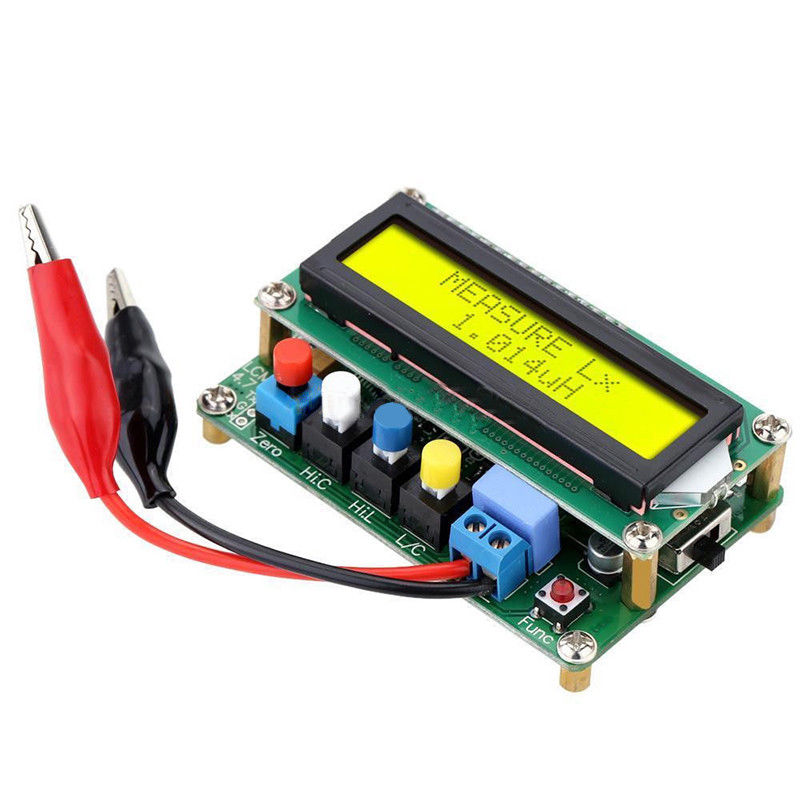
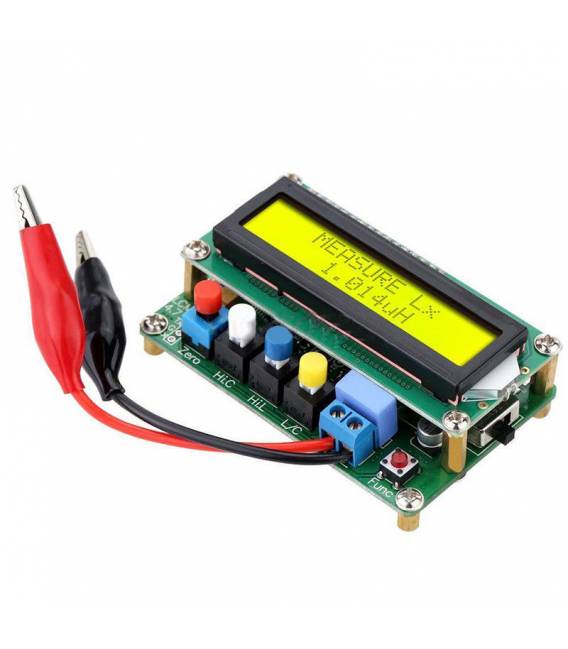
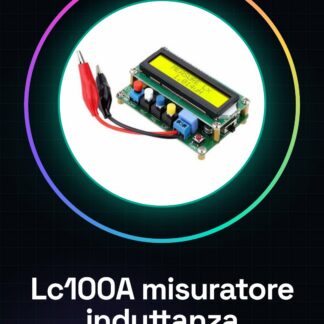
The LC100A is a high-precision digital capacitance and inductance meter. It is a useful tool for checking the quality of electronic components.
Features
- Digital capacitance and inductance measurement
- High precision
- SKU: ARD001023
- Price: 26.84 €
What it is for
The LC100A can be used to check the quality of electronic components, such as inductors and capacitors. It is also useful for Arduino projects and general electronics, such as building undervoltage protection circuits.
Tutorial: How to use LC100A
The LC100A inductance meter is ideal for checking the quality of electronic components. Useful for makers and technicians.
What you need
- LC100A
- Arduino
- Power cable
- Digital multimeter
Steps
- 1. Ensure that the LC100A is correctly powered.
- 2. Connect the power cable to the LC100A.
- 3. Connect the LC100A to the Arduino using the pins specified in the datasheet.
- 4. Verify the pinout specifications on the datasheet.
- 5. Load the provided Arduino code onto the LC100A.
- 6. Run the code to initialize the device.
- 7. Use the multimeter to verify proper functionality.
- 8. Begin measuring inductances using the digital interface.
Example code
```
#include <Wire.h>
#include <LC100A.h>

LC100A lc100a;

void setup() {
  Serial.begin(9600);
  lc100a.begin();
}

void loop() {
  float inductance = lc100a.getInductance();
  Serial.println(inductance);
  delay(1000);
}
```
Mini project
Build a low voltage protection circuit using the LC100A to monitor the inductor’s inductance level.
Common mistakes
- Do not follow the pinout correctly.
- Power the LC100A with an incorrect voltage.
- Omit the code initialization.
- Do not use a multimeter to verify the connection.
Recommended accessories
- Arduino Nano
- Inductor
- Digital multimeter
- USB cable
Frequently asked questions
How can I verify the correct connection?
Use a multimeter to check the electrical connections.
Does the LC100A work with Arduino Uno?
Check the datasheet to see if it is compatible with the Arduino Uno.
What inductances can it measure?
Check the datasheet to know the measurement range.
Which pins are used for the connection?
Check the datasheet for the pinout.
Reviews
There are no reviews yet.