 EN
 IT Italiano
 ES Español
 FR Français
 DE Deutsch
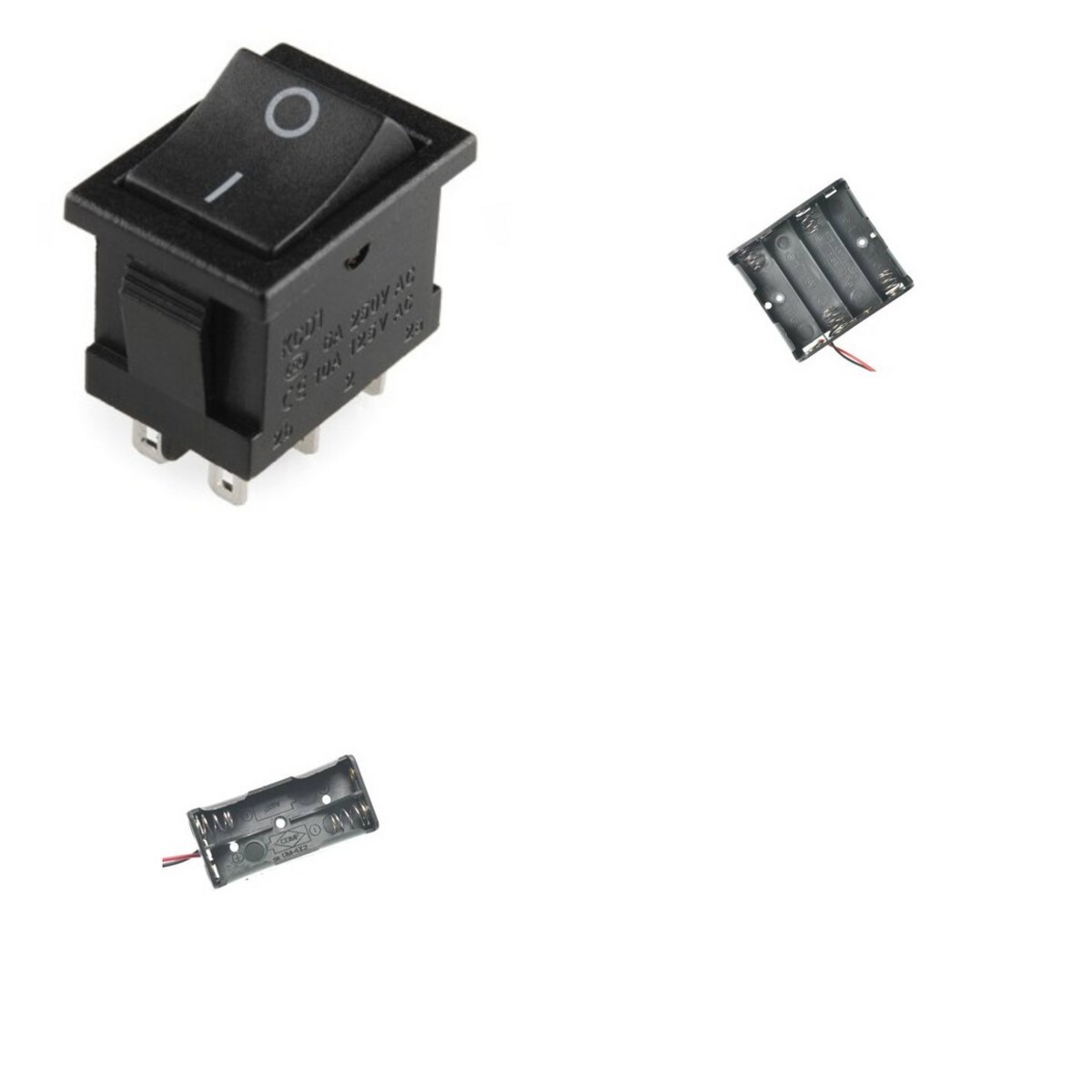
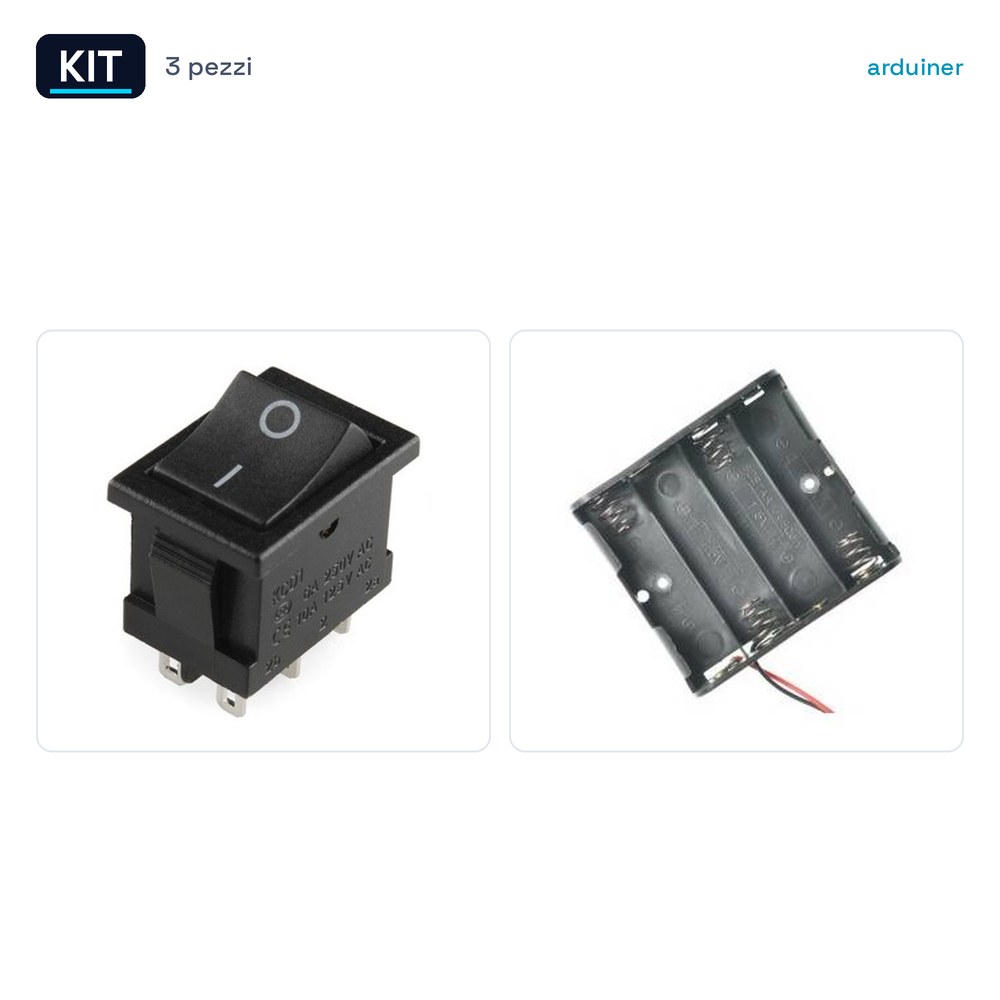
Description
Technical Description
The T85 KCD1-B3 220V Mini Panel Switch, containing a DPDT switch with a 6A rating and two battery holders, is a crucial component for electrical power projects. The switch is designed to manage the flow of electricity and can be used in various electronic devices requiring a 220V AC voltage. The battery holders provide a practical solution for transporting and managing AA and AAA batteries.
The T85 KCD1-B3 switch features a 6-pin connector and can be easily integrated into electronic control systems. The battery holders are suitable for collecting and organizing small batteries, making them easier to use in portable projects.
This kit is particularly useful for projects that require reliable electrical control and the management of small batteries.
Key Specifications
| Parameter | Value |
| Model | T85 KCD1-B3 202 AC 6A 220V Mini Panel Switch |
| Quantity | 1 |
| Operating Voltage | 220V AC |
| Maximum Current | 6A |
| Interface | 6 pin |
| Switch Type | DPDT |
| Battery Holder AA | 4 slots |
| Battery Holder AAA | 2 slots |
| Dimensions Battery Holder AA | N/D (see manufacturer’s datasheet) |
| Dimensions Battery Holder AAA | N/A (see manufacturer’s technical sheet) |
Installation and Usage
- Check that the T85 KCD1-B3 switch is compatible with the project’s power supply system.
- Connect the switch to the power supply system using the 6-pin connector.
- Verify the correct power supply of the system.
- Insert AA batteries into the AA battery holder.
- Insert AAA batteries into the AAA battery holder.
Compatibility and Requirements
- The T85 KCD1-B3 switch is compatible with power supply systems requiring 220V AC voltage.
- Battery holders are compatible with standard AA and AAA batteries.
- To use the kit, a power supply system capable of handling 220V AC voltage and AA and AAA batteries is required.
Limitations and Important Notes
- The kit does not include AA and AAA batteries.
- The T85 KCD1-B3 switch is not designed for voltages below 220V AC.
- Battery holders are not designed for batteries of sizes other than AA and AAA.
- Ensure that the power supply is capable of handling a maximum current of 6A.
Troubleshooting
The switch does not activate.
Probable cause: Incorrect connection of the 6-pin connector.
Solution: Check and reconnect the switch connector.
Batteries are not detected.
Probable cause: Batteries inserted into the holder are not compatible.
Solution: Replace batteries with compatible ones.
The system does not respond.
Probable cause: Supply voltage below 220V AC.
Solution: Check and adjust the supply voltage.
The battery holder is damaged.
Probable cause: Excessive force applied during battery insertion.
Solution: Replace the damaged battery holder.
Use cases
Home security system
Objective: Activate the security system when the light is off.
What you need: T85 KCD1-B3 switch to manage the power flow.
Steps: 1) Connect the switch to the security system. 2) Configure the system to activate when the light is off.
Expected result: The security system activates automatically when the light is off.
Home automation project
Objective: Control the power supply of electronic devices.
What you need: T85 KCD1-B3 switch to manage the power supply.
Steps: 1) Connect the switch to the control system. 2) Configure the system to activate or deactivate the power supply.
Expected result: The control system can activate or deactivate the power supply of devices.
Solar energy project
Objective: Regulate the power supply of the solar system.
What you need: T85 KCD1-B3 switch to manage the power flow.
Steps: 1) Connect the switch to the solar system. 2) Configure the system to regulate power.
Expected result: The solar system can be regulated to manage power.
Electronic test project
Objective: Test the electrical network.
What is needed: T85 KCD1-B3 switch to manage the flow of energy.
Steps: 1) Connect the switch to the electrical network. 2) Configure the system to test the network.
Expected result: The system can test the electrical network.
Industrial control project
Objective: Control the power supply of machines.
What is needed: T85 KCD1-B3 switch to manage power.
Steps: 1) Connect the switch to the machines. 2) Configure the system to control power.
Expected result: The system can control the power supply of machines.
Access control project
Objective: Activate the access system when the light is off.
What is needed: T85 KCD1-B3 switch to manage the power flow.
Steps: 1) Connect the switch to the access system. 2) Configure the system to activate when the light is off.
Expected result: The access system activates automatically when the light is off.
Temperature control project
Objective: To regulate the power supply of the temperature control system.
What is needed: T85 KCD1-B3 switch to manage the power supply.
Steps: 1) Connect the switch to the temperature control system. 2) Configure the system to regulate the power supply.
Expected result: The temperature control system can be regulated to manage the power supply.
Humidity control project
Objective: To regulate the power supply of the humidity control system.
What is needed: T85 KCD1-B3 switch to manage the power supply.
Steps: 1) Connect the switch to the humidity control system. 2) Configure the system to regulate power supply.
Expected result: The humidity control system can be regulated to manage power supply.
In the package
- Kit T85 KCD1-B3 202 AC 6A 220V Mini Panel Switch + 4 slot AA battery holder + 2 slot AAA battery holder
Complete the project
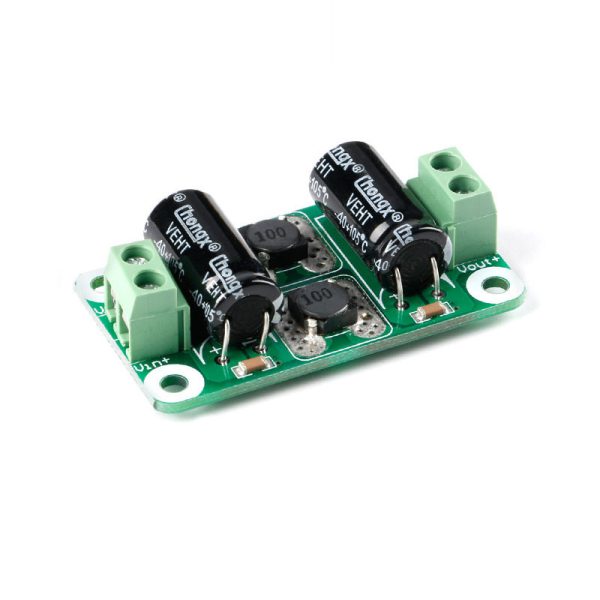
- T85 KCD1-B3 202 AC 6A 220V Mini Panel Switch 6pin 0/1 DPDT: The DC-DC Buck-Mini Mini-360 from 4.75-23V to 1-17V can be used to regulate the system’s power supply voltage.
Technical FAQs
Can the T85 KCD1-B3 switch handle voltages below 220V AC?
The switch is designed to handle 220V AC voltages and is not designed for voltages below this.
Why does the battery holder not detect the batteries?
Check that the inserted batteries are compatible with the holder and are inserted correctly.
Which batteries are compatible with the kit holders?
The AA battery holder is designed for standard AA batteries, while the AAA battery holder is designed for standard AAA batteries.
Does the kit include batteries?
The kit does not include batteries and the batteries must be purchased separately.
Reviews
There are no reviews yet.