 EN
 IT Italiano
 ES Español
 FR Français
 DE Deutsch
Description
What it is
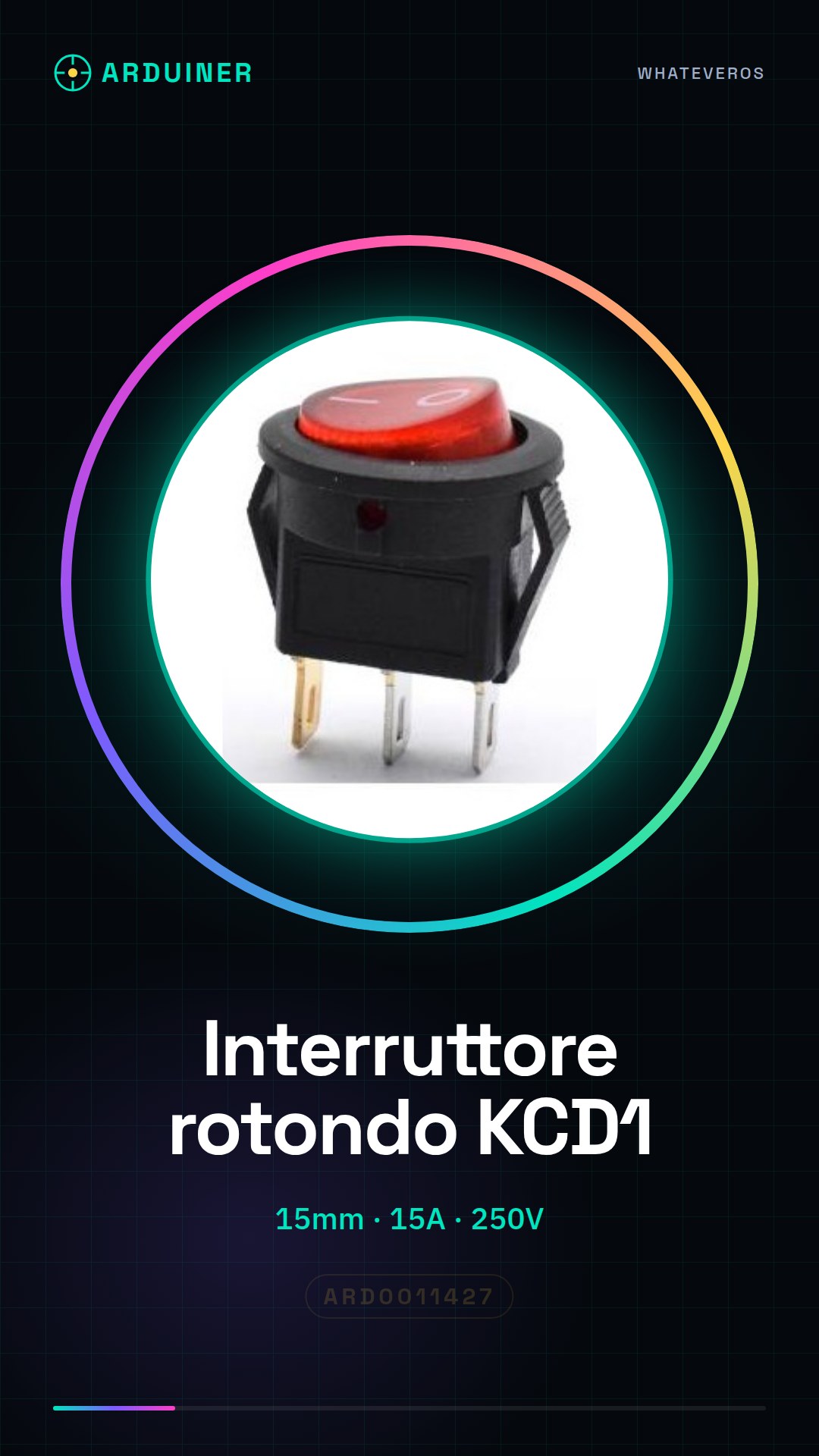
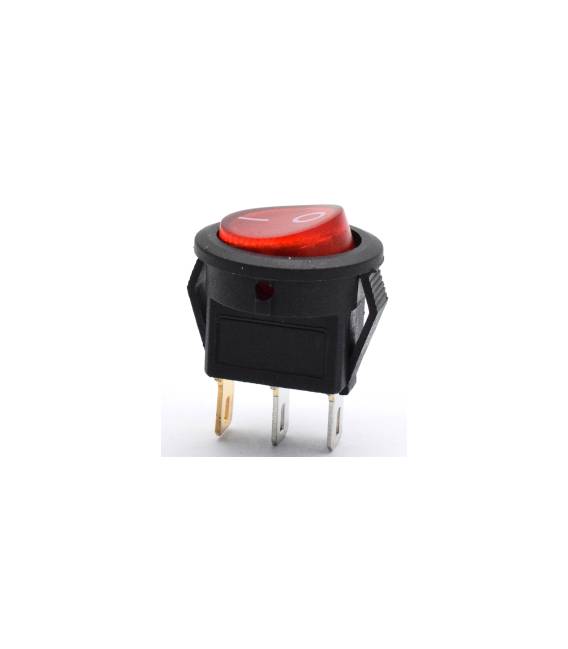
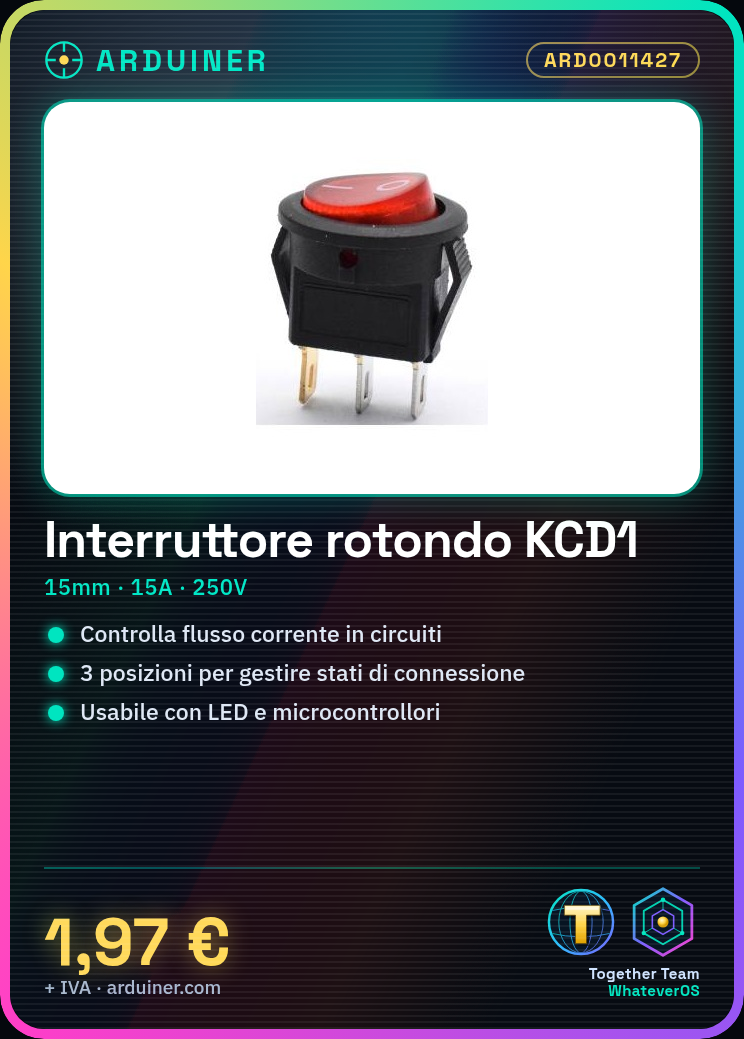
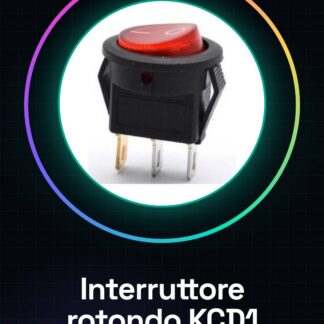
The KCD1 round switch is an electronic device with three positions used to control the flow of current in electrical circuits. This switch offers a simple and effective solution for managing various connection states.
Features
- Type: KCD1 Round Switch
- Diameter: 15mm
- Contact Points: 3 pin
- Number of Positions: 3
- Maximum Current: 15A
- Maximum Voltage: 250V
What it is for
The KCD1 switch is ideal for beginners and intermediates who want to control electronic circuits. It can be used to turn on or off devices like LEDs by connecting the LED to pin 13 of the microcontroller and writing a simple Arduino code.
Tutorial: How to Use the KCD1 Round Switch
The KCD1 round switch is ideal for controlling electronic circuits. Useful for beginners and intermediates, it serves to interrupt and connect currents up to 15A at 250V.
What you need
- KCD1 Round Switch
- Arduino or microcontroller
- 1kΩ Resistor (optional)
- Test Lead
Steps
- 1. Check that the KCD1 switch is compatible with your project.
- 2. Prepare the microcontroller and necessary components.
- 3. Connect the microcontroller to an Arduino extension.
- 4. Connect pin 2 of the microcontroller to pin 1 of the KCD1 switch.
- 5. Connect pin 3 of the microcontroller to pin 2 of the KCD1 switch.
- 6. Connect pin 1 of the microcontroller to GND.
- 7. Check the correct polarity of the connections.
- 8. Try to power on the microcontroller and check that the switch works correctly.
Mini project
Create a simple switch to turn an LED on and off. Connect the LED to pin 13 of the microcontroller and use an Arduino code to control the state of the switch.
Common mistakes
- Connecting the KCD1 switch to voltages above 250V can damage it.
- Do not use unspecified pins to avoid short circuits.
- Always check the correct polarity of connections.
- Do not use currents higher than 15A.
Recommended accessories
- LED
- 220Ω resistor for the LED
- Test lead
- Arduino microcontroller
Frequently asked questions
Is the KCD1 switch compatible with all microcontrollers?
Check the datasheet for specific compatibility.
Can I use the KCD1 switch with voltages below 250V?
Yes, but always check the specifications of your project.
How long can the KCD1 switch operate?
Check the datasheet for the lifespan.
Can I use the KCD1 switch with currents higher than 15A?
No, do not exceed the 15A limit indicated.



Reviews
There are no reviews yet.