 EN
EN IT Italiano
 ES Español
 FR Français
 DE Deutsch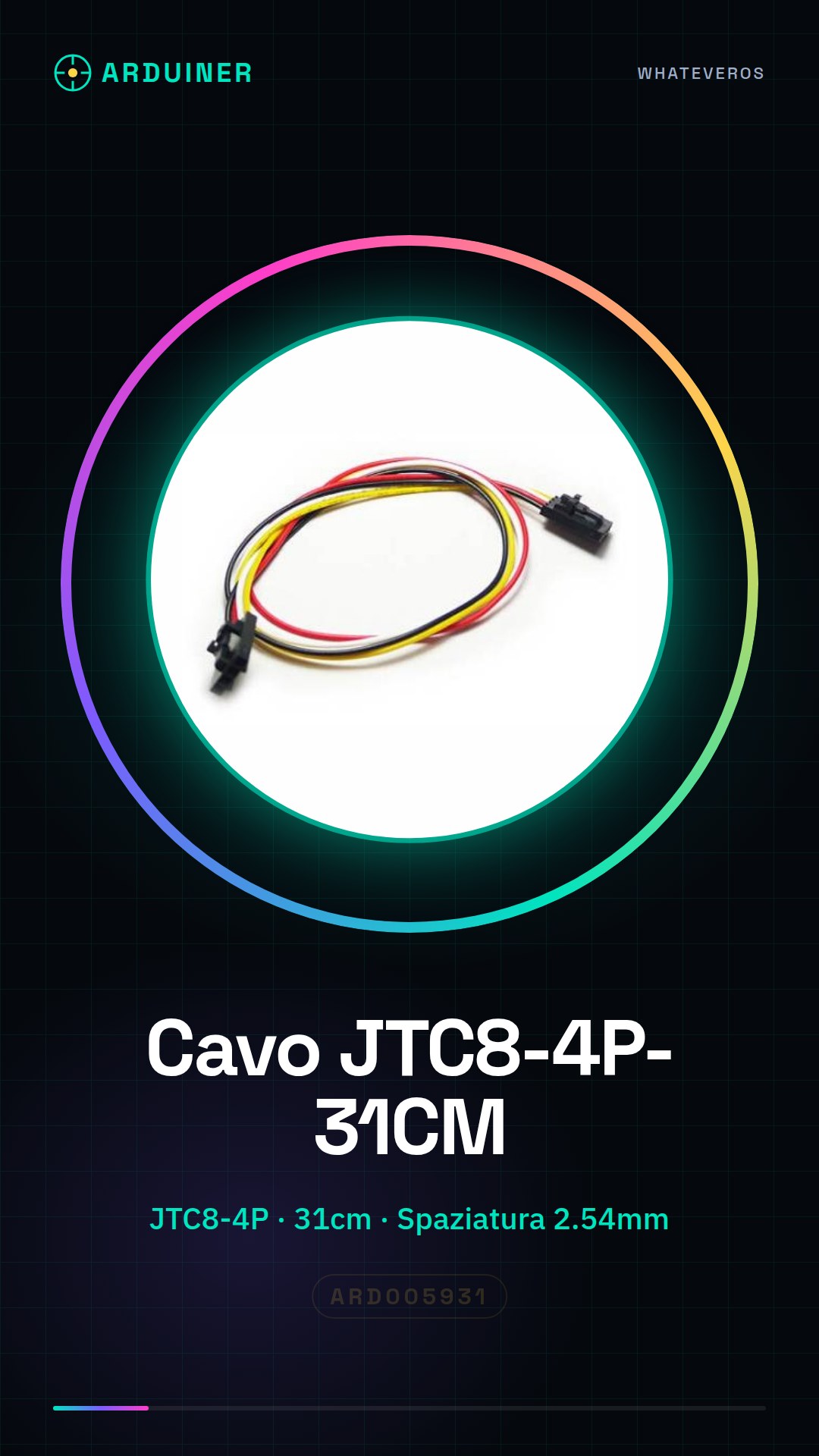

Description
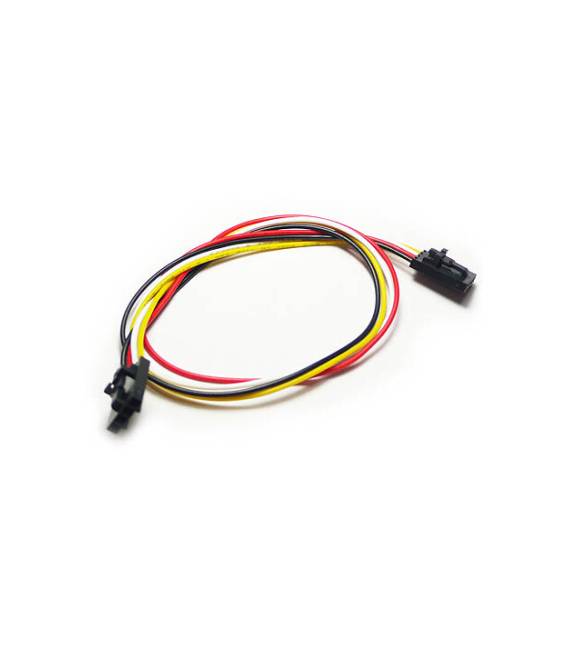
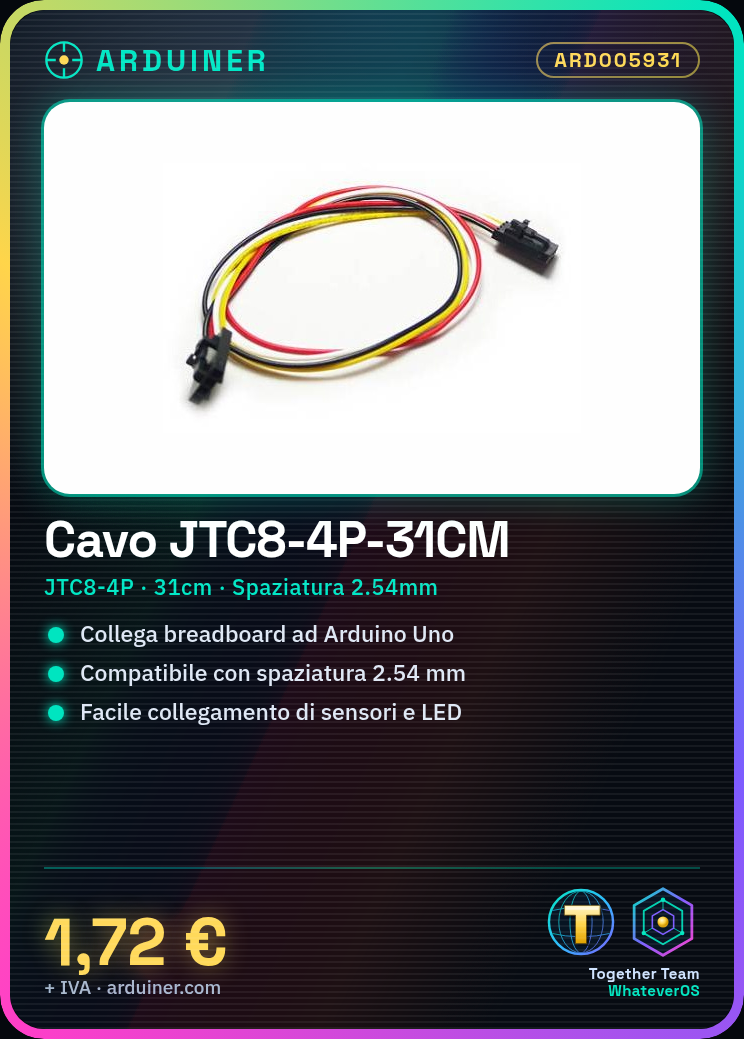
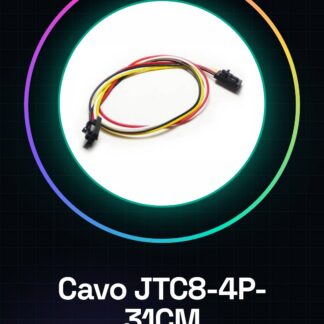
JTC8-4P-31CM 2.54 Pitch Spacing Cable … Tutorial: How to Use JTC8-4P-31CM Cable This cable is ideal for connecting electronic modules on a breadboard or between different Arduino platforms. This tutorial will guide you through secure and easy connections. What you need JTC8-4P-31CM Arduino Uno Breadboard Header Connectors Follow the datasheet to connect the connectors at the end of the cable. Insert the cable into the breadboard, ensuring that the pins are properly inserted and compatible with the 2.54mm spacing. Check the signal orientation on the connectors to ensure correct connections. If necessary, use the cable to connect two different devices, ensuring that the signals are correctly mapped. Mini-project Create a simple input/output interface between a breadboard and an Arduino Uno using this cable. Connect sensors or LEDs to the breadboard and control them via the microcontroller. Common errors Not checking the orientation of the connectors. Using incompatible connectors with the cable spacing. Inserting signals into the breadboard without considering their orientation. Failing to check that all signals are correctly connected. Recommended accessories 2.54mm Breadboard Connectors Large Arduino Uno R3 Various Sensors Frequently asked questions Is this cable compatible with all Arduino platforms? Yes, but check the signal orientation on the connectors. Can I use this cable to connect two breadboards? Yes, ensure that the connectors are compatible with the 2.54mm spacing.

Reviews
There are no reviews yet.