 EN
 IT Italiano
 ES Español
 FR Français
 DE Deutsch
Description
What it is
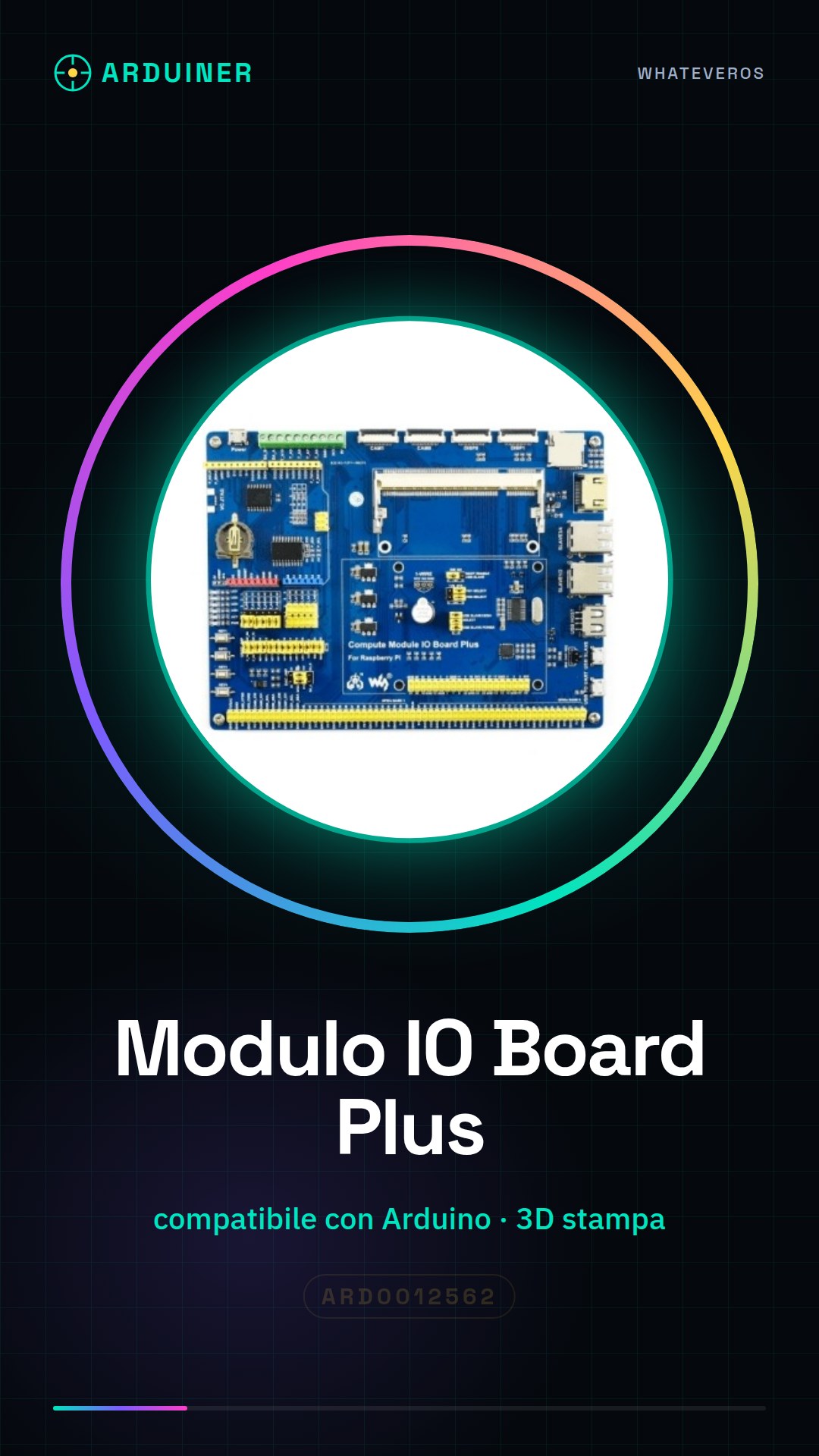
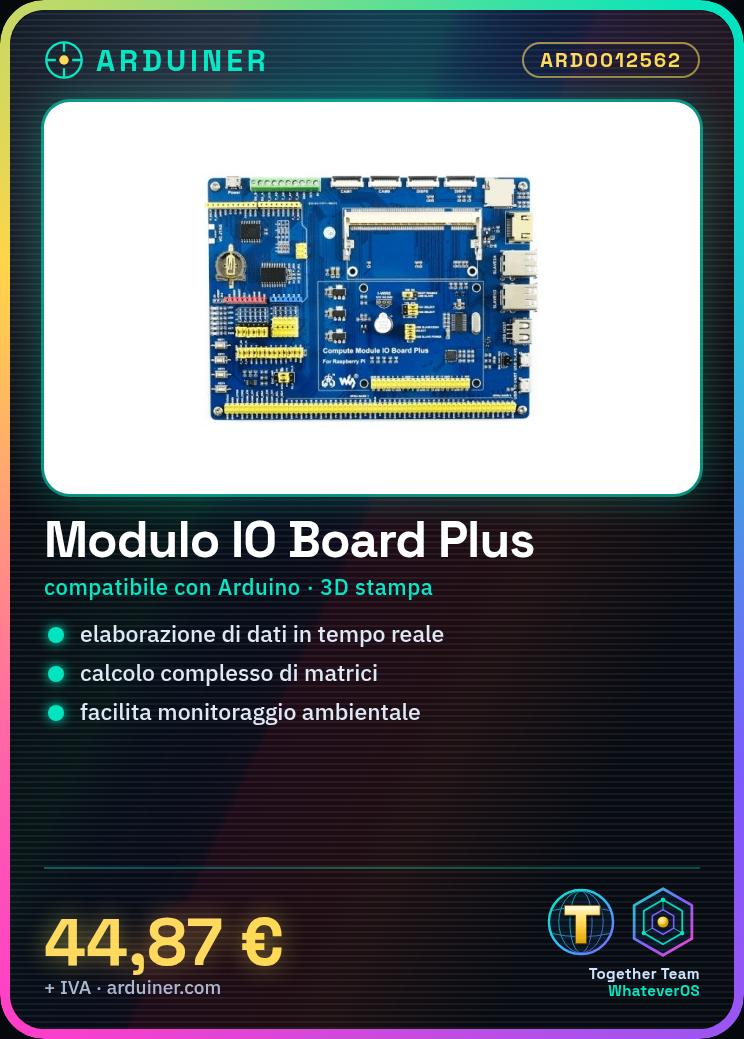
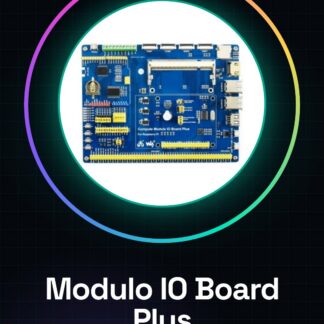
The IO Board Plus Calculation Module is a component for Arduino designed to integrate advanced calculation functionalities into projects. This module is ideal for applications that require complex mathematical operations or real-time data processing.
Features
- Optimized for advanced projects and 3D printing
- Enables the integration of advanced calculation functionalities into Arduino creations
- Ideally suited for complex mathematical operations or real-time data processing
What it is for
The IO Board Plus Calculation Module can be used to create an environmental monitoring system that acquires data from temperature and humidity sensors, processes it in real-time, and sends it to an online platform. Additionally, it is compatible with Arduino and potentially with ESP, making the module versatile for various types of projects.
Tutorial: How to use IO Board Plus Calculation Module
The IO Board Plus Calculation Module is a versatile component that allows you to integrate advanced calculation functionalities into your Arduino creations. Ideal for projects that require complex mathematical operations or data processing.
What you need
- Arduino Uno or compatible
- USB cable
- Arduino power supply
- Sensor connections
Steps
- Connect the module to your Arduino using the USB cable.
- Check the proper power supply of the module and the Arduino.
- Install the necessary libraries for the module following the manufacturer’s instructions.
- Write a sketch that communicates with the calculation module.
- Test the communication by sending simple calculation commands.
- Implement more complex functions such as matrix calculation or real-time data processing.
- Verify the module’s functionality with various sensors to acquire data.
- Customize your project by adding functionalities such as device control or data display on an LCD screen.
Example code
void setup() {
  Serial.begin(9600);
}

void loop() {
  Serial.println(analogRead(A0));
}
Mini project
Create an environmental monitoring system that acquires data from temperature and humidity sensors, processes it in real-time, and sends it to an online platform.
Common mistakes
- Do not install the necessary libraries.
- Do not verify the proper power supply of the module.
- Use an incorrect baud rate in serial communication.
- Do not adequately test communication before implementing complex functionalities.
Recommended accessories
- Temperature and humidity sensors
- LCD screen
- Wi-Fi module for data transmission
- USB power supply with variable voltage
Frequently asked questions
Which libraries do I need to install?
Check the module’s datasheet for the necessary libraries.
How can I test the communication?
Send simple calculation commands and verify the response.
Which sensors can I use?
You can use any type of sensor that communicates with the Arduino via digital or analog pins.
Reviews
There are no reviews yet.