 EN
 IT Italiano
 ES Español
 FR Français
 DE Deutsch
Description
What it is
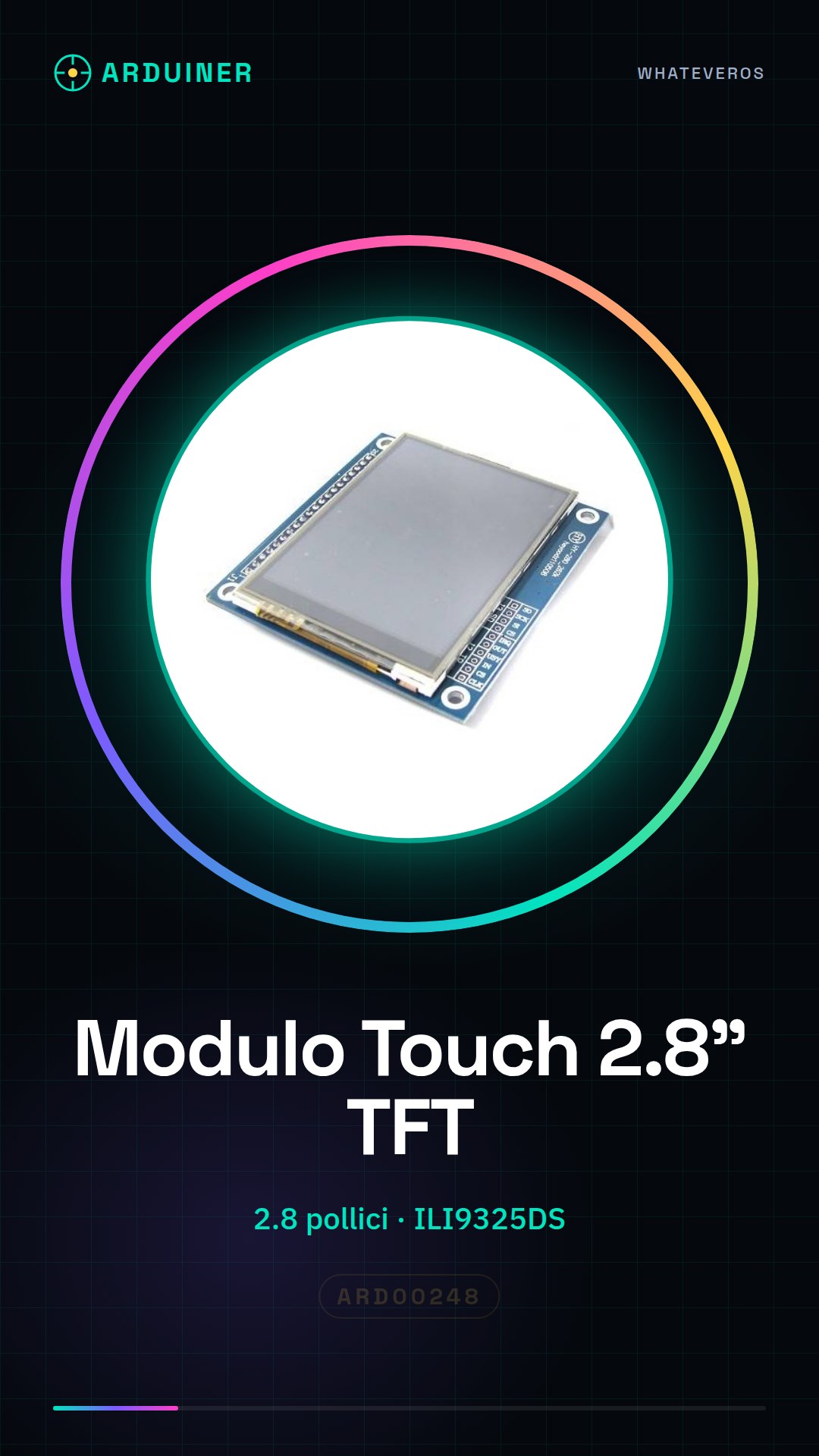
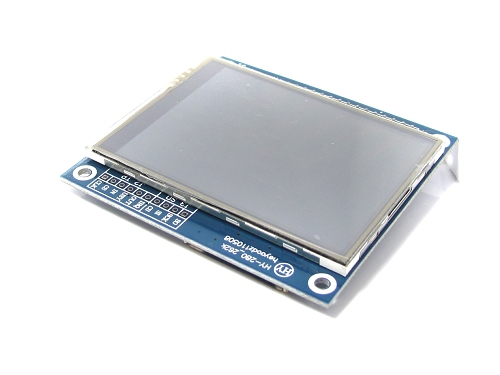
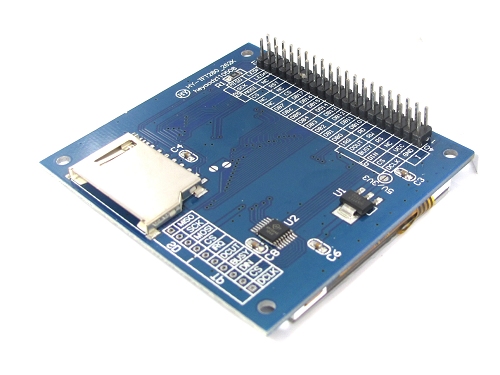
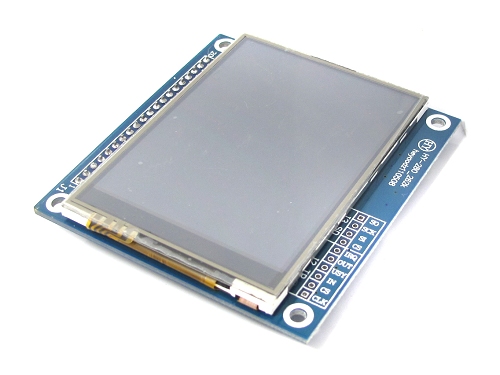
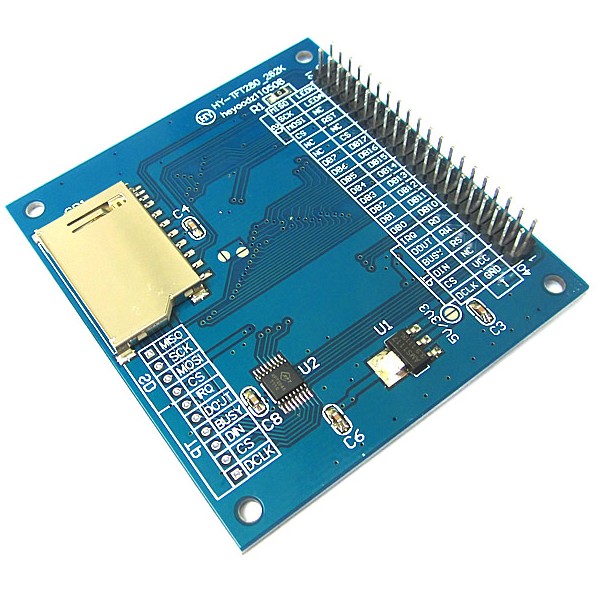
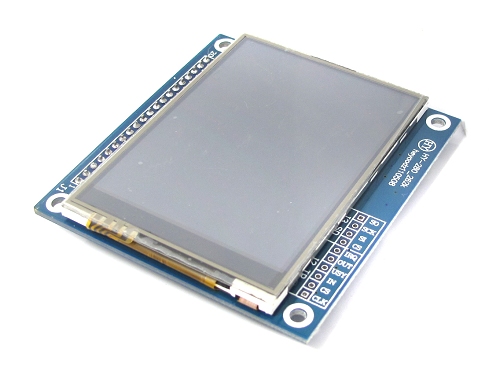
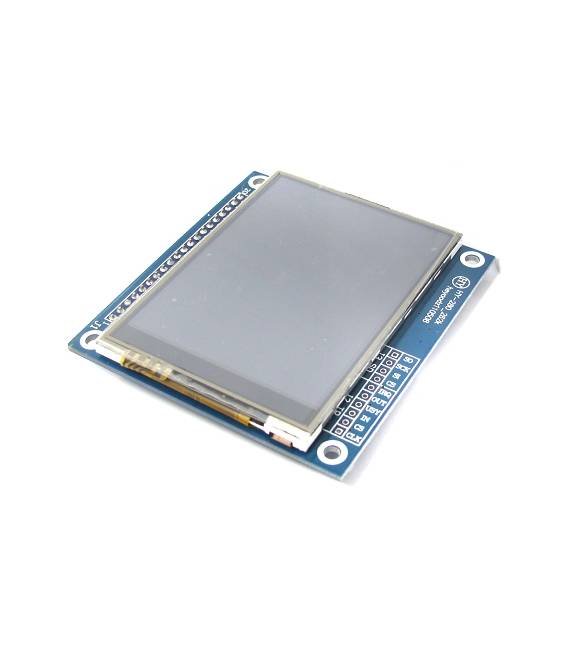
The HY-280TFT module is a 2.8-inch color TFT LCD display with integrated touch support, featuring a SD card connector.
Features
- Display Type: Color TFT LCD
- Screen Size: 2.8 inches
- Display Chipset: ILI9325DS
- Integrated Touch Support
- Included SD Card Connector
What it is for
Ideal for electronic projects requiring an interactive graphical interface. It can be used in various applications such as small digital watches, temperature monitors, or any other device that requires a touch screen display.
Tutorial: How to Use HY-280TFT TFT LCD 2.8-inch Module
The HY-280TFT module is a color TFT LCD display with integrated touch and SD card support, ideal for Arduino projects that require an interactive graphical interface.
What you need
- Arduino Uno or compatible
- USB A-micro B cable
- AAA batteries (optional)
- Soldering iron
Steps
- Connect the HY-280TFT module to your Arduino using a specific connection cable for the display.
- Download and install the necessary libraries from the official website or GitHub, check the datasheet for specific details.
- Set the display type in the code, ensuring it matches the HY-280TFT model.
- Write a simple Arduino sketch to test text and color display on the screen.
- Add touch functionality using the pins specified in the datasheet, verify the datasheet for exact mapping.
- Test the read and write functions from the integrated SD card, ensuring it is mounted correctly.
- Optimize display readability by adjusting the lighting and contrast parameters in the code.
- Test your complete project by interacting with the touch screen and displaying data from the SD file.
Example code
/*
Esempio base per inizializzare HY-280TFT
*/
#include <Adafruit_GFX.h>
#include <Adafruit_ILI9325.h>
// Definisci i pin di connessione al display
#define TFT_CS 10
#define TFT_RST 9
#define TFT_DC 8
// Inizializza il display
Adafruit_ILI9325 tft = Adafruit_ILI9325(TFT_CS, TFT_DC, TFT_RST);
void setup() {
tft.begin();
tft.fillScreen(ST77XX_BLACK);
tft.setCursor(0, 0);
tft.setTextColor(ST77XX_WHITE);
tft.setTextSize(1);
tft.println(F("Benvenuto!"));
}
void loop() {}
Mini project
Create a small digital clock that displays the time and date on the HY-280TFT display, adding touch functionality to interact with the settings.
Common mistakes
- Pin connection error
- Missing required library
- Display illumination issues
- Errors reading from the SD card
Recommended accessories
- USB A-micro B cable
- AAA batteries
- Soldering iron
- SD Card to test read/write functions
Frequently asked questions
The display does not turn on.
Check the pin connections and ensure the correct library is installed.
I cannot read files from the SD card.
Ensure the card is properly mounted and there are no read errors in the code.
The touch screen responds poorly.
Check the touch pin mapping in the datasheet and ensure the contacts are clean.
Reviews
There are no reviews yet.