 EN
EN IT Italiano
 ES Español
 FR Français
 DE Deutsch
Description
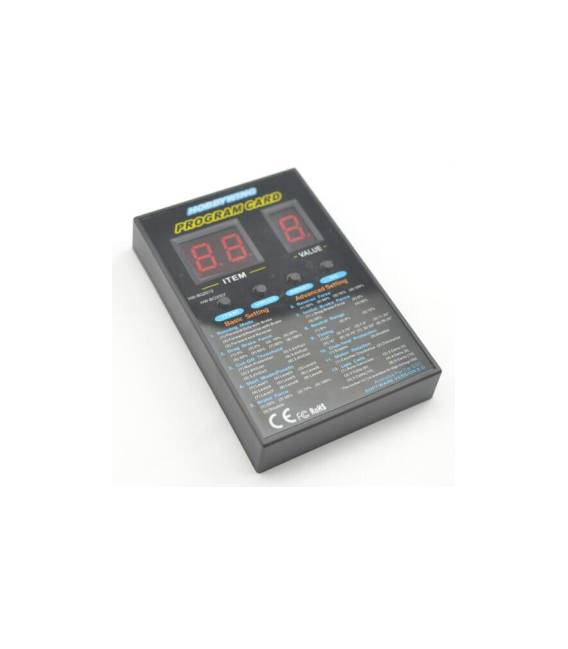
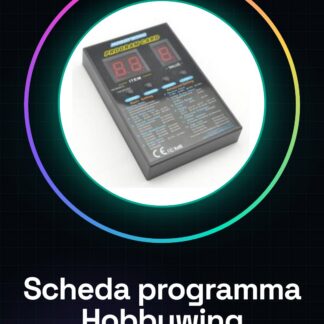
The Hobbywing programming board is a crucial tool for programming and controlling electric motors in drone projects. This board allows hobbyists, model aircraft enthusiasts, and makers to customize and optimize the performance of their flying vehicles. Essential for programming electric motors in drone projects; works perfectly with Hobbywing enthusiasts and Arduino programmers; suitable for both beginners and intermediates. Compatible with Arduino and can be used in various 3D printing and drone projects. Tutorial: How to Use Hobbywing Programming Board The Hobbywing programming board is essential for programming electric motors in your drone projects. Useful for beginner and intermediate makers. What you need Arduino IDE USB cable Hobbywing Programming Board ARD008338 Compatible Arduino microcontroller Steps 1. Install the Arduino IDE. 2. Download and install the USB drivers. 3. Connect the programming board to the Arduino microcontroller. 4. Open a new sketch in the Arduino IDE. 5. Insert the example code provided by the manufacturer. 6. Select the ARD008338 board in the ‘Tools > Board’ menu. 7. Select the correct serial port in the ‘Tools > Port’ menu. 8. Compile and upload the code to the microcontroller. 9. Verify the correct operation of the program. Example code “` void setup() { // Insert any necessary initialization here } void loop() { // Insert the main code here } “` Mini-project Create a simple step motor control system using the Hobbywing board. Common errors Incorrectly selecting the board in the ‘Tools > Board’ menu. Incorrectly uploading the code. Incorrectly connecting the programming board. Forgetting to install the USB drivers. Recommended accessories Step motor Power control Position sensors USB charger Frequently asked questions How can I check if the USB driver is installed correctly? Check if the microcontroller appears in the ‘Tools > Port’ menu of the Arduino IDE. Which Arduino microcontrollers are compatible? Check the datasheet for a full list of compatible microcontrollers. Is example code included with the board? Example code is available on the manufacturer’s website. Check the datasheet
Reviews
There are no reviews yet.